I am not sure if this is posssible, because CSV download link also has nonce, so maybe it’s possible to allow your editors access EventON Settings by only for the download button.
Please send us wp-admin access to your site as a private message for us to further assist your situation.
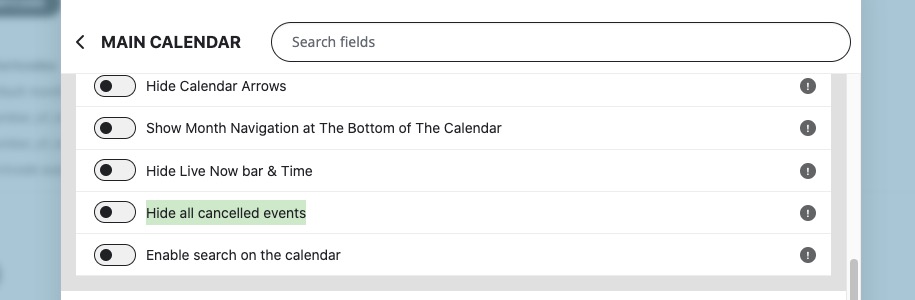
You can hide all cancelled events:
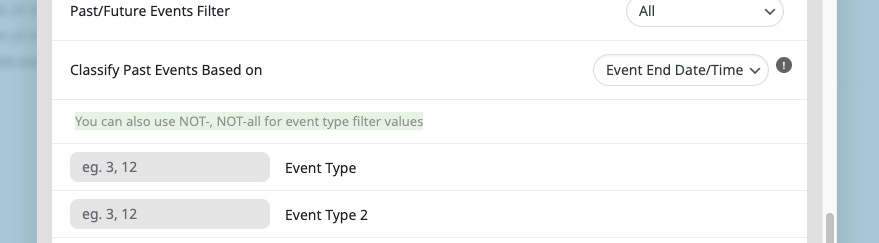
Or use Event Type:
Hello,
Thank you for your great suggestion, at the moment it is not supported. However please create a new ticket and select Feature Request as category so others can vote on your idea and get it moved into development faster.
Subscriptions are cancelled.
Is there any update about the refund? how long will it take?
Thanks
Ok it did work now. Thank you so much
That said, I did reach out to the theme developer to see if they have any insight; I’ll post any updates here as soon as I here from them 🙂
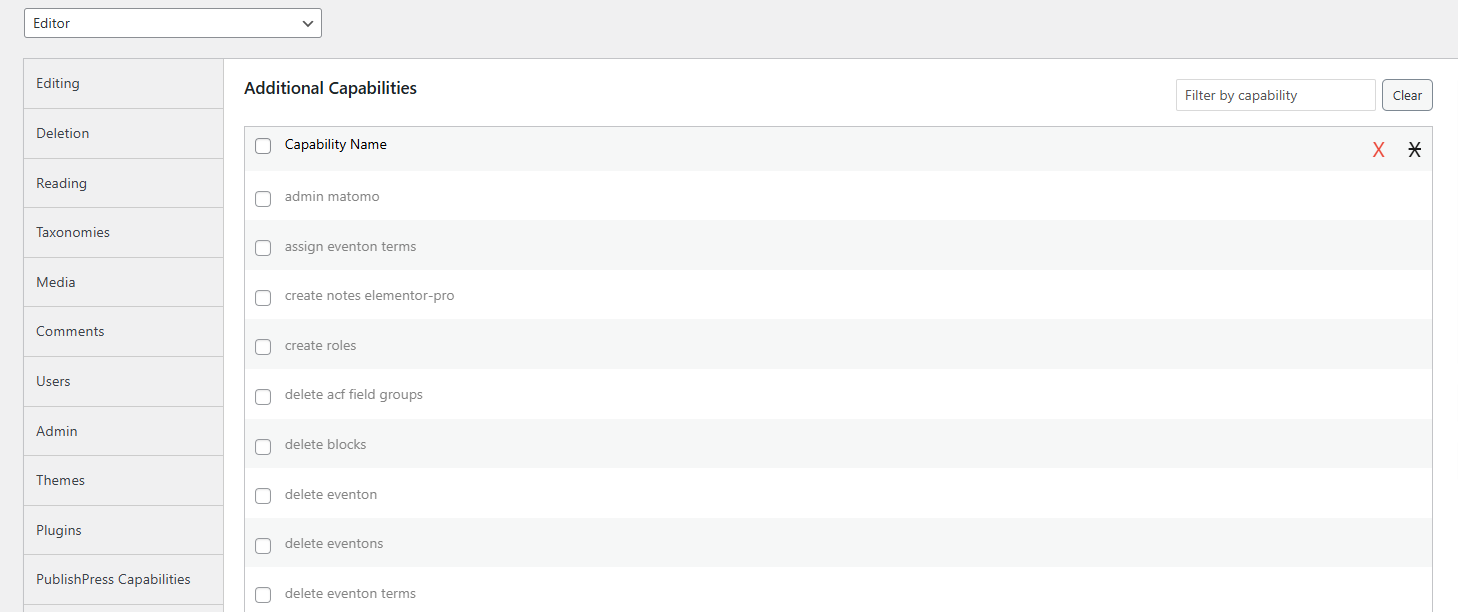
Thanks, but i might have explained uncorrectly. I mean which Rights/Capabilities, as in the attached screenshot.
I would guess granting Editors “manage eventon” Capability should allow them to export the CSV file, but they would then be able to do many changes in EventON settings… Is there a more limited access possible, while still be able to export the CSV file?
Thanks!
Whas it so easy 😉 I looked in all kind of settings to fix this.
Thx!
Yes, I saw that, but I want to hide the end time for *every* event via a global setting so that I don’t have to manually go into every event and click that toggle. My site imports events from various sources, and we’re likely to have hundreds of events once we grow… It’s not feasible to go into every event and manually click that toggle.
I feel like this should be a global setting that will automatically turn off/hide end times for all events.
Also, thank you for the quick response!! 🙂
This is a problem with how the modal is rendered, not with the scrolling on my theme. The modal extends beyond the viewport (this is not best practice for modals). A modal should be contained by the height of the viewport, and scrolling should happen *within* the modal body.
For reference, I’m a software engineer :). If you implement this how I’m suggesting, then the scroll will work for everyone, regardless of what theme they have. That’s how you make a plugin like this more versatile