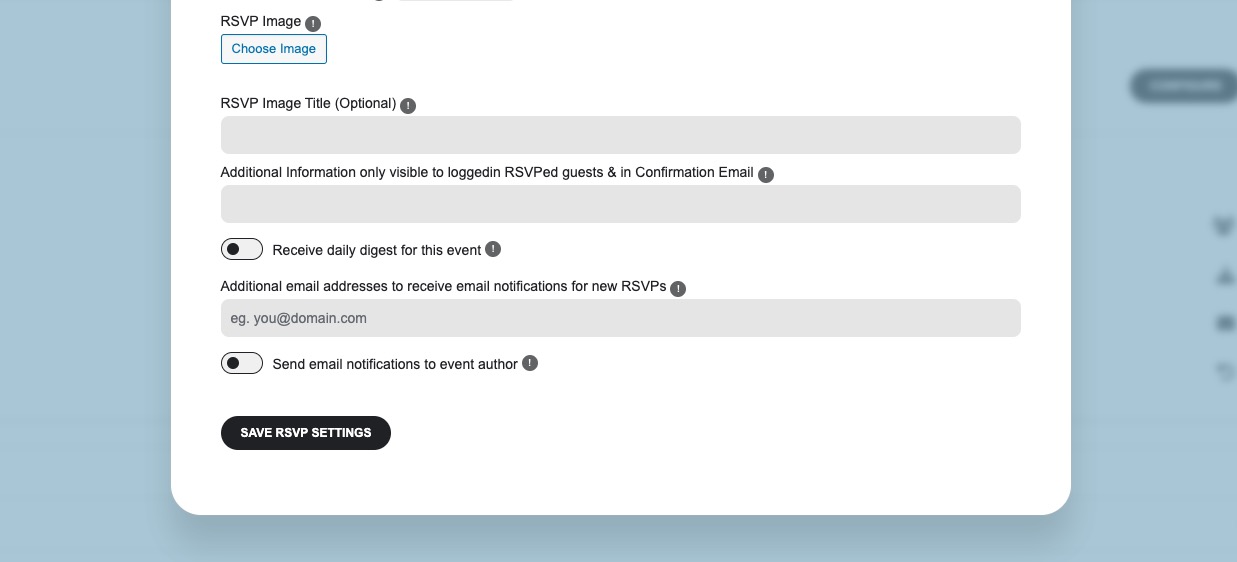
There is an issue we are currently working on when you save the whole event it removes RSVP’s capacities for each repeat as well as the main capacity.
As a temporary solution, please only save RSVP Settings:
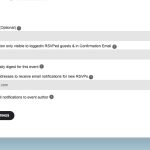
The update will be available very soon.
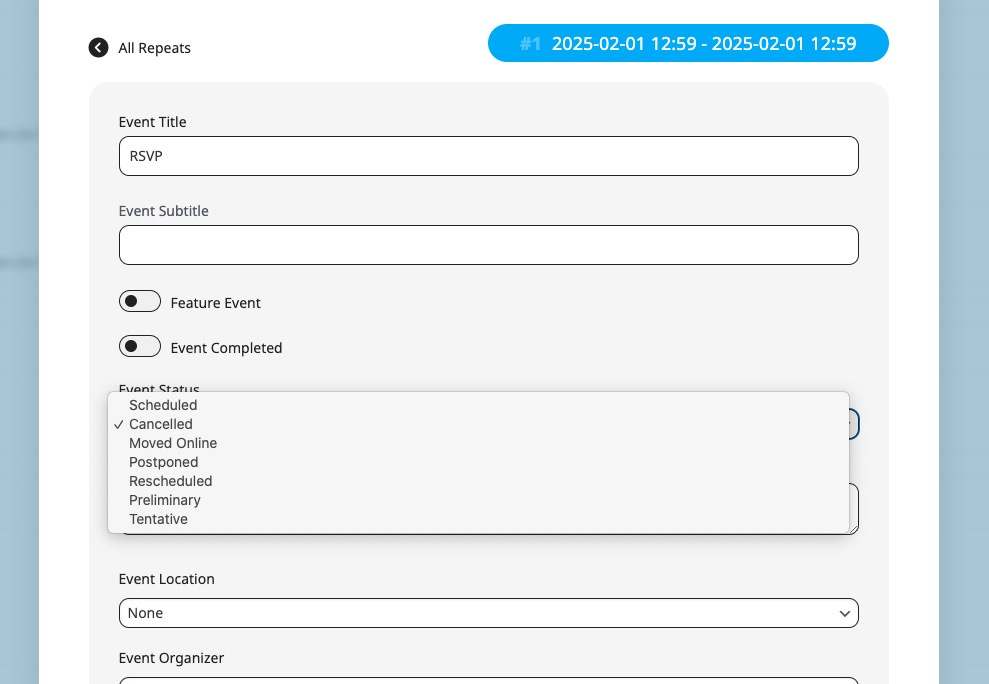
I have the same schedule for the whole year and I just want to adjust via REPEAT CUSTOMIZER for example when we are closed for holidays.
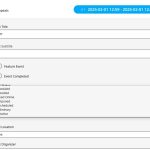
You need make this change manually using Repeat Customizer by changing event’s status to Canceled:
Hello,
Could you try EventON > Scripts & Styling > turn off Write dynamic styles to header > save settings > turn on Write dynamic styles to header?
Please also make sure to clear your browser cache.
When you use Tile Design, there is no need to use “show_et_ft_img=”yes”add_eventon”, so please delete it.
Have you managed to fix the issue?
Please add this CSS code to EventON > Styles (If you don’t see any change, EventON > Scripts & Styling > turn off Write dynamic styles to header > save settings > turn on Write dynamic styles to header):
@media only screen and (min-width:960px){ .ajde_evcal_calendar .calendar_header .evo_j_dates .legend a { font-size: 15px; } }
Hello,
Please take a look at the other ticket with the same issue.
Closed as duplicate.
Hello,
I fixed the Event Card issue by “EventON > EventCard > open Designer and save > now save EventON Settings”.
As for EventTop style, please go to and change “Select eventTop style”:
https://crocastor.com/wp-admin/admin.php?page=eventon#evcal_004a
Please add this CSS code to EventON > Styles (If you don’t see any change, EventON > Scripts & Styling > turn off Write dynamic styles to header > save settings > turn on Write dynamic styles to header):
.evors_section.evors_subtext { display: none !important; }
Hello,
https://prnt.sc/jTOLEyMguUph
Could you send us a link to this page?
Also could you try restricting the key according to “Restrict your API key“:
https://elfsight.com/blog/how-to-get-google-maps-api-key-guide/
And how can I remove this?
Please go to EventON > EventCard > enable Hide location other events button.
I figured out how to turn off Other Events button on the map, just need google maps to work please.
it does exist, it was already present.
anything else we can try or will Ashan take over to assist with the issue and how long?
Hello,
Could you try updating Bookings add-on?
To update eventon addons: You can download latest eventon addons from myeventon > my account. Then you can go to your website, deactivate old addon and install new one and activate then delete the old addon. This link will further explain the process. Also you can follow us on twitter to get real-time announcements on updates!
If the same issue continues, please follow the instructions in this documentation to activate debug in your site to see any PHP errors recorded that can provide insight on to whats going on. Please reply with a link to debug.log file. If you are not able to do this please send us FTP access to your site so we can do this for you.