Update: I can get the map to work by setting a value for the ‘number_of_months’ feature so this will fix my issue for now.
Archives: Replies
Replies for tickets on suppota
Reply to: tickets(374432)
The hide mouth arrow was on for some reason (default?) That fixed it.
Note: every time I try to go to the Help Desk, it won’t accept my Envato password, and I have to receive a “temporary password.” I tried to register, but no luck—I have to do a password reset each time. Is there any way to make access to the Help Desk easier for a customer?
Reply to: tickets(374604)
I didn’t receive a renewal reminder. It’s hard to believe that’s how you treat your clients. As a web designer, I sent so much business your way by having clients buy your software. Trust me, I’ll look for alternatives now.
Reply to: tickets(374429)
I have asked
Reply to: tickets(362224)
I have the same problem, default calendar on my location archive shows only 3 events and I need it to show all events for next 12 months. I am able to generate that shortcode, but how do I implement it on the archive template page to change its default calendar behaviour?
Reply to: tickets(374663)
Reply to: tickets(374535)
Hi
I have updated the memory to 512mb by adding wp-config.php with define(‘WP_MEMORY_LIMIT’,’512M’);
The problem still exists
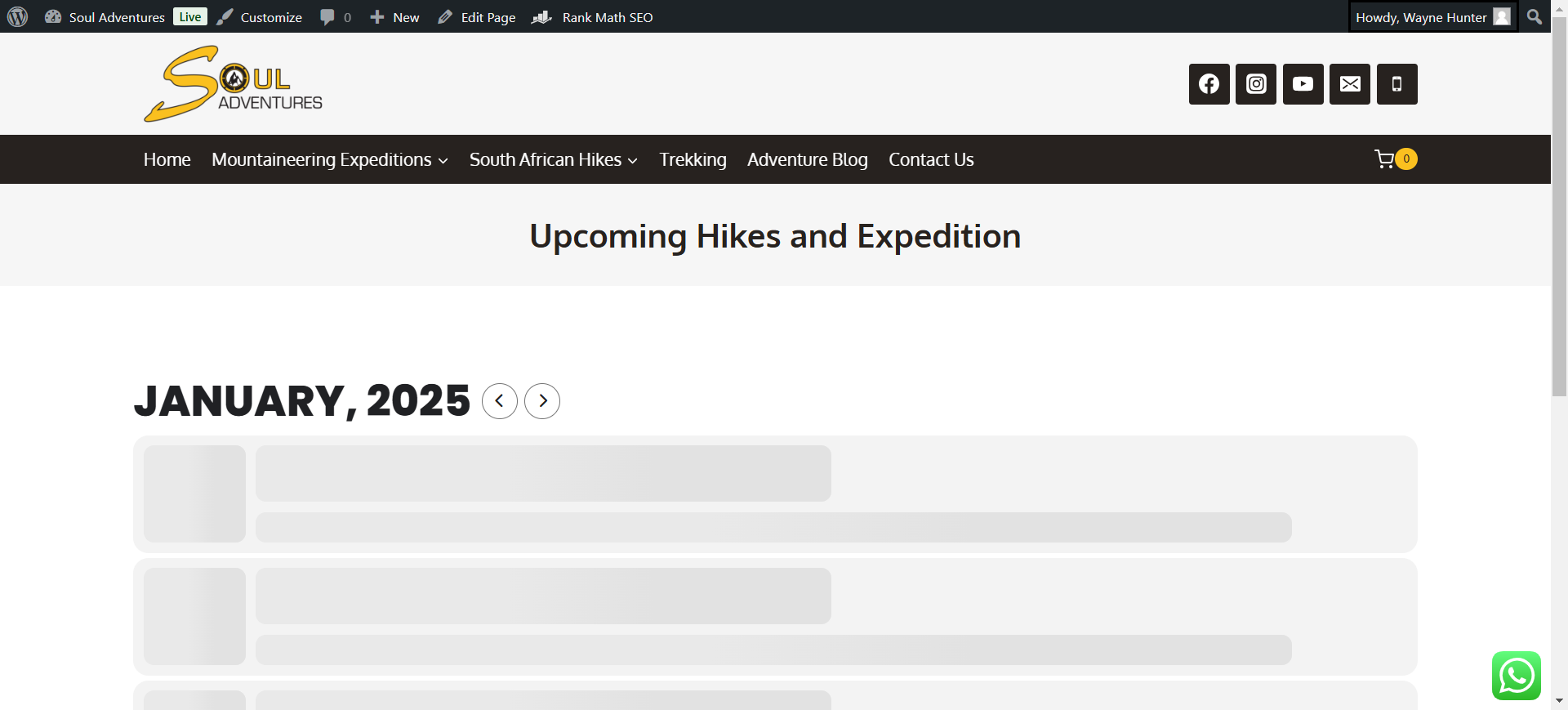
when I add the following short code to the page [add_eventon] it allows me to save the page with no error and tries to lunch and show the events but nothing comes up, i have attached screen shot.
When I add the following short codes
[add_eventon_list number_of_months=”5″ hide_empty_months=”yes” ]
[add_eventon_list number_of_months=”5″ month_incre=”-5″ ]
The page can save but brings up the error at the top of the page Update Failed in red.
Also this link is working now to access the debug log
https://drive.google.com/drive/folders/1–xeTlodcu9iETGariLKRMOKv8ox2Ufk?usp=sharing
Reply to: tickets(374489)
Hello,
From the screenshot, it appears that the visible change is the removal of the wp_unslash() function. My site forces all URLs to have a trailing slash, and I’m not sure if this might have an impact on the issue.
Currently, the calendar navigation with AJAX is working. I will monitor it over the next few days to see if it remains stable. It seems that clearing the cache temporarily resolves the issue, but then it reappears.
It might be related to this, but if the issue arises again, I will apply your fix (removing wp_unslash()).
Thank you!
Reply to: tickets(312070)
It took some time for them to come back to me, but yes, they’re referring to the memory limit. So, what’s the next step? Do I need a higher memory limit? My website isn’t particularly heavy or complex, and the amount of users isn’t very high.
Reply to: tickets(373446)
No actually, i’ve build up all events manually now since duplicating event seemed not to work. So, no it is not build on duplicating.