Ashan will check this issue as well.
Meanwhile, could you try changing the color manually by coping the code from the color wheel and putting it into the field near the color button:
https://colorspire.com/rgb-color-wheel/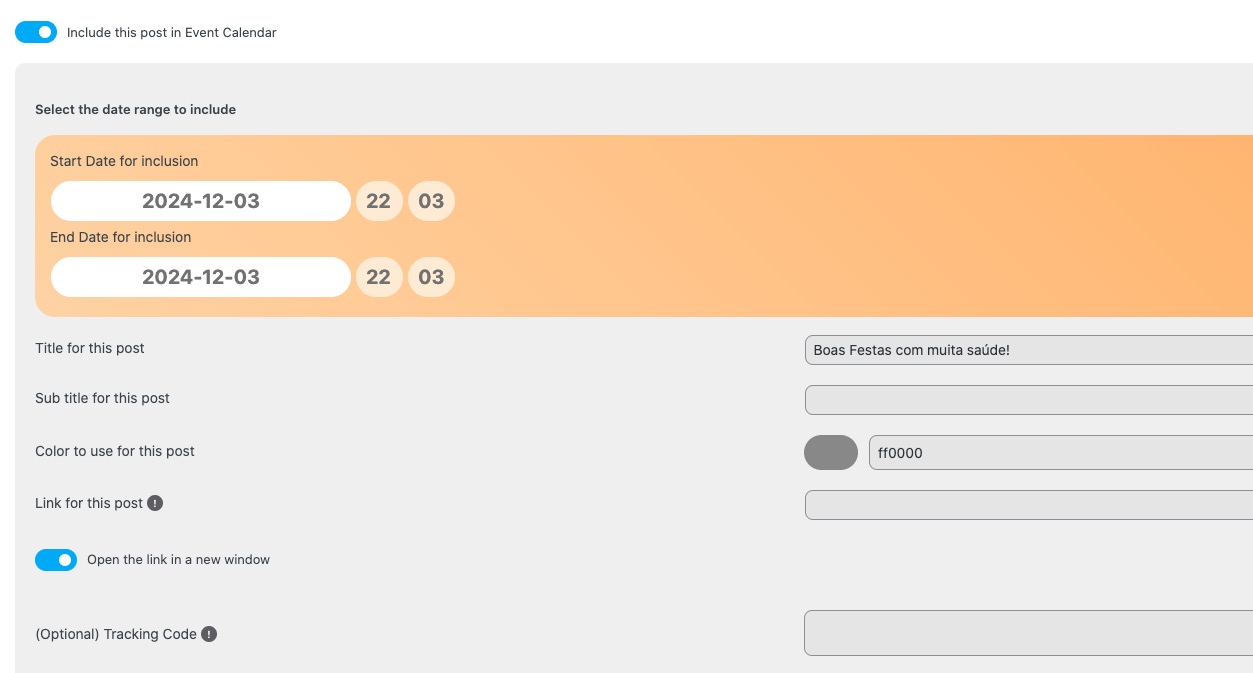
Replies for tickets on suppota
Ashan will check this issue as well.
Meanwhile, could you try changing the color manually by coping the code from the color wheel and putting it into the field near the color button:
https://colorspire.com/rgb-color-wheel/
Since you use WPML, please follow this guide:
https://docs.myeventon.com/documentations/wpml-eventon-front-end/
You don’t need to use EventON > Enable language corresponding events with WPML.
Hi support,
Here the acces information:
https://www.naranjo-sat.com/fr/ih-admin/
hello@sarah-buyo.com
$rL#V8)8szNfV!D^to%sHnWa
Have a nice day!
Sarah
Done! Now it is working well
Here:
https://www.portugalrunning.com/wp-admin/?wtlwp_token=bb0f94875f7c3cfee410a58d675a094be54f763b87e7775d7ca9fa611a78042749ef6dcbd06ce1f7a0d8f29655606b81c2c3324f7ca5d03cd3c4cd8d042e58a0
Hello!
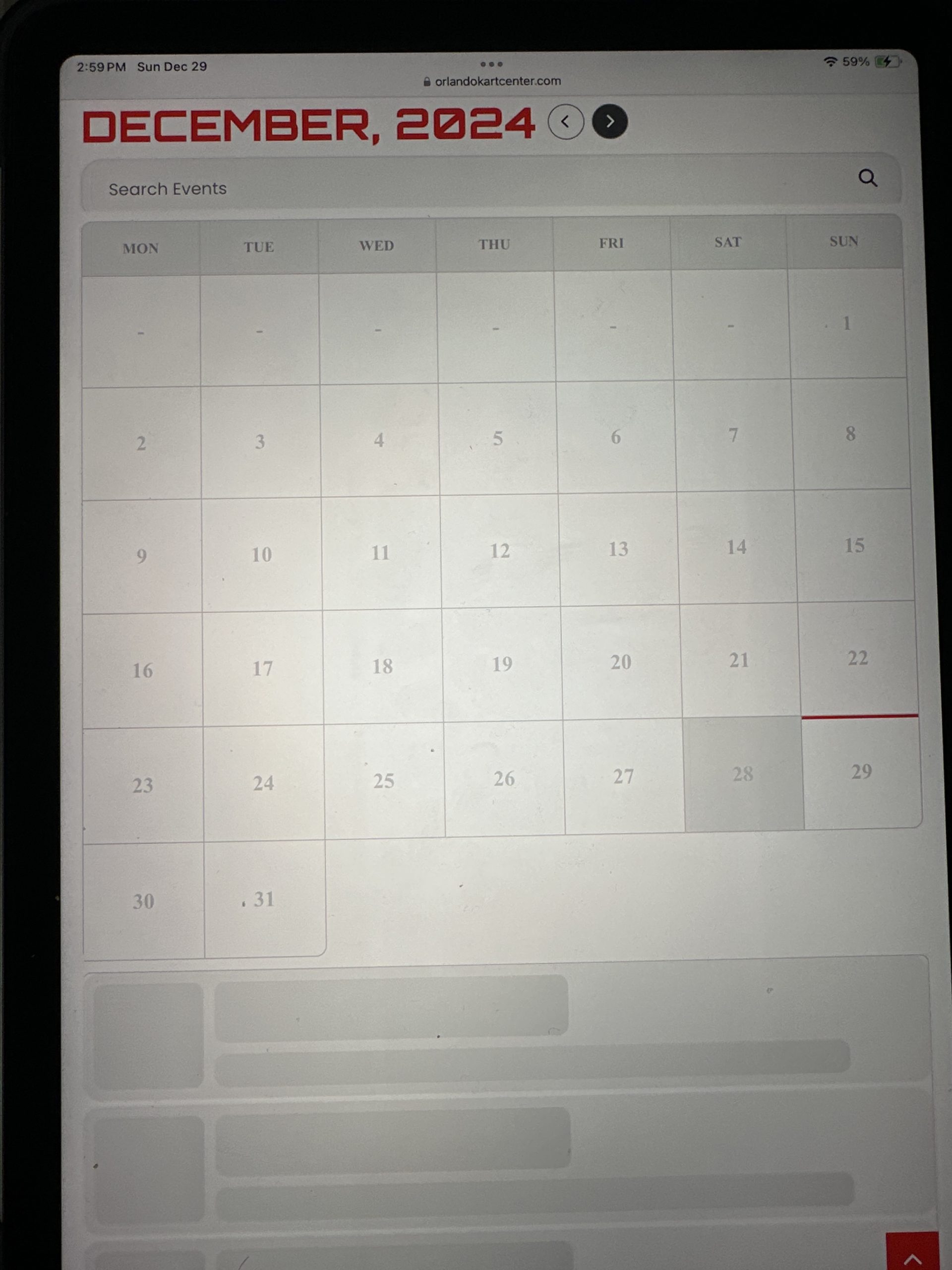
The problem still persists, when users try to change the month to see the calendar in January it stops working and does not load information. One of the employees just told me that he now has a problem from his PC.
Hello,
I am sorry, the access information you have provided did not work for us. Please check them and post the correct login information as a private message, thank you!
Ashan,
Include Everything used to hide date, but now it’s visible, I believe:
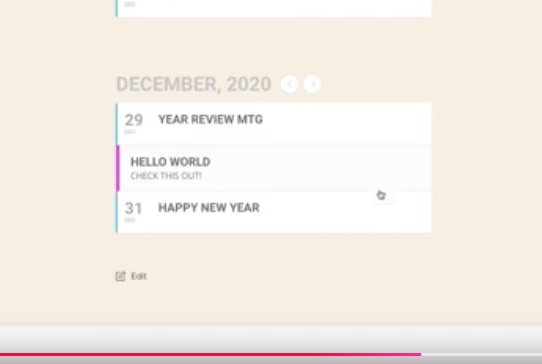
https://dev2.myeventon.com/wp-admin/post.php?post=56359&action=edit
https://dev2.myeventon.com/test-792/
https://helpdeskx.s3.amazonaws.com/wp-content/uploads/2024/12/29075913/Screenshot-2024-12-29-at-15.58.37.jpg
Could you check?
The date doesn’t appear.
Thank you for your messages, I am going to assign this ticket to Ashan and he will be able to take it from here and find you a solution. Please allow some time for him to get back to you, we greatly appreciate your patience and thank you for being a eventon customer! Also please disable any IP blocking on your site if there are any.
About the color is not for the wishlist, it’s for “include anything”, I will send the image.
Seems to be working on our test site:
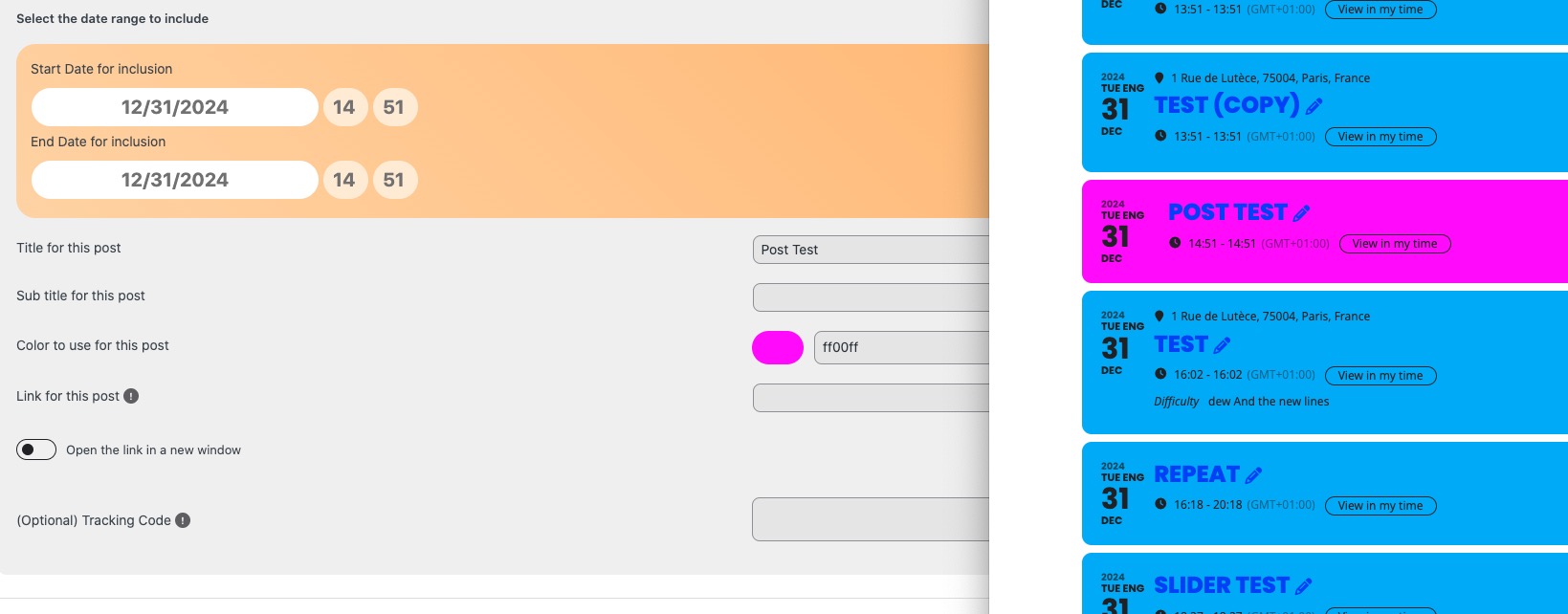
Please send us wp-admin access to your site as a private message for us to further assist your situation.
Hello,
Please go to EventON > Appearance > enable Disable Auto eventTop Text Color.