I have also installed REPEAT CUSTOMIZER plugin, but unfortunately I cannot customize repeated events. I wanted to cancel the events during christmas and new year, but there is no option.
Archives: Replies
Replies for tickets on suppota
Reply to: tickets(372664)
Hi, just checking for updates on this request. Thank you.
Reply to: tickets(373111)
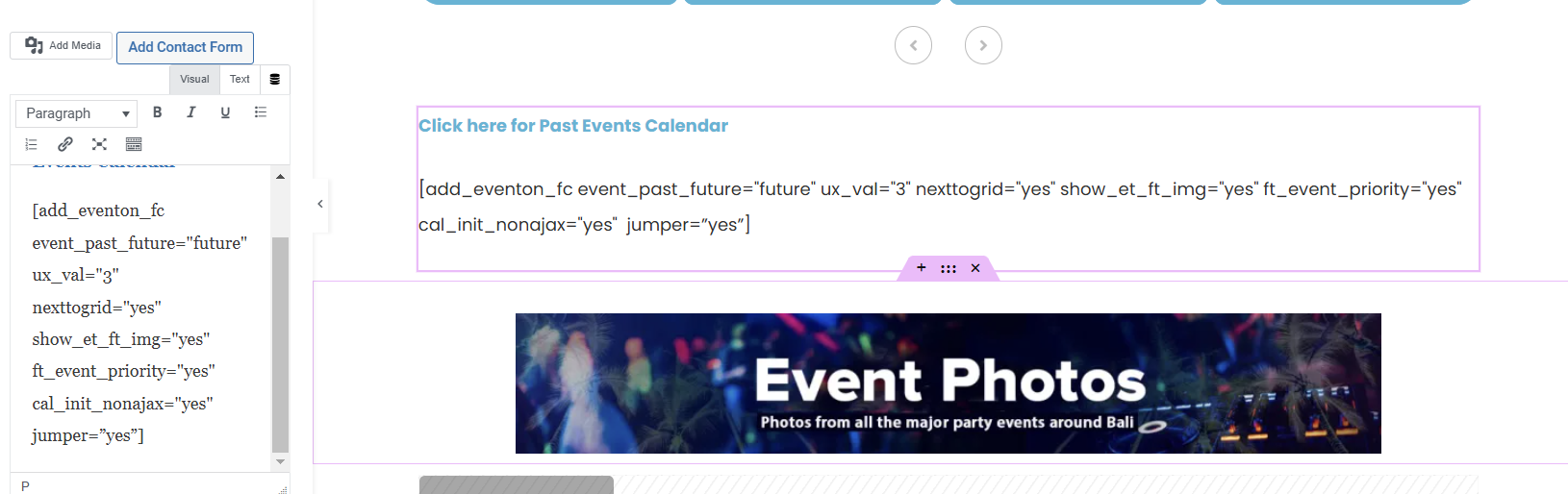
Hi again. I tried to add the jumper=”yes” text to the code but nothing appears to have happened. See attached
Reply to: tickets(374019)
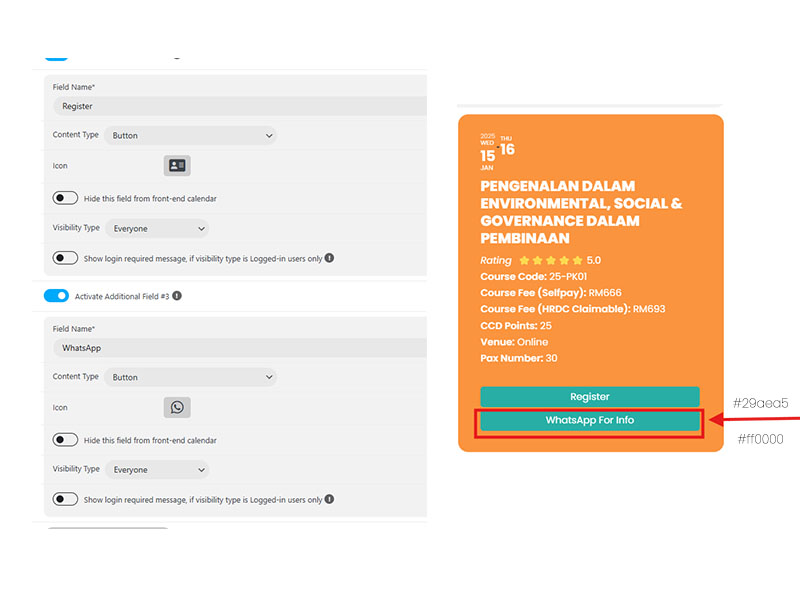
This is the attachment
Reply to: tickets(374018)
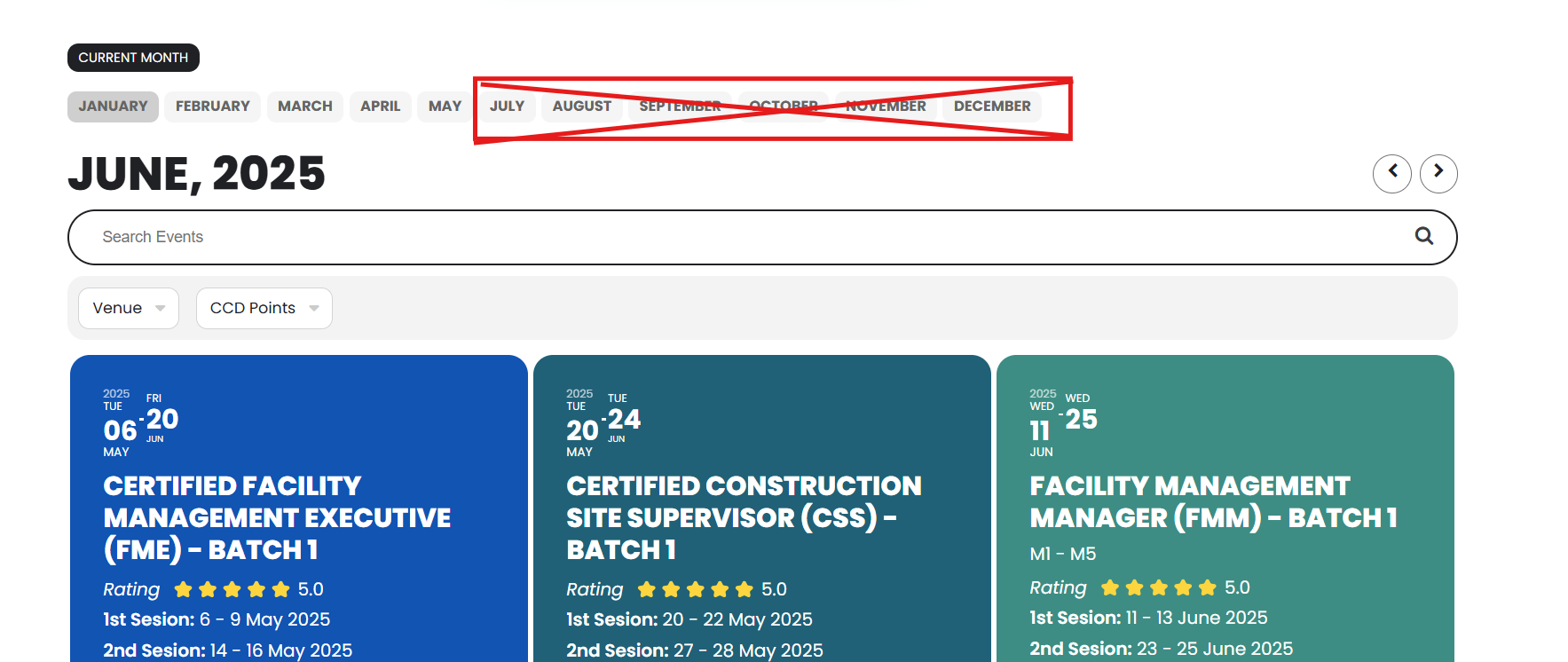
This is the attachment for q
Reply to: tickets(360956)
bcs-calendar.com/wp-admin
Reply to: tickets(360956)
ashanjay_admin
V(4$b8M)jPGp^Jukw*2V7TGp
ashanjay@bcs-local.com
Reply to: tickets(344246)
Hi, kinda new problem. Now trying to activate plug-in Tickets. However there does not seem to be an option for this. Please note this is a multi-site. Please see video
https://jam.dev/c/b9666689-867d-496a-aa2a-085221c9238f
Reply to: tickets(372304)
The test event for the CSS code:
https://yogasanskriti.de/events/test/var/ri-2.l-L1/
I just noticed that you are still using the old version of RSVP. Could you please update to 3.0.4 and check “When “minimum capacity for event to happen” is…” again?
Reply to: tickets(372304)
When “minimum capacity for event to happen” is activated and 3 is the number of minimum capacity, in the past setup users were able to see this, but now I cannot see anything.
Thank you for your messages, I am going to assign this ticket to Ashan and he will be able to take it from here and find you a solution. Please allow some time for him to get back to you, we greatly appreciate your patience and thank you for being a eventon customer! Also please disable any IP blocking on your site if there are any.
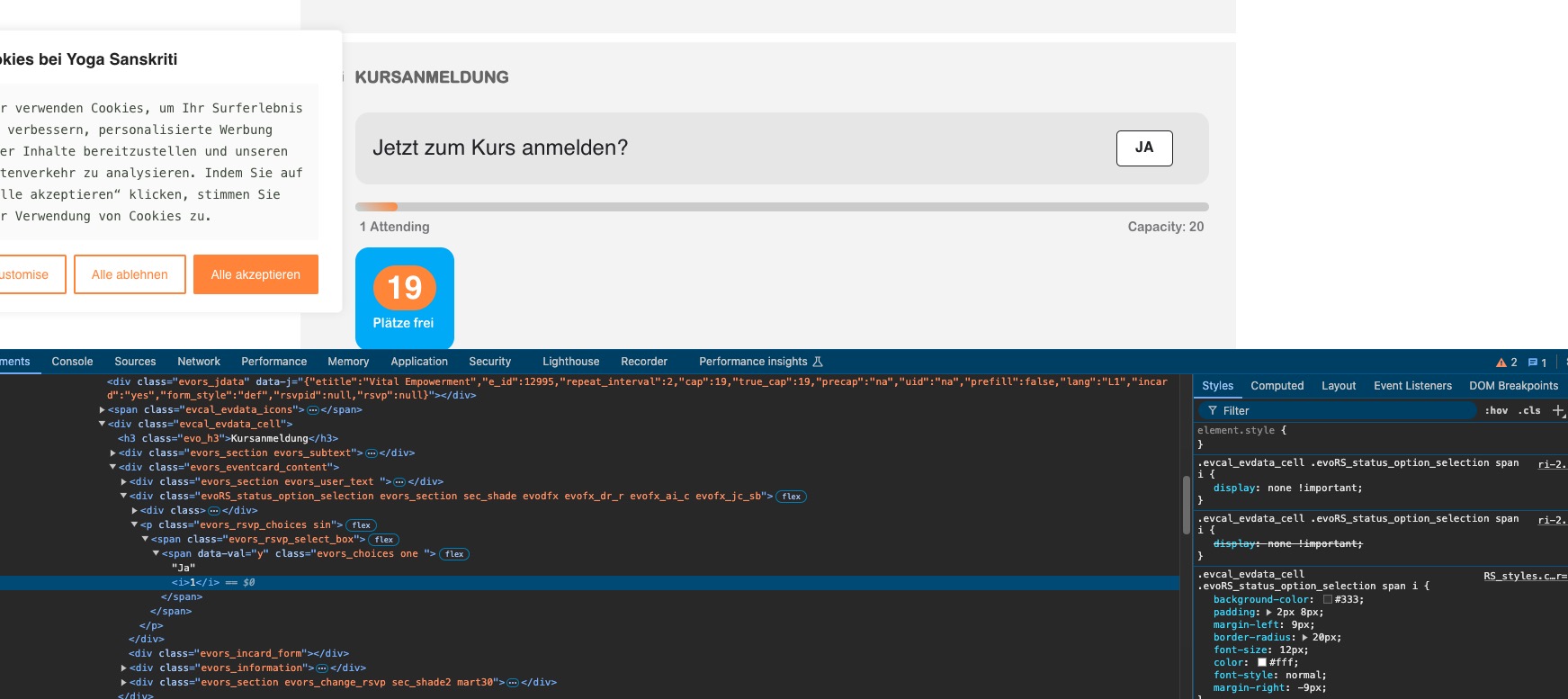
I have added your code “.evcal_evdata_cell .evoRS_status_option_selection span i { display: none !important; }” but there is no change visible.
Please take a look at this test event:
https://yogasanskriti.de/events/test/var/ri-2.l-L1/