Thank you Artem. Can you please assist with the plugin changing the event times every time I try to update it? Also, it’s loading very slowly. The calendar take 50 second – 1 minute to load on the page.
Archives: Replies
Replies for tickets on suppota
Reply to: tickets(371990)
Thank you for letting us know! Ashan will check this ASAP.
Reply to: tickets(344246)
Hello,
Instead of Network Activation, please disable it from the multisite options and activate the add-on on each individual subdomain.
Reply to: tickets(374018)
Hello,
I can give you CSS code to hide months manually. Or are you trying to hide them through the code?
Reply to: tickets(374019)
Hello,
Please add this CSS code to EventON > Styles (If you don’t see any change, EventON > Scripts & Styling > turn off Write dynamic styles to header > save settings > turn on Write dynamic styles to header):
span.evoet_cmf + span.evoet_cmf + span.evoet_cmf > em.evcal_cmd.evocmd_button { background: #ff0000 !important; }
Reply to: tickets(372304)
Repeat Customizer at the bottom of the page: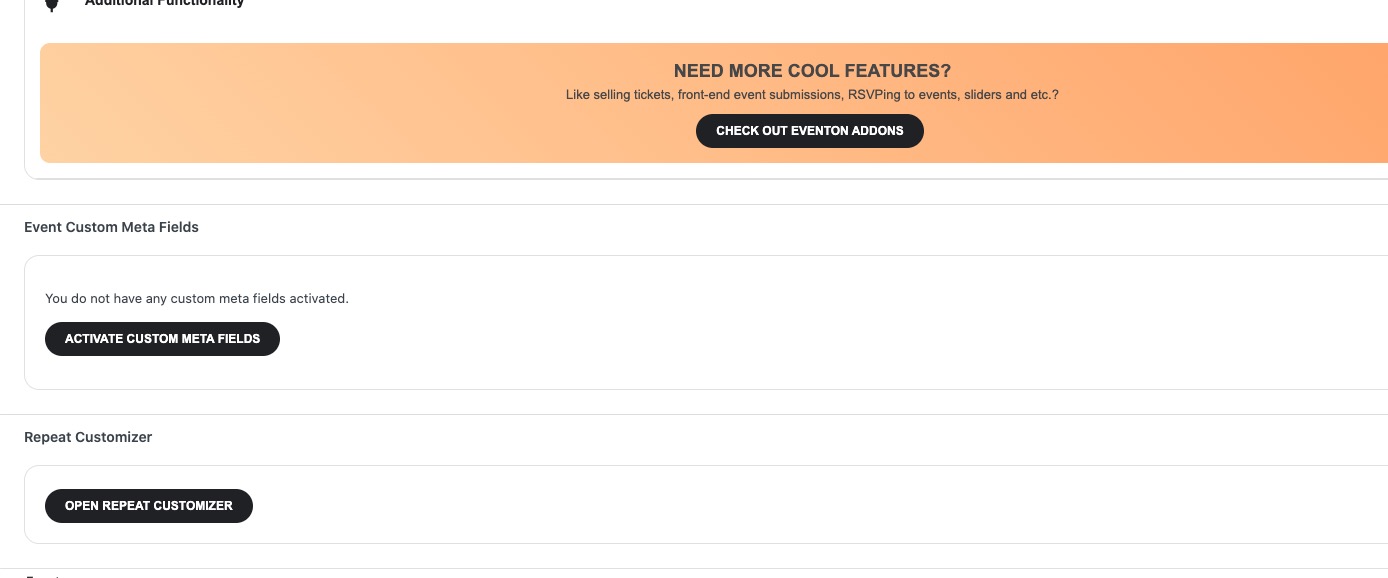
Could you check now? It seems that some of custom codes also were affecting the minimum capacity text. Should be working now.
Reply to: tickets(374030)
Hello,
Please go to EventON > Appearance > enable Disable Auto eventTop Text Color > now save EventON Settings.
Reply to: tickets(372664)
Sorry for the delay. Ashan will check this ASAP.
Reply to: tickets(372304)
There used to be a countdown
Reply to: tickets(372304)
I have installed the update and now it is even worse.
My problem is still the same:
I would like to have minimum capacity of 3 and in the past I was able to show that there are three attendees needed and if there is one registration it showed 2 attendees needed to start event. What went wrong in my setup?