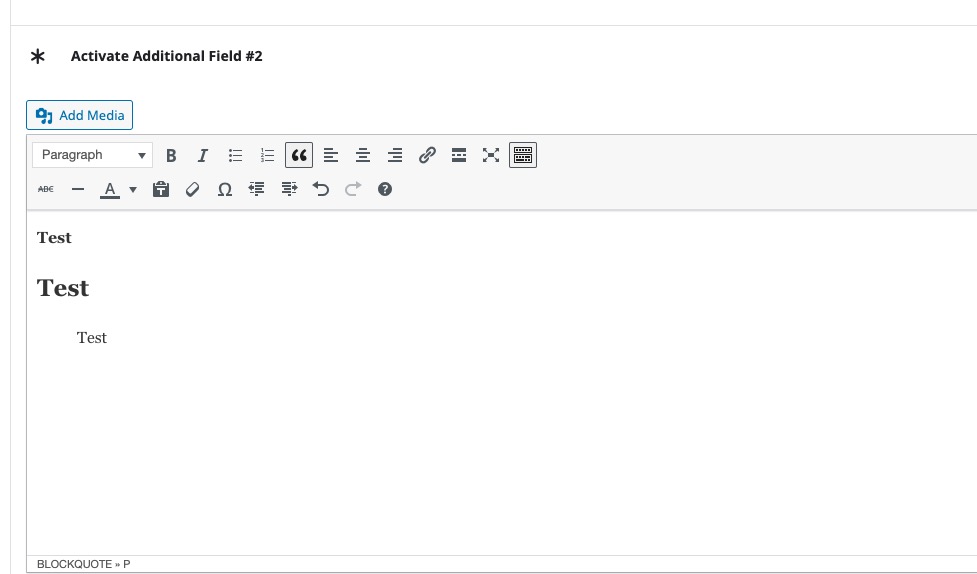
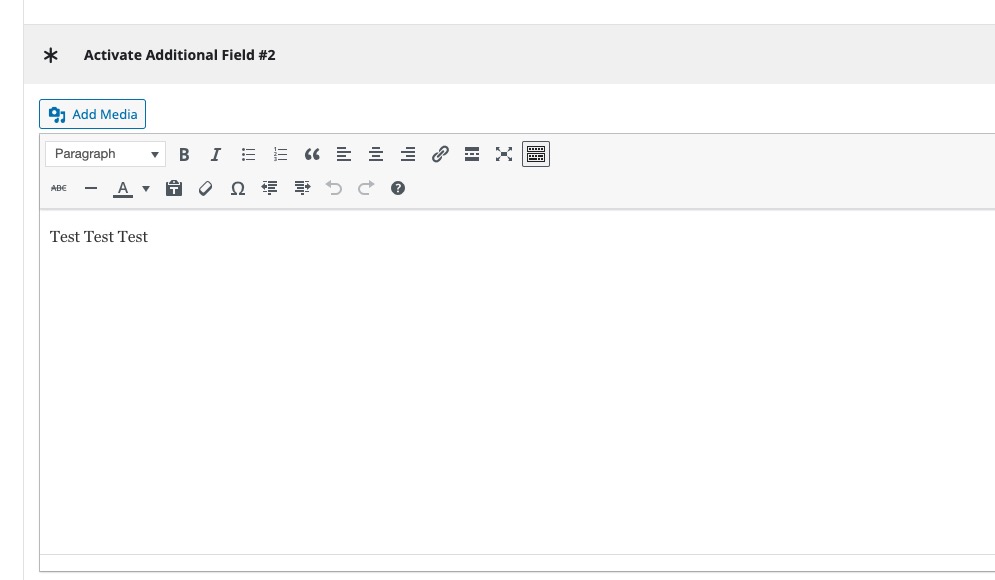
Thank you for your messages, I am going to assign this ticket to Ashan and he will be able to take it from here and find you a solution. Please allow some time for him to get back to you, we greatly appreciate your patience and thank you for being a eventon customer! Also please disable any IP blocking on your site if there are any.
Archives: Replies
Replies for tickets on suppota
Reply to: tickets(373503)
Please try Search Box shortcode:
[add_eventon_search search_all=”yes” number_of_months=”24″]
Your current shortcodes only search in January.
Reply to: tickets(373351)
I applied the patch. Please try and let me know.
Reply to: tickets(373686)
Please use this shortcode:
https://pastebin.com/jNwSCNrZ
You can change how many months to show by changing number_of_months=”12″.
Reply to: tickets(373755)
Hello,
Please add this CSS code to EventON > Styles (If you don’t see any change, EventON > Scripts & Styling > turn off Write dynamic styles to header > save settings > turn on Write dynamic styles to header):
.ajde_evcal_calendar .calendar_header .evcal_arrows i, .evo_footer_nav .evcal_arrows i { color: white !important; }
Reply to: tickets(373758)
Hello,
Please add this CSS code to EventON > Styles (If you don’t see any change, EventON > Scripts & Styling > turn off Write dynamic styles to header > save settings > turn on Write dynamic styles to header):
.ajde_evcal_calendar .calendar_header .evcal_arrows, .evo_footer_nav .evcal_arrows { background: red !important; border-color: green !important; } .ajde_evcal_calendar .calendar_header .evcal_arrows i, .evo_footer_nav .evcal_arrows i { color: white !important; }
Reply to: tickets(373763)
Hello,
Please take a look at CSV Importer add-on:
https://www.myeventon.com/addons/csv-event-importer/
Try on https://dev.myeventon.com/wp-admin/
So export events from EventON Settings > Download all eventON events. > CSV Format and then import with the add-on.
Reply to: tickets(373768)
Hello,
RSVP and Tickets add-ons aren’t compatible with each other.
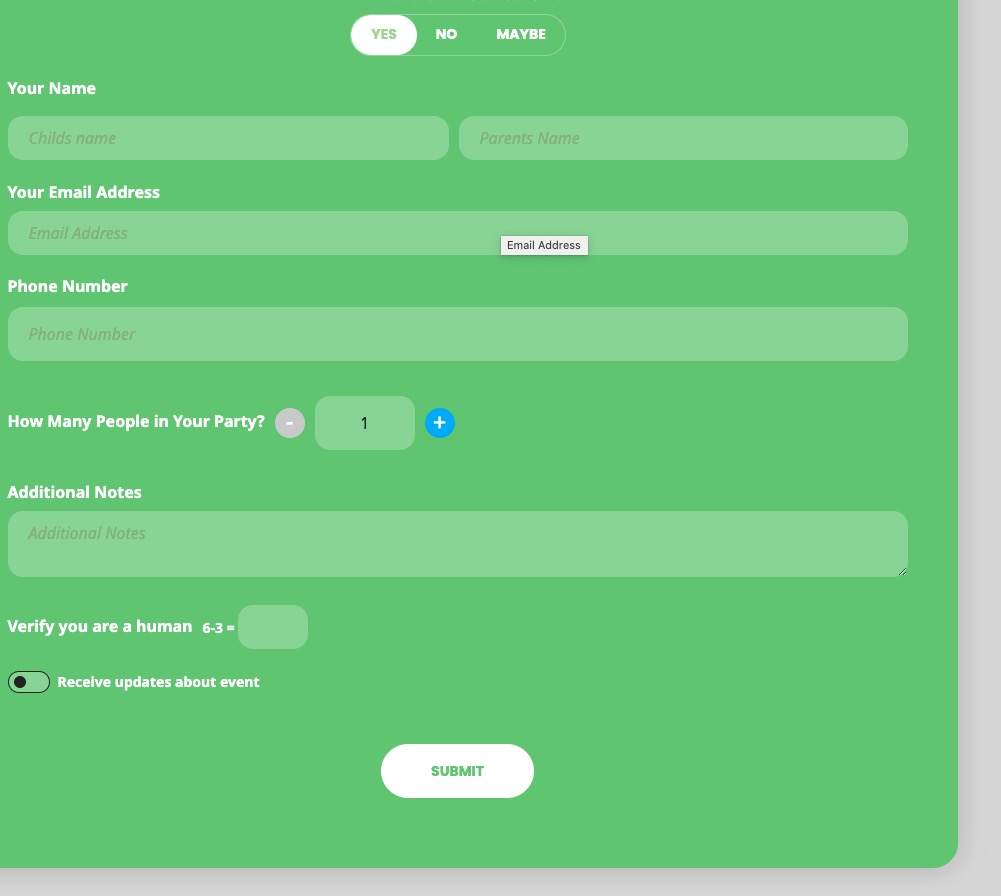
When a person clicks on Yes, they are presented with RSVP form where they need to click Submit:
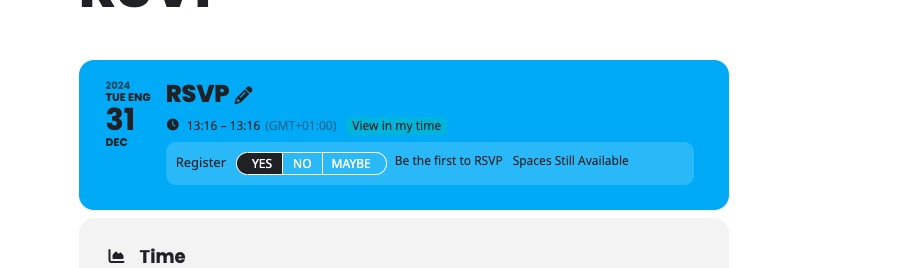
However, if they click on EventTop, it RSVPs them automatically:
Reply to: tickets(373769)
Hello,
How it works:
https://dev2.myeventon.com/events/test-237/
Reply to: tickets(373773)
Ashan,
The same on dev2:
https://dev2.myeventon.com/wp-admin/post.php?post=56258&action=edit