Ashan,
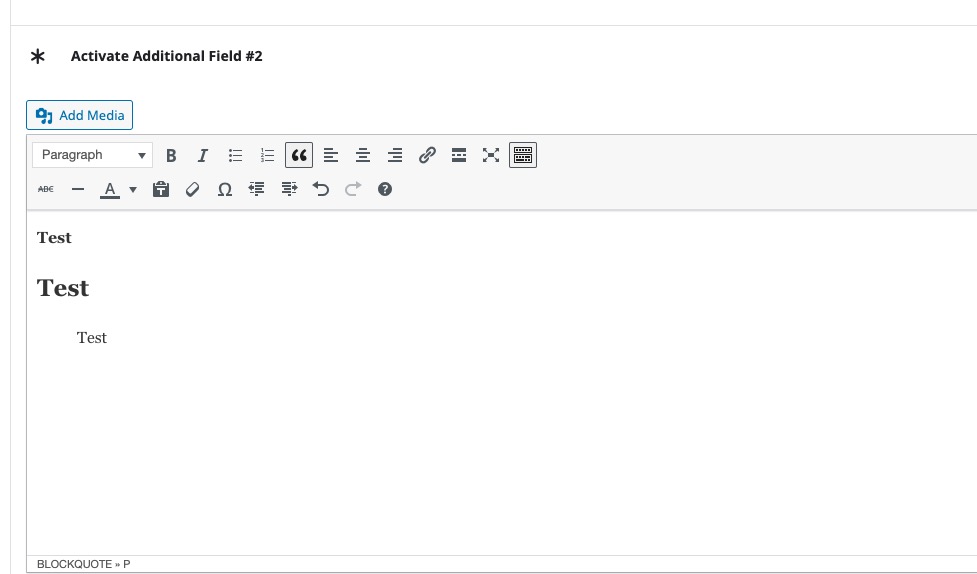
The same on dev2:
https://dev2.myeventon.com/wp-admin/post.php?post=56258&action=edit
Replies for tickets on suppota
Ashan,
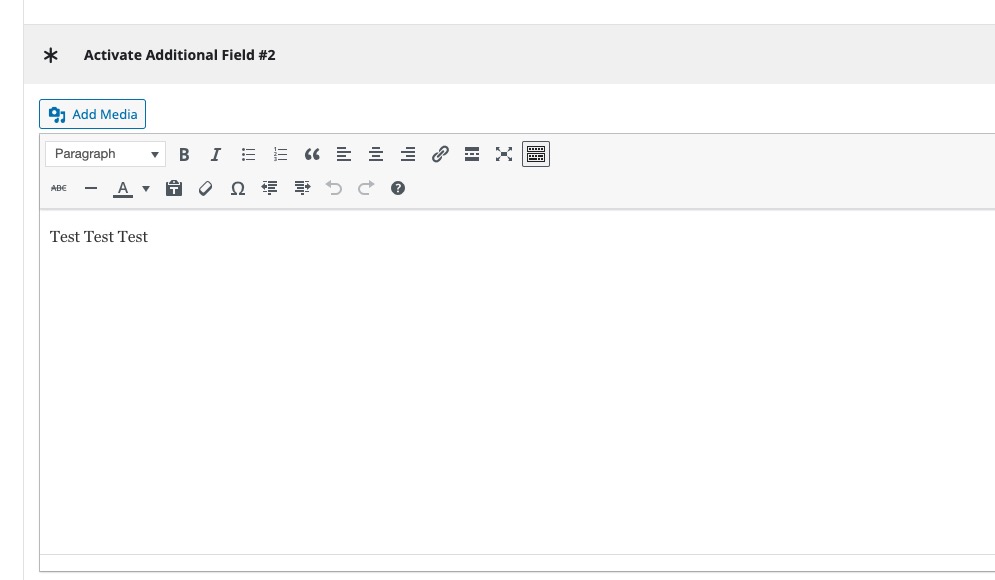
The same on dev2:
https://dev2.myeventon.com/wp-admin/post.php?post=56258&action=edit
Hello,
Thank you for your messages, I am going to assign this ticket to Ashan and he will be able to take it from here and find you a solution. Please allow some time for him to get back to you, we greatly appreciate your patience and thank you for being a eventon customer! Also please disable any IP blocking on your site if there are any.
Closed as duplicate.
Closed as duplicate.
Thank you for your suggestion. I have activated rollback on Woocommerce to version 9.5.0-rc.1 and tryed again to load the Add Evvent page – still nothing! Is there a version to rollback to that you recommend?
Reminder.
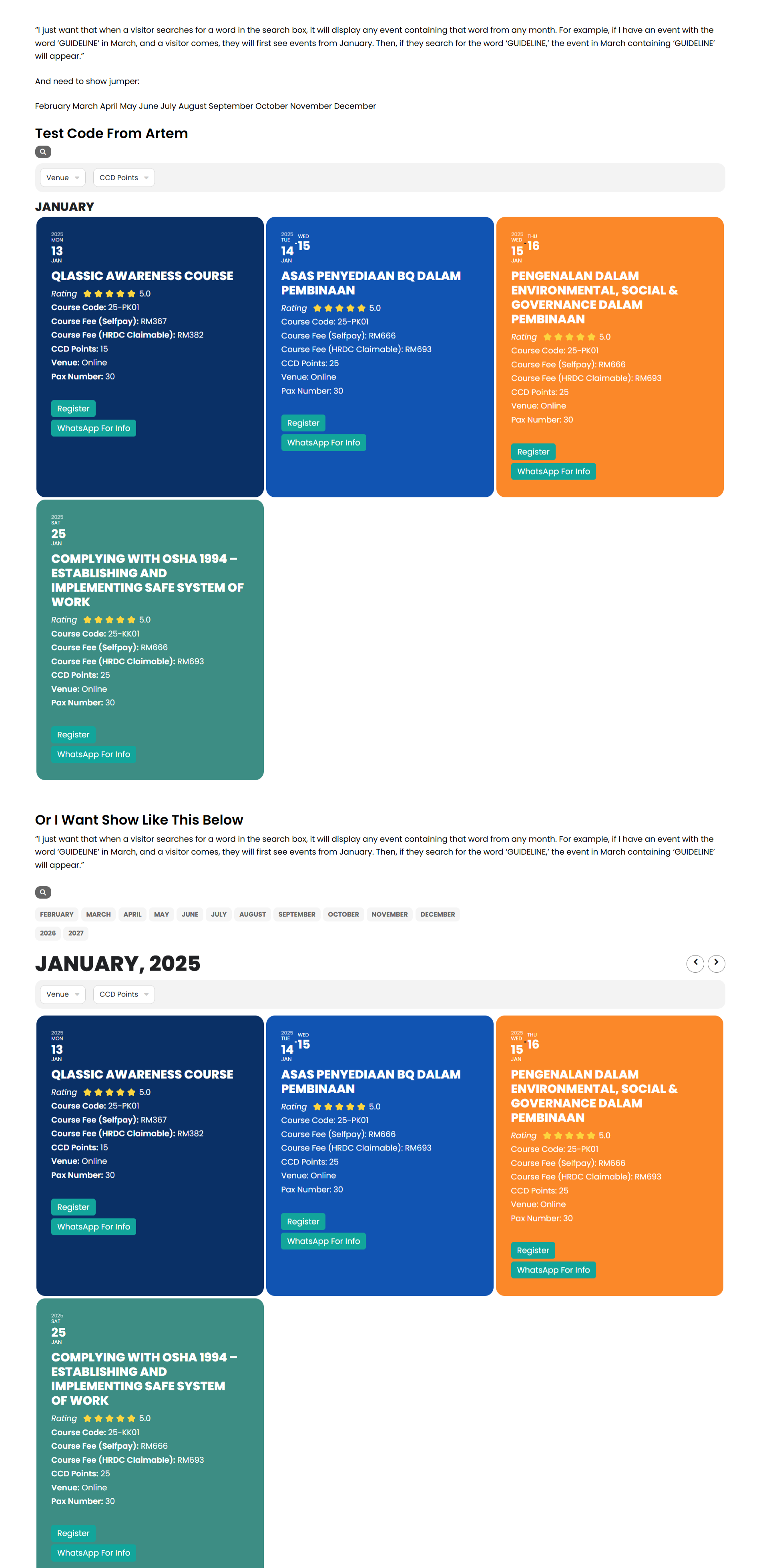
“I still don’t quite understand what you mean. I have tried using the code you provided, but it doesn’t work as I expected.
I just want that when a visitor searches for a word in the search box, it should display any event containing that word from any month. For example, if I have an event with the word ‘GUIDELINE’ in March, and a visitor comes, they will first see events from January. Then, if they search for the word ‘GUIDELINE,’ the event from March containing ‘GUIDELINE’ should appear.”
Please take a look at this link, and I hope it will help you better understand what we’re trying to achieve: https://www.razota.com/cidbhold/test-code-from-artem-event-lists/
no answer on this issue?
Seems to work 👍 Did you figure out why the translation string is not saved?
Great it works!!!!!!!!!!!
Many thanks