Thanks for escalating the ticket.
After some more tests I found out that the error does not appear when switching the theme to the standard theme twenty-twenty-five.
So it’s possible that the woocommerce templates delivered by the ASTRA theme – which we use – might cause the error.
Hello,
1. Please check RSVP add-on:
https://www.myeventon.com/addons/rsvp-events/
2. First you need to use any membership plugin to register users on your website, then you can go to EventON > RSVP > enable Pre-fill fields if user is already logged-in (eg. first name, last name, email).
3. RSVP allows you to ”Set capacity limit for RSVP” from Edit Event > RSVP.
4. Users can change to ”No” on Single Event page by clicking ”Change My RSVP”.
5. Please take a look at Waitlist add-on:
https://www.myeventon.com/addons/rsvp-events-waitlist/
6. You can email them from Edit Event > RSVP > Other RSVP Options > Email Attendees.
7. Zoom isn’t included, but users do receive the RSVP email.
8. There is no compatibility between EventON and MemberPress. By registration do you mean RSVP to events or register on the website itself?
9. You can check them by going to Edit Event > RSVP > View Attendees or
10. & 11. Not possible with RSVP, I am afraid.
12. You can allow RSVP to only logged-in users by going to EventON > RSVP > enable Allow only logged-in users to submit RSVP.
You can try it on our demo site:
https://dev.myeventon.com/wp-admin/
Please also add this CSS code to change the rest:
.evcal_evdata_row .evcal_evdata_cell h3, h3.evo_h3 { color: black !important }
Hello,
When I check the website in Troubleshooting Mode:
https://www.grabenhalle.ch/wp-admin/site-health.php?tab=troubleshoot

Could you please try the instructions mentioned in this documentation?
Hello,
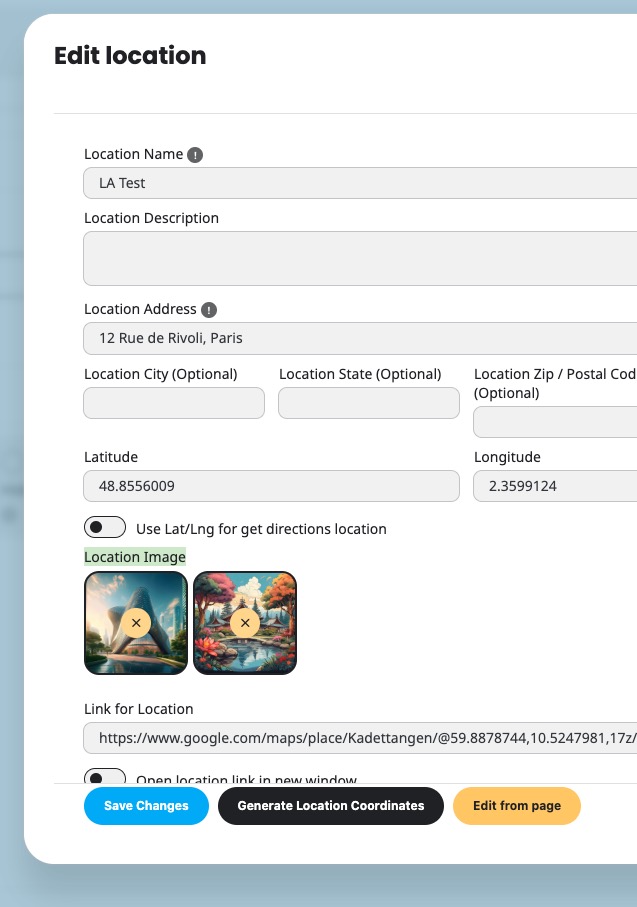
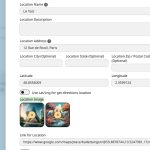
There is Location Image you can use to assign an image for locations:
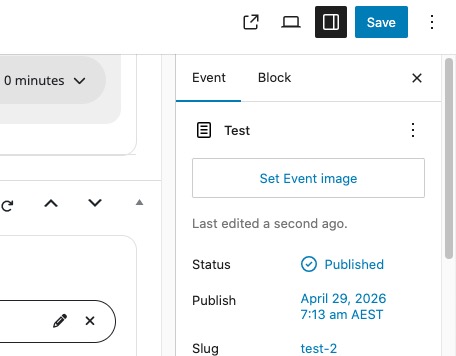
Also you can assign an image to the event itself:
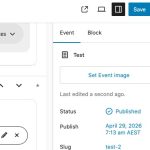
There is no way to use one in another. However please create a new ticket and select Feature Request as category so others can vote on your idea and get it moved into development faster.
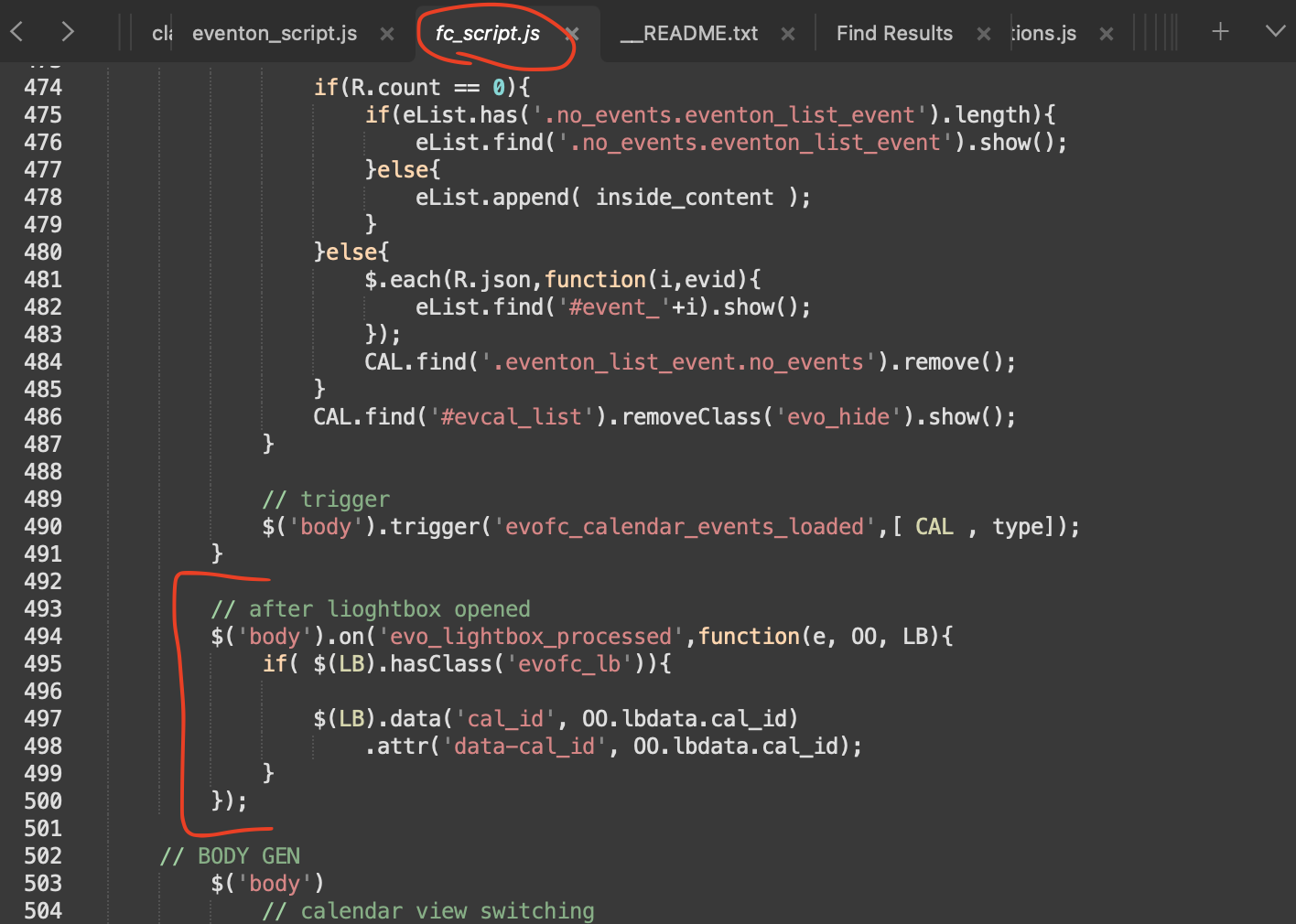
Thank you for letting us know. here is a patch fix to get this working. we will get an update out soon.
code:
Vml6jbylwtjv
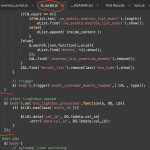
thanks for the code, but it still not working.
you can see it on https://cleophas.org/horaires/le-calendrier-du-doyenne/
Regards
It worked, just missed one small part . Thank you
thank you for letting us know. here is a patch fix to get this working. we will get an update out soon.
code:
Vml6jbylwtjv
This feature is still in beta stages as we are still monitoring functionality of it.
What you need to do is this, https://vetstownhall.org/wp-admin/post.php?post=538&action=edit in here, make sure this page is formatted using your builder/theme to make sure it look just as you like..
Because this page is what is used as backbones for loading the one event content
https://vetstownhall.org/events/one-event/1359/0/ — this works now with correct event page selected on Eventon setting > Events paging > Select which page to get event content from.