No worries, I’m glad you’re helping! 🙂
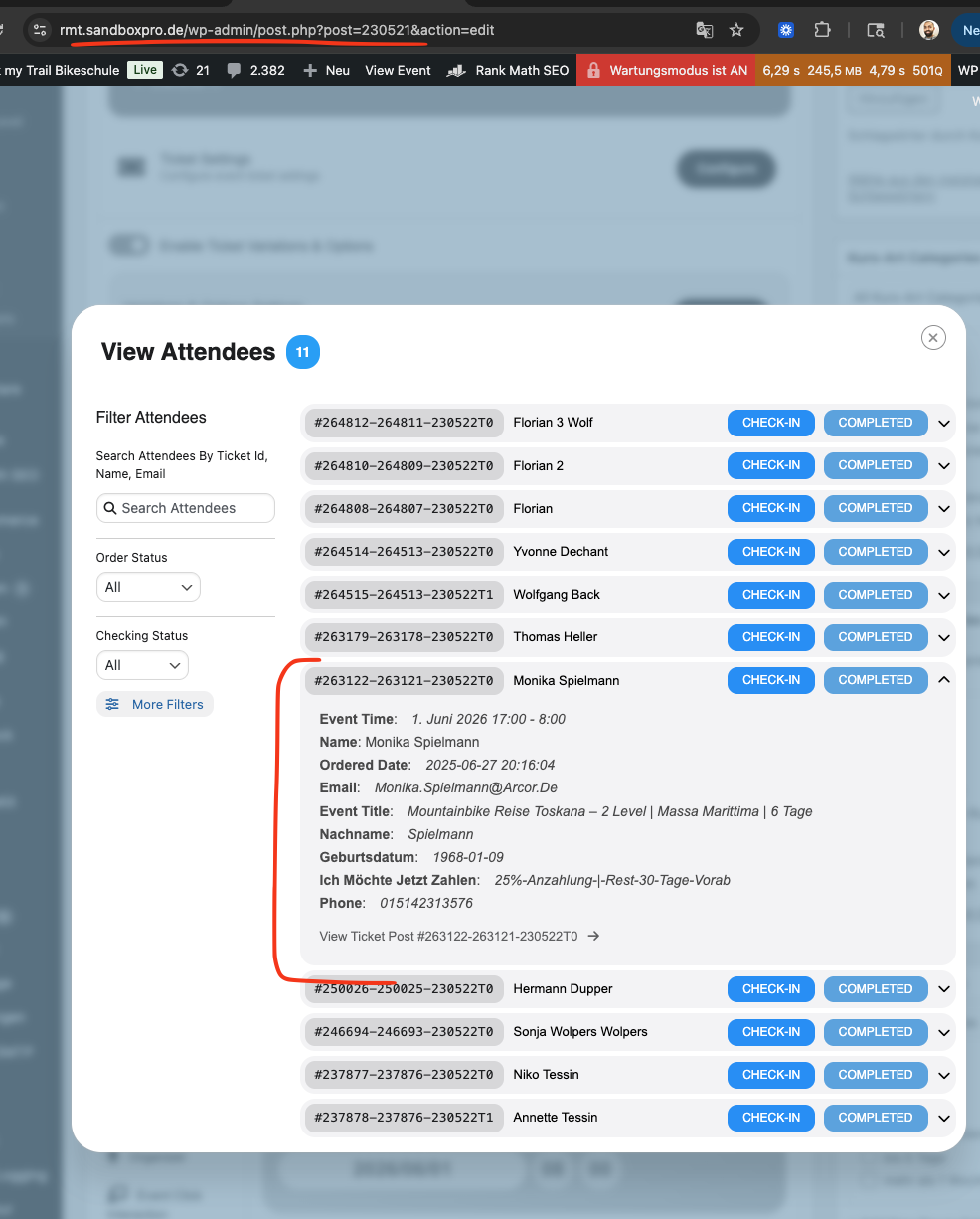
In general all the price options are not shown from orders before the update. In this case I can see from the pricing that she had chosen the ”Optionales Einzelzimmer eigenes Bad” option.
This should be shown in the attendees list, in the order and in the CSV export. New orders show those info there.
Could you please try the instructions mentioned in this documentation to make sure your issue is indeed coming from eventon.
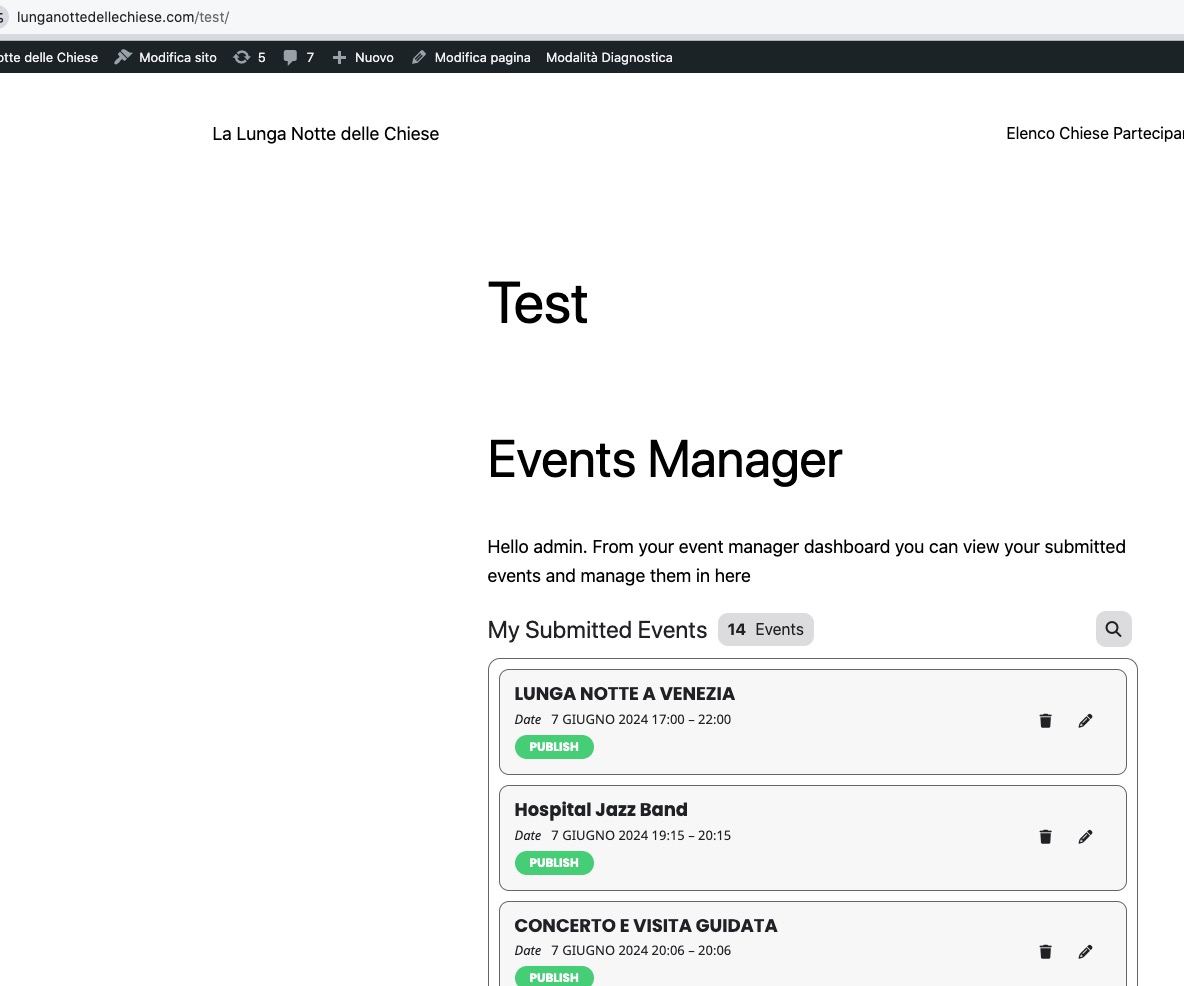
Seems to be working correctly in Troubleshooting Mode:
https://www.lunganottedellechiese.com/wp-admin/site-health.php?tab=troubleshoot
Hello,
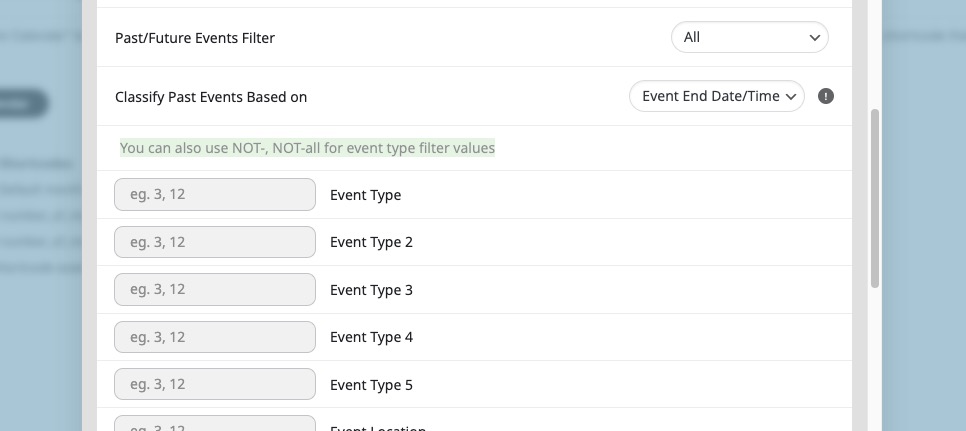
With Event Type you can use NOT to exclude any type ids you need:
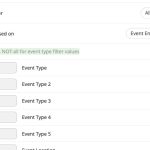
Please check and let me know.
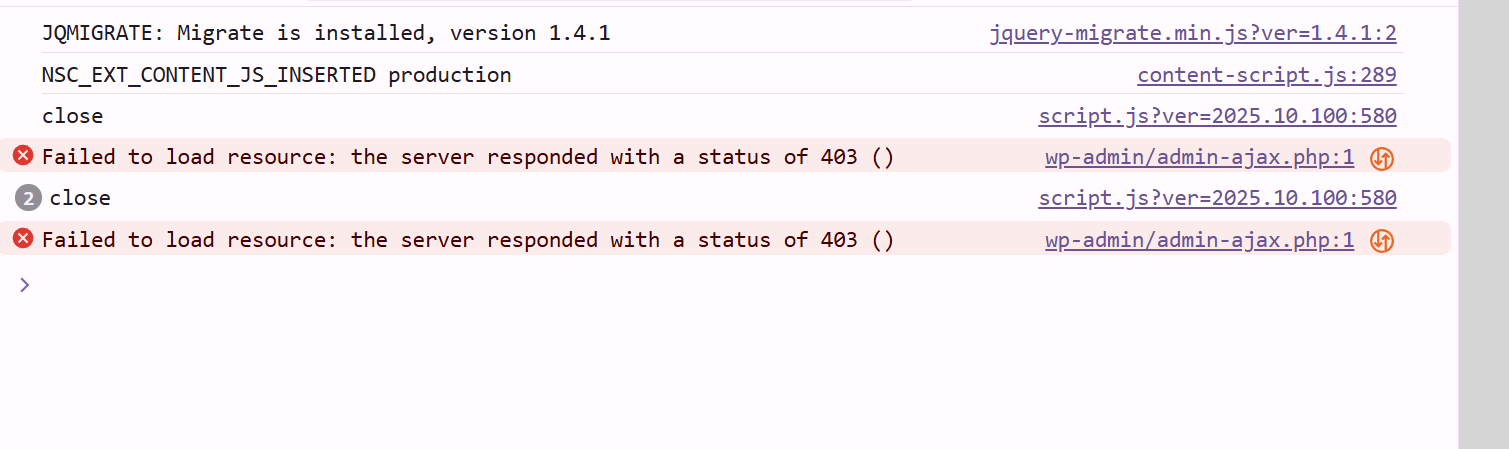
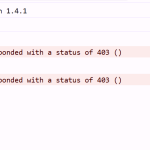
Thank you – i got to my account – but still a similar issue as before…. when i go to the envato conversion section…i cleared cache… logged in via incognito as well …same thing….i can tell its a new system… but didnt load…i included dev tools console errors screen shot as well
Hello Florian, 0.11 was in 2021. So it is a very old version. and so many things have been done and added since then.
Lets look at one attendee with missing information and see if we can identify the issue easily. eg.
https://rmt.sandboxpro.de/wp-admin/post.php?post=263121&action=edit
Event ticket for this order is https://rmt.sandboxpro.de/wp-admin/post.php?post=263122&action=edit
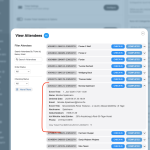
What information is incorrect here ? — Terribly sorry it is kind of hard to see if on first glance with language difference.
Hello Travis. For the sample Order could you kindly purchase a renewable addon such as
Virtual Plus
— which would register the payment subscription data that we can use once we move the old addons.
Please get back with this order ID and then we will proceed with completing the transfer and refunds. I will leave the EventON order from #224275 as is for now.
EventON is not a renewable order, it is a one time purchase. that is why we need a subscribable order 🙂
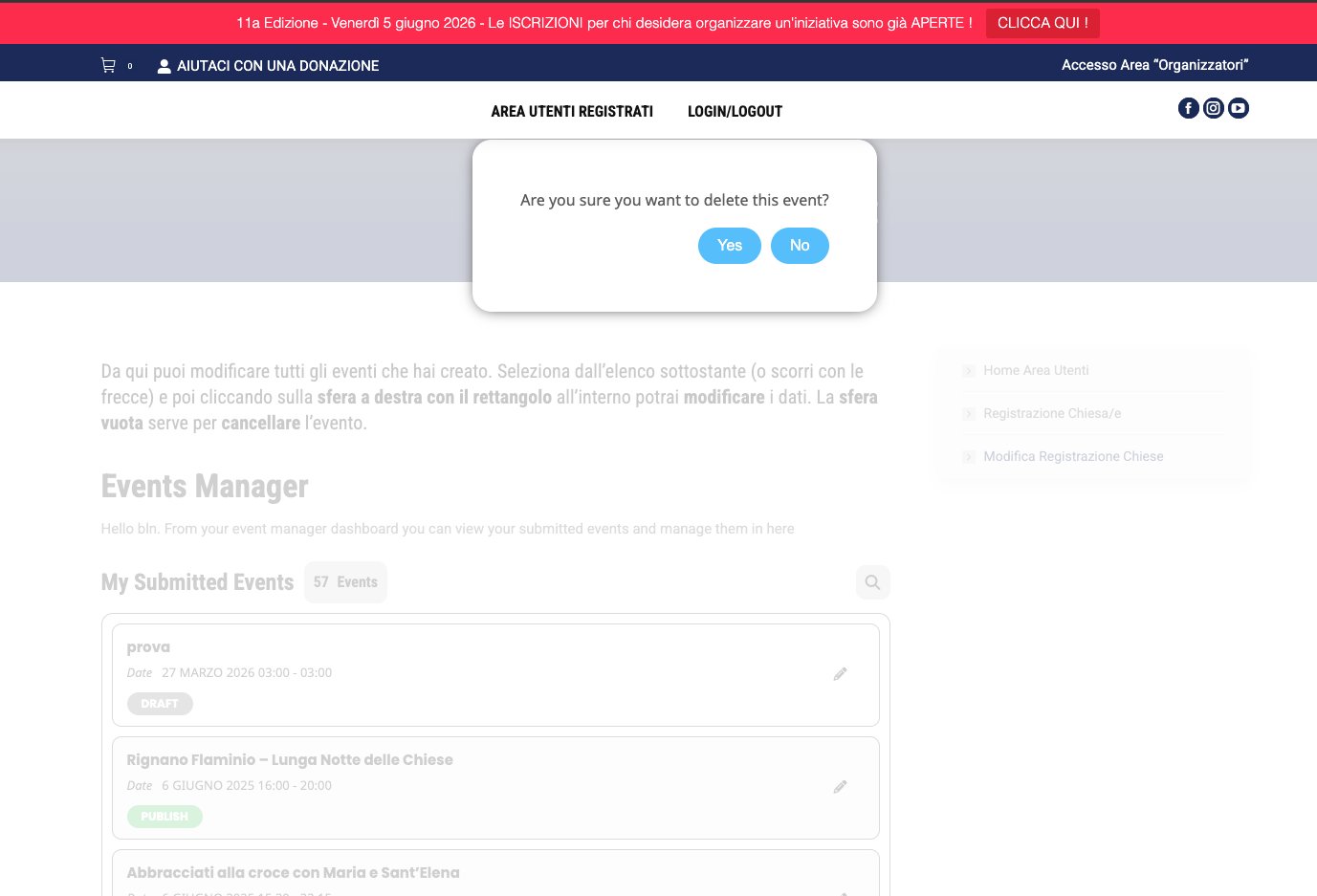
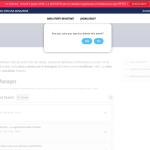
Hello, i think now is working. But now i have got another problem. Every time I go to the page to allow the user who created an event to edit it, the pop up I attached always appears. The page is on the ”user area”-> Modulo Registrazione Chiese/Evento -> Modifica Registrazione Chiese
Hello Carsten I can see all your orders in our system. Thank you for transfering the license over to myeventon. We are planning to move out of codecanyon later down the road.
I will go ahead and move all the eventON licenses to @sholl-it account.
About pricing for for 5: I would say since you already have those licenses just keep them. And once you find a need for more you can always purchase a multi license.
We will proceed with license transfer now.
HI,
Thank you for doing that for me. Where do I find the link or download for that? Or do I do that in the plug-in section? Can you point me in the right direction? thx Stan
Hello Stan we have gone ahead and switched the ICS addon for the API addon on your order. You should see the correct orders now.
Best!