Could you try manually clearing browser cache or check the website in Incognito Mode?
Archives: Replies
Replies for tickets on suppota
Reply to: tickets(372965)
Could you also please try the instructions mentioned in this documentation to make sure your issue is indeed coming from eventon.
Reply to: tickets(372965)
I cannot save pages with EventON shortcodes: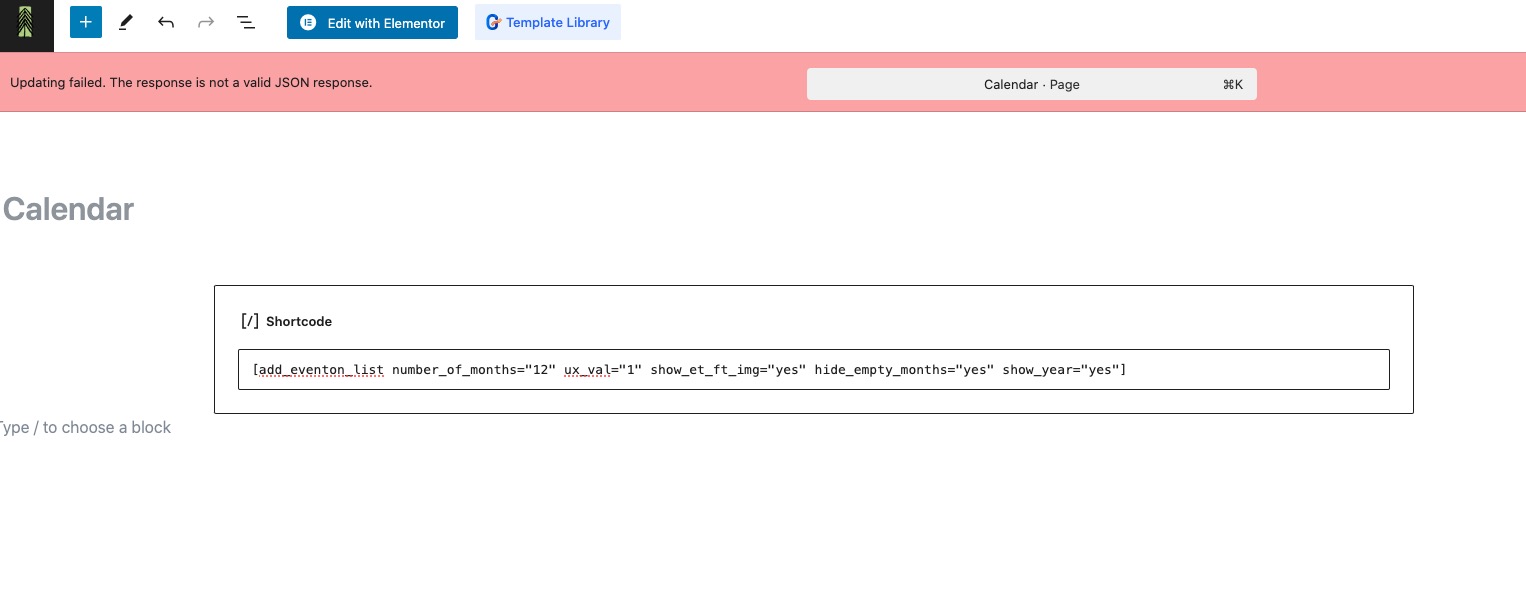 Please follow the instructions in this documentation to activate debug in your site to see any PHP errors recorded that can provide insight on to whats going on. Please reply with a link to debug.log file. If you are not able to do this please send us FTP access to your site so we can do this for you.
Reply to: tickets(372674)
For Main Calendar you can enable Jumper: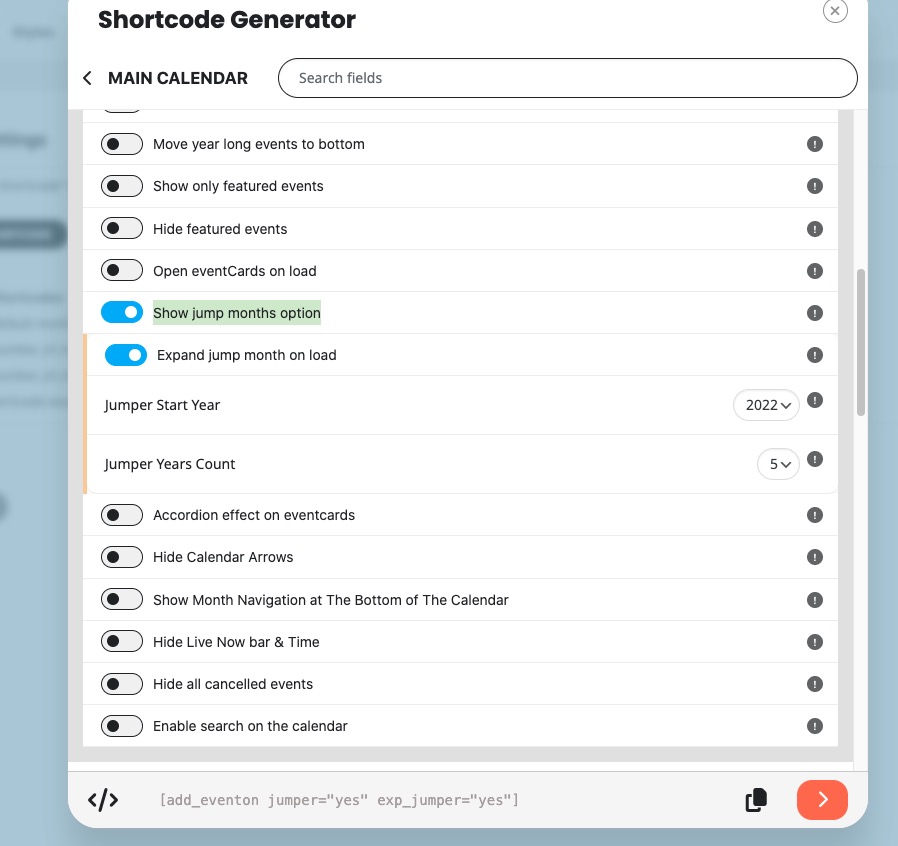
But not for Lists shortcode, I am afraid.
Reply to: tickets(373204)
Hello,
Could you try changing Time and Date format from empty?
https://indianaheadstart.org/wp-admin/options-general.php
I believe that it should fix both issues.
Reply to: tickets(372910)
We are glad your issue is resolved, if you have any further questions or concerns please create a new ticket. If you have a moment, we would greatly appreciate if you could kindly leave us a review at Codecanyon. By going to your account > Downloads. We are very grateful for your kind review!
Reply to: tickets(373216)
Hello,
You put ux_val=”3″ to your shortcode. Please remove it, so events can use Edit Event > User Interaction for event click.
Reply to: tickets(373172)
Hello,
Unfortunately, we unable to help. I don’t think that you need a developer that knows how to work with (developer for) EventON but a good one that knows how to write WordPress plugins.
Reply to: tickets(321145)
I just upgrade it to 1.0.4 but still not solved!
Reply to: tickets(321145)
It’s – Event Lists Ext Ver (1.0)