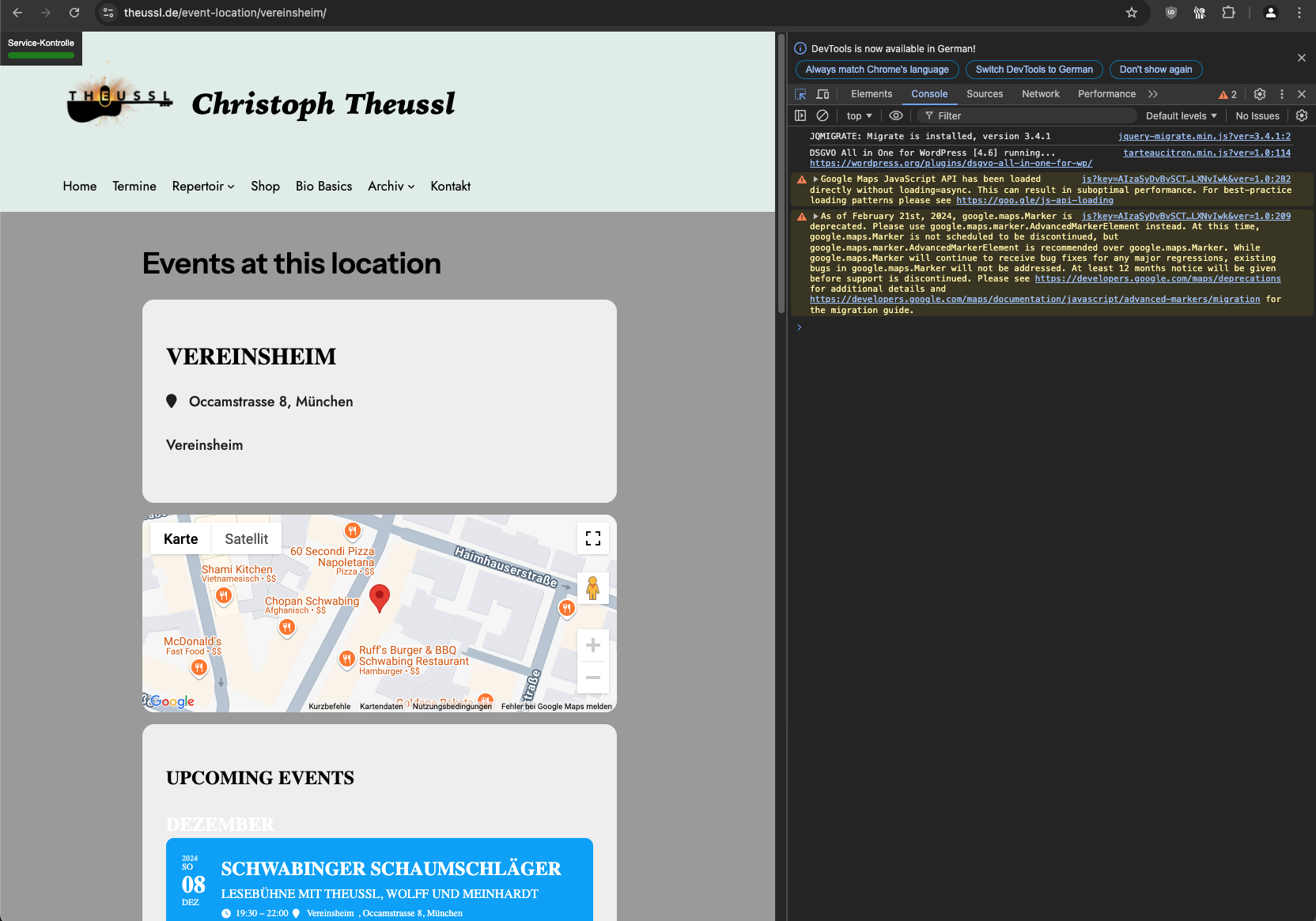
Is EventON > Time Settings > “Hide past events for default calendar(s)” enabled on your website?
https://helpdeskx.s3.amazonaws.com/wp-content/uploads/2024/12/09021128/Screenshot-2024-12-09-100617.png
Since this event is in past, it shouldn’t be visible on calendars at all. How do you hide past events?
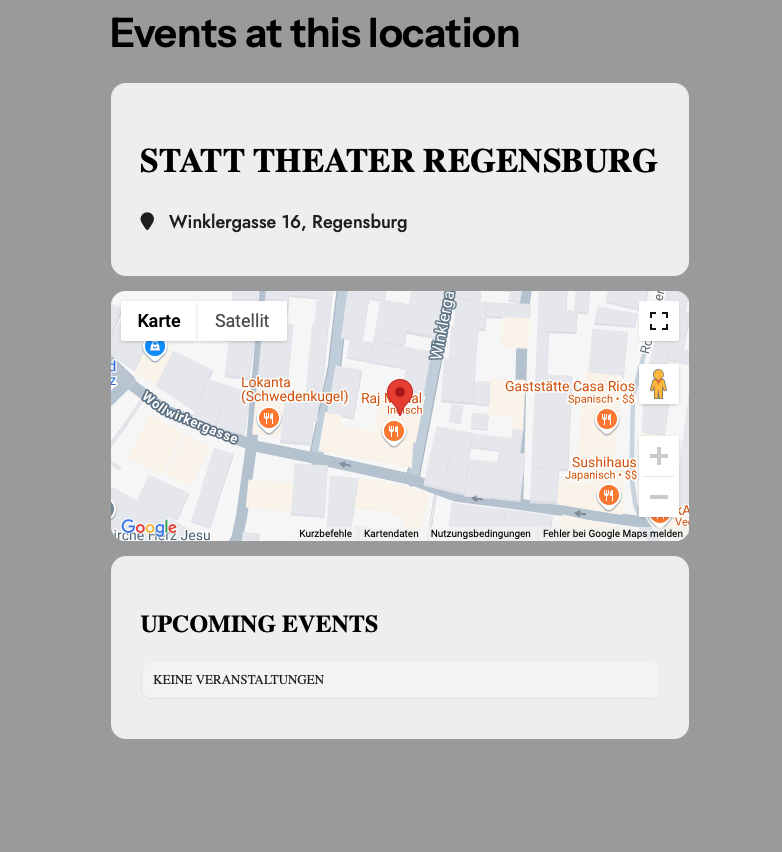
working flawless on eventon lite
I always used “street number, city” and it was working flawlessly – I even cannot create lat/long on https://ludwig-mueller.at/wp-admin/term.php?taxonomy=event_location&tag_ID=7&post_type=ajde_events&wp_http_referer=%2Fwp-admin%2Fedit-tags.php%3Ftaxonomy%3Devent_location%26post_type%3Dajde_events
See screenshot above
what can I do to have lat/long for all my addresses?
why is it working in eventon-lite?
Hi Artem!
Thank you for your reply. Your CSS code fixed the extra spacing on the drop down menus (item #2). Thank you.
As for the backend area (item #3), I fixed it with some php:
function custom_admin_css() {
echo ‘<style>
#bulk-titles ul.cat-checklist,
.inline-edit-col ul.cat-checklist {
height: auto !important;
overflow-y: visible !important;
}
</style>’;
}
add_action(‘admin_head’, ‘custom_admin_css’);
As for the alphabetical order, I will take action to get that moving. That one is quite important for long lists.
Overall, I think this ticket may be closed.
Thank you!
Hello,
Thank you for your great suggestion, at the moment it is not supported. However please create a new ticket and select Feature Request as category so others can vote on your idea and get it moved into development faster.
Ashan,
Please take a look at
Reply to: 372608
[Replyto/372662]
It works on dev2, but on customer’s website, in Troubleshooting Mode, it shows this message:
Test event:
https://dinagyangtickets.com/wp-admin/post.php?post=594&action=edit
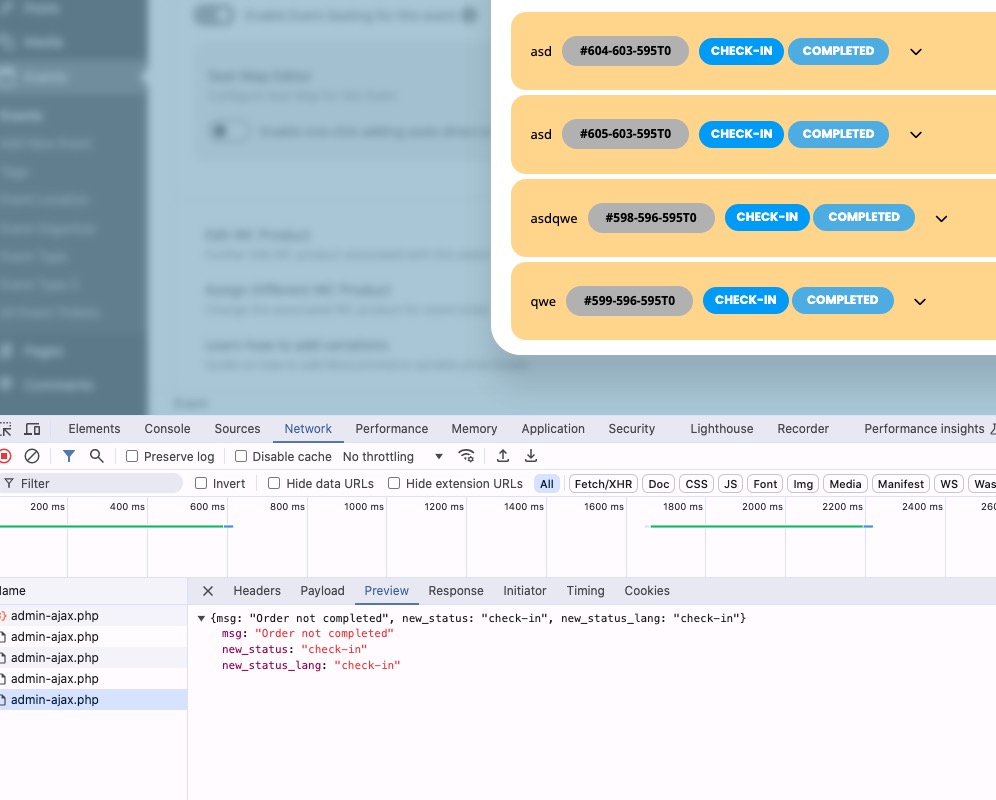
Hello. When you try to manually checkin in that section it does not work. You try to uncheck the first item. Supposed to be it will show that it’s not checked in
Ashan will take a look at this. He’s reply ASAP.
Also, is there a way where I can limit the number of seats that customers can purchase? Example, they can just add 10 seats in the carts. Then they need to checkout first if they want to purchase more seats
Thank you for your great suggestion, at the moment it is not supported. However please create a new ticket and select Feature Request as category so others can vote on your idea and get it moved into development faster.
The easiest solution is to add them manually using Custom Meta fields:
https://docs.myeventon.com/documentations/setup-use-custom-meta-fields-events/
Could you send us a link to a future event but sold out?