Also, is there a way where I can limit the number of seats that customers can purchase? Example, they can just add 10 seats in the carts. Then they need to checkout first if they want to purchase more seats
Archives: Replies
Replies for tickets on suppota
Reply to: tickets(372664)

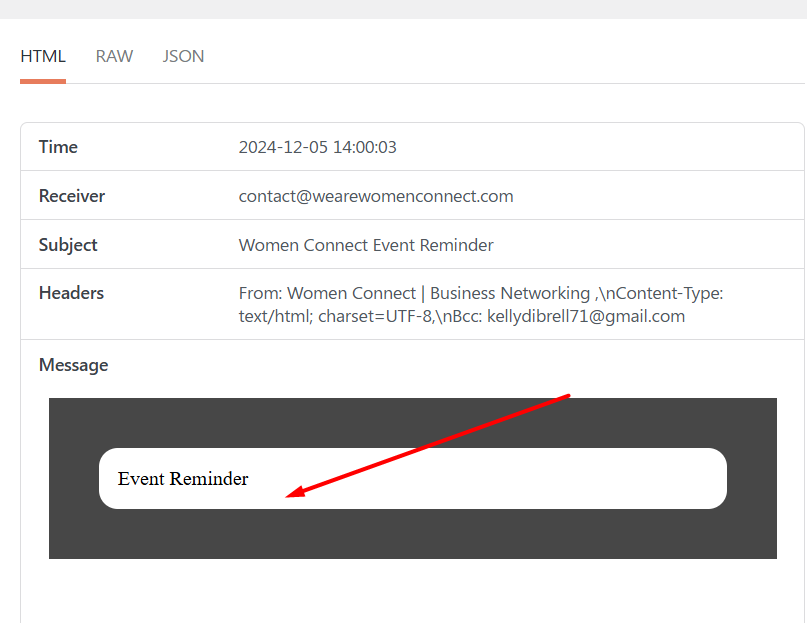
It looks like the message was not pulled so it only returns “Event Reminder”.
Reply to: tickets(372664)
Reply to: tickets(369226)
Hello. When you try to manually checkin in that section it does not work. You try to uncheck the first item. Supposed to be it will show that it’s not checked in
Reply to: tickets(372304)
But I still do not know how to get rid of “Dezember, 2024” on the very top.
Please try adding this to the shortcode:
hide_month_headers=”yes”
And I want to get rid of “Dezember 10(Dienstag)” at the details and would like to have “18:15 – 19:45 Uhr” instead of “18:15 – 19:45”.
Please go to EventON > Time Settings > enable Enable custom event time format on eventCard > add new format by following this guide:
https://www.php.net/manual/en/datetime.format.php
Where do I change the color of the blue box around the available slots?
Please add this CSS code to EventON > Styles (If you don’t see any change, EventON > Scripts & Styling > turn off Write dynamic styles to header > save settings > turn on Write dynamic styles to header):
.evo_lightboxes .evcal_evdata_row .evors_attendance_count_data .evors_remaining_spots, .evcal_evdata_row .evors_attendance_count_data .evors_remaining_spots { background: red !important; }
With my last setup I made it to show minimum capacity, but this time I do not how to switch it on.
Are you referring to this?
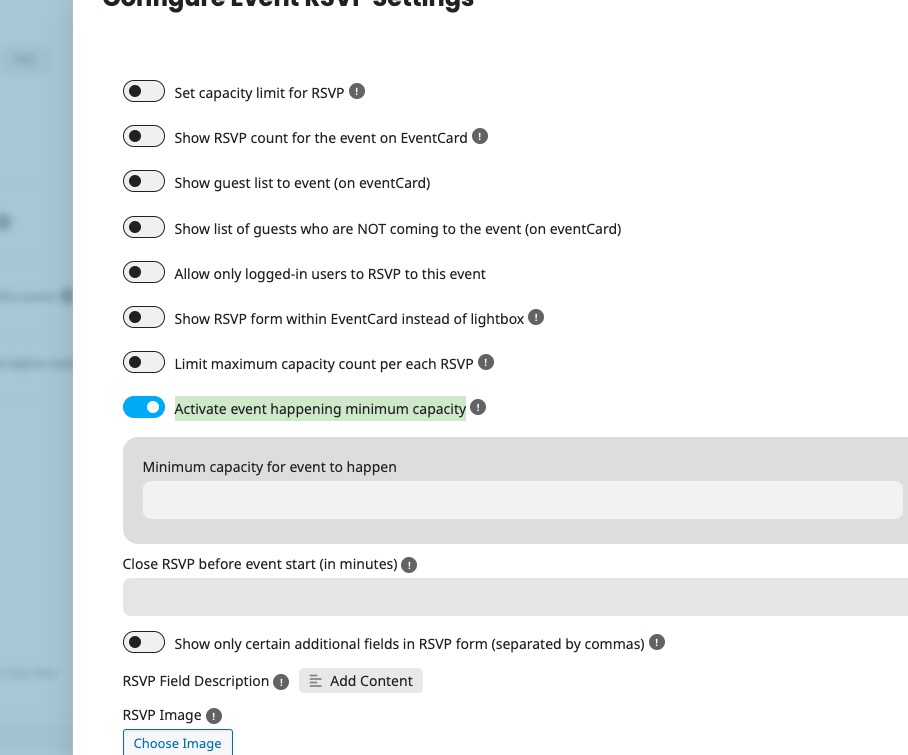
unfortunately I cannot register for max. capacity events although there is no registration yet.
Which event are you referring to?
Reply to: tickets(364800)
All “Jugend- / Gemeindegebetskreis (ABH)” are imported:
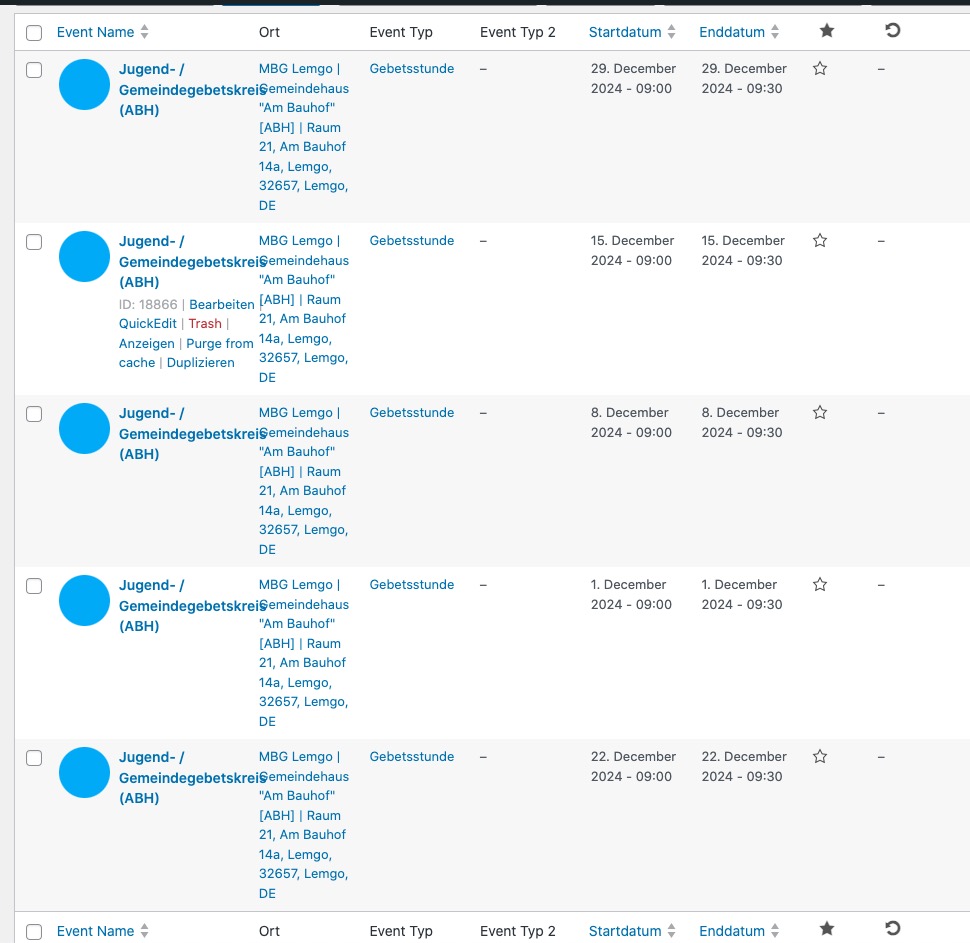
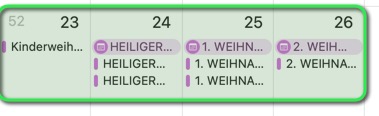
Could you send us full names of these events? I need to find them in the file:
Reply to: tickets(372522)
Hello,
Please take a look at
https://www.wpbeginner.com/plugins/how-to-restrict-wordpress-pages-by-user-role/
Unfortunately, EventON doesn’t have the functionality to restrict access to pages.
Reply to: tickets(372286)
Event’s color is located in evcal_event_color.
So please take a look if possible add some custom code that can generate random color during the importing process.
Reply to: tickets(372559)
We are glad your issue is resolved, if you have any further questions or concerns please create a new ticket.
If you have a moment, we would greatly appreciate if you could kindly leave us a review at Codecanyon. By going to your account > Downloads. We are very grateful for your kind review!
Reply to: tickets(369226)
All of events are checked-in: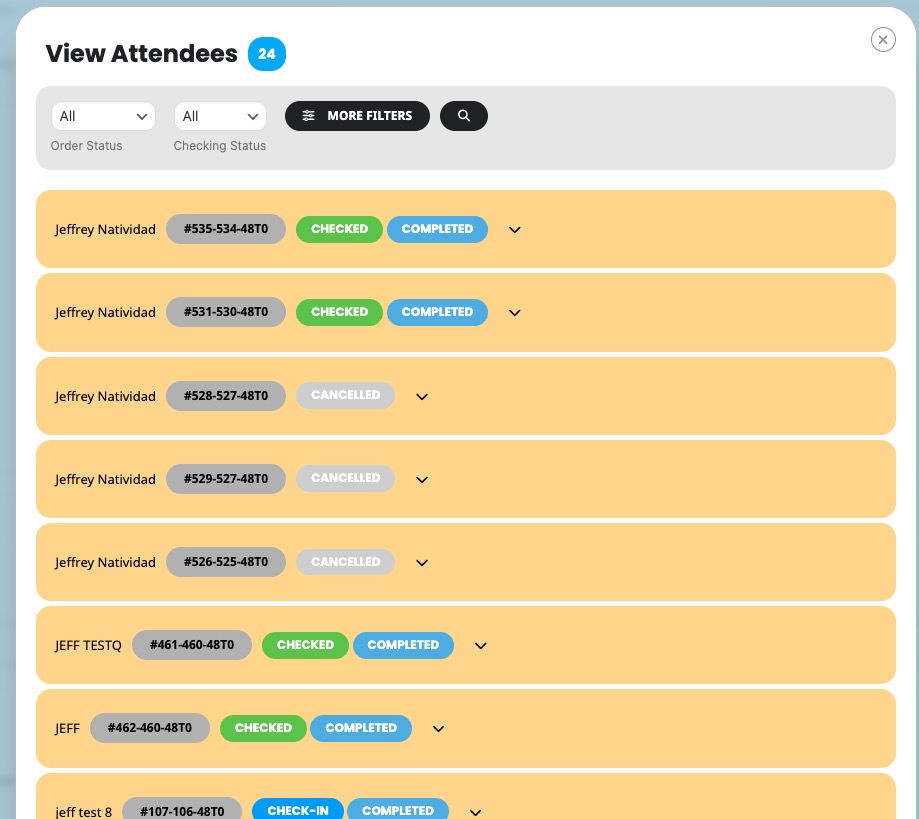
Where can we take a look at the issue? Could you try checking-in and then refresh the page?