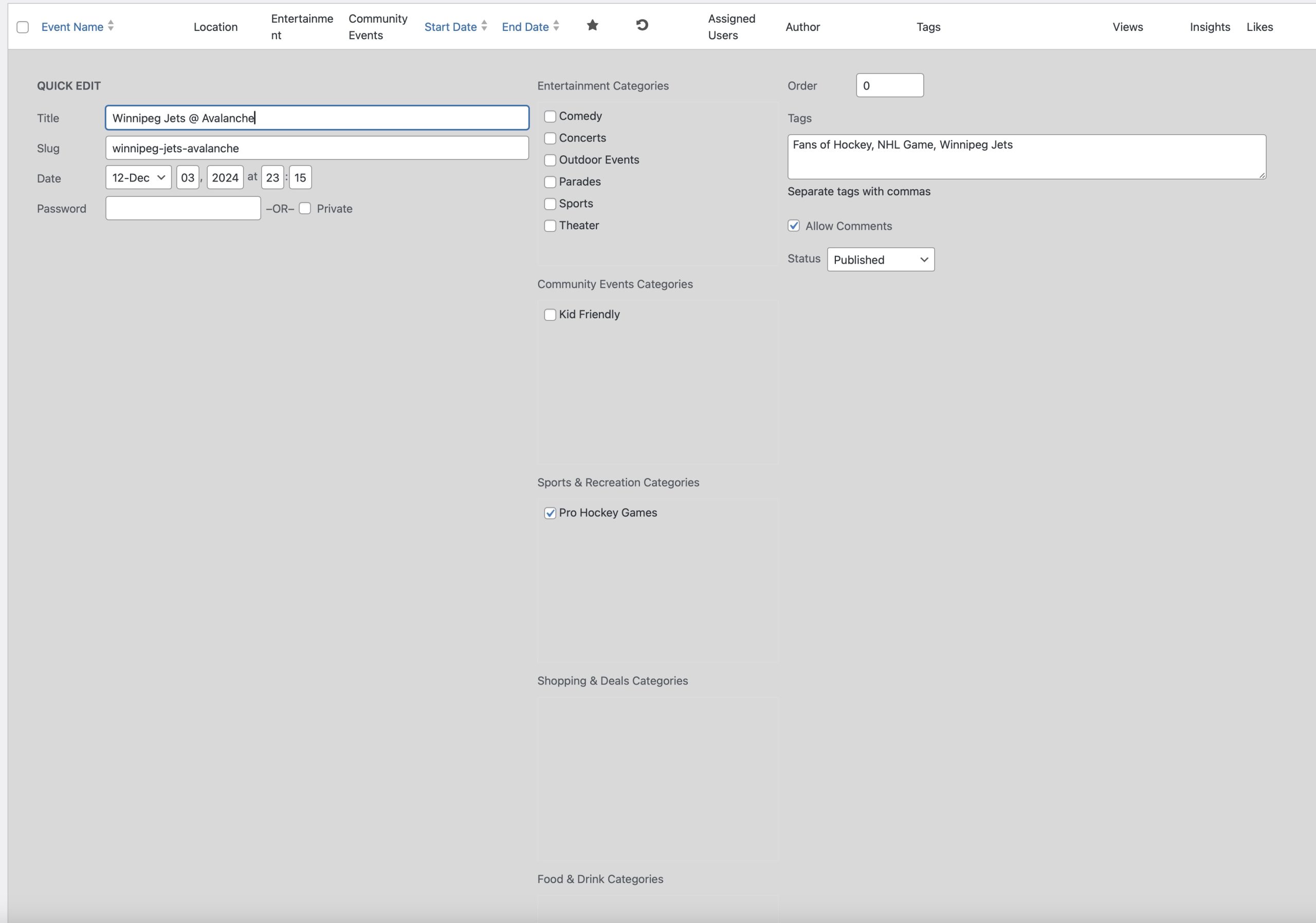
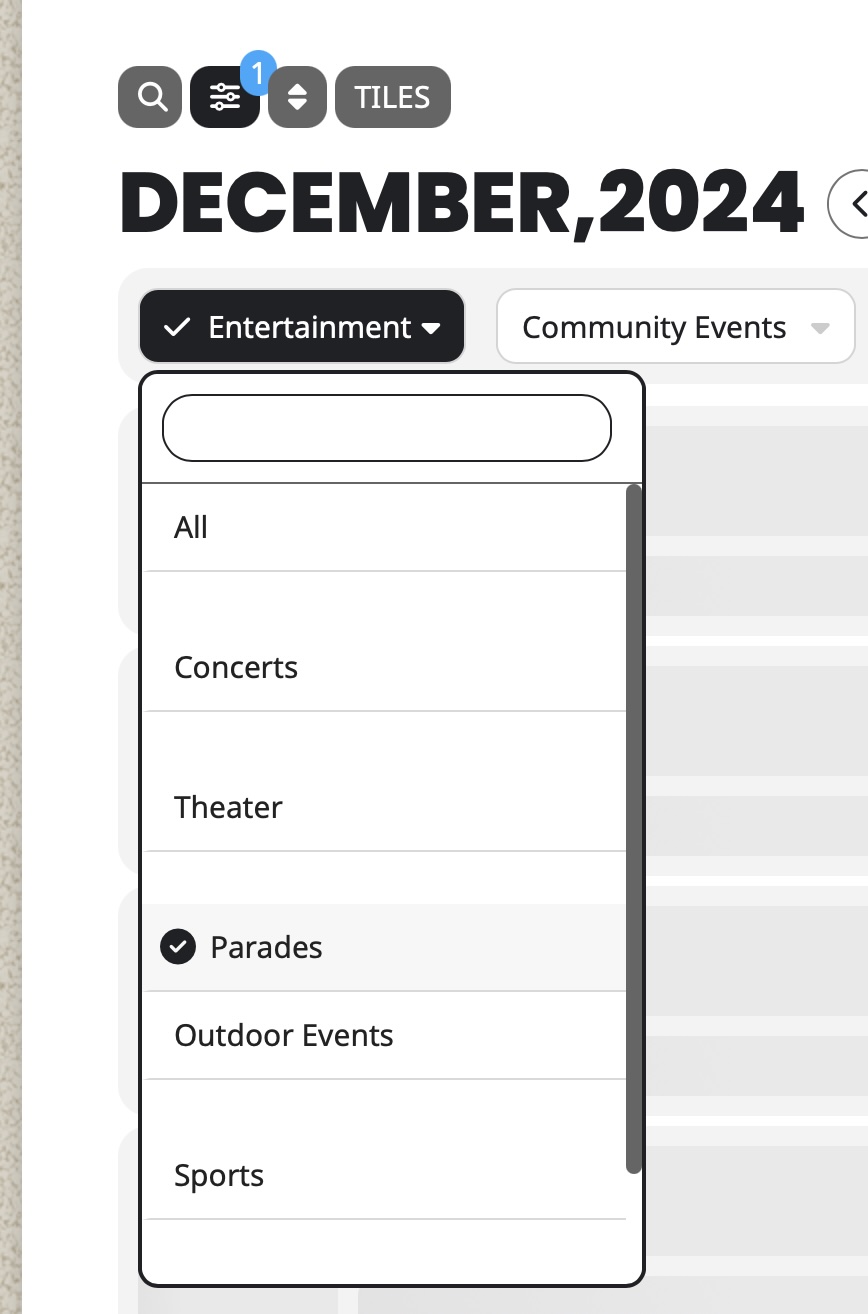
Thank you Noah for letting us know of this issue with shortcode. We were aware of this and did not have the time to get around to that.
We will get this resolved and implement a better more intuitive solution for copying the shortcode 🙂
Replies for tickets on suppota
Thank you Noah for letting us know of this issue with shortcode. We were aware of this and did not have the time to get around to that.
We will get this resolved and implement a better more intuitive solution for copying the shortcode 🙂
Here is a video demonstrating the bug that we are encountering: https://www.loom.com/share/b8705aaa4d9248d6a38859c21e45a094?sid=3d026a36-5d6c-4342-9439-1a074c07981b
This is a link to the Test event that I worked with in the video: https://coloradooutside.com/wp-admin/post.php?post=4642&action=edit
Hello,
Please take a look at this code:
div#ev_status { display: none !important; }
It hides “Event Status” section:
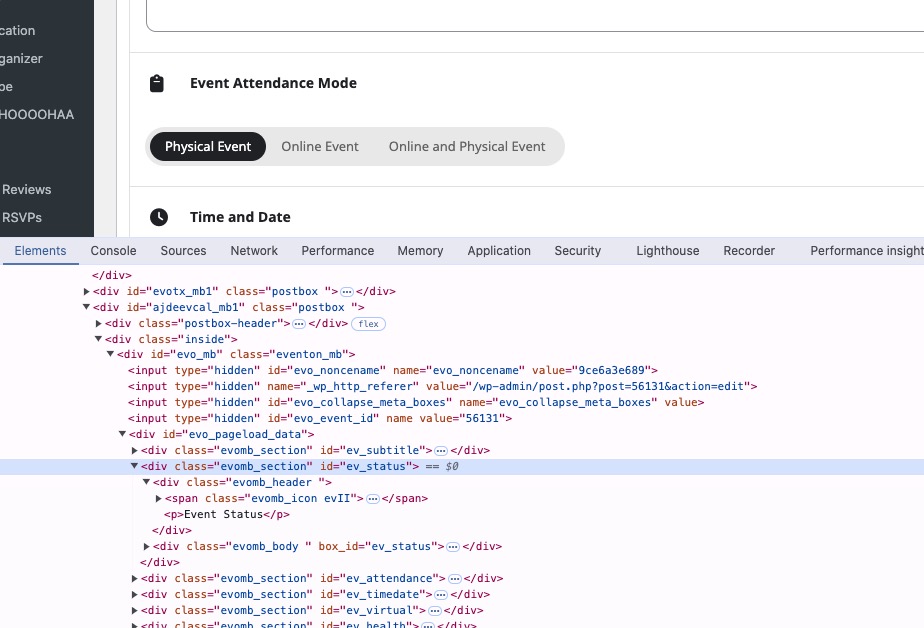 Follow the css customization guide to further edit style changes.
You can put custom codes to /wp-content/plugins/eventON/assets/css/admin/event_post.css
Hello,
Please go to EventON > Time Settings > enable Hide GMT value from frontend. For more options please create a new ticket and select Feature Request as category so others can vote on your idea and get it moved into development faster.
Can the colors not be autogenerated? We import about 1000 events from Facebook every year. It will be too big a task if we have to edit every event and set the color.
Please go to Edit Event > change Event Color of each individual event.
Hello,
1. Thank you for your great suggestion, at the moment it is not supported. However please create a new ticket and select Feature Request as category so others can vote on your idea and get it moved into development faster.
2. Please add this CSS code to EventON > Styles (If you don’t see any change, EventON > Scripts & Styling > turn off Write dynamic styles to header > save settings > turn on Write dynamic styles to header):
.evo_filter_menu .eventon_filter_dropdown p { margin-bottom: 0 !important; }
This style causes the issue:
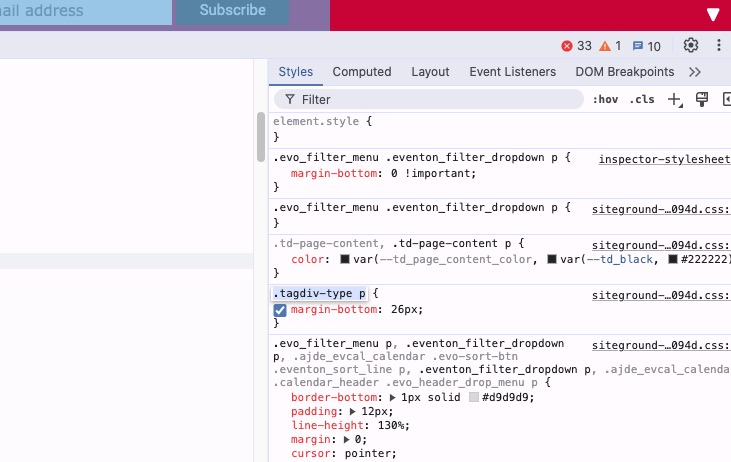
3. On our test site:
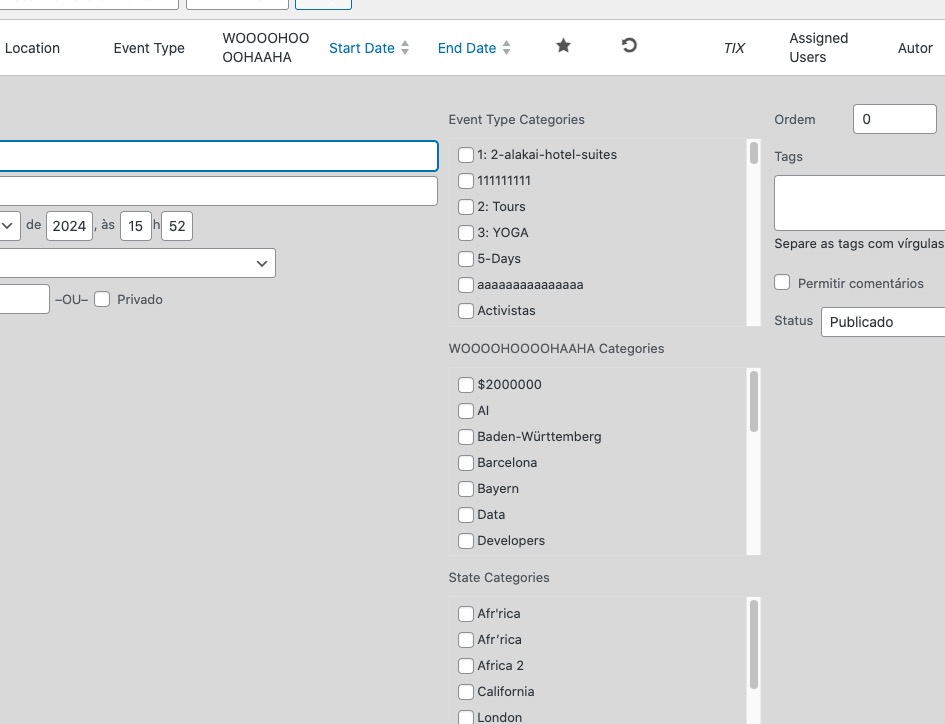 Please send us wp-admin access to your site as a private message for us to further assist your situation.
Thanks for the update. Yes, please implement the code changes.
Here is the temporary admin access login:
https://lgbtnetwork.org/wp-admin/
Username: eventonadmin
Password: ViuwW)p%)JbOUkLzhilA^oxG