Reply to: tickets(372474)
Replies for tickets on suppota
We want the colorful option like you have at EventON Calendar Demo without Addons – EventON Demo
It has been 2 years since. Any updates.
Yes.
Of course, as long as I have this problem, after every test I put it back to 7.4 so visitors can still view the calendar, which is the main purpose of the website.
Hi Ashan,
ok, the end date now shows correctly in the frontend.
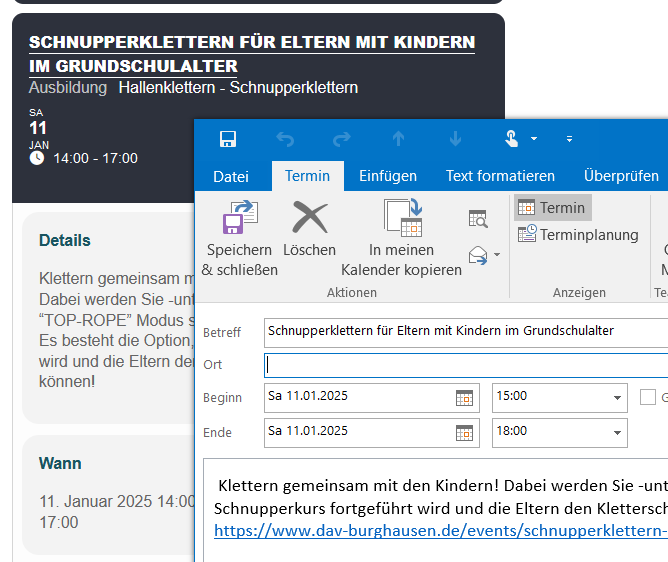
However the event hours are still not shown correctly in outlook, it seems the timezone is not applied correctly? (Screenshot ID: 14045)
thx,
Axel
Hello,
We are sorry for the delay. Are any of events that don’t appear repeating events?
We are sorry for the delay. No new updates, I am afraid.
And if you provide them access to a page with “RSVP – User RSVP Manager”?
[evo_rsvp_manager]
This way they can see all of their RSVPs and change them from the same page.
I am not doing a workaround. I am not fiddling with my browser settings or opening a new window. This should be done correctly via the application. Why do users have to do workarounds?
Usually when something needs to be changed by admin, it should be done through the back-end (WordPress’s UX). EventON allows you to change RSVP from the event itself but if you are logged-in then you can only change it as yourself and not as a different user, so you must be a guest to make the change. Please create a new featured request, so we can add this in the future.
I added the code to
https://omicron.net.au/wp-admin/theme-editor.php?file=functions.php&theme=Avada-Child-Theme
Please follow this guide on how to use PHP Date/Time format:
https://www.php.net/manual/en/datetime.format.php
I just tried to update and it worked without any issues: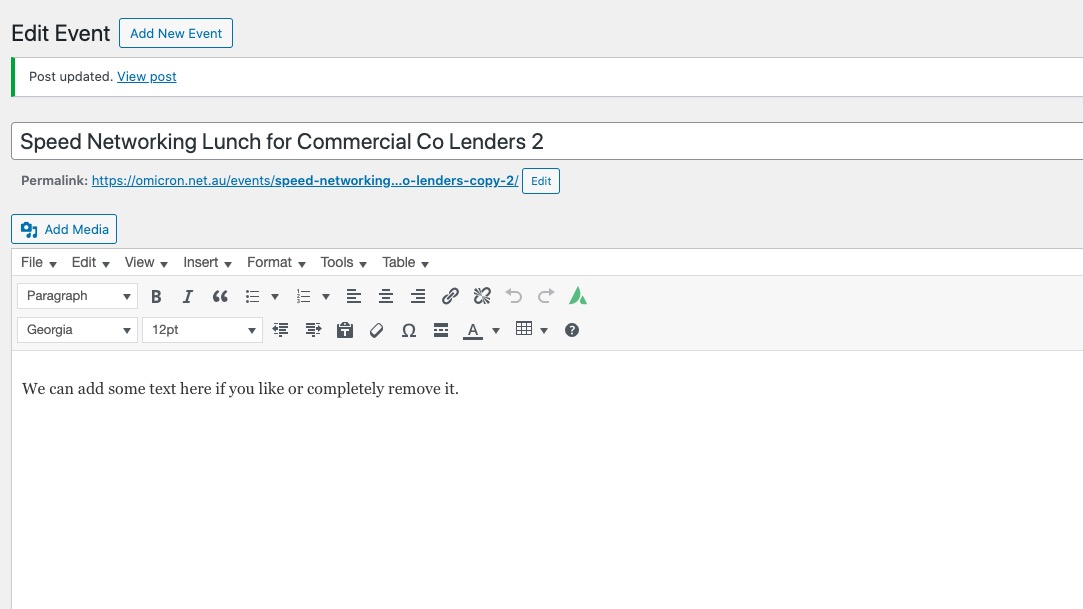
Could you try a different browser?