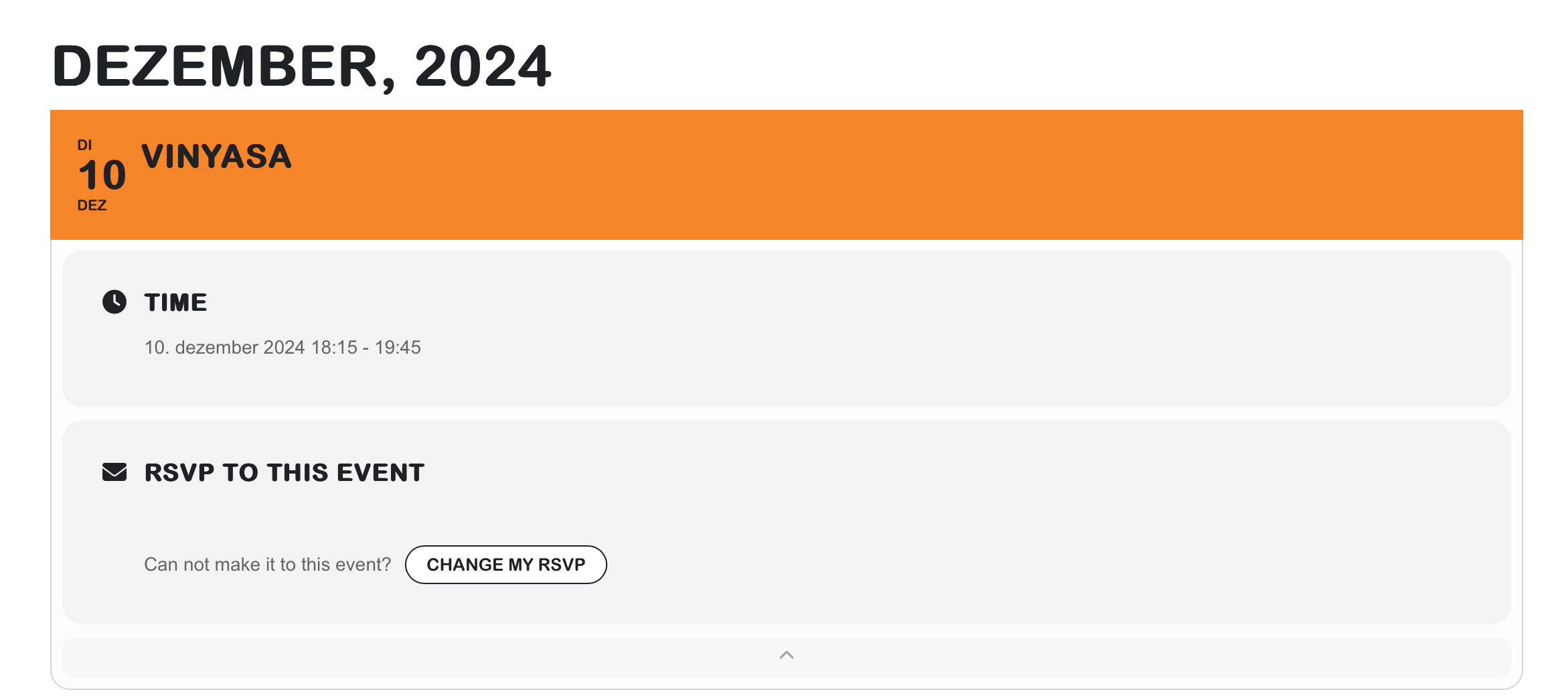
Hi Ashan,
All images are optimized and served in webp whenever possible. Even without the compression, the sizes aren’t that big.
The issue is that images doesn’t show at all half more than 70% of the time.
We haven’t experienced this issue until recently, and nothing on our side has changed, why I’m suspecting that it has something to do with the EventOn plugin itself.
Hi Artem,
you have broken something somewhere else now.
https://www.dav-burghausen.de/wp-admin/post.php?post=7086&action=edit
should be 11-12.1 and shows up correctly when i edit the event.
on the frontpage it shows up 11.1-13.1
thx,
axel
Dear Artem,
I have updated to the new version of eventON with a new setup, but somehow the round corners start again when clicking on the event – have a look at: www.yogasanskriti.de (password: rajpal).
I have added your following codes:
.evorow.evcal_evdata_row.evcal_evrow_sm.evo_metarow_rsvp p.evo_data_val {display:none !important}
.ajde_evcal_calendar.sev #evcal_list .eventon_list_event, .ajde_evcal_calendar.cev #evcal_list { border-radius: 0 !important; }
.ajde_evcal_calendar.cev.sev #evcal_list .eventon_list_event.open .desc_trig { border-radius: 0 !important; }
I like the shortcode, thank you for adding the Ajax loading.
Unfortunately it doesn’t solve the error when I switch to PHP 8.3, so I needed to switch back to 7.4 again.
Since I’ve found more bugs that make using the plugin extremely tiring, haven’t gotten any useful help since opening the ticket and the time until my deadline is getting shorter and shorter, I’m going to use a different event calendar plugin. Extremely disappointing that a paid plugin works so poorly.
Additional bugs:
– Shortcode generator: after you have made all the settings and would like to copy a shortcode, there are two buttons at the bottom. The orange one doesn’t seem to do anything and the other one shows the shortcode. If you then click on the shortcode, it is immediately replaced by “Shortcode copied!”. Sometimes the shortcode was copied, sometimes I had “Shortcode copied!” in the clipboard. Why is that? Why would I ever want to copy “Shortcode copied!”?
– On https://www.myeventon.com/ additional information is displayed for the events. E.g. the time from and to. I cannot find a way to activate this time display. Why is this not activated by default? Why can I click on an event by default so that it expands downwards and no further information is displayed?
When I use a plugin, it should work immediately without me having to invest hours of time to make it work the way I need it to.
Hi,
are here any updates yet?
There is no IP blocking active.
Yes, it was renewed. I asked for a quick refund
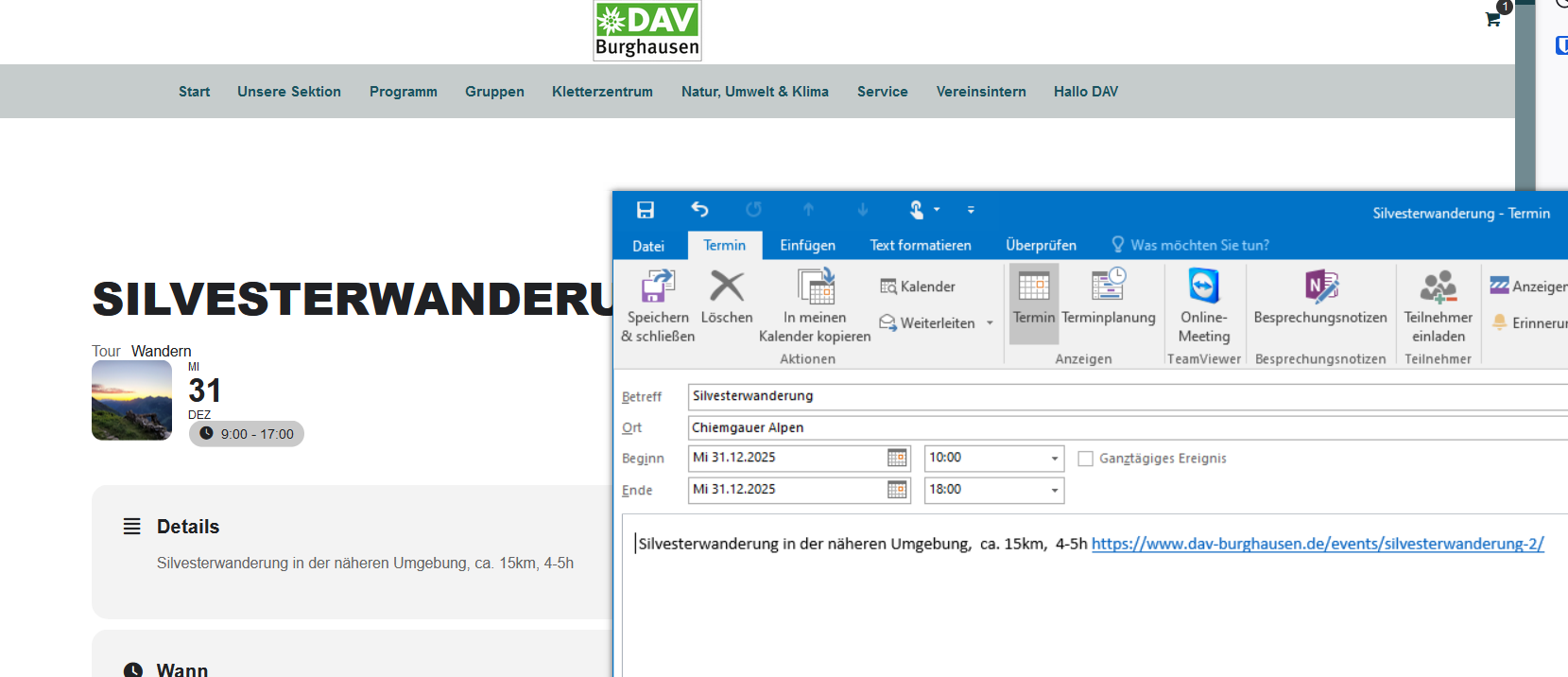
Hi Ashan,
thx a lot for the quick fix of both problems.
I just checked the ICS download, End Date looks good now. Last little detail, on my iPhone and in Outlook2016, both the end Times are not yet shown correctly.
screenshot link: https://www.dav-burghausen.de/wp-admin/post.php?post=13973&action=edit
Thx,
Axel