Me again. I’ve tried this code but it solves only a part of my problem. When I open an event, the borders are rounded again. And this code doesn’t affect the grid view either.
I made a short video to show you my issue. https://www.loom.com/share/e3f6ef7ed68248d2b415cf24f1148094?sid=c3cae4c0-6a5f-4b85-a8ba-57a048dbaa5e
Kind Regards, Oliver
.ajde_evcal_calendar.sev #evcal_list .eventon_list_event {
border-radius: 0px;
}
#evcal_list .sep_month_events {
border-radius: 0;
}
.eventon_events_list .eventon_list_event .ev_ftImg {
border-radius: 0;
}
.evocard_box {
border-radius: 0;
}
.evo_lightbox.within .evolb_box {
border-radius: 0;
}
.borderr15, .evobr15 {
border-radius: 0;
}
Hi Ashan,
thx for your reply.
I tried to update, result is: “Aktualisierung fehlgeschlagen: Das Paket konnte nicht installiert werden. PCLZIP_ERR_BAD_FORMAT (-10) : Unable to find End of Central Dir Record signature”
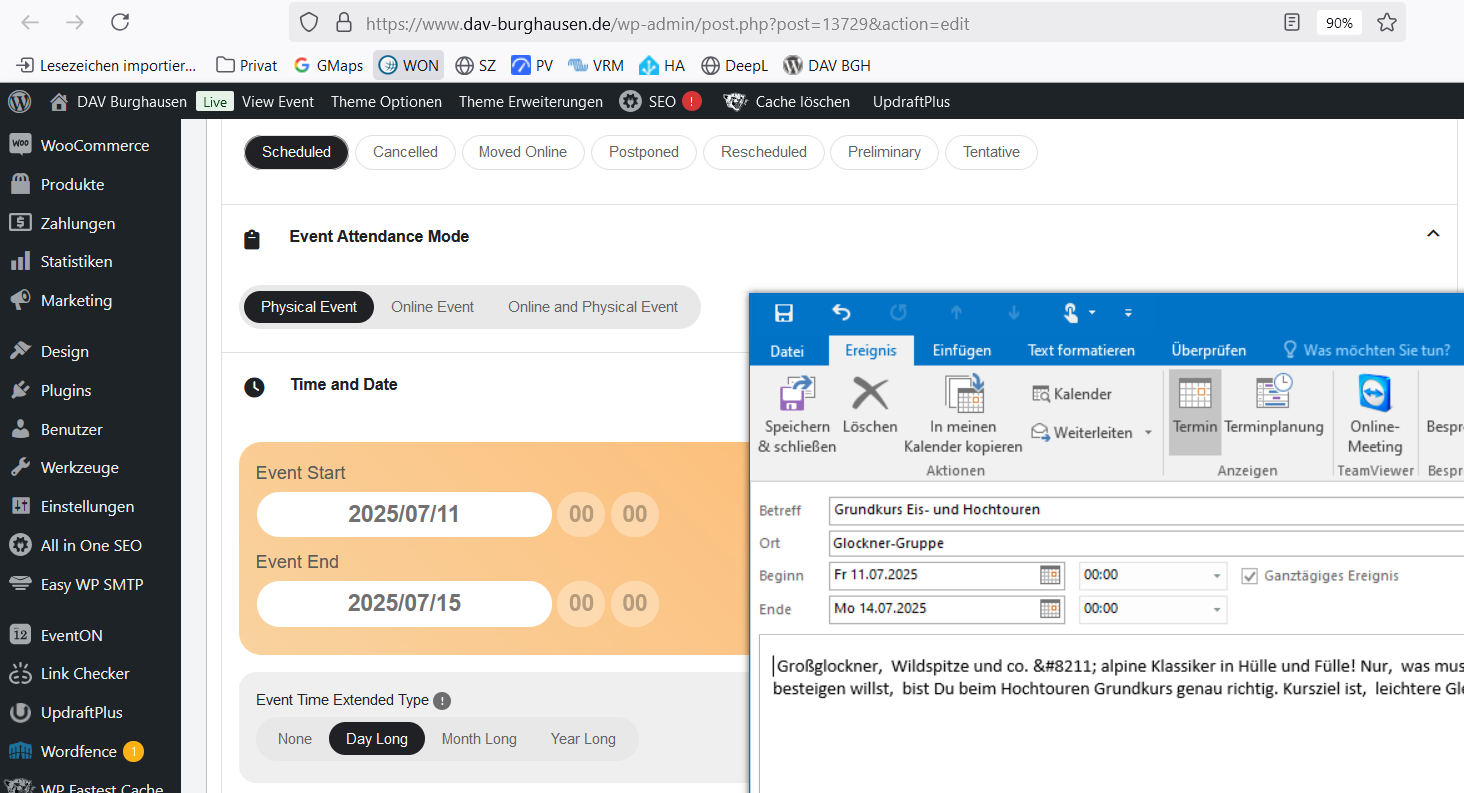
The ICS Downloads now are now starting on the correct day, however the end date is not correct yet, see attachment.
Thx, Axel
Hello
This did the trick. Thank you very much Artem!
Kind Regards, Oliver
I have check the javascript console and those issues no longer show up. You can see the debug log file available on the wordpress dashboard here: https://elizabethapril.com/wp-admin/index.php
I checked the logs and don’t see anything.
Fixed.. it was the plugin filter installed by one of my web team. you can close this ticket.
Hello Mike, sorry for the delay we got it figured out for your website. the code changes I made in your website will be on the next version of eventON update.
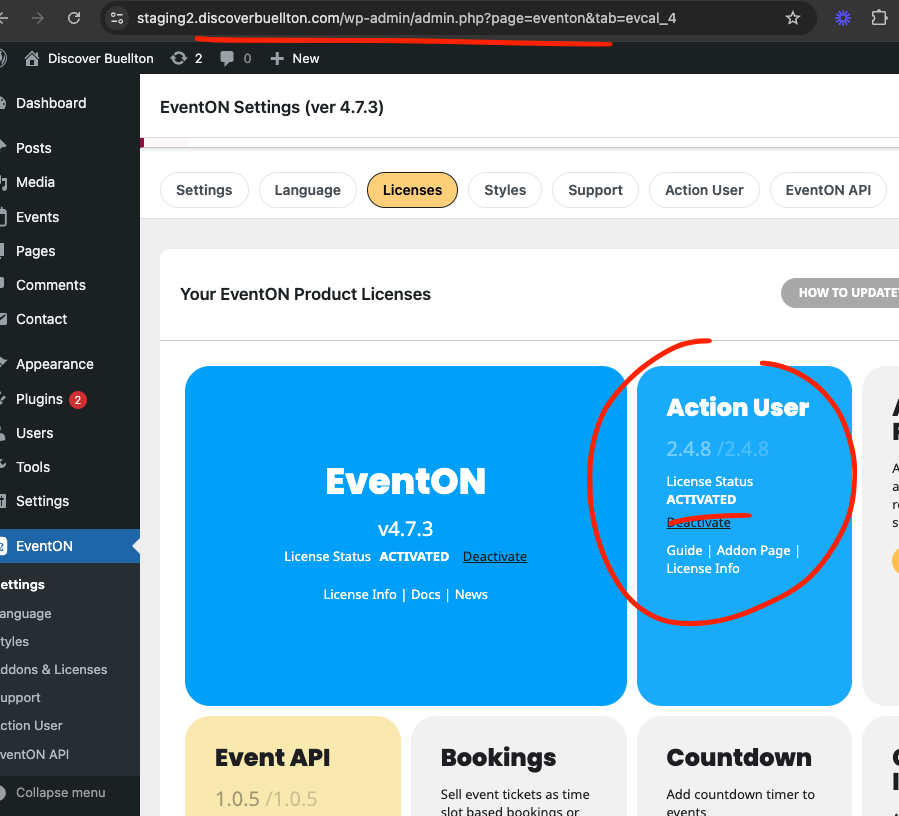
All 3 addons are refunded.
please give it a try should be able to work correctly now.
As for eventON not able to update. Please try manual update. We are doing some testing and improvements to our remote server for pushing auto updates. Hoping to resolve those issues in the future updates.
Hello,
Please update EventON to 4.7.3. After, go to EventON > Appearance > enable Disable Auto eventTop Text Color. Now you can change EventTop color from EventON > Appearance > EventTop Styles.
Also note that when you make any changes to Appearance, if you don’t see any changes, EventON > Scripts & Styling > turn off Write dynamic styles to header > save settings > turn on Write dynamic styles to header.
Perfect! Please keep us updated.