Hello,
You can add them through the code by following:
https://docs.myeventon.com/documentations/show-additional-custom-data-eventcard/
How to get Event Type:
https://docs.myeventon.com/documentations/taxonomies-eventon/
Replies for tickets on suppota
Hello,
You can add them through the code by following:
https://docs.myeventon.com/documentations/show-additional-custom-data-eventcard/
How to get Event Type:
https://docs.myeventon.com/documentations/taxonomies-eventon/
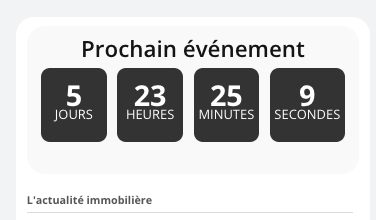
Hello,
On my dashboard (frontend) I would like to integrate a countdown for the next event. I can’t find a shortcode for this. I’ve put a shortcode from another plugin in the meantime. Can you help?
Thanks
Perfect, thank you very much! 🙂
Hi Artem, I write to codecanyon but they told me to contact the author directly, can you proceed to the refound to EventOn main plugin? Thank you
Hello. I have a little issue for now. When I click on Select Rows in my seat map, it does not select the entire row but I can only select individual seats which make my work harder because I need to change the individual seat details. Please fix. Thanks
Thank you
Scenario 1
step 1- the tickets addon can handle this fairly simple
Step 2: is not part of eventon this would not be automated but if you got a woocomerce check out editor that can allow adding forms to the checkout so the order and health form is all in one place- if they fill out the form and don’t pass whatever test you need them to pass you can click refund from within woocomerce
Scenario2
you may wish to have a form on an ipad for them to fill out on the day at entrance- there are plenty of wordpress form buulders out there
Scenario3
buying vouchers essentially the customer is buying a gift card- theres a few plugins out there https://wordpress.org/plugins/pw-woocommerce-gift-cards/ and some paid ones as well
we don’t know anything about the newsletter plugin so if you can find a woocomerce checkout editor that allows you to add fields and also you can download the data then you might be able to import that data into your newsletter
you can manually send an email from eventon to all those who have purchased tickets- its not personalised with their name and individual data it would be a generic email sent to all like a reminder or thanks for turning up please reviews us type email
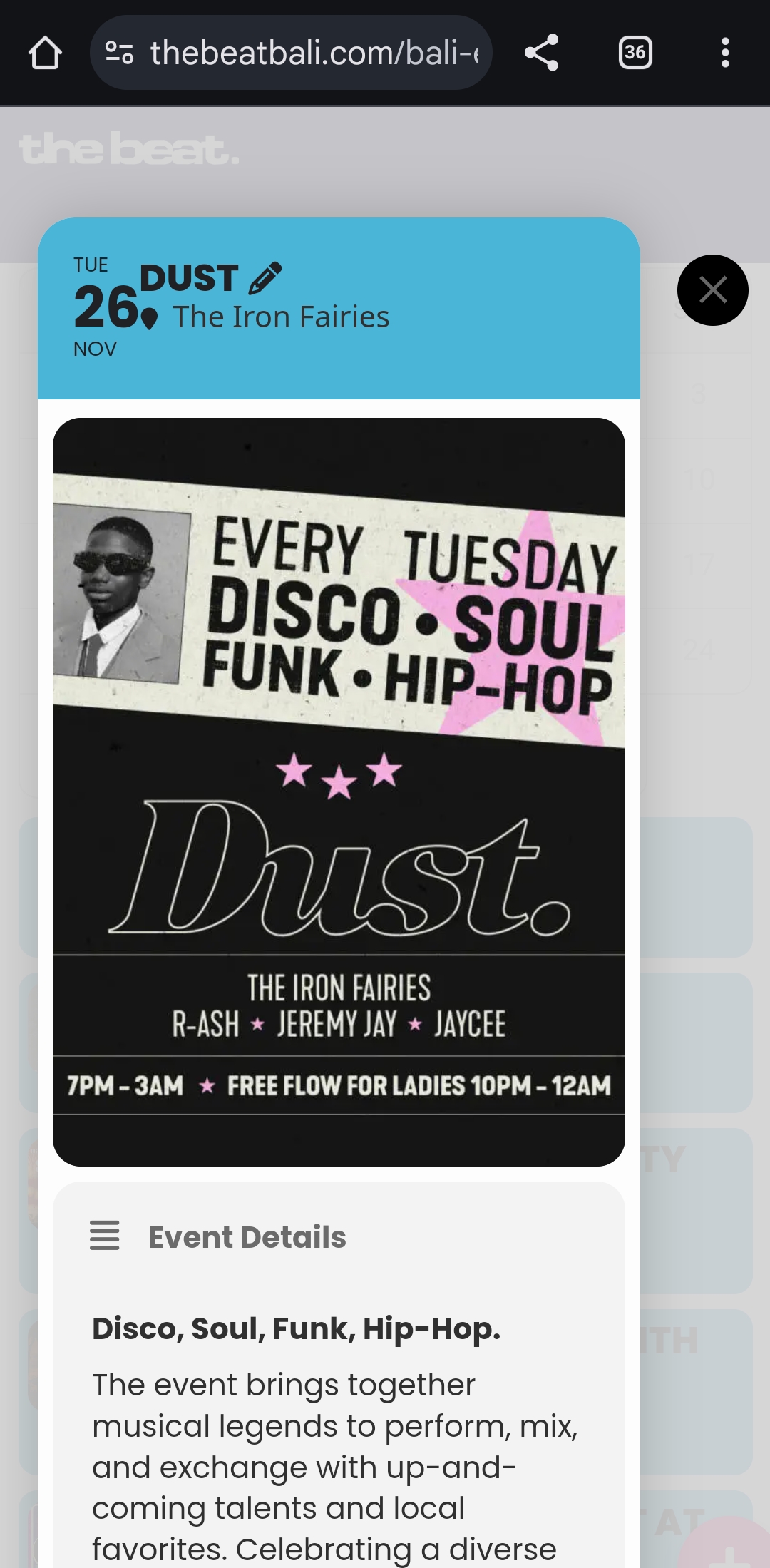
I noticed the mobile view of the featured event has become very narrow. I think the X was sitting in the blue box at the top, not outside, before. Could you move that X onto the event card? Is that possible?
I tried looking but couldn’t even find the code you added. Cheers
Hi. Whats the minification do, mean or come from?
Rocket was deactivated because we decided to use the plesk cache system.
It appears to be better now
Hello,
This is because of EventON > Appearance > Hide month navigation arrows. Please disable it to be able to switch months.