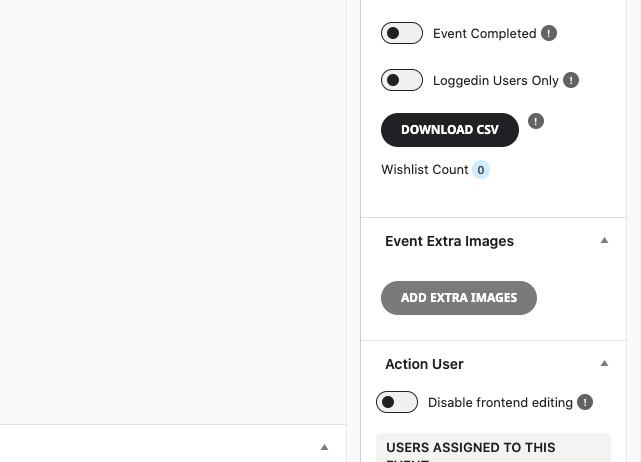
You have separate events with the same SKU? SKU should be unique by design (EventON’s as well we WooCommerce’s).
Archives: Replies
Replies for tickets on suppota
Reply to: tickets(371210)
Hello,
I cannot click on EventON Settings:
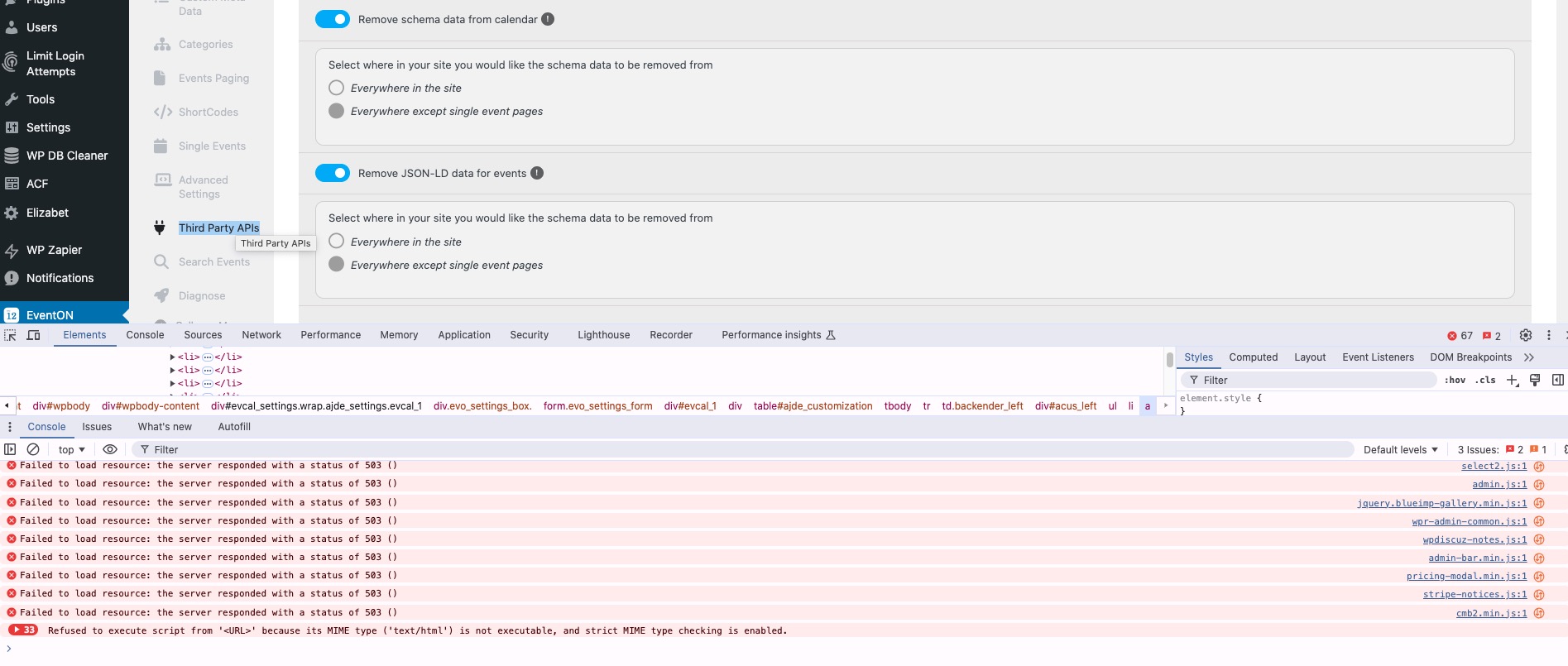
Could you please try the instructions mentioned in this documentation?
And for the original issue please follow the instructions in this documentation to activate debug in your site to see any PHP errors recorded that can provide insight on to whats going on. Please reply with a link to debug.log file. If you are not able to do this please send us FTP access to your site so we can do this for you.
Reply to: tickets(371029)
Here’s the issue:
[24-Nov-2024 14:48:00 America/Detroit] PHP Fatal error: Allowed memory size of 134217728 bytes exhausted (tried to allocate 10502144 bytes) in /home/zionbaycity/public_html/churchdev/wp-content/plugins/eventON/includes/elements/class-elements-main.php on line 1768
Please follow this guide:
https://docs.myeventon.com/documentations/increasing-wordpress-memory-limit/
Reply to: tickets(371074)
It seems that you need to use Countdown shortcode:
https://www.myeventon.com/addons/event-countdown/
Will look like this:
https://dev2.myeventon.com/test-734/
Try on
https://dev.myeventon.com/wp-admin/
Reply to: tickets(371046)
When I check your website in Troubleshooting Mode, it shows the shortcode correctly: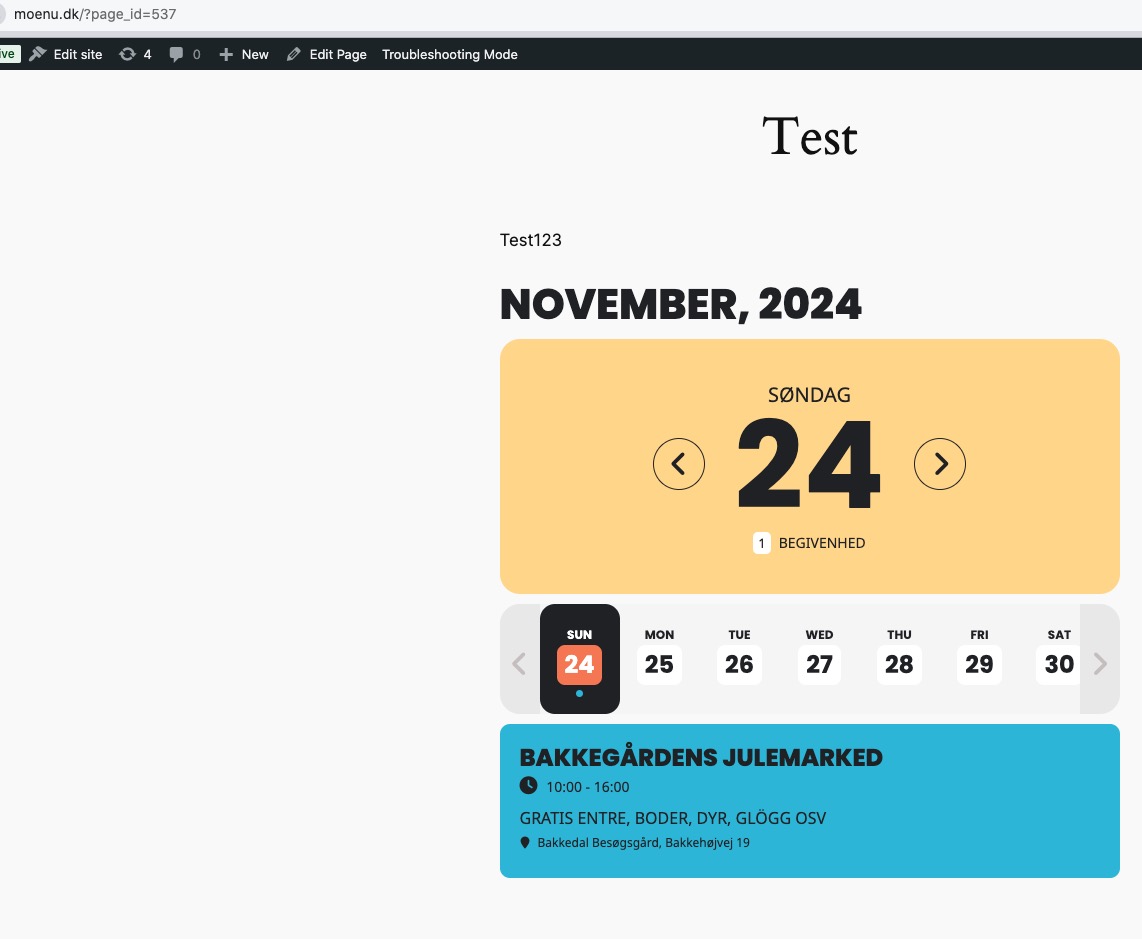
Are there any customizations in Twenty Twenty-Three theme?
Reply to: tickets(371062)
Thank you for your messages, I am going to assign this ticket to Ashan and he will be able to take it from here and find you a solution. Please allow some time for him to get back to you, we greatly appreciate your patience and thank you for being a eventon customer!
Reply to: tickets(370156)
We are glad your issue is resolved, if you have any further questions or concerns please create a new ticket.
Reply to: tickets(371163)
Hello,
Please send us Seats add-on Order ID.
To refund the main plugin, please contact CodeCanyon.
Reply to: tickets(371167)
Hello,
Please follow:
https://docs.myeventon.com/documentations/how-to-cancel-addon-subscription-before-auto-renew/
Reply to: tickets(371170)
Hello,
Please use Event Extra Images: