Hello,
Could you try this plugin instead:
https://wordpress.org/plugins/classic-editor/
Replies for tickets on suppota
Hello,
Could you try this plugin instead:
https://wordpress.org/plugins/classic-editor/
Hello,
Please add this CSS code to EventON > Styles (If you don’t see any change, EventON > Scripts & Styling > turn off Write dynamic styles to header > save settings > turn on Write dynamic styles to header):
.evoIWr a { pointer-events: none !important; }
Please click on this icon to show the shortcode: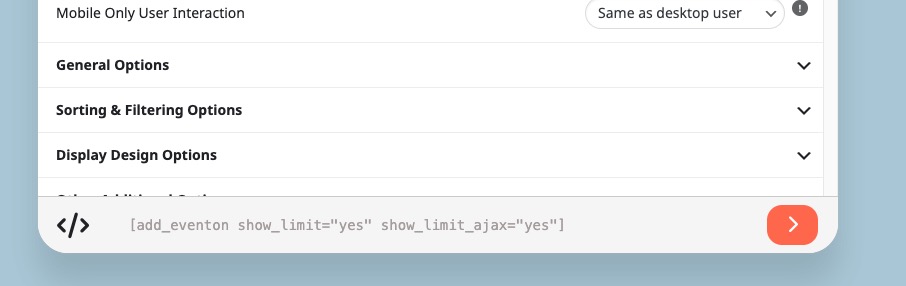
We are glad your issue is resolved, if you have any further questions or concerns please create a new ticket.
If you have a moment, we would greatly appreciate if you could kindly leave us a review at Codecanyon. By going to your account > Downloads. We are very grateful for your kind review!
We are glad your issue is resolved, if you have any further questions or concerns please create a new ticket.
This worked brilliantly thanks!
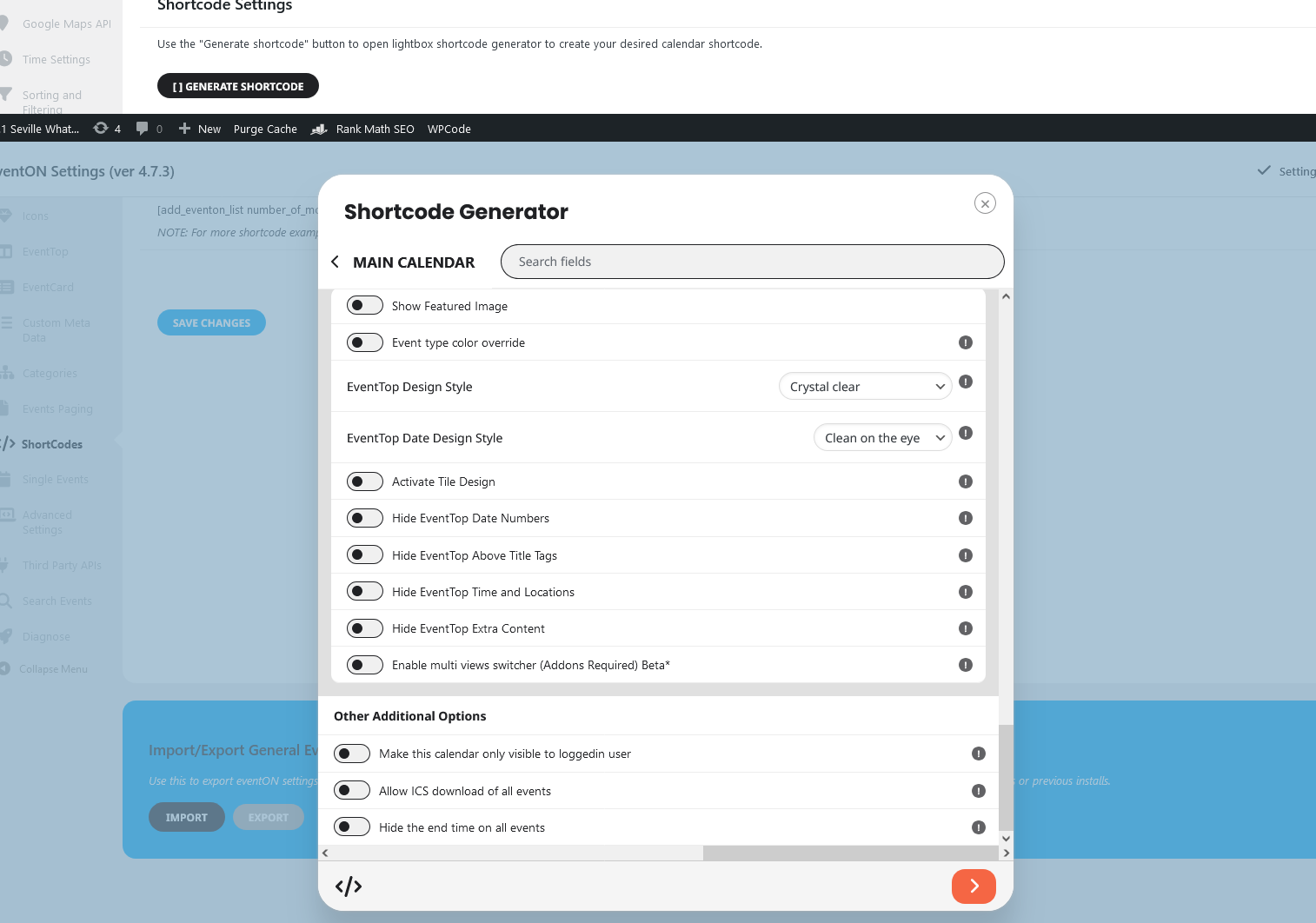
Ok, so I finally had a decent chunk of time to go through the walk-through video step by step and follow along.
I have a problem with the Shortcode Generator part ( your video at around 10 minutes).
I’m following along, and clicking the exact buttons/sliders you are, but for whatever reason, there isn’t any short code appearing at the bottom like yours has. It’s just blank. I’m also not seeing any option so save the changes I made on that pop up screen.
I’ve attached an image.
Namaskar Ashan,
thank you for the confirmation and for the bug fix!
Take care,
Cristiano
Ok, so I just found a plugin called “Disable Gutenberg”, and I installed it and activated it, and the Gutenberg Editor is still showing when I create a New Event in EventON.
Just letting you know the update.
I’m currently running version 2.4.4 of Event Tickets. Below is info for one of my sites that is not currently selling tickets to real events, so I’m testing on that one.
Currently, I have the code in my functions.php to auto-complete virtual orders commented out, and I’m only using the “Enable auto complete ticket orders” turned on in EvnetOn settings for Ticket Checkout. Orders hang at “Processing” and never complete automatically. When I manually change the order status to completed, the ticket email is not sent and QR codes are not generated. If I were to switch back to the legacy checkout shortcode, everything would work correctly.
Website: https://warehouse410evv.com
Admin Login: https://warehouse410evv.com/wp-admin/
User: evenon
Email: noreply@myeventon.com
Pass: HAhaFkBlK%gHyW&WnrG11zlh
Test Event: https://warehouse410evv.com/events/qr-testing-event/