You selected “Event Time Extended Type: Month Long”, so that’s why the day name isn’t visible:
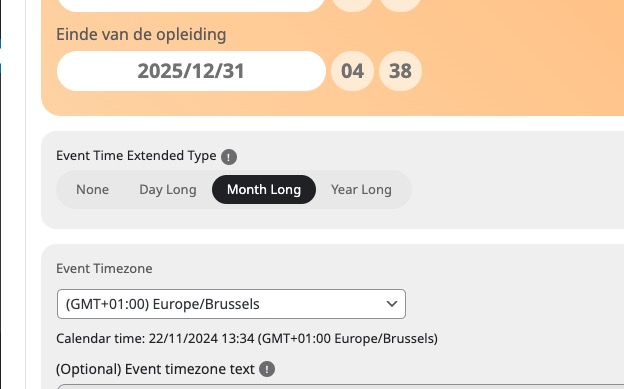
Please set it to None.
Replies for tickets on suppota
You selected “Event Time Extended Type: Month Long”, so that’s why the day name isn’t visible:
Please set it to None.
Seems to be working on our test site: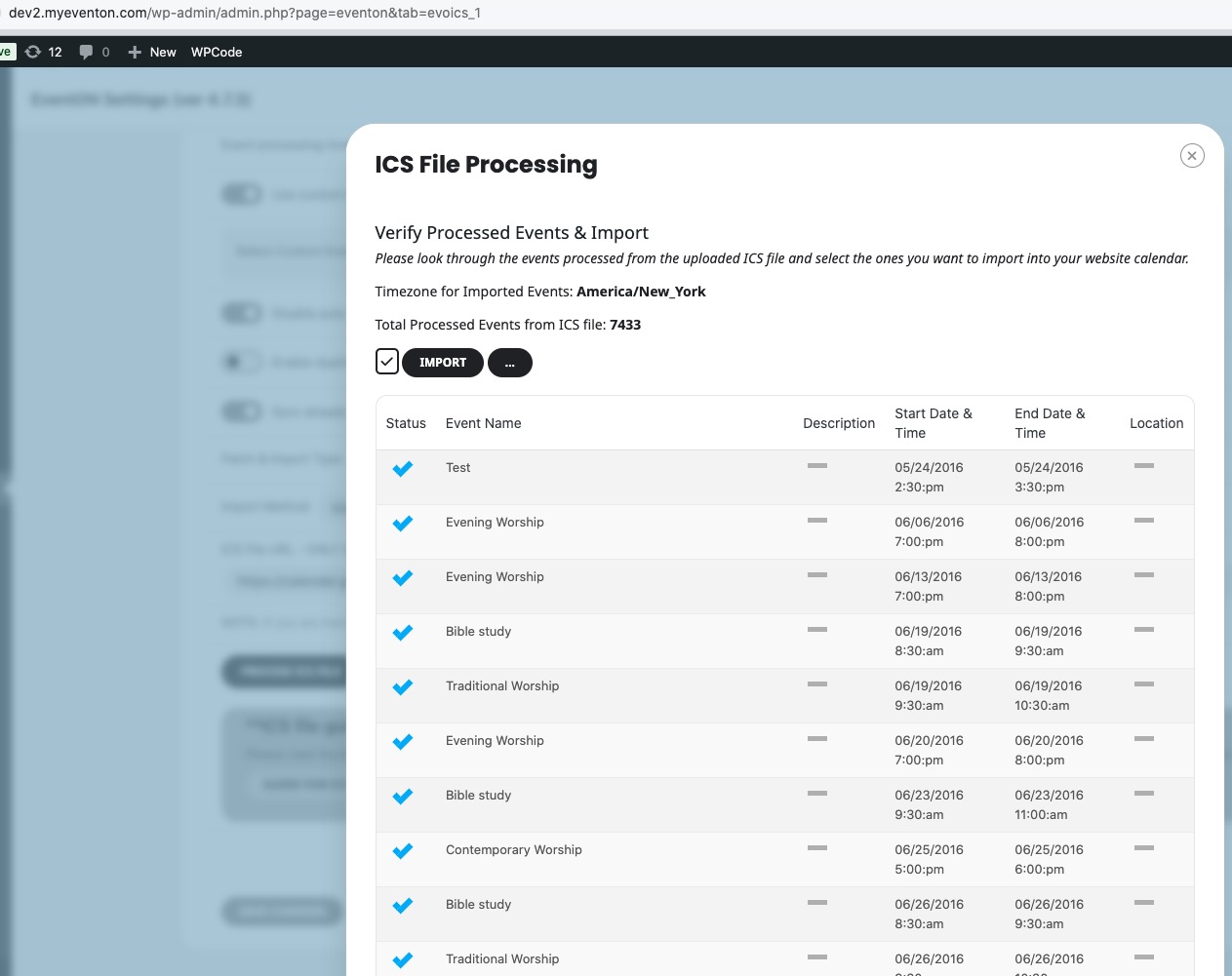
Hello,
Please send us FTP access to your site as a private message, so we can perform several tests from our end and resolve your issue fast!
Perfect! I am going to close this ticket then.
Hello,
Please go to EventON > EventTop > change Select Default Calendar EventTop Style: Clear with left border colors.
This way EventON will take the color from EventON > Appearance > EventTop.
With the current settings you can change the color from Edit Event > Event Color.
Hello,
Could you send us the order id you want us to refund and email as well? I cannot find any purchases associated with your current email.
We are glad your issue is resolved, if you have any further questions or concerns please create a new ticket. If you have a moment, we would greatly appreciate if you could kindly leave us a review at Codecanyon. By going to your account > Downloads. We are very grateful for your kind review!
Hello,
Could you update EventON to 4.7.3?
To update eventon to latest version: If you are unable to do autoupdate, you can go to codecanyon your account > download and get the latest eventon version as zip file. Then you can go to your website > make sure “Delete eventon settings & data when EventON is uninstalled” is Deslected from eventon settings, delete old eventon, install new one and activate. This link will further explain the process it. Also you can follow us on twitter to get real-time announcements on updates!
DailyView works on our test site:
https://dev2.myeventon.com/test-731/
And on our test site EventON is 4.7.3.
Hello,
Seems to be working on our test site:
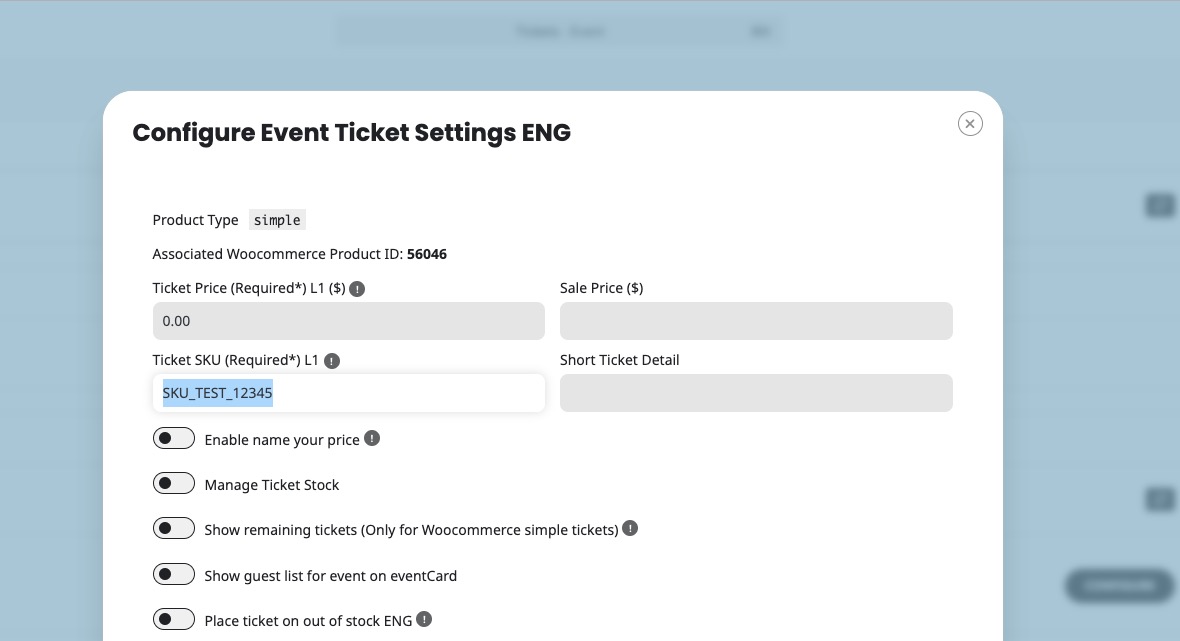 Please send us wp-admin access to your site as a private message for us to further assist your situation.
Ashan,
Please take a look at:
#199253 processing
License Upgrade
License Upgrade
And also: