It works now. Thank you
Archives: Replies
Replies for tickets on suppota
Reply to: tickets(363455)
OK thanks. I’ll close ticket.
Reply to: tickets(370763)
Thanks – I’ll close this now, we saw you can add extra fields at checkout – but that is general for ALL tickets. We like the way RSVP allows custom questions per event.
Reply to: tickets(371048)
Ok, thanks for getting back to me so quickly. That is awesome! I tried it and it works like you said. I reckon we can close this ticket now.
Thanks again,
David.
Reply to: tickets(371046)
Please send us wp-admin access to your site as a private message for us to further assist your situation.
Reply to: tickets(371047)
when editing your events scroll to the user interaction
you can then choose slide down (default) pop upsn open single event page or even just go to a link you wish
this will be overidden by the shortcode so leave user interaction out of your shortcode so it defaults to whatever you set on each event
you can have events open by default without the need to click
one in the settings and the other via the shortcode generator- but I would need to confirm if thats what you are after
Reply to: tickets(371048)
see video below
when you configure- switch to say youtube live (or any other) and then switch back to zoom for that button to appear
we will sort that out in the next version of eventon as it happens periodically on certain sites (we are diagnosing)
Reply to: tickets(371048)
I created you an admin account as a user on my site. I’ll attach a screenshot of your login credentials to this reply.
Thanks.
Reply to: tickets(371041)
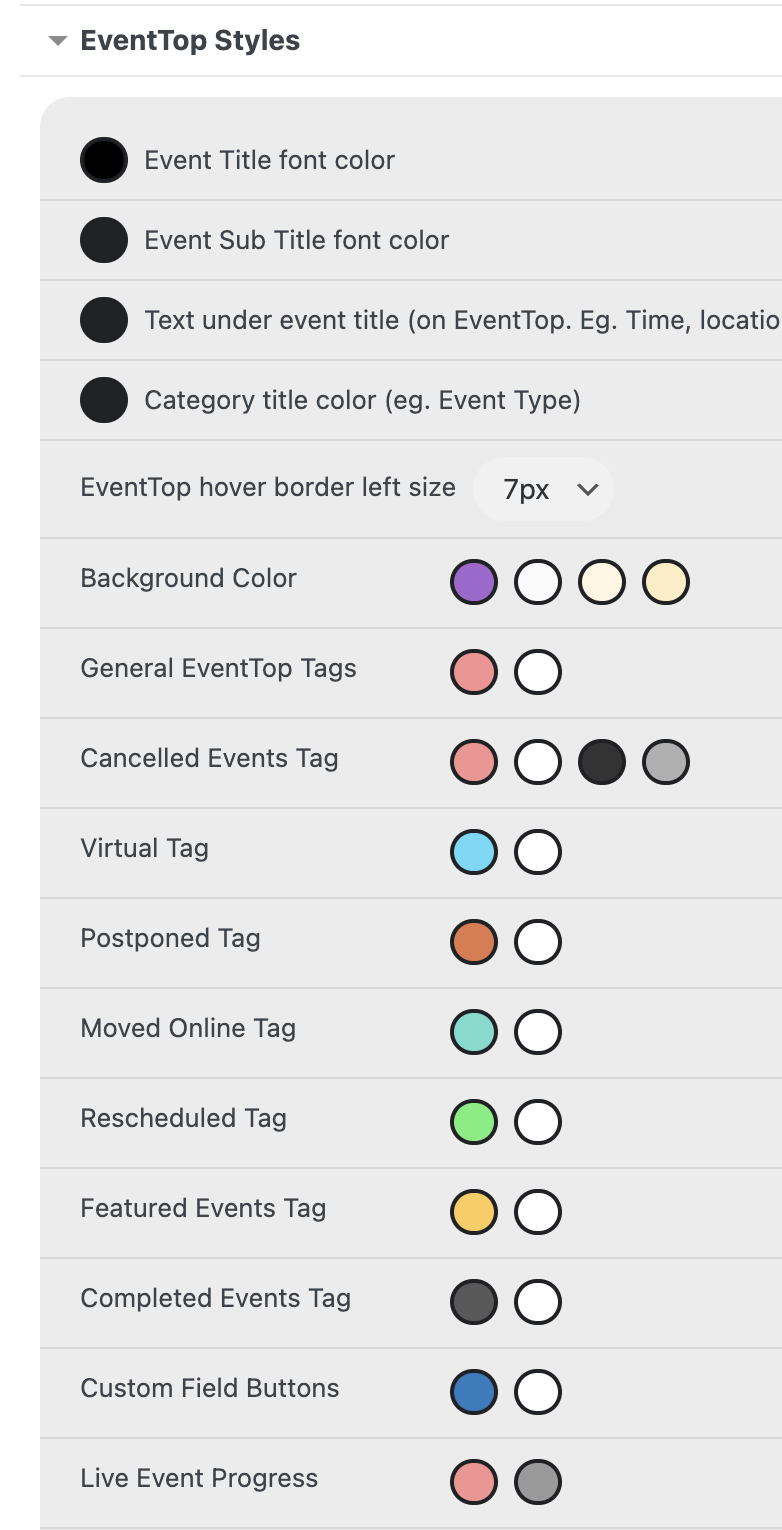
Image 2/2
As you can see, the colors do not match what I chose
Reply to: tickets(371041)
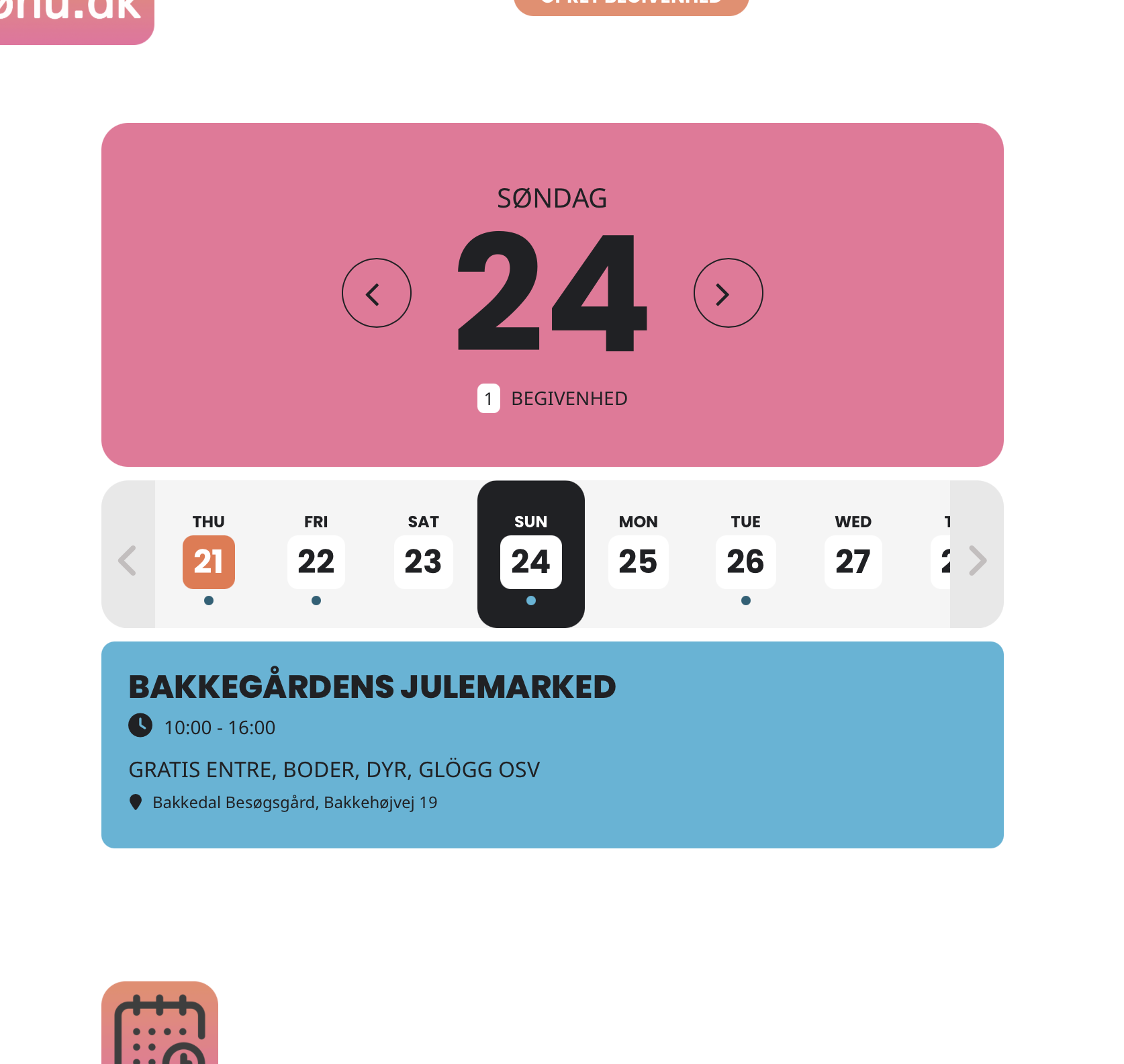
Image 1/2