Here is the access Login noreply@myeventon.com y%gUiI^$@EcR!Lkoe%&qVQtQ
It does not work on the main page or on the calendar page.
Replies for tickets on suppota
Here is the access Login noreply@myeventon.com y%gUiI^$@EcR!Lkoe%&qVQtQ
It does not work on the main page or on the calendar page.
Hello,
Please go to EventON > Location > enable Use Openstreetmap API to get geolocation coordinates. Now try generating Lat/Long values.
On the same page, please enable ”Enable generate google maps from address for all newly created events, by default”.
Now go to Edit Event > Location > make sure that ”Generate Google Map” is enabled.
Perfect! Please keep us updated.
Thank you for your messages!
I am going to escalate this ticket to development to help in here. Please allow us some time to address this, and we truly appreciate your patience. Thank you for being a valued EventON customer!
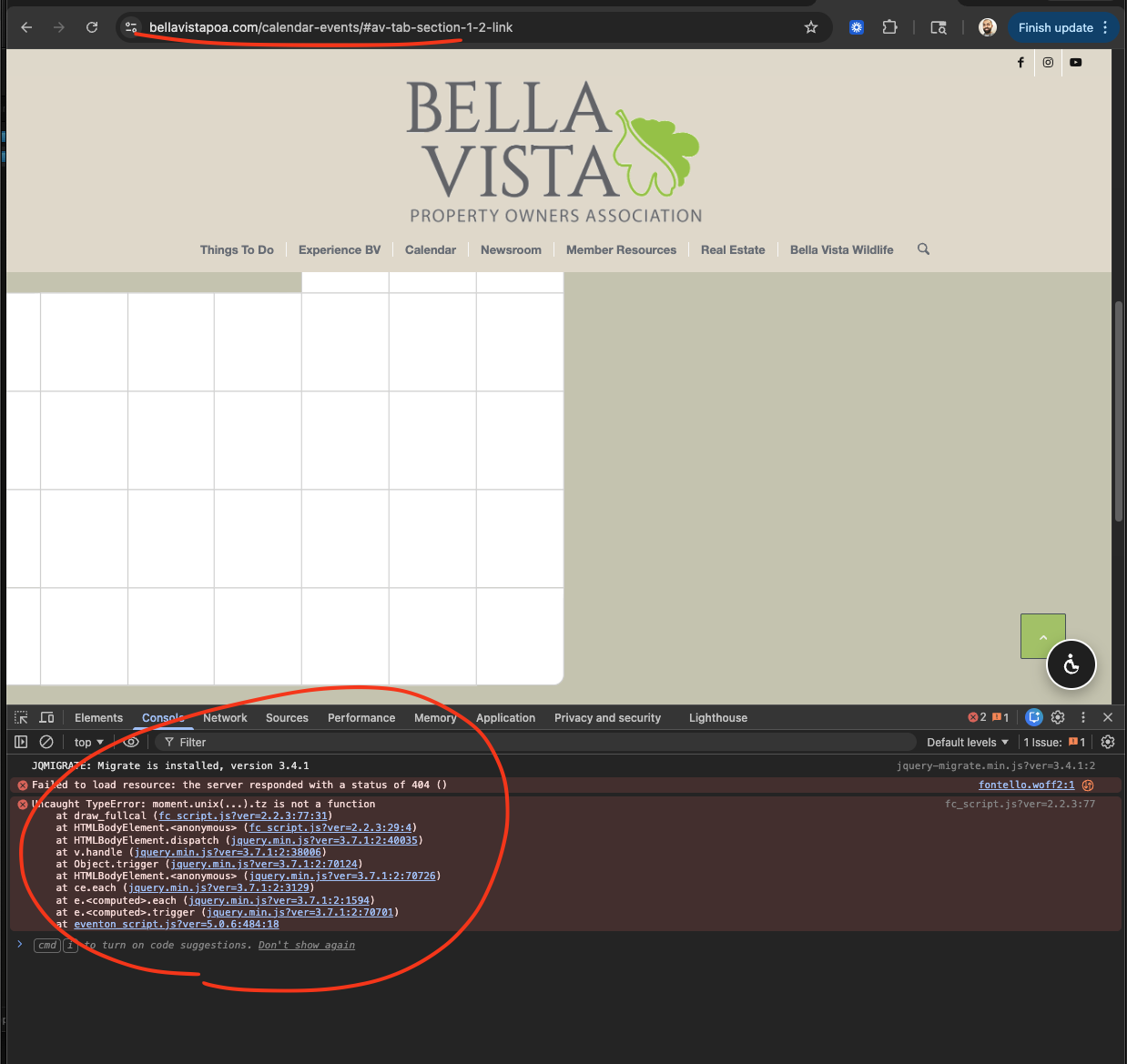
As for the fullCal issue, i see there is an error on the page. Would you be able to give us access to plugin-editor in wp-admin to check few things to make sure why this error is coming. Because if you put fullCal just by itself on a page, does it work?
#1. To add more events after submission, add this shortcode msub=”yes”.
#2. I see the issue with media uploader not working when not-logged in. Kindly use the file uploader for now. we are going to add a more robust image uploader in the next version.
There you go, maps are working now after updating to the latest version of Maps addon.
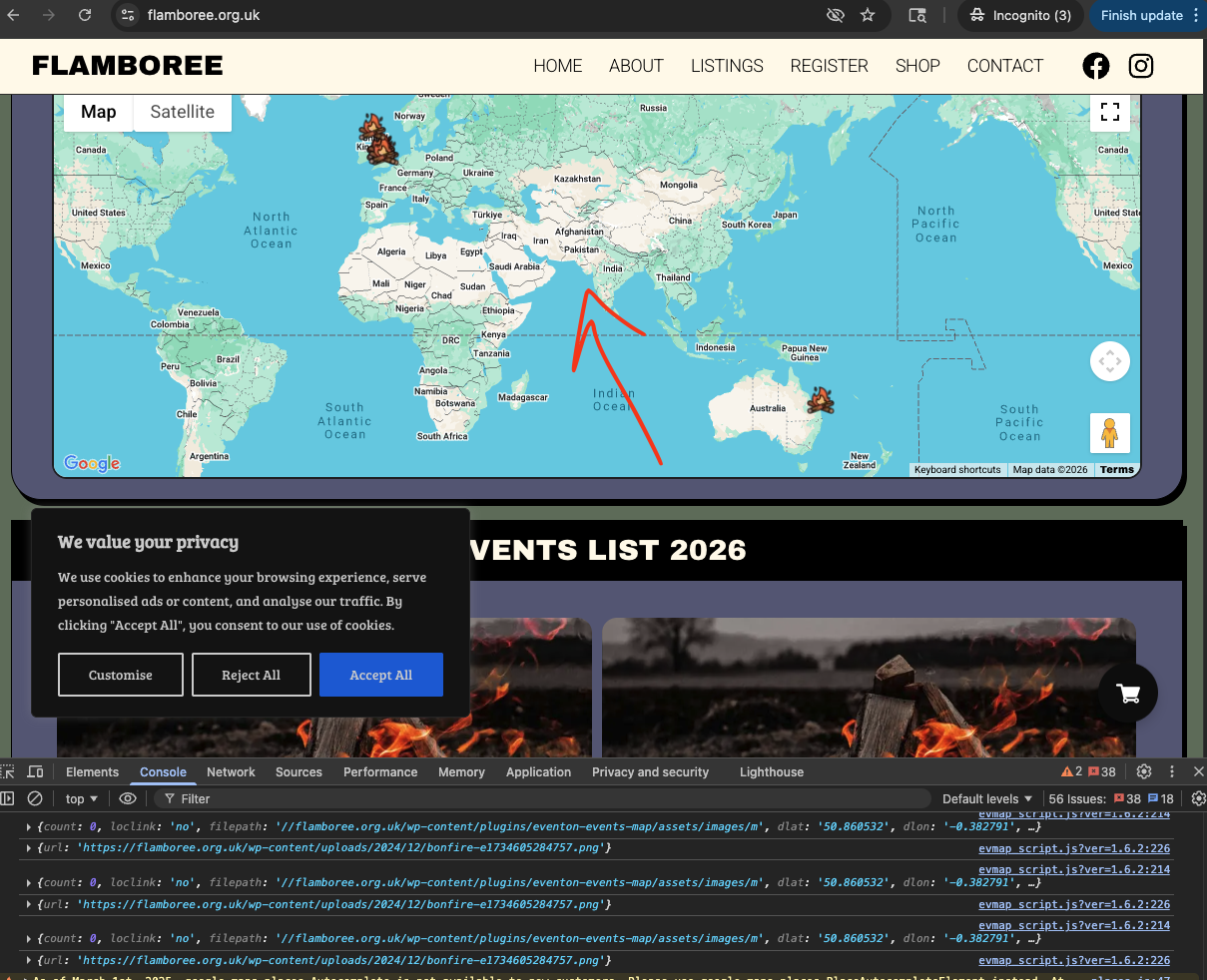
You have maps addon purchased from myeventon.com, please activate the addon so you can get notices when there is a new update to maps addon. I will go ahead and update your maps to latest version 1.6.2
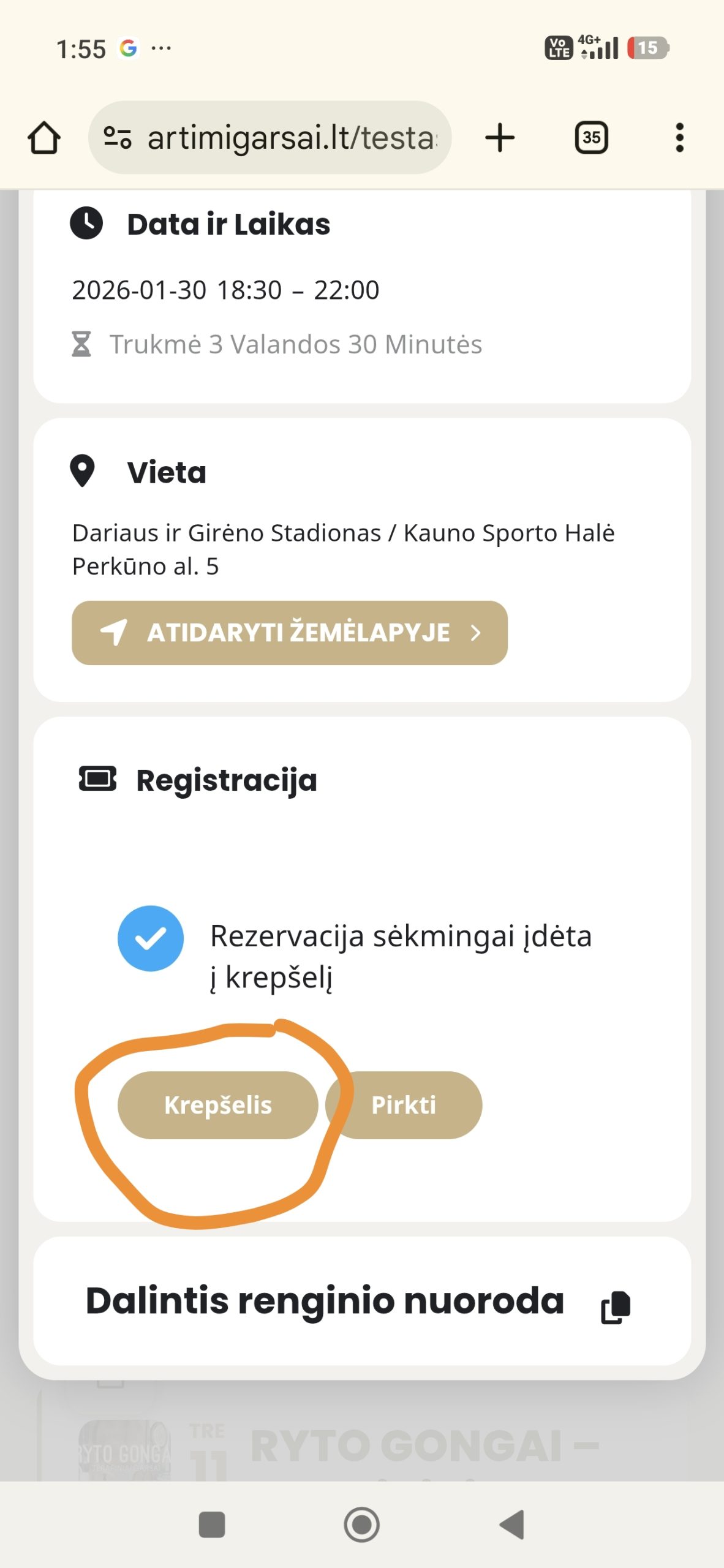
I meant for the third question. Is it possible to redirect this cart button, attaching a photo.
Ok but it was posted just once not 3 times. Anyway tell us how to fix the rest as well the calendar and the filter
Thank