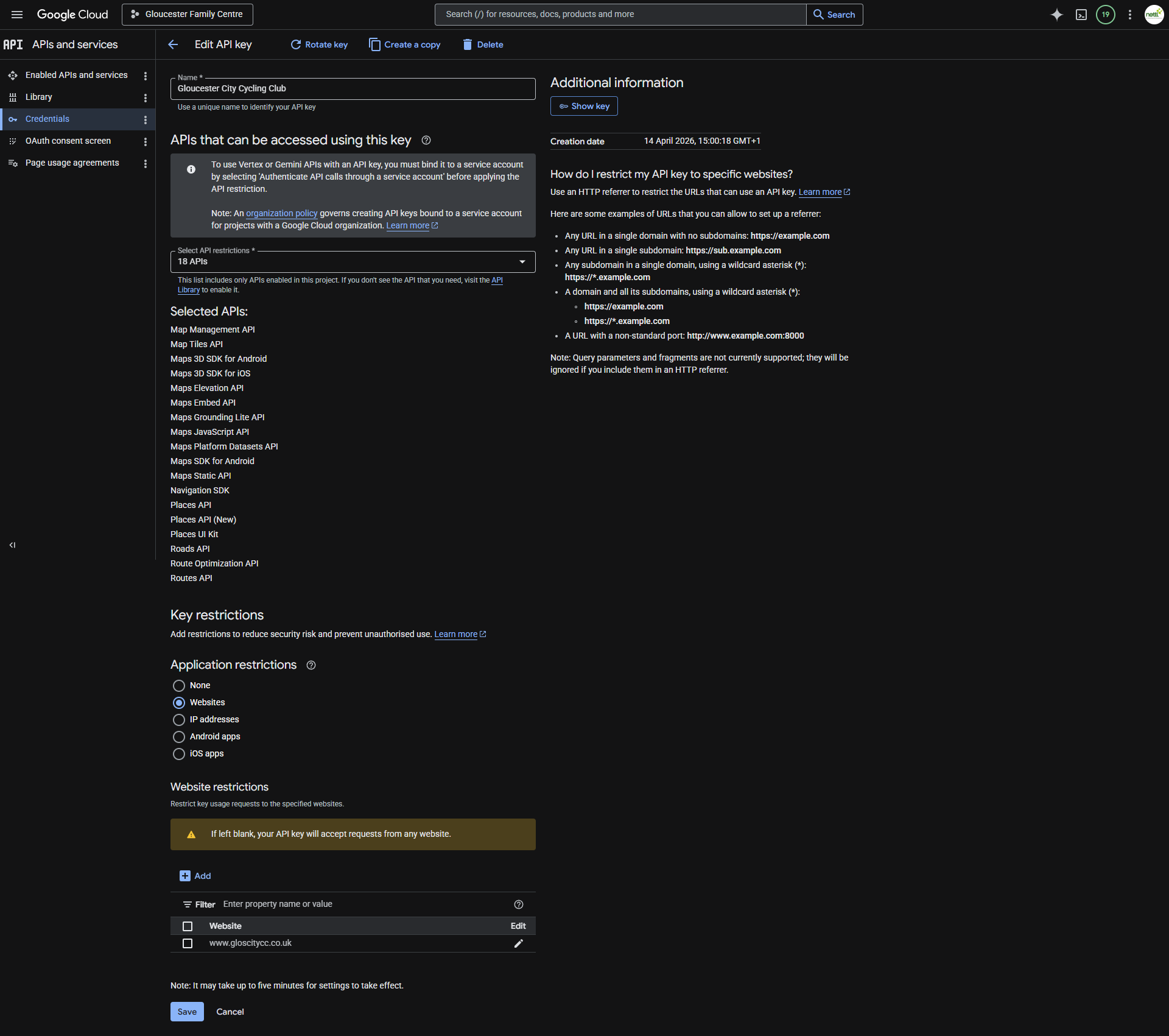
Since your website’s URL is https://www.gloscitycc.co.uk/, so please add this to Website Restrictions:
https://www.gloscitycc.co.uk/*
Replies for tickets on suppota
Since your website’s URL is https://www.gloscitycc.co.uk/, so please add this to Website Restrictions:
https://www.gloscitycc.co.uk/*
Hello,
Are you referring to this part?
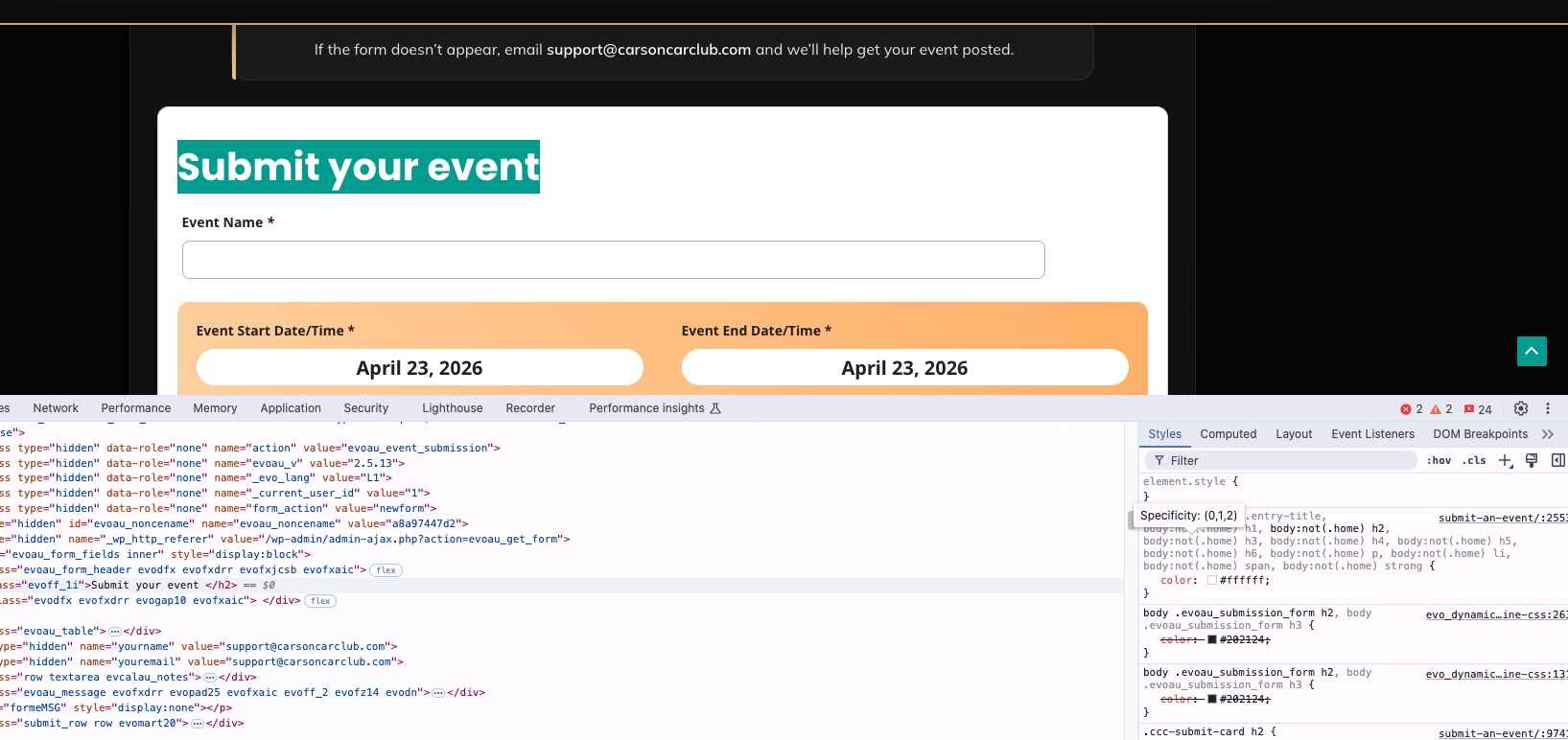
Because I am not sure if this screenshot is correct:
https://helpdeskx.s3.amazonaws.com/wp-content/uploads/2026/02/26214317/Capture.png
If you are referring to the submission form, please add this CSS code to EventON > Styles (If you don’t see any change, EventON > Scripts & Styling > turn off Write dynamic styles to header > save settings > turn on Write dynamic styles to header).
You can also add this code to wp-admin > Appearance > Customize > Additional CSS.
body .evoau_submission_form h2, body .evoau_submission_form h3, .evoau_submission_form .row p.checkbox_row .evoau_cat_select_field span { color: #202124 !important; }
Your theme completely changes all text colors to white, not only H1, H2 and so on, but also span.
Please check and let me know.
Hi Artem,
Thank you for all the help, I really appreciate it.
Just tried updating the event_id number and that did the trick 🙂
Yes, many of the locations aren’t linked to an event currently, so the math for those not brought over to the new site checks out.
The import process wasn’t something I was familiar with as it was my first time, but I really appreciate all the help with getting me sorted and for answering all my questions.
This was very helpful.
Thanks, and have a great day!
– Brianna
content@simplyducky.ca
Simply Ducky Designs
Hello,
Could you update EventON to 5.0.9 and check again?
To update eventon to latest version: (If auto update works, please try that from with your website plugins page)
1. If you purchased eventON from codecanyon > Go to EventON Full page and verify your purchase to get a free copy of eventON latest version and move your purchase over to myeventon.com.
2. If you already purchased eventON from myeventon.com go to My Account > Downloads and get the latest version copy.
Once you have the latest version zip file. Then you can go to your website > make sure ”Delete eventon settings & data when EventON is uninstalled” is De-slected from eventon settings, delete old eventon, install new one and activate. This link will further explain the process it. Follow us on X to get real-time announcements on updates!
Hello,
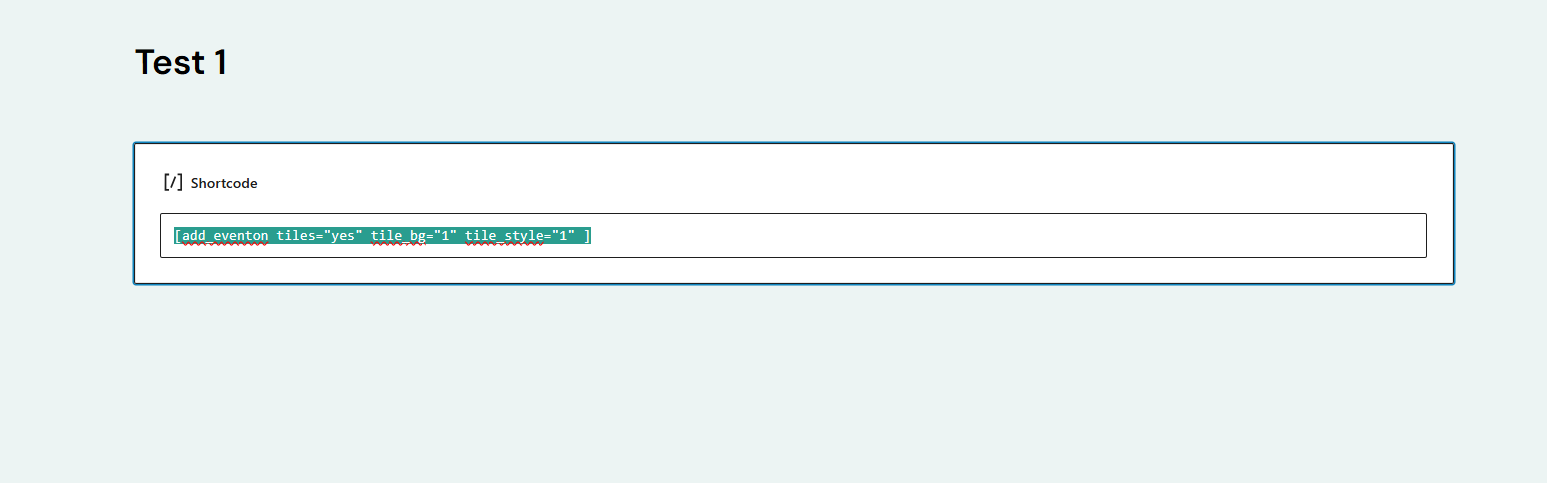
Could you send us your shortcode?
I believe that you have show_et_ft_img=”yes” in it that doesn’t work with Tile Design since it’s a completely different styling.
Could you try removing show_et_ft_img=”yes” from the shortcode?
Hello,
Did you create variations by following this guide:
https://docs.myeventon.com/documentations/set-variable-prices-tickets/
Or by using Variations add-on:
https://www.myeventon.com/addons/ticket-variations-options/
Could you also send us a screenshot of this:
…the column of variation shows ”variation”…
Here you are this is the google key settings
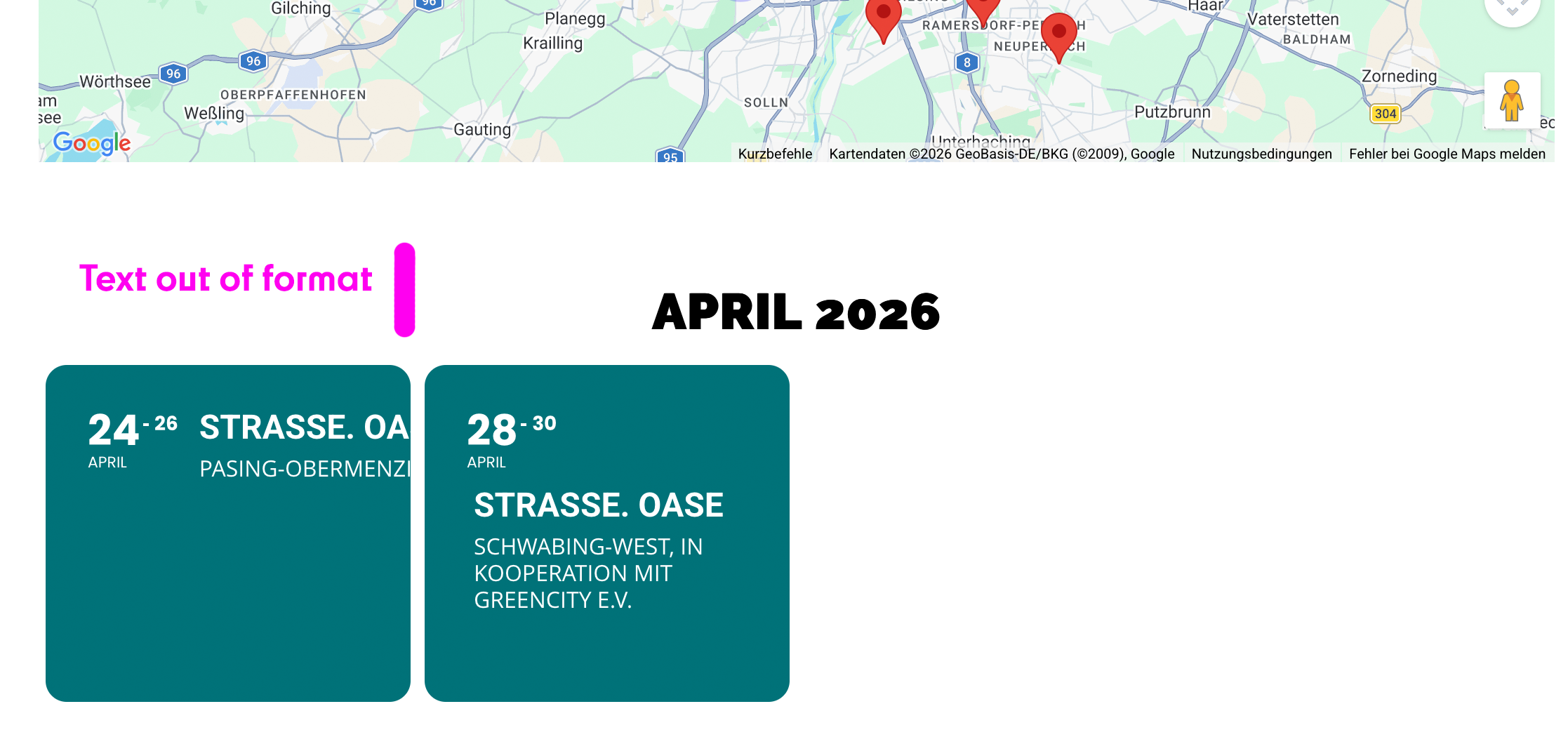
Video of the issue: https://streamable.com/ttwi6t