its expanding for me
try clearing your browser cache
then test.
if that fails- go into myeventon>>>>settings>>>>event card- open up the card designer and save (then close down the pop up)
then scroll to the bottom and save settings
Replies for tickets on suppota
its expanding for me
try clearing your browser cache
then test.
if that fails- go into myeventon>>>>settings>>>>event card- open up the card designer and save (then close down the pop up)
then scroll to the bottom and save settings
I can confirm this to be a bug- Ashan will get a fix for this asap
closed due to duplicate- fixed on other ticket
just needed to resave your myeventon>>>>>settings>>>>event card page
check now
Is this what you mean by “private message,” or is there somewhere else I should send credentials?
username: EventOn
password: pqJW5fGCUtIiY@W@ZSUdQ^XO
Ok so now it is doing it again, even though it was working fine as you saw this morning. I am not going to clear the cache this time, I’ll wait for you to investigate this issue. Sending details in private message.
Thanks, Ashan. I’ll look forward to that update as soon as possible. Have a great weekend.
Hi Ashan, These are now updated but the issue still present.
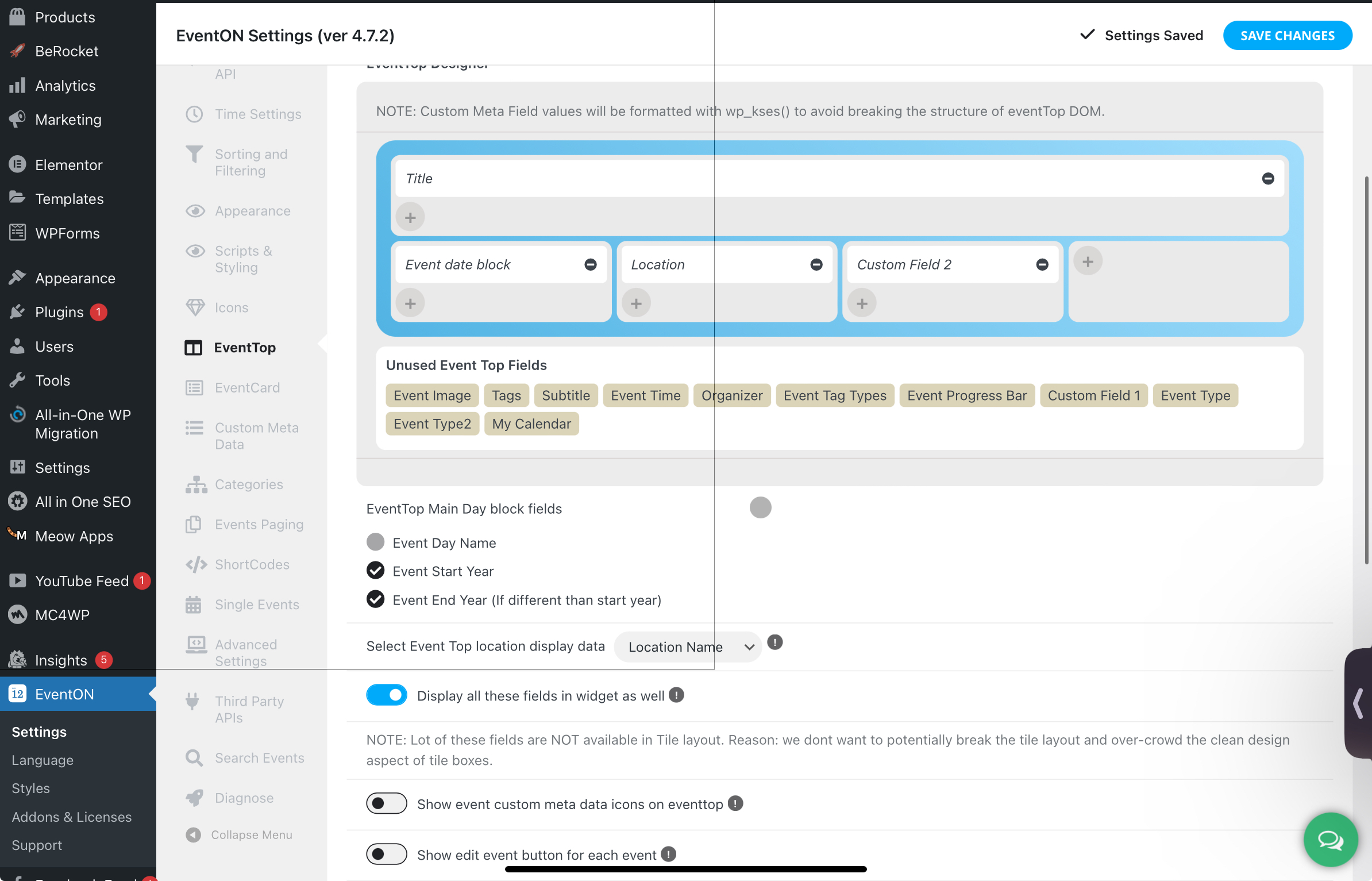
Okay thank you.
Order ID: 198298
Also I’ve added the wishlist addon, however for some reason it’s not appearing on my calendar nor in my settings. I’ve added it as code with my calendar;
[add_eventon tiles=”yes” tile_bg=”2″ wishlist=”yes”]
Could you please advise as to what the issue could be or if I am doing it incorrectly
Kind Regards,
Nusaiba