Is the issue still happening? Seems to be working on my side: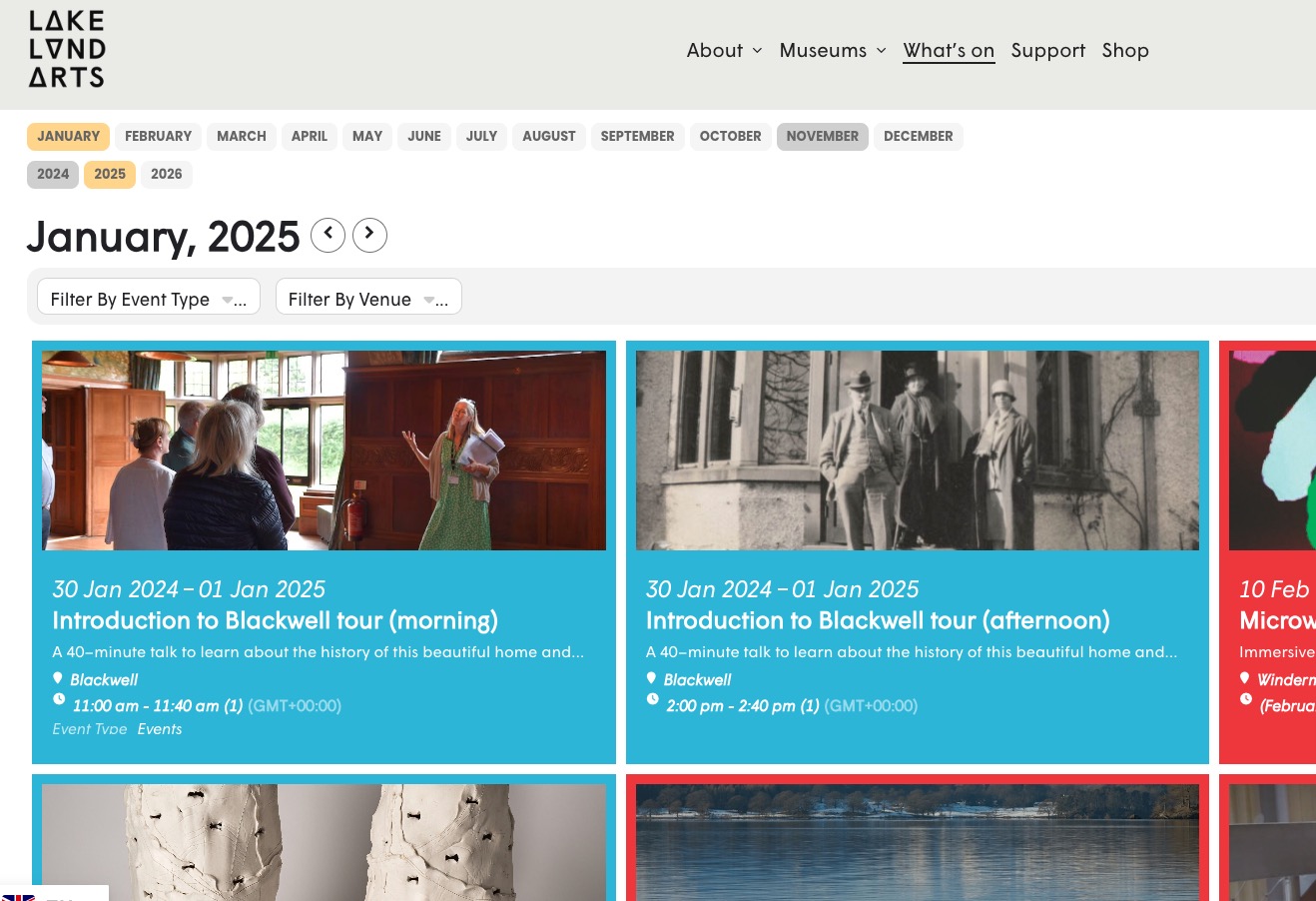
Archives: Replies
Replies for tickets on suppota
Reply to: tickets(369226)
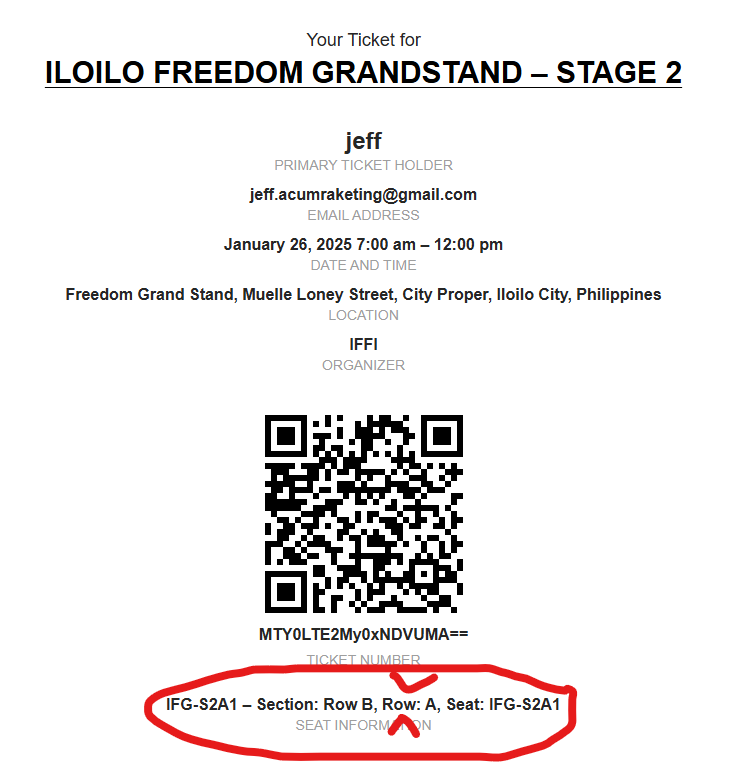
that’s the confirmation. It’s confusing for the customer 🙂
Reply to: tickets(369199)
Hello,
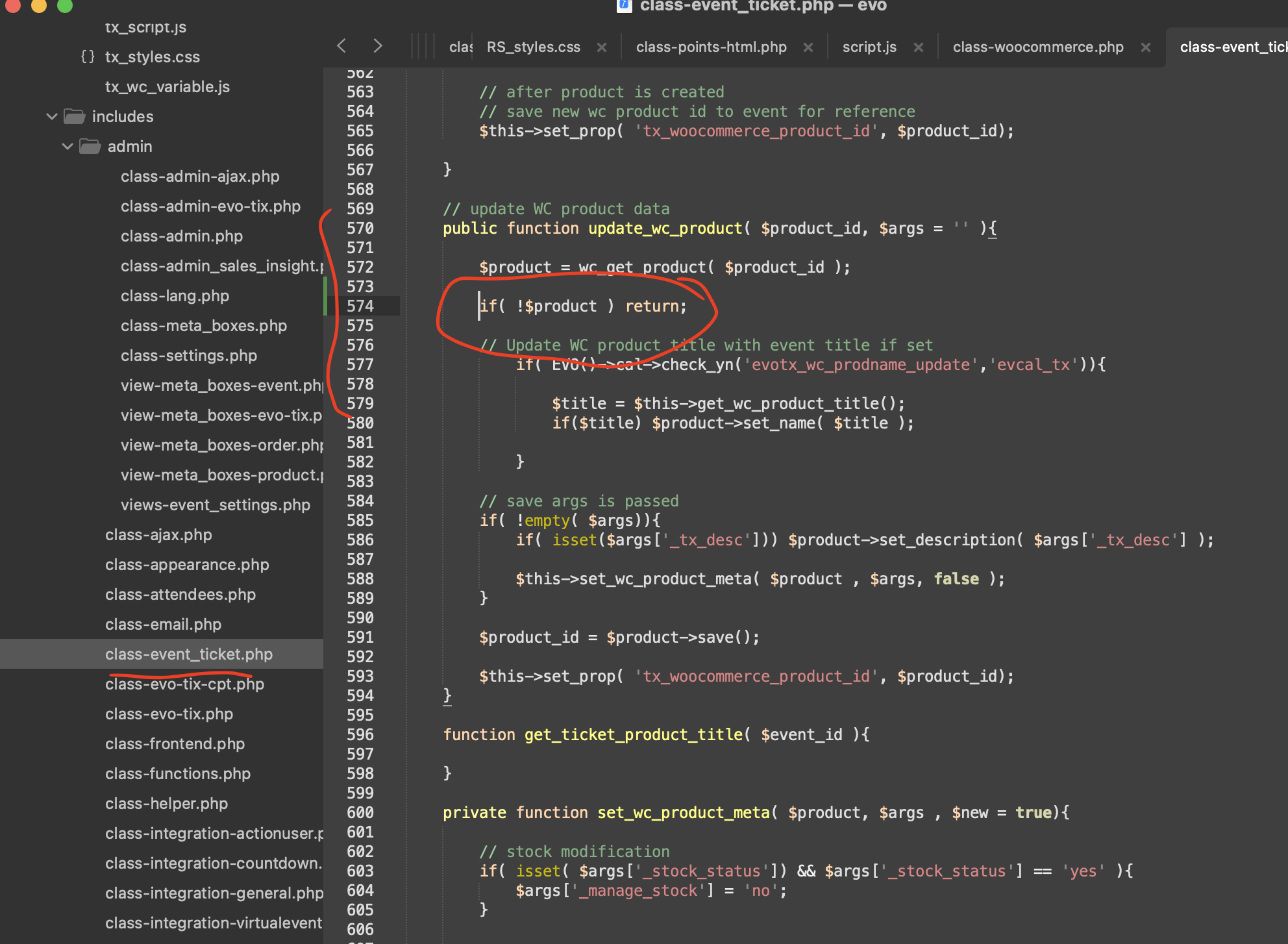
Could you try adding this patch fix to resolve the issue:
Reply to: tickets(368465)
Could you try a different browser? I just checked all pages and they all work completely fine.
Reply to: tickets(367949)
Thank you Ashan. I really love using the plugin and it’s what I needed for the project. Just this one part is what I really need to be fixed because it’s a confirmation email subject and can cause confusion to buyers if the messaging is not correct 🙂
Reply to: tickets(368887)
We are glad your issue is resolved, if you have any further questions or concerns please create a new ticket.
Reply to: tickets(369158)
Please take a look at
https://docs.myeventon.com/documentations/taxonomies-eventon/
You can take the data from the taxonomy and then show on a new field through the code according to this guide:
https://docs.myeventon.com/documentations/show-additional-custom-data-eventcard/
Reply to: tickets(342806)
Login info stopped working. Could you re-send it?
1. [add_eventon_now ux_val=”4″] seems to be working:
https://dev2.myeventon.com/test-716/
2. The page must be refreshed to update the calendar.
3. Please follow the instructions in this documentation to activate debug in your site to see any PHP errors recorded that can provide insight on to whats going on. Please reply with a link to debug.log file. If you are not able to do this please send us FTP access to your site so we can do this for you.
Reply to: tickets(369041)
ftp.gb.stackcp.com
u: lakelandarts.org.uk
p: e077a81db3d7
The plugin will have been installed via the Plugins > Add New
Reply to: tickets(364800)
is the fix already included in the main plugin eventon version 4.7.1 or is a newer version expected?
are you planing to release a new version of EventON – ICS importer 2.0.2 too?