Hi,
Any update on this please ?
Replies for tickets on suppota
Hi,
Any update on this please ?
Ashan,
They enabled ”Enable duplication event name check during importing”, but events with the same name are still getting imported:
https://tingvoll.net/wp-admin/post.php?post=44483&action=edit
https://tingvoll.net/wp-admin/post.php?post=44484&action=edit
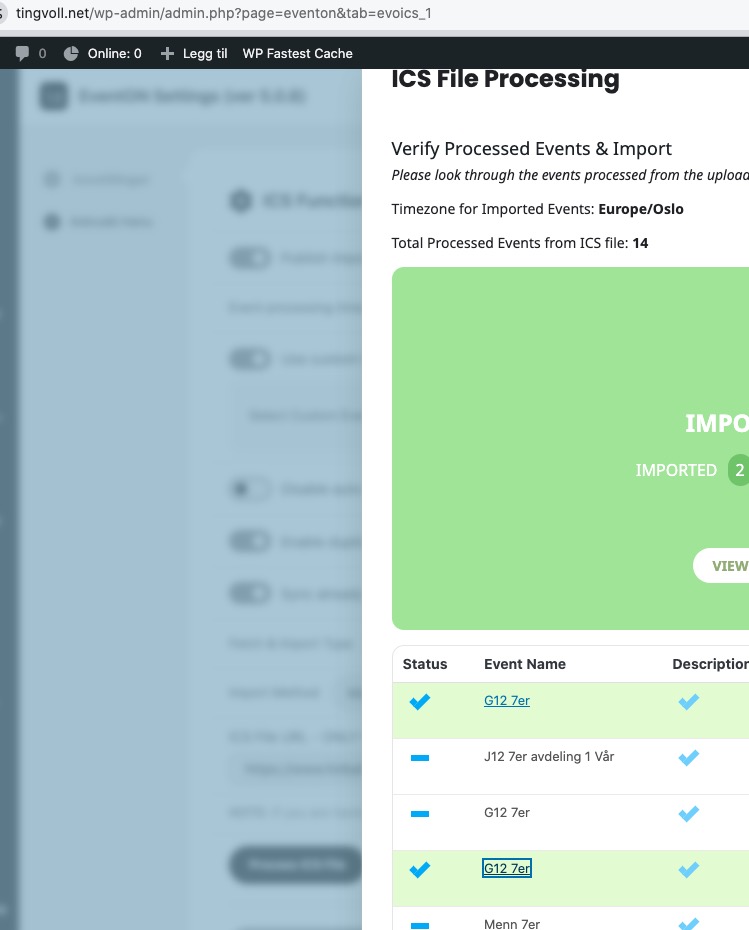
Could you check?
The same on dev2:
https://dev2.myeventon.com/wp-admin/admin.php?page=eventon&tab=evoics_1
https://dev2.myeventon.com/wp-admin/post.php?post=74805&action=edit
https://dev2.myeventon.com/wp-admin/post.php?post=74806&action=edit
Thank you for your messages!
I am going to escalate this ticket to development to help in here. Please allow us some time to address this, and we truly appreciate your patience. Thank you for being a valued EventON customer!
Additionally, if your site has any IP blocking or security restrictions in place, kindly disable them temporarily to facilitate our support process.
Hi Artem,
Can we please have the 5.0.8 uploaded to the CodeCanyon?
Thank you!
Terribly sorry about the confusion in not being able to find the right field. You can change it with Organizer field under Eventcard
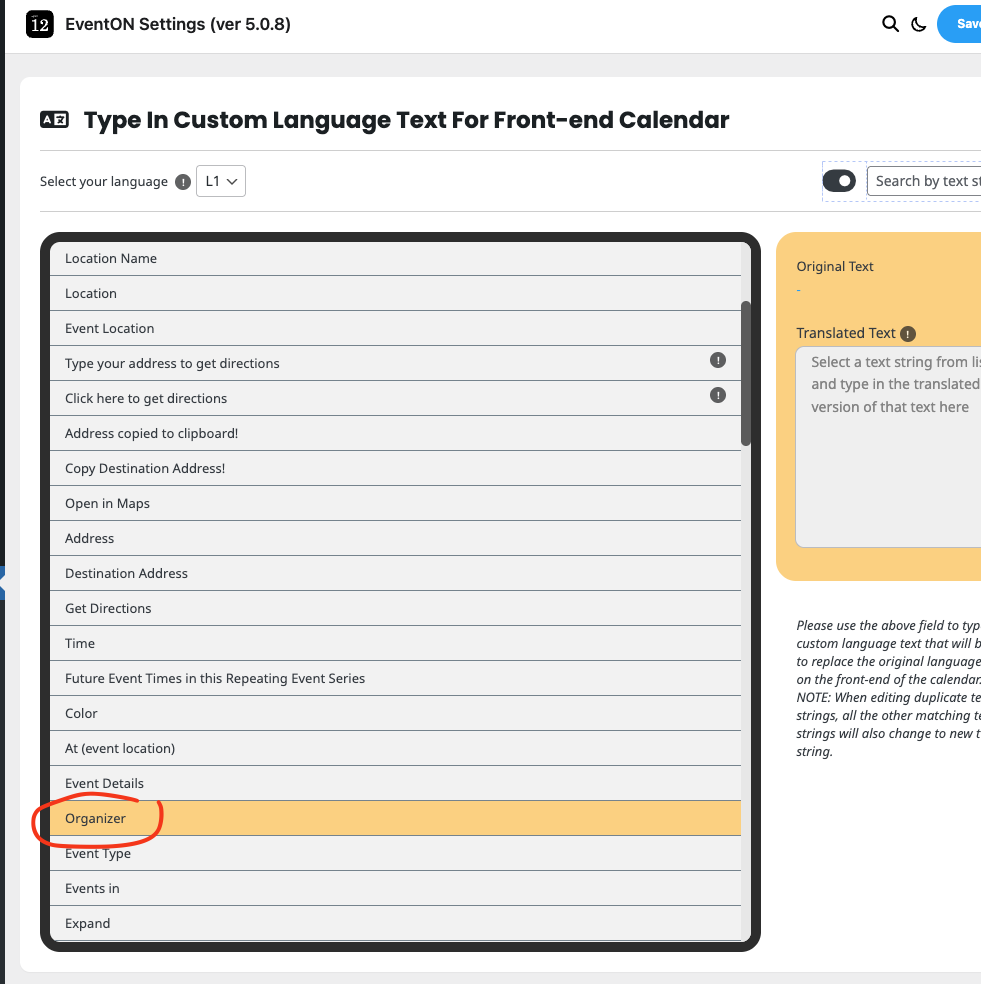
Hello Christopher, checking to see if the website and the form work fine for you now?
Hello Travis, we have gone ahead and refunded you for both those orders. and have completed the license transfer to your clients account.
All the license keys have also been changed to their email address. Do let us know if you have any questions.
Kindly update to the latest version 1.0.2 – that should resolve the issue error you are getting
Thank you Nitzan for letting us know, please allow us sometime to get this resorted and get a new version out soon!
– Jason