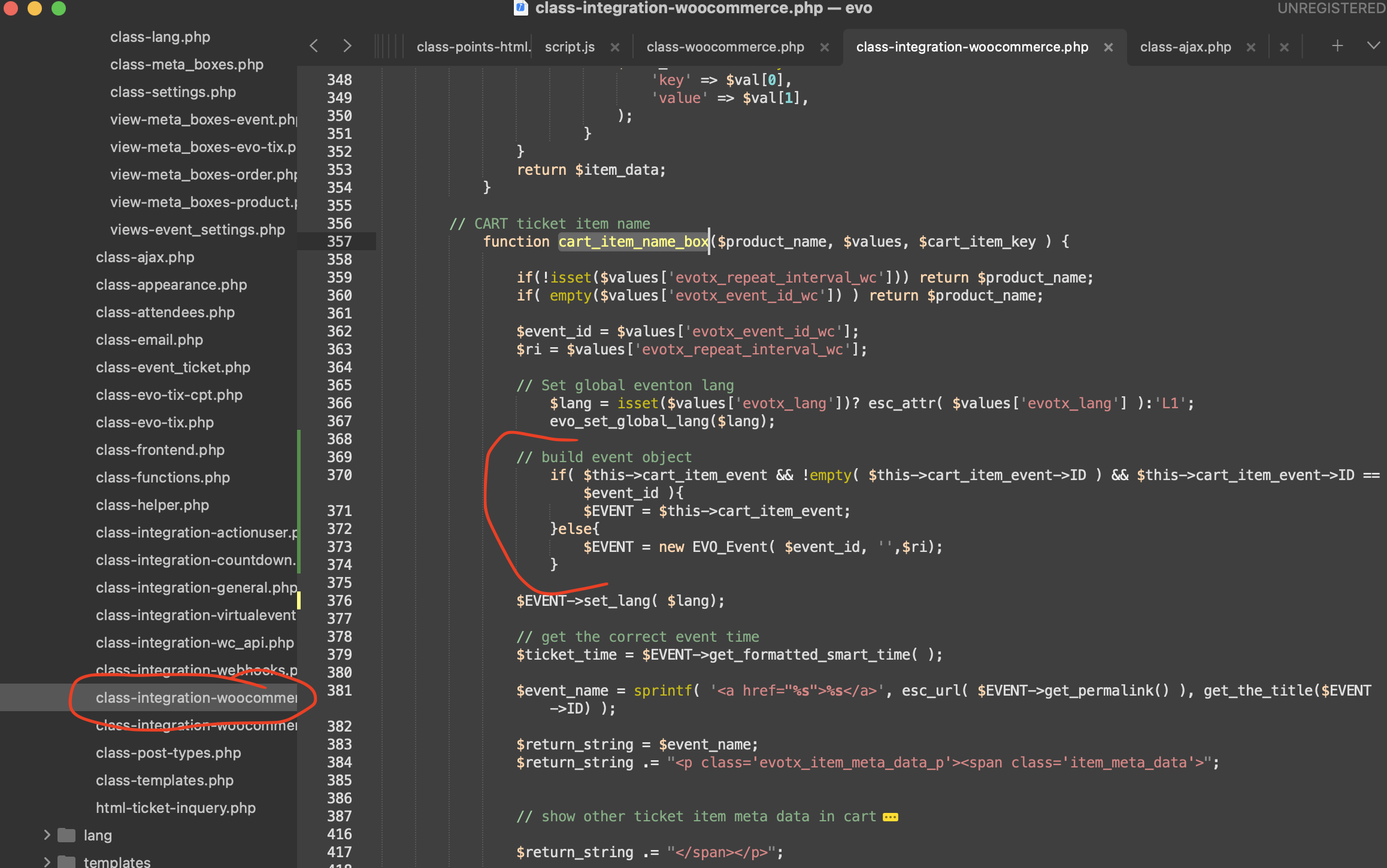
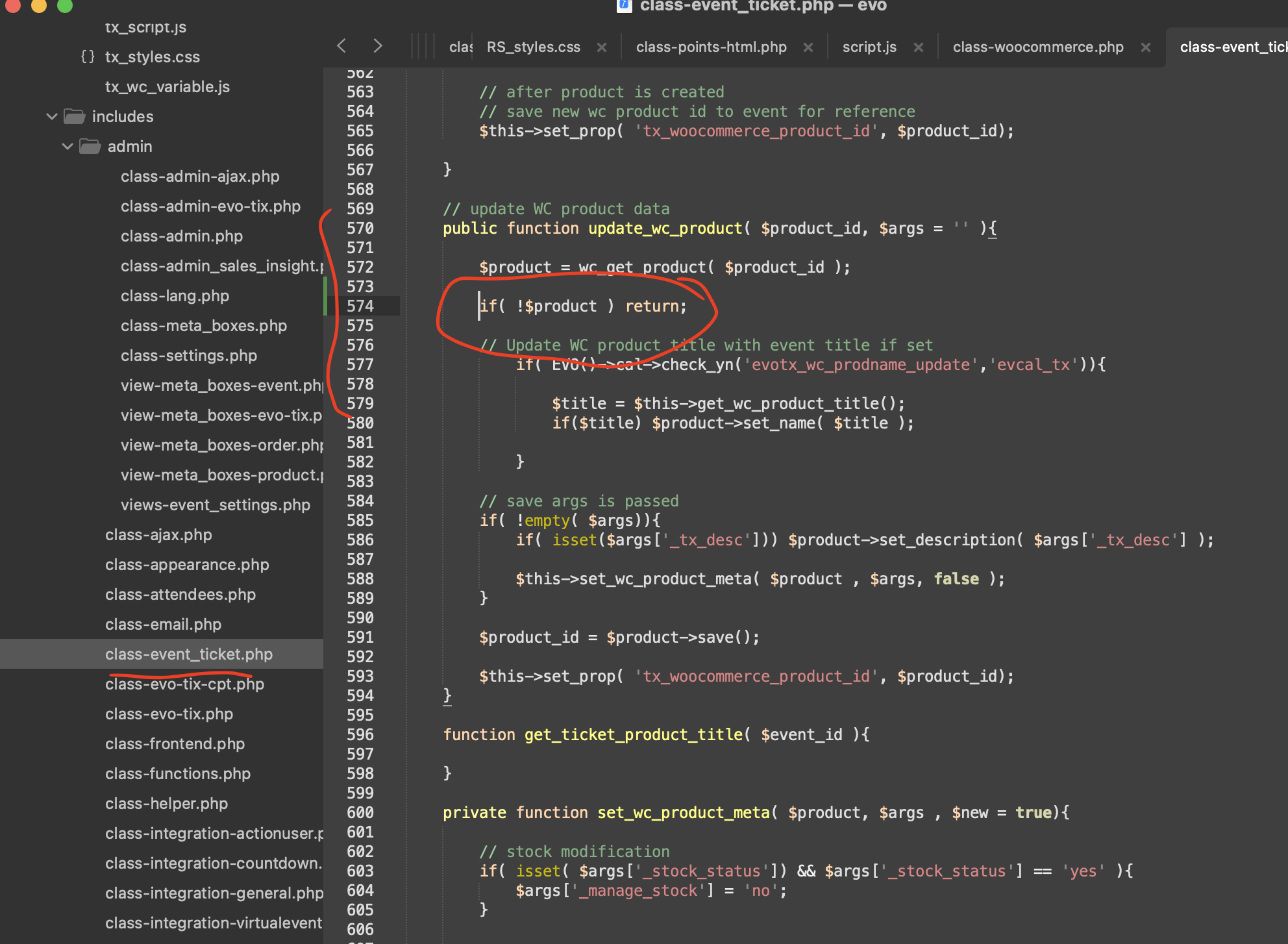
Hello there, kindly apply this code fix and that should resolve the issue.
code:
// build event object
if( $this->cart_item_event && !empty( $this->cart_item_event->ID ) && $this->cart_item_event->ID ==$event_id ){
$EVENT = $this->cart_item_event;
}else{
$EVENT = new EVO_Event( $event_id, ”,$ri);
}
kindly add this patch fix to resolve the events settings saving error.
Kindly update to the latest version of yearlyview addon 0.14 that should resolve the error that comes up when you click on the event date from yearlyview.
this ticket is private, would you mind sharing the wp-admin to your website?
for me it shows november in future events and october events in the past calendar
these are the future events
? it shows the next event in order of when they are coming so november should be at the top as thats the next event
If you change the order- any event you put into jan will then appear at the top and the calendar and the next actual events for people to turn up to will be at the bottom thats not a good user experience- whens the next event?- scroll to the bottom to see?
Thank you very much. I did not install any IP blocking plugins. This is a very new website.
May I ask how many days can I expect a reply from Ashan?
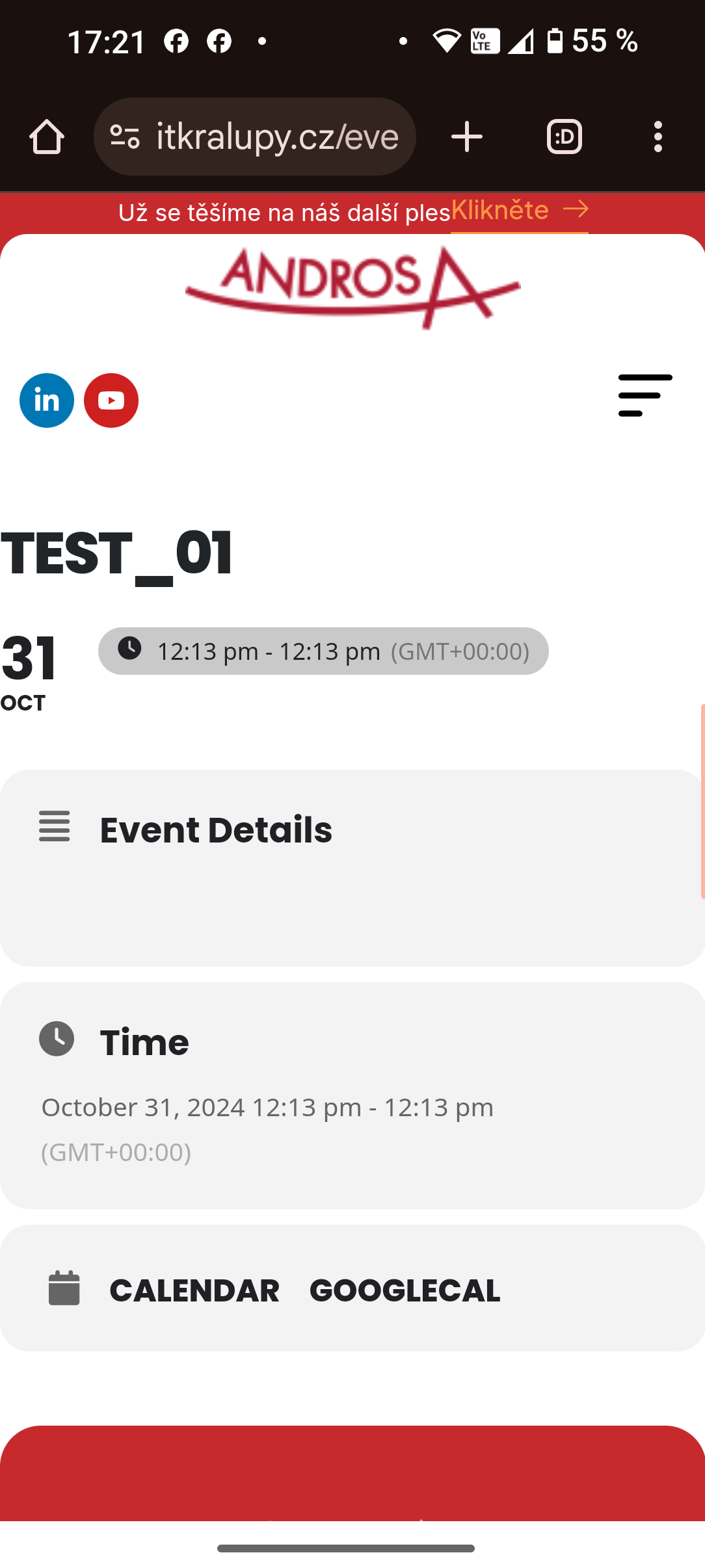
Here is the screenshot from mobile.
Hello,
The only guide available is:
https://docs.myeventon.com/documentations/how-to-add-additional-fields-at-checkout/
Unfortunately, guides for radio or select fields aren’t available.
The link leads to 404 error page. Could you check?