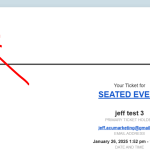
see screenshot – something is overiding the sending email address its a good bet its changing the subject as well
can i deactivate all other plugins temporarily to test?
Replies for tickets on suppota
see screenshot – something is overiding the sending email address its a good bet its changing the subject as well
can i deactivate all other plugins temporarily to test?
Hello,
Could you try disabling nonce verification by making this change:
https://helpdeskx.s3.amazonaws.com/wp-content/uploads/2024/09/06132707/Screenshot-2024-09-06-at-1.26.42%E2%80%AFPM.png
You can find the file by going to EventON folder > includes folder.
Hello,
I am sorry, the access information you have provided did not work for us. Please check them and post the correct login information as a private message, thank you!
Featured Image issue. Please go to EventON > EventCard > try a different Feature image display style.
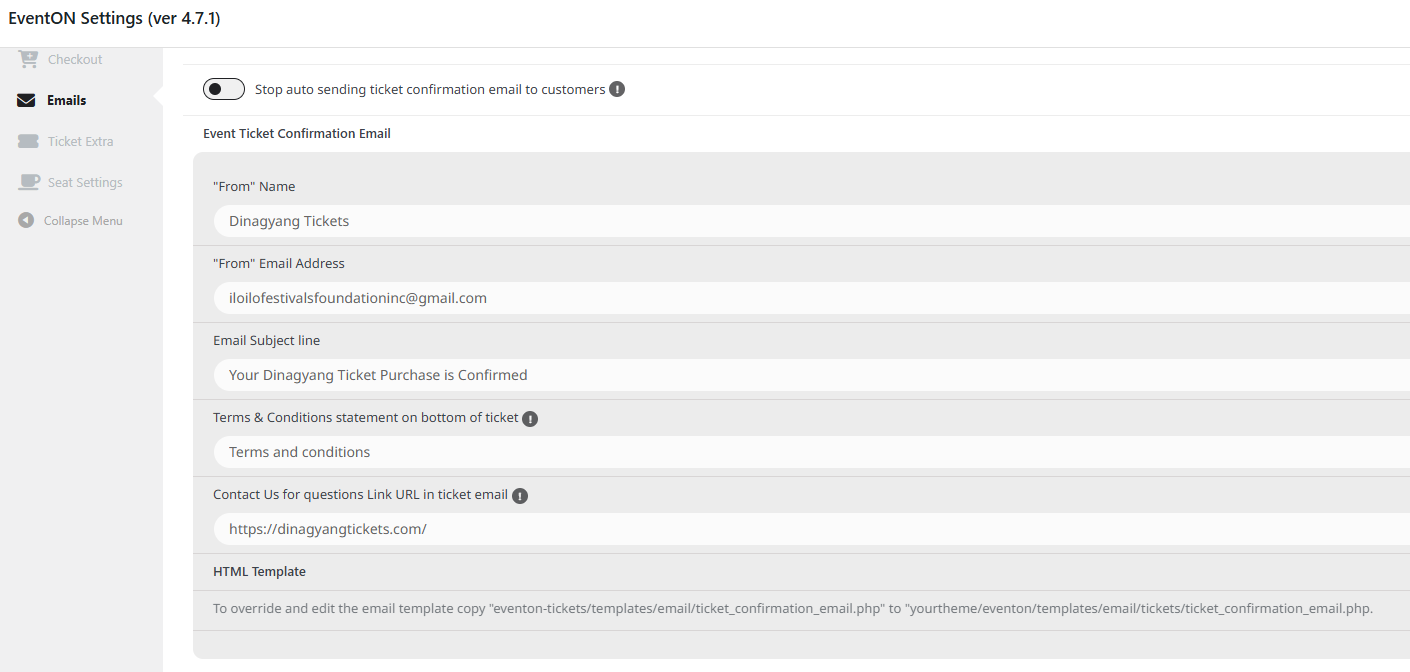
Nope you have full admin access. I did not use an SMTP plugin. The attached image is the setting that I have in the tickets email. I receive every email everytime I make a purchase. I just disabled the woocommerce confirmation email so that I will only receive the eventon email. Can you please check?
Hello,
This page https://staging-9.shaftesburyartscentre.org.uk/test/ uses WPBakery element to show events and not EventON’s calendar.
Do you have issues with EventON’s shortcodes? Because we aren’t sure how WPBakery works, so cannot provide support for it.
Hello,
FullCal only shows events by month.
In order to show events from multiple months, please use Event Lists shortcode:
[add_eventon_list number_of_months=”12″ hide_empty_months=”yes”]
Thank you Ashan,
That appears to have resolved the issue. I have updated my client to Event Tickets 2.4.1
Hello,
Can you please send us a direct link to where the actual issue is happening?
Hello,
Like this?
https://dev2.myeventon.com/events/test-copy-4/
EventTop settings on my side:

Hi,
I have updated all addons but stillo not works.
No ticket order appears and i don¡t know how to assign a ticket to a QR code.
Coud you please help me? You have the web login.
Thanks;