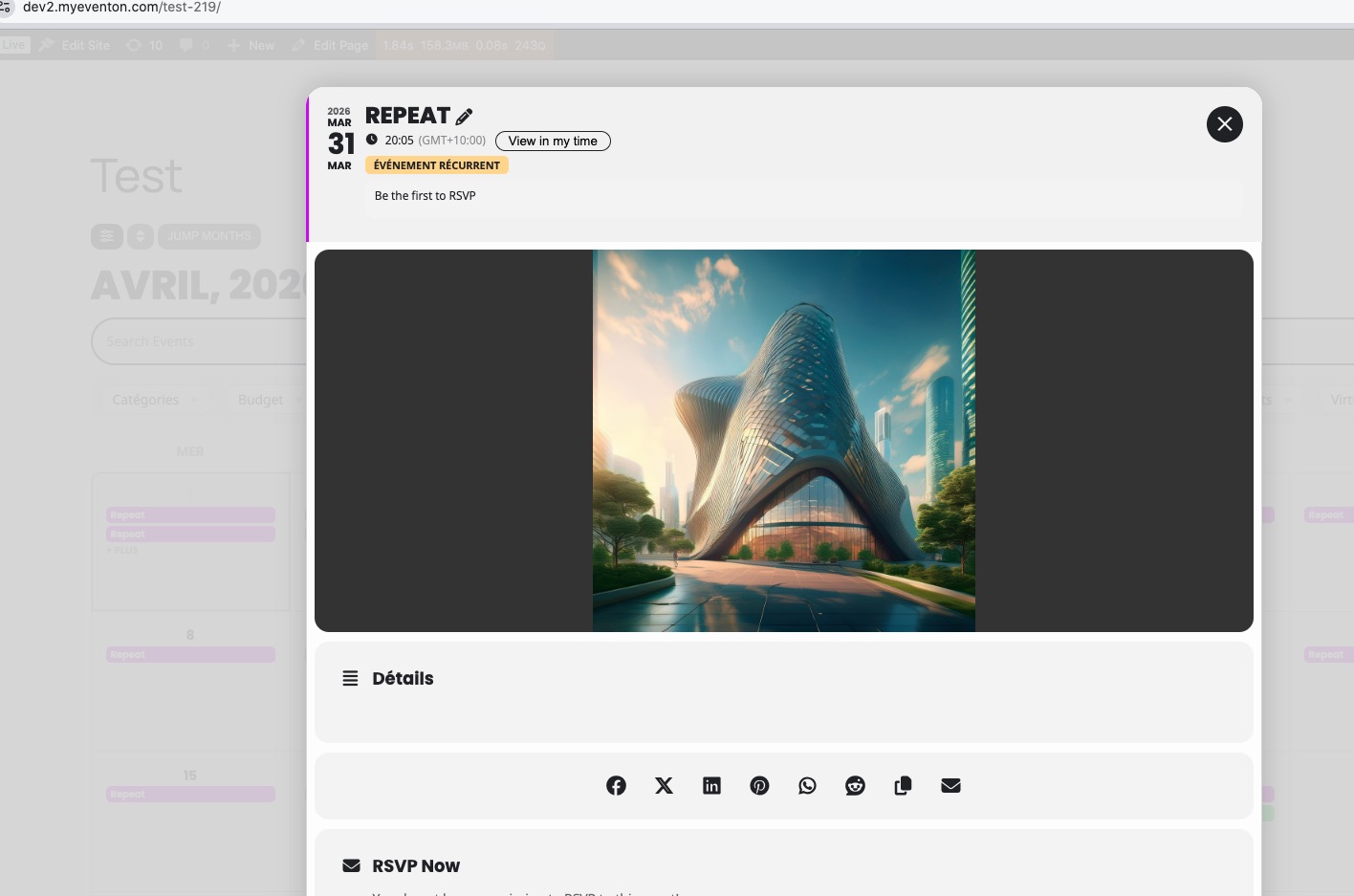
FullCal 2.2.4 with EventON 5.0.9 and your shortcode on our test site:
https://dev2.myeventon.com/test-219/
I don’t see any issues:
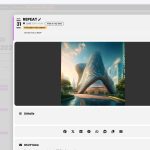
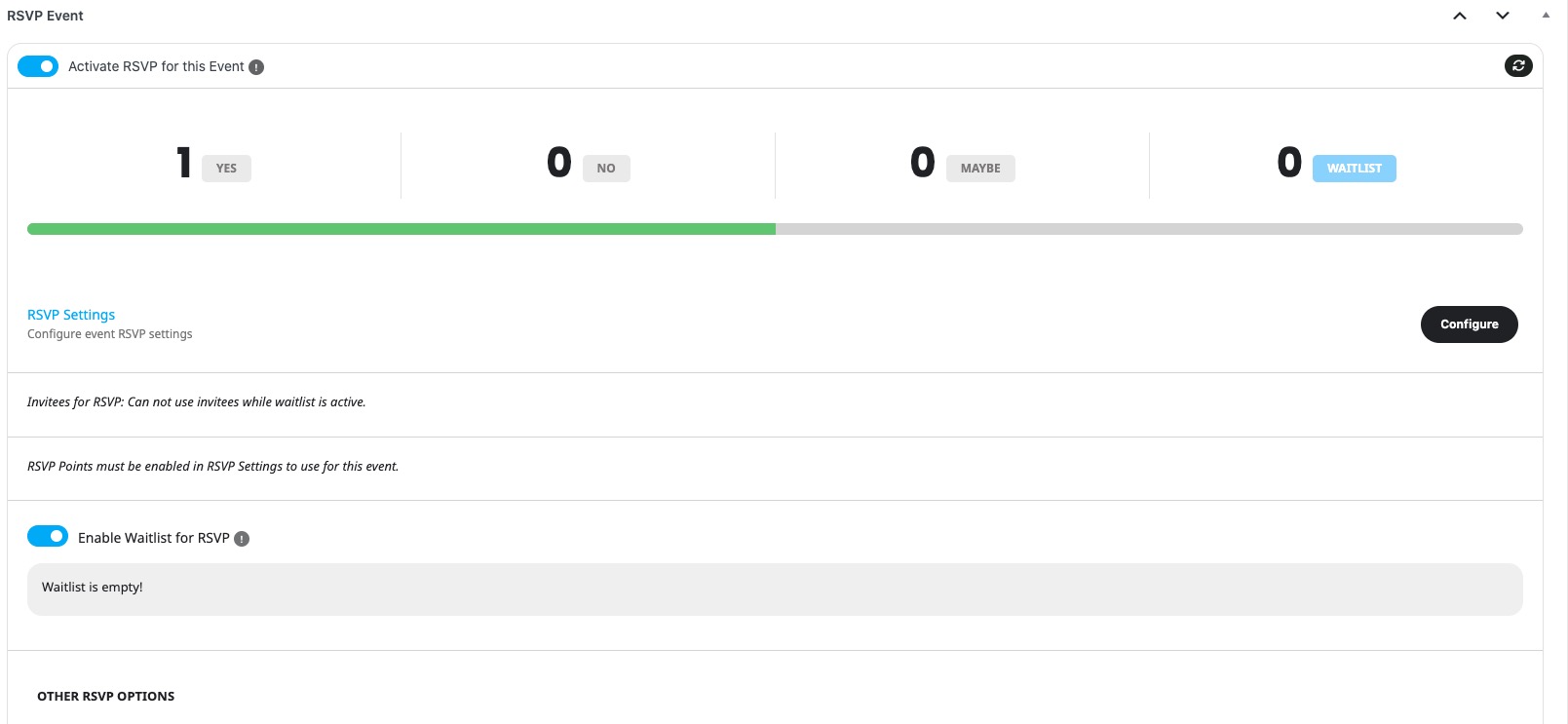
Waitlist issue. I created this event and enabled RSVP Waitlist:
https://dev2.myeventon.com/events/rsvp-16/
No issues.
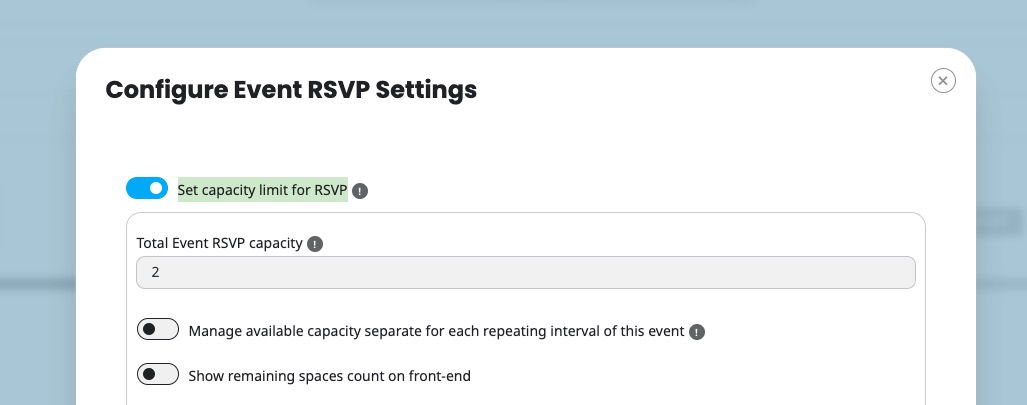
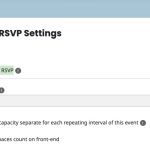
Did you set ”Set capacity limit for RSVP” correctly?
Hello,
I am sorry, the access information you have provided did not work for us. Please check them and re-post the correct login information, thank you!
As for the image issue, could you go to EventON > EventCard > try a different Feature image display style?
Ashan,
Please check
Reply to: 406707
The same on dev2, however not sure if actual issue.
https://dev2.myeventon.com/wp-admin/post.php?post=74993&action=edit
Thank you for letting us know! Our devs will check your reply ASAP.
Hello,
Which form are you referring to? This one:
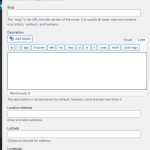
I just did some tests and it seems to be working correctly.
Hello,
I went to
http://www.kunstwerk-ulm.de/wp-admin/customize.php?return=%2Fwp-admin%2Fadmin.php%3Fpage%3Deventon%26tab%3Devcal_3
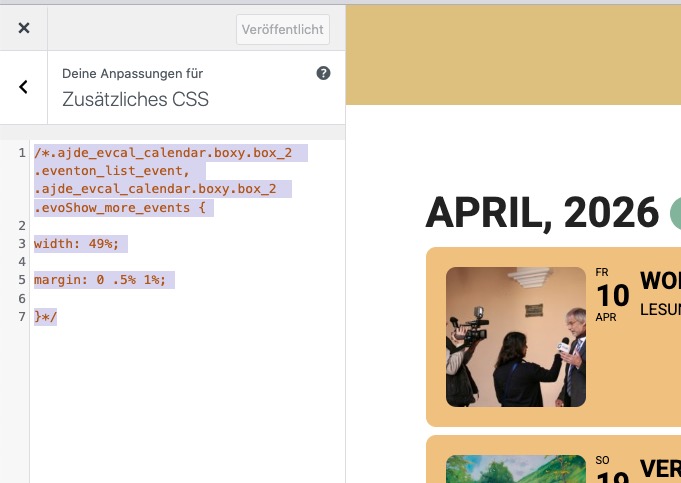
and commented this CSS code:
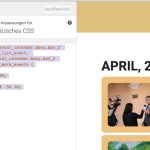
Seems to be working correctly now. Please check and let me know.
Hello,
Please go to and click ”Verify Codecanyon Purchase” to get a free copy of the latest version:
https://www.myeventon.com/full/
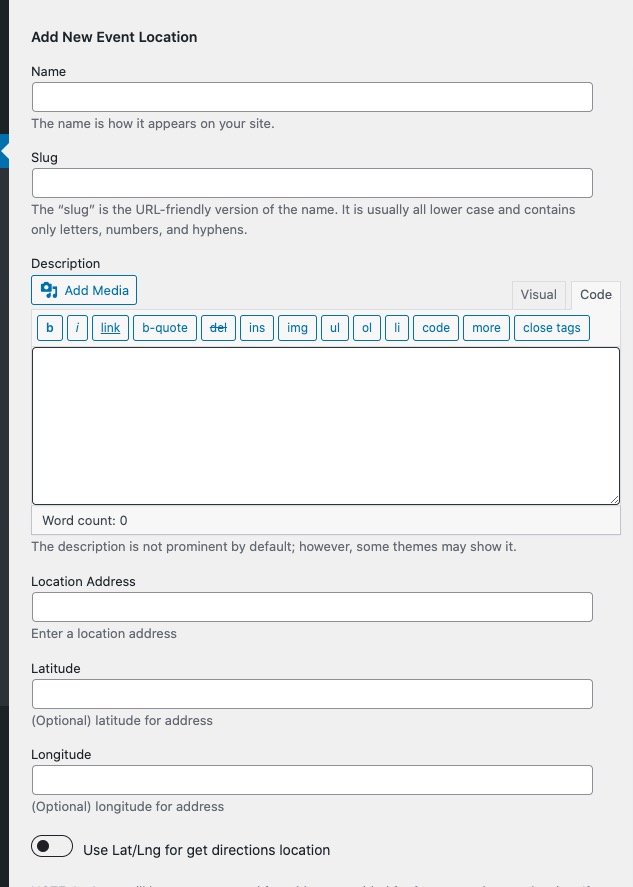
I think something related to this i happening also when adding a new organizer or location in the event form.
If I accidentally click on the lightbox, outside the form (and sometimes i just am not aware of clicking, but selecting text, very recklessly, yes, from inside the form towards outside), the add new organizer/location dialog closes and I lose all the data I input.
For now I commented out this js event because it was making me lose a lot of work.
Kindly update to the latest version 1.4.8 for booking addon and that will fix the ad to cart confirmation dissapearing, make sure to clear cache.
https://docs.myeventon.com/documentations/changelog-bookings/