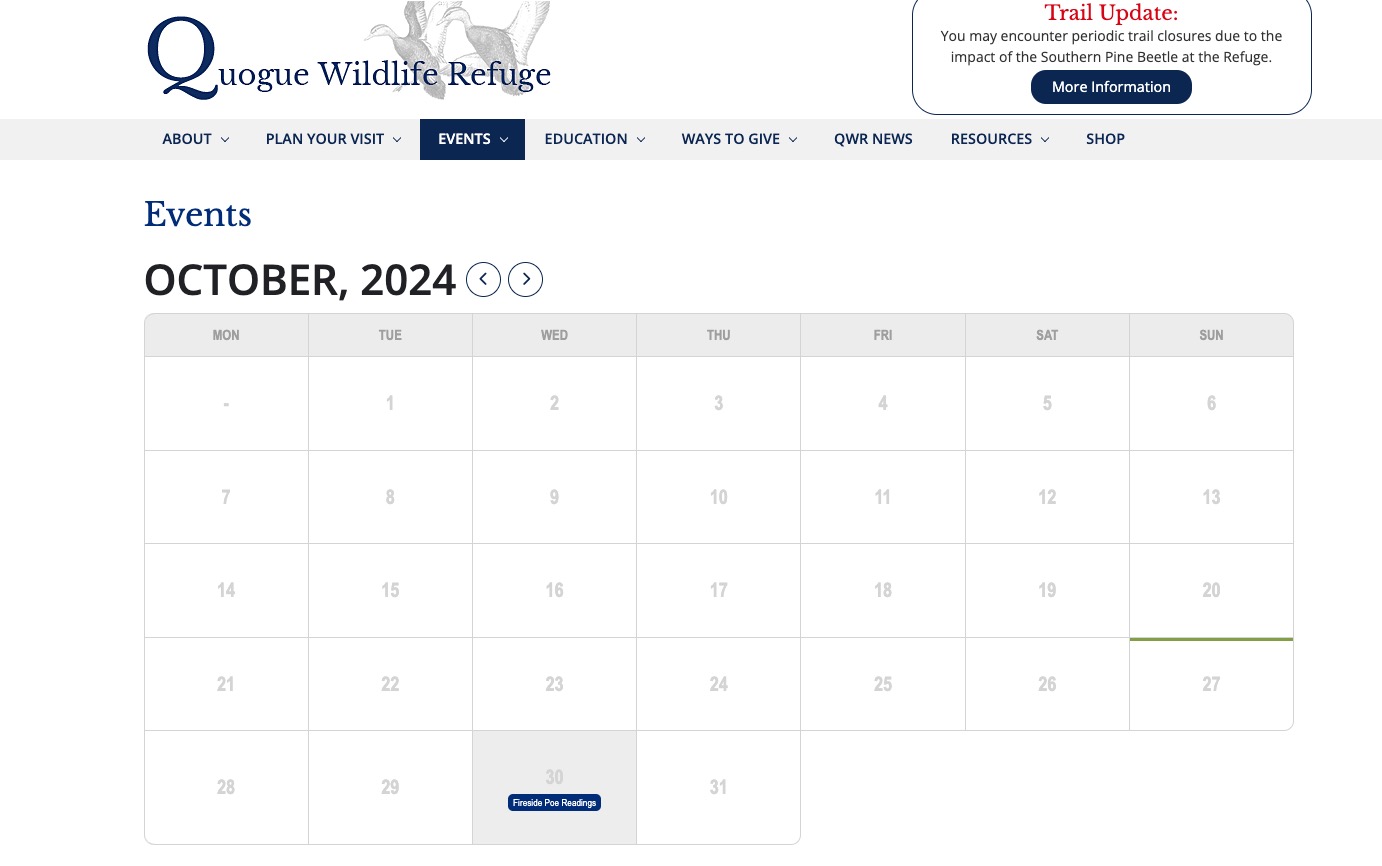
Hello,
Please add this CSS code to EventON > Styles (If you don’t see any change, EventON > Scripts & Styling > turn off Write dynamic styles to header > save settings > turn on Write dynamic styles to header):
.ajde_evcal_calendar.boxy.list_cal .eventon_events_list, .ajde_evcal_calendar.boxy.list_cal .eventon_events_list.sep_months .sep_month_events { flex-direction: row; }
This is the only available option at the moment, I am afraid.
You can use QR Code add-on to check guests in and then check all the data on the checkin page:
https://www.myeventon.com/addons/qr-code/
Try on https://dev.myeventon.com/wp-admin/
there is a way to increase the size but it would increase the side for every event
if your customers are only buying from the single event page then there could be page specific css to make the squares larger
evost_seat_selection .evost_section .evost_row .seat, .evost_inline_seat_map .evost_row .seat {
width: 25px;
height: 25px;
}
I wouldn’t add that just yet- I’d need to confirm if you can only buy on the single event page
As a temporary solution, please add this CSS code to EventON > Styles (If you don’t see any change, EventON > Scripts & Styling > turn off Write dynamic styles to header > save settings > turn on Write dynamic styles to header):
.ajde_evcal_calendar.boxy.list_cal .eventon_events_list, .ajde_evcal_calendar.boxy.list_cal .eventon_events_list.sep_months .sep_month_events { flex-direction: row; }
EventON – WordPress Virtual Event Calendar Plugin is the full name, but we just use EventON for short.
Please try and let us know.
The calendar starts working when I go to EventON > Advanced > set “Select event calendar WP Query method: Query only the event posts created this month”:

I believe that the issue isn’t in any plugins or the theme, but lack of memory limit. Could you increase it by following
https://docs.myeventon.com/documentations/increasing-wordpress-memory-limit/
We changed some functionality related to EventCard so it needed to be re-saved.
We are glad your issue is resolved, if you have any further questions or concerns please create a new ticket.
Hello,
Please remove event_count=”5″ from the shortcode as it only shows 5 events per month, so some events aren’t visible at the moment.
Hello,
Please follow this guide:
https://docs.myeventon.com/documentations/override-event-colors-event-type-colors/
We are glad your issue is resolved, if you have any further questions or concerns please create a new ticket.
If you have a moment, we would greatly appreciate if you could kindly leave us a review at Codecanyon. By going to your account > Downloads. We are very grateful for your kind review!