We are glad your issue is resolved, if you have any further questions or concerns please create a new ticket.
If you have a moment, we would greatly appreciate if you could kindly leave us a review at Codecanyon. By going to your account > Downloads. We are very grateful for your kind review!
Hello,
I am sorry, the access information you have provided did not work for us. Please check them and post the correct login information as a private message, thank you!
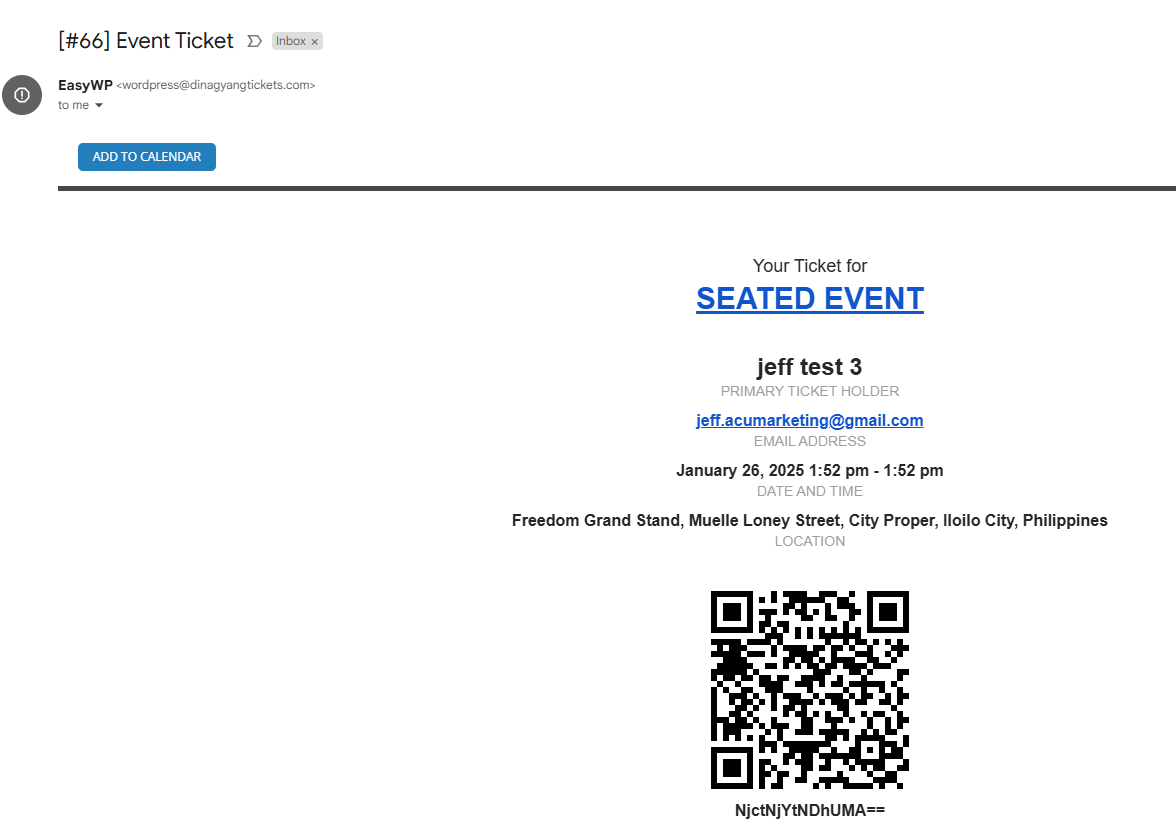
Another thing is, I am happy that the email confirmation is working but the subject line is not the same as the email setting in the eventon tickets. Please check the attached image. It should say “Your Dinagyang Ticket Purchase is Confirmed”
Okay, thanks for the info. Another problem is the display of Google Maps. My API key is completely without restrictions. However, the location is not shown. But that’s more of a Google problem, right?
Thank you very much. I created a new checkout page and used the shortcode of woocommerce checkout and it’s working now.
Regarding my previous question, is it possible to automatically zoom in the seat map to make the seats bigger? I think this will increase the usability of the seat map selection when customers uses their mobile devices to purchase. They don’t need to manually zoom in the seat map.
sorry I had to turn eventon back on.
so when you have both the eventon and the events calendar running the eventon template is overun by the events calendar plugin
so by deactivating the events calendar you can see your event and the social icons here https://www.seniorenhits.de/events/weihnachtsmarkt-magnoliengarten-groemitz/
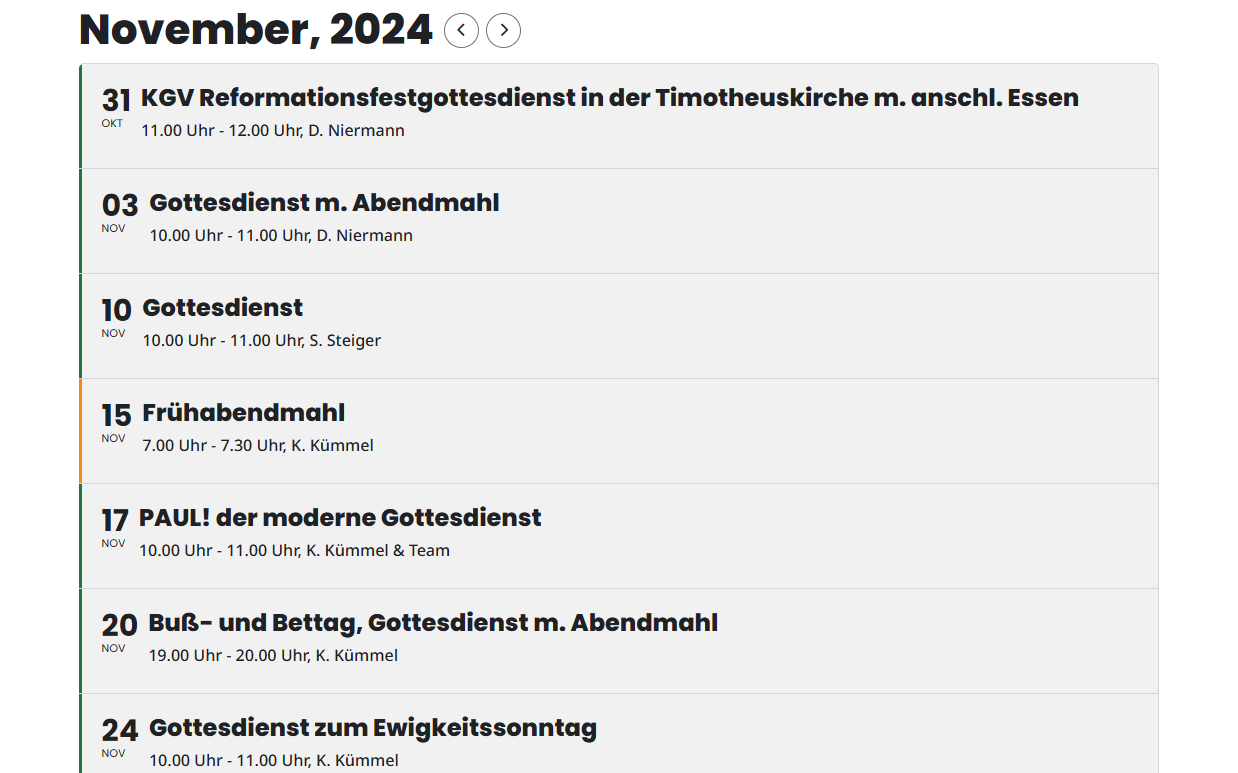
Thank you for the hint 🙏🏼👍😊🙌, this is now working:
/*Normalise text for event title and subtitle in calendar */
.eventon_events_list .eventon_list_event .evoet_cx span.evcal_event_subtitle,
.evo_pop_body .evoet_cx span.evcal_event_subtitle,
.evo_pop_body .evoet_cx span.evcal_event_title,
.evo_month_title,
.eventon_list_event .evcal_desc2 {
text-transform: none !important;
}
All Done! Please check now and let me know.
Hello,
Please update it manually to 4.7.1.
To update eventon to latest version: If you are unable to do autoupdate, you can go to codecanyon your account > download and get the latest eventon version as zip file. Then you can go to your website > make sure “Delete eventon settings & data when EventON is uninstalled” is Deslected from eventon settings, delete old eventon, install new one and activate. This link will further explain the process it. Also you can follow us on twitter to get real-time announcements on updates!
The newest update should fix the autoupdate issue.