I have no idea how to edit your pages
what is the shortcode you are using to display the calendar on the events page?
I couldn’t find https://tonhalle.at/events/ in your pages but I did find https://tonhalle.at/event-directory/
but I have no idea how to edit the page to see the shortcode
not sure if this will help:
https://stackoverflow.com/questions/61294093/google-maps-api-error-this-api-key-is-not-authorized-to-use-this-service-or-api
login didn’t work- can you provide the right ussername and password
ok thank you, why did this suddenly stop working? Did the update or an update change something, I did not see this on the other website i use eventon for an events calendar on, no issues that is.
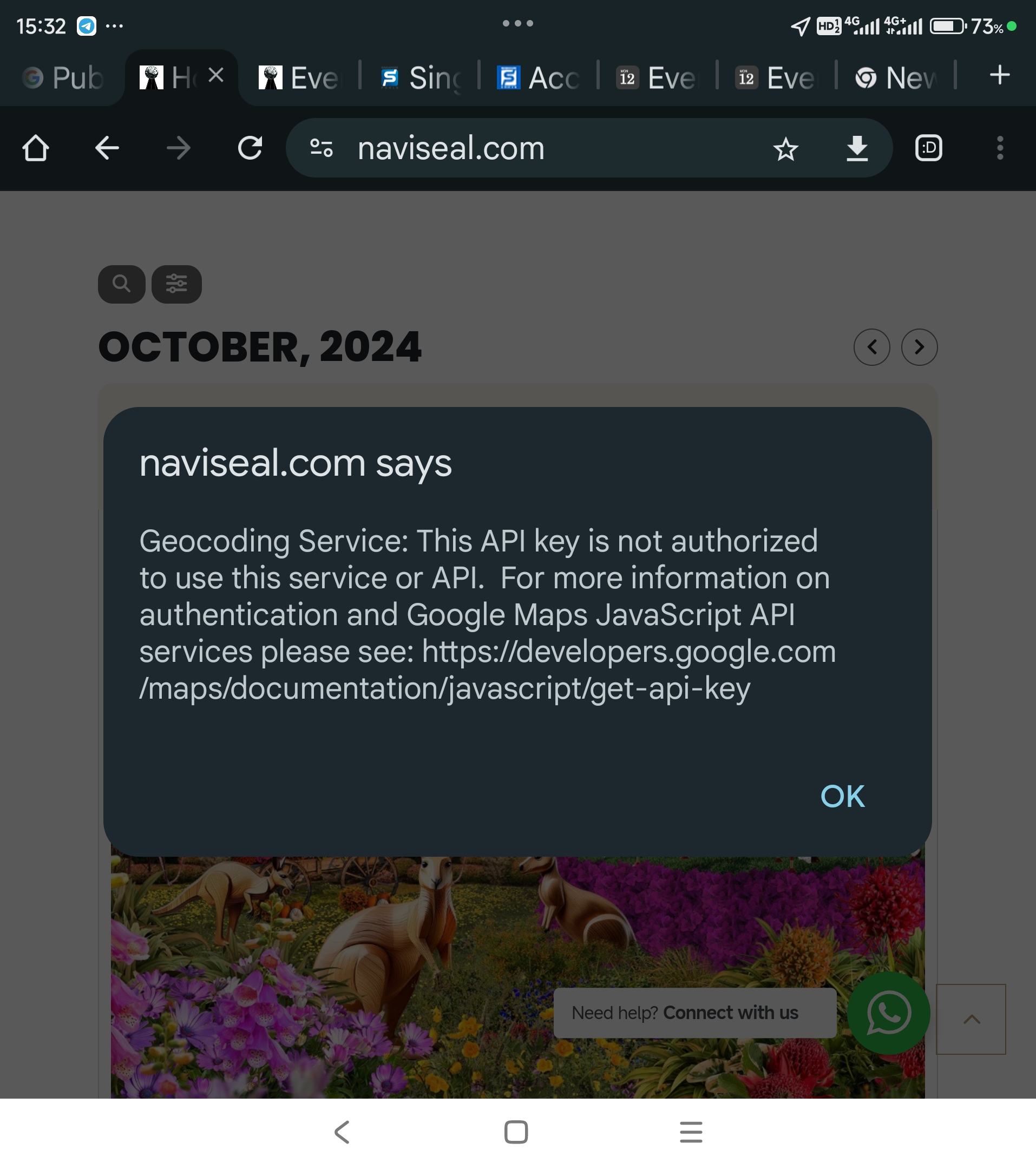
It is only working in the event directpry page. When called from the main site using short code… Go to www.naviseal.com and scroll to event.. Then click on any event and u will get a geocoding error. Ps. This error doesn’t appear on the event directory page.
Ok. Let me try that. Why is it that name and not Eventon 4.6.8 or whatever?
you have the shortcodes to paste where you want them. in my message above
In the opening message you mention your client wants…. are you not a web developer? if not we would use a less technical terminology
Hello,
Could you send us a screenshot of the design you are referring to?
Please follow
https://docs.myeventon.com/documentations/confused-event-type-categories/
Simply add a new type “No type” and then add event_type=”NO_TYPE_ID”. This way it should select the type that don’t basically exist and therefore don’t show any events.
Could you instead of your current Checkout page, try replacing it with the default WooCommerce shortcode:
https://woocommerce.com/document/woocommerce-shortcodes/#woocommerce-shortcodes
To see if it helps with the not completing orders correctly.