Hello,
4.7.1 fixes the issue. Please update manually, then autoupdate will be available again.
To update eventon to latest version: If you are unable to do autoupdate, you can go to codecanyon your account > download and get the latest eventon version as zip file. Then you can go to your website > make sure “Delete eventon settings & data when EventON is uninstalled” is Deslected from eventon settings, delete old eventon, install new one and activate. This link will further explain the process it. Also you can follow us on twitter to get real-time announcements on updates!
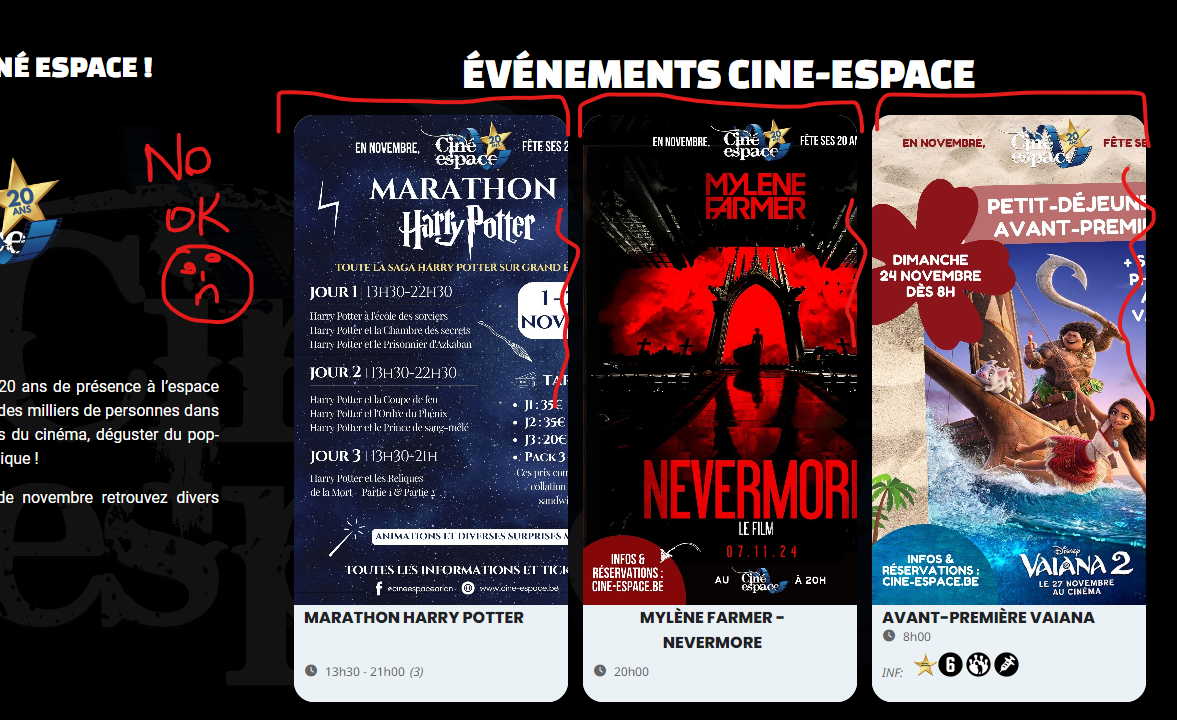
size small (similare portable)
I will publish all the events, thank you for the heads up (I thought scheduled meant they were already published).
One more thing, is there anyway to show the events for the whole year, instead of month by month? (there’s only 4 more events for the year, and I’d prefer if there were all visible)
Thank you very much!
Hi Artem, unfortunately I’ve tried disabling everything but Woocommerce, Eventon and Eventon Tickets and setting Twenty Twentyfour as a theme, but I still see the issue.
It seems there is an issue with memory limit on the server. Please follow this guide and increase it:
https://docs.myeventon.com/documentations/increasing-wordpress-memory-limit/
Hello,
Please follow this guide on how to deactivate your licenses:
https://docs.myeventon.com/documentations/how-to-deactivate-eventon-addon-licenses/
After they are deactivated, please activate them on the new website.
Hello,
Please make sure to cancel your add-on subscription while we are working on the refund:
https://docs.myeventon.com/documentations/how-to-cancel-addon-subscription-before-auto-renew/