Hello Guys,
this cancel RSVP issue is causing us BIG problems. Can you please update us ASAP? Thank you.
Replies for tickets on suppota
Hello Guys,
this cancel RSVP issue is causing us BIG problems. Can you please update us ASAP? Thank you.
Hi thanks for coming back to me.
Surely this would be relatively simple to add as the functionality is already there within the main eventon plugin, just a case of opening it up for Action User?
This is kind of crucial part of the repeat functionality as repeating on the same date each month is less common than repeating on the same day of a given week of a month.
Many thanks.
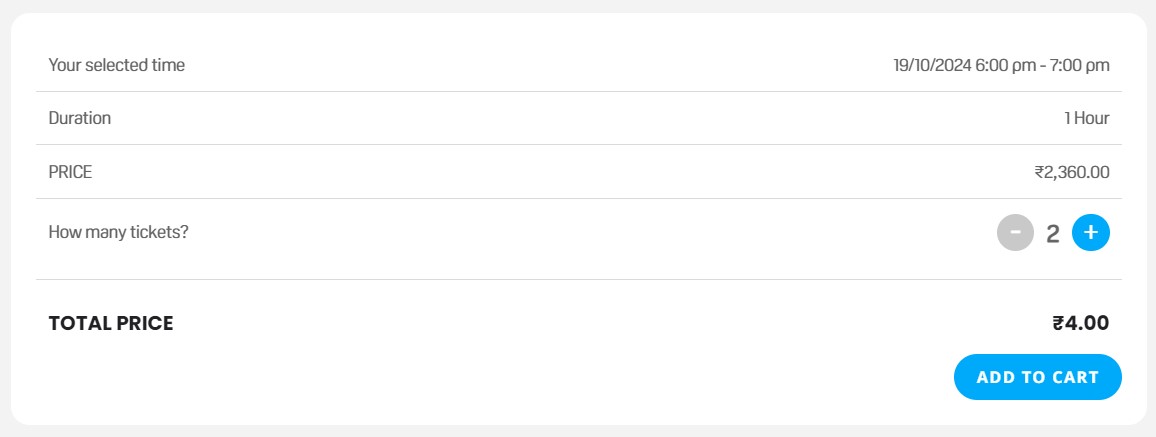
When selecting the price for the first time, it is working.
But if increasing or decreasing the quantity, the issues comes back (see screenshot). Here is the URL: https://www.pondyyachtclub.com/events/bay-of-bengal-short-sail/
We believe you have the FTP access to check and fix it yourself ?
I am back here with some diagnostics.
We were also getting the same issue on our testing site. However once I switched the theme to WordPress twenty twenty four. It started working fine on either Woocommerce block based cartcheckout or shortcode metjhod.
So I am assuming this has something to do with your theme causing the cart items to not register as ticket orders, which stocks PDF and QR from working.
We are aware of this and will resolve this in the next version 4.7.2
If you went back to previous version and if everything is working. You should be fine.
If you want to move to latest version we can provide you the fix code or it will be in the next version.
Thank you for letting us know we are aware of this and working to get you a fix code for this.
Much appreciate your patience!
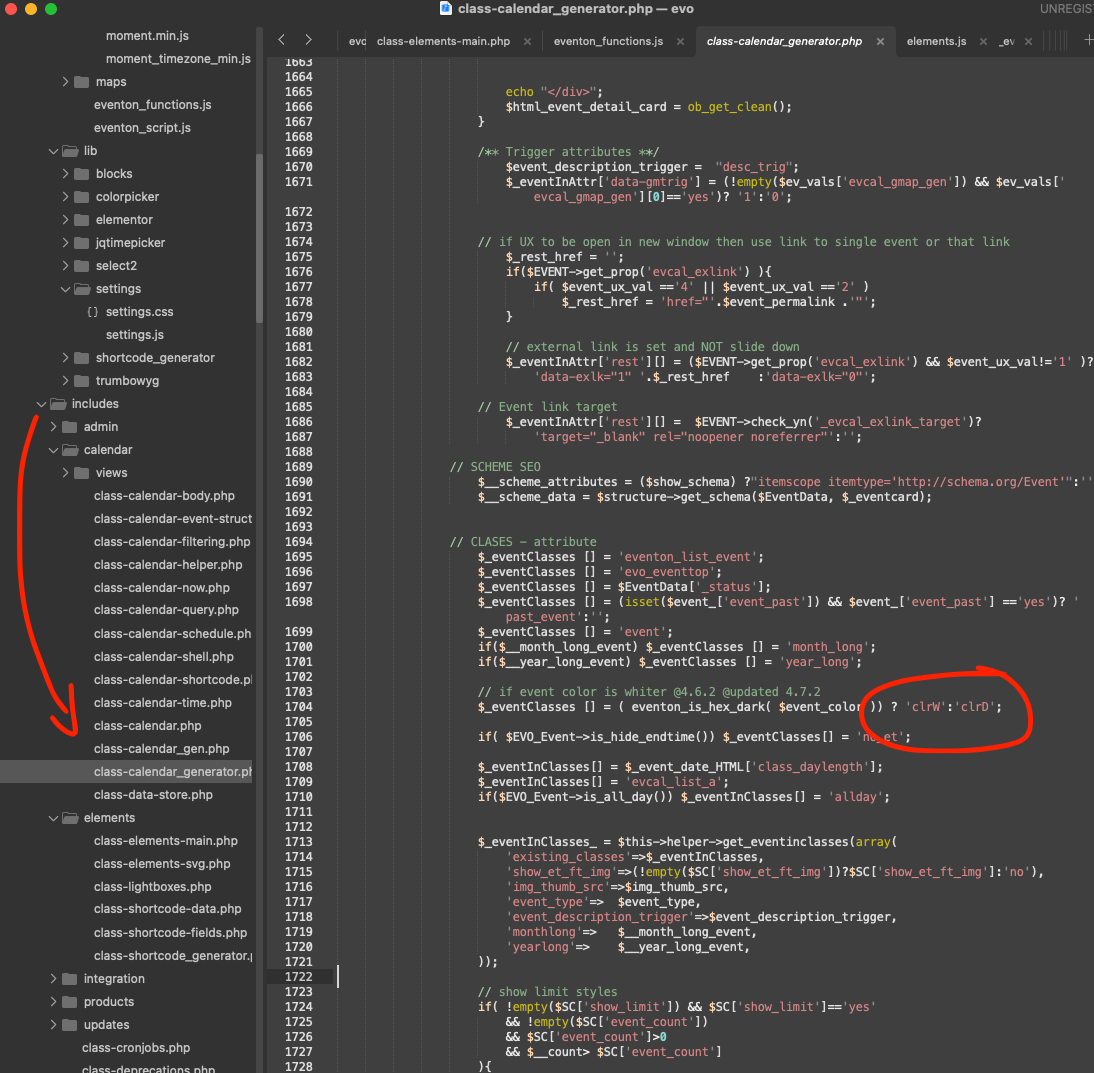
lets please try this code change and see if that helps
Hello Paul, it looks like the payment have actually gone through. Can you please let me know what you need to do?
Do you want me to refund this license upgrade order?
EventON is disabled on the server. Can we enable it?
Have you tried only leaving EventON enabled and the rest of plugins disabled + the default theme?
Hello,
Please send us wp-admin access to your site as a private message for us to further assist your situation.
All the info should be in wp-admin > Events > Edit > Tickets > View Attendees.