Hello,
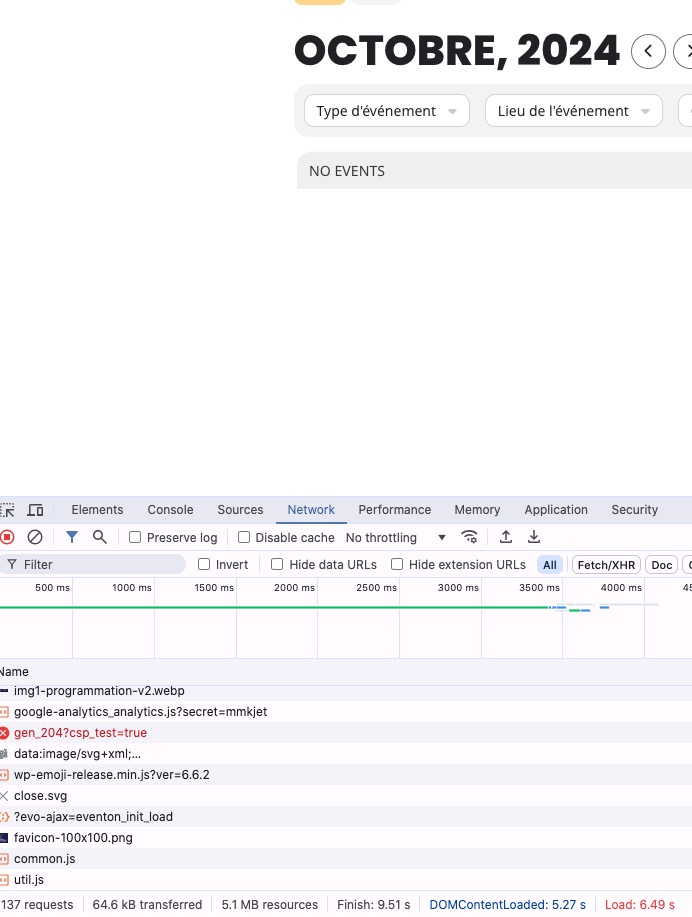
Initial page load 7+ when all ready, 9+ seconds complete load:
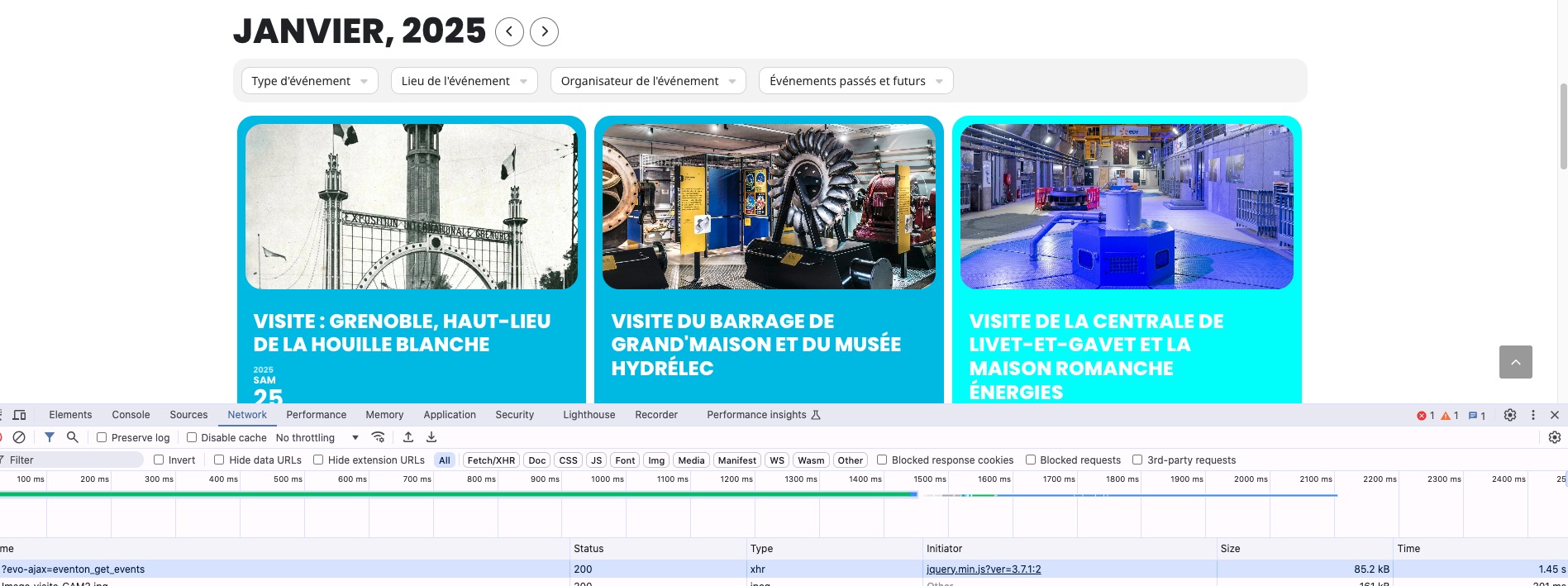
When I switch between months takes less than 2 seconds to load:
Organizer archive page can only be changed by following
https://docs.myeventon.com/documentations/customize-location-organizer-archive-page/
Your events are from 2025. Could you add a new one from 2024 and check if it will be visible?
When you associate a duration of ‘1 day’, ‘1 month’ or ‘1 year’
How do you do this? Are you referring to Repeating Events:
https://docs.myeventon.com/documentations/setting-up-repeating-events/
And last but not least, it’s not a bug that all the configuration fields aren’t available via the FrontOffice editor https://centenairehydro2025.org/gerer-un-evenement/ ?
Please enable the rest of fields by going to:
https://centenairehydro2025.org/wp-admin/admin.php?page=eventon&tab=evoau_1#evoAU1a
Hello,
Please try this CSS code:
.eventon_list_event .evoet_cx span.evcal_event_title { font-weight: 600; }
Thank you for your messages, I am going to assign this ticket to Ashan and he will be able to take it from here and find you a solution. Please allow some time for him to get back to you, we greatly appreciate your patience and thank you for being a eventon customer! Also please disable any IP blocking on your site if there are any.
With Event Lists: Ext (add_eventon_el) please add
event_order=”DESC” month_order=”DESC”
to your shortcode to sort events as well as months.
Memory limit isn’t the same as RAM available on the server. Please take a look at this explanation:
https://servebolt.com/help/environment/what-is-php-memory-limit/#:~:text=fast%20website%20performance.-,Memory%20Limit%20is%20Not%20The%20Same%20as%20RAM,use%2C%20just%20the%20memory%20limit.
Could you try increasing it?
Please go to EventON > EventCard > open Designer and save > now save EventON Settings.
If my suggestion still doesn’t work send us wp-admin access to your site as a private message for us to further assist your situation.
Perfect! The update will be available soon.
This is the link:
https://codecanyon.net/downloads
You need to be logged-in to your account on CodeCanyon.
What items do you have in your Downloads?
Hello,
Please add this CSS code to EventON > Styles (If you don’t see any change, EventON > Scripts & Styling > turn off Write dynamic styles to header > save settings > turn on Write dynamic styles to header):
.evose_repeat_header { display: none !important; }
.evo_metarow_tix p.evo_data_val { display: none !important; }
Hello,
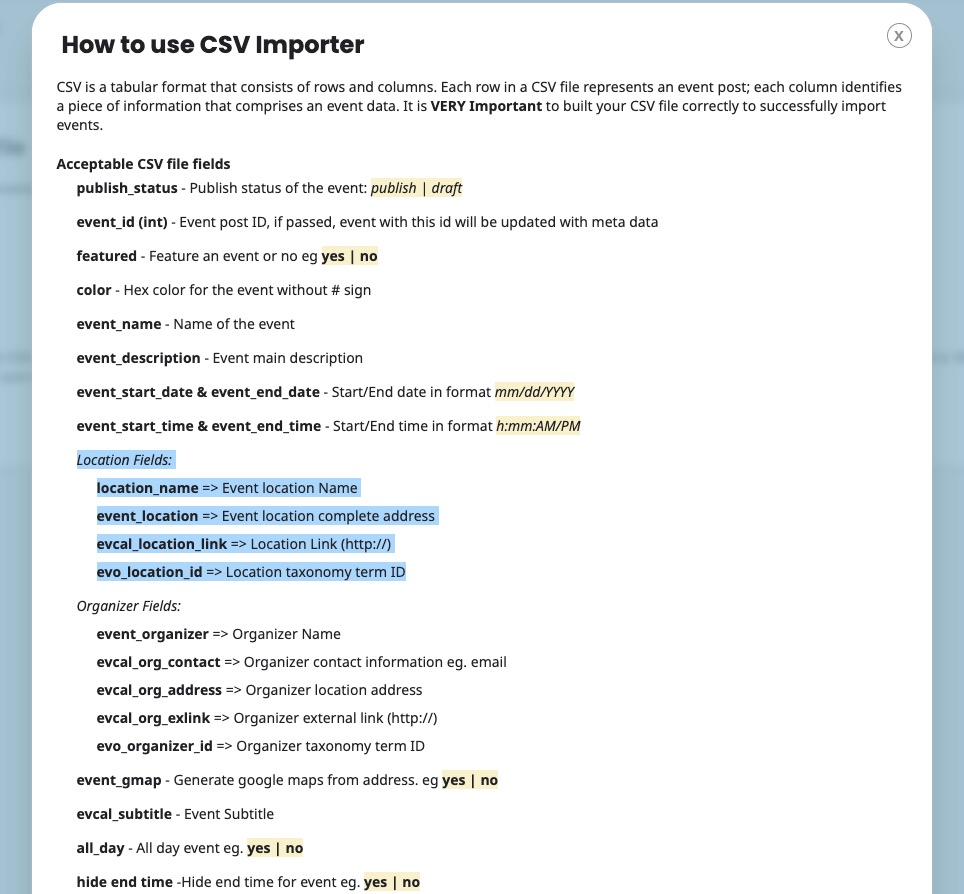
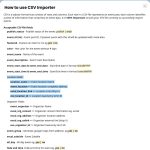
Please take a look at CSV Import add-on:
https://www.myeventon.com/addons/csv-event-importer/
Add these fields to the file and then import events with assigned locations:
Try on https://dev.myeventon.com/wp-admin/