Hello,
Please add this CSS code to EventON > Styles (If you don’t see any change, EventON > Scripts & Styling > turn off Write dynamic styles to header > save settings > turn on Write dynamic styles to header):
.ajde_evcal_calendar #evcal_list.eventon_events_list .eventon_list_event .cancel_event.evcal_list_a span.evoet_title.evcal_desc2.evcal_event_title, .evo_lightbox_body.eventon_list_event.cancel_event .evopop_top span.evoet_title.evcal_desc2.evcal_event_title { text-decoration: line-through; }
.ajde_evcal_calendar #evcal_list.eventon_events_list .eventon_list_event.postponed span.evoet_title.evcal_desc2.evcal_event_title, .evo_lightbox_body.eventon_list_event.postponed .evopop_top span.evoet_title.evcal_desc2.evcal_event_title { text-decoration: line-through; }
This event, for example, has the previous issue when End Time of a repeat goes before Start Time:
https://ibiza-calendar.com/wp-admin/post.php?post=9326&action=edit
Also note that some of your events has 0:00 timezone, while EventON’s +2:00. Could you change it to the correct one?
I changed the timezone in this event and removed the second copy from the calendar:
https://ibiza-calendar.com/wp-admin/post.php?post=3608&action=edit
Hello,
What’s your current version of EventON. Could you update to 4.7.1? The latest version fixes the issue.
To update eventon to latest version: If you are unable to do autoupdate, you can go to codecanyon your account > download and get the latest eventon version as zip file. Then you can go to your website > make sure “Delete eventon settings & data when EventON is uninstalled” is Deslected from eventon settings, delete old eventon, install new one and activate. This link will further explain the process it. Also you can follow us on twitter to get real-time announcements on updates!
Ashan,
The same on dev2:
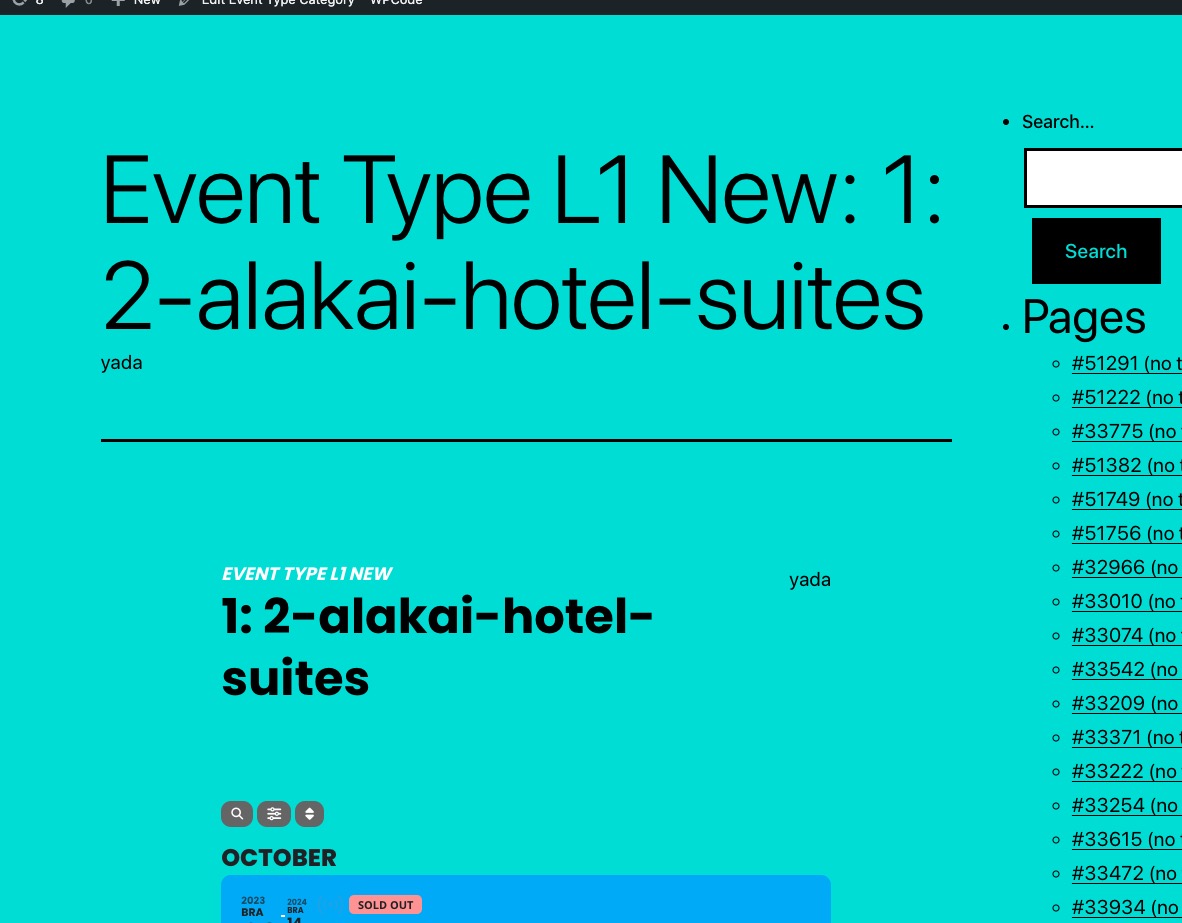
https://dev2.myeventon.com/event-type/2-alakai-hotel-suites/
Hello,
Thank you for your messages, I am going to assign this ticket to Ashan and he will be able to take it from here and find you a solution. Please allow some time for him to get back to you, we greatly appreciate your patience and thank you for being a eventon customer! Also please disable any IP blocking on your site if there are any.
Hello,
Please take a look at
https://space-themes.com/how-to-change-a-custom-taxonomy-slug-in-wordpress-without-a-plugin/
I added the code to wp-admin > Appearance > Customize > Additional CSS, so it seems to be working now. Please check and let me know.
Hello,
Please take a look at
https://docs.myeventon.com/documentations/how-to-use-event-types-to-do-more/
Also take a look at Event Map:
https://www.myeventon.com/addons/events-map/
Try on https://dev.myeventon.com/wp-admin/
Hello,
This code changes the font-family:
.ajde_evcal_calendar .eventon_events_list .evcal_month_line p { font-family: arial; }
In order to change the color, please go to EventON > Appearance > Calendar Header > Header Month/Year text color. If you don’t see any change, EventON > Scripts & Styling > turn off Write dynamic styles to header > save settings > turn on Write dynamic styles to header.
Please try and let me know.
Amazing! thank you so much for trying to find a solution. It’s greatly appreciated.
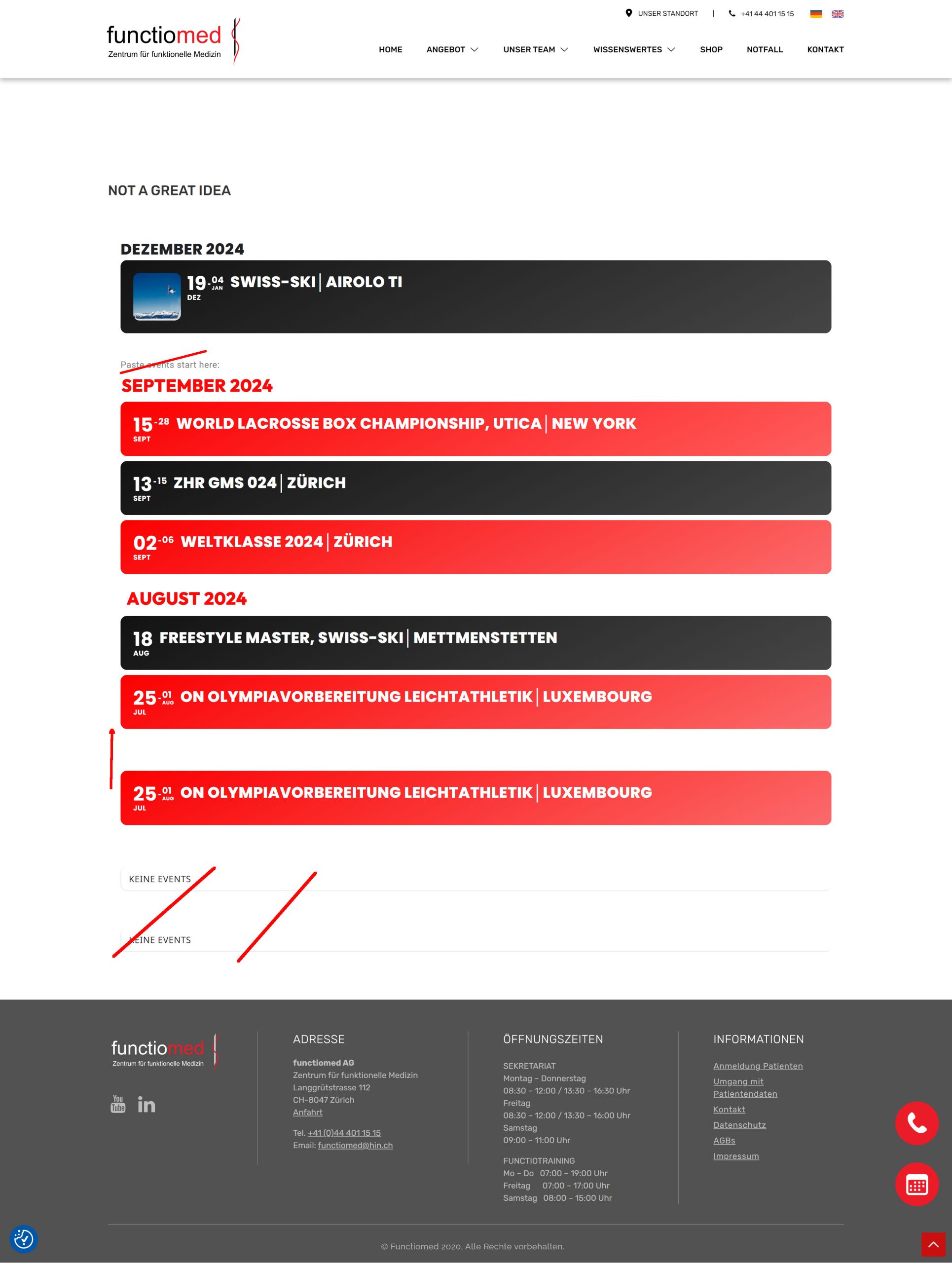
I guess having the name of the month name and consolidate a bit would be helfpul for users.
Do you think this is doable with your current fix? Also will it remain for future month same look?
Thanks a million for you help
Tim