Hello,
Could you try updating EventON and Tickets add-on first?
I just tested things on our demo site and it seems that ”Manage Ticket Stock” stays disabled.
Please check and let me know.
To update eventon to latest version: (If auto update works, please try that from with your website plugins page)
1. If you purchased eventON from codecanyon > Go to EventON Full page and verify your purchase to get a free copy of eventON latest version and move your purchase over to myeventon.com.
2. If you already purchased eventON from myeventon.com go to My Account > Downloads and get the latest version copy.
Once you have the latest version zip file. Then you can go to your website > make sure ”Delete eventon settings & data when EventON is uninstalled” is De-slected from eventon settings, delete old eventon, install new one and activate. This link will further explain the process it. Follow us on X to get real-time announcements on updates!
To update eventon addons: You can download latest eventon addons from myeventon > my account. Then you can go to your website, deactivate old addon and install new one and activate then delete the old addon. This link will further explain the process. Also you can follow us on twitter to get real-time announcements on updates!
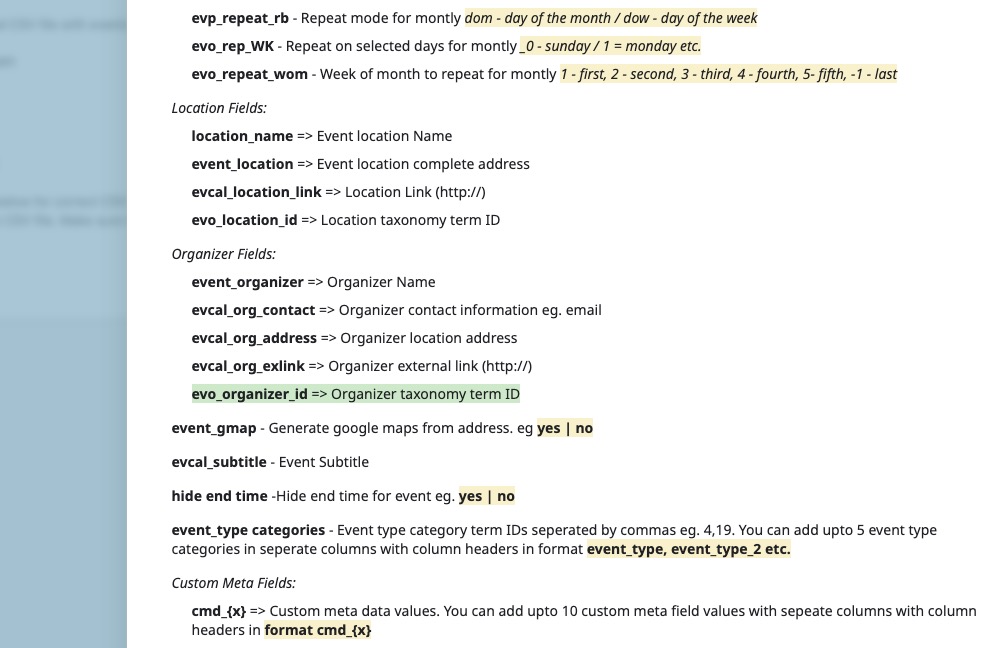
Could you send us a link to your .csv file, because if you added evo_organizer_id correctly, it should import events with assigned organizer correctly:
evo_organizer_id => Organizer taxonomy term ID
We are glad your issue is resolved, if you have any further questions or concerns please create a new ticket.
If you have a moment, we would greatly appreciate if you could kindly leave us a review at EventON WordPress Page OR EventON > My Account > Downloads. Your review helps us a lot in continuing EventON improvements!
Thank you, 2.2.4 fixed the issue with clickable events. I will keep monitoring log regarding the calendar not loading.
Hello,
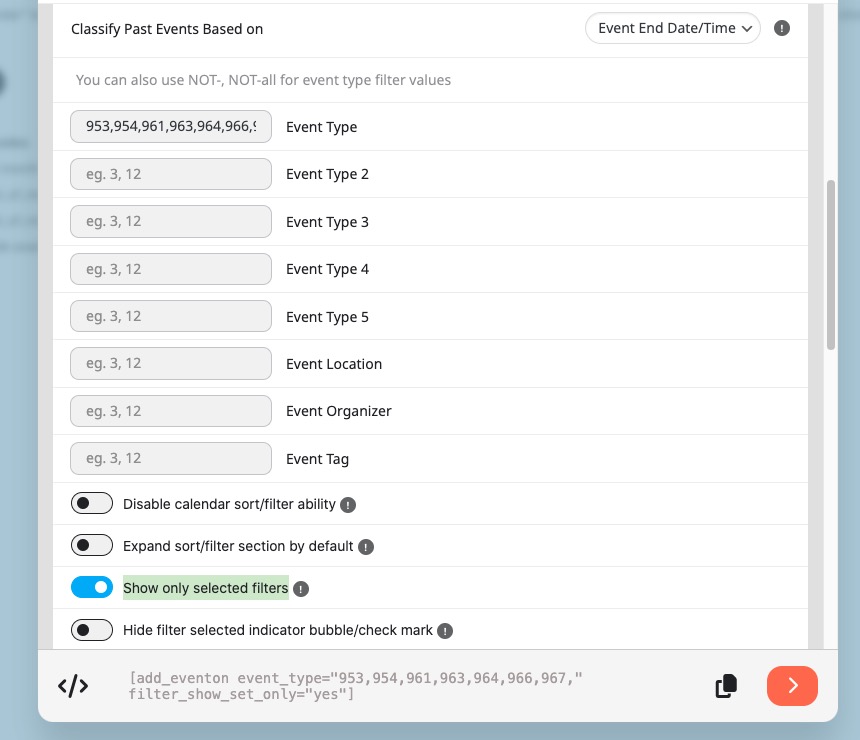
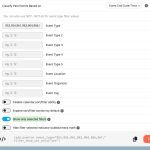
Please select any event types you want to show and then enable ”Show only selected filters”:
[add_eventon event_type=”953,954,961,963,964,966,967,” filter_show_set_only=”yes”]
Hello,
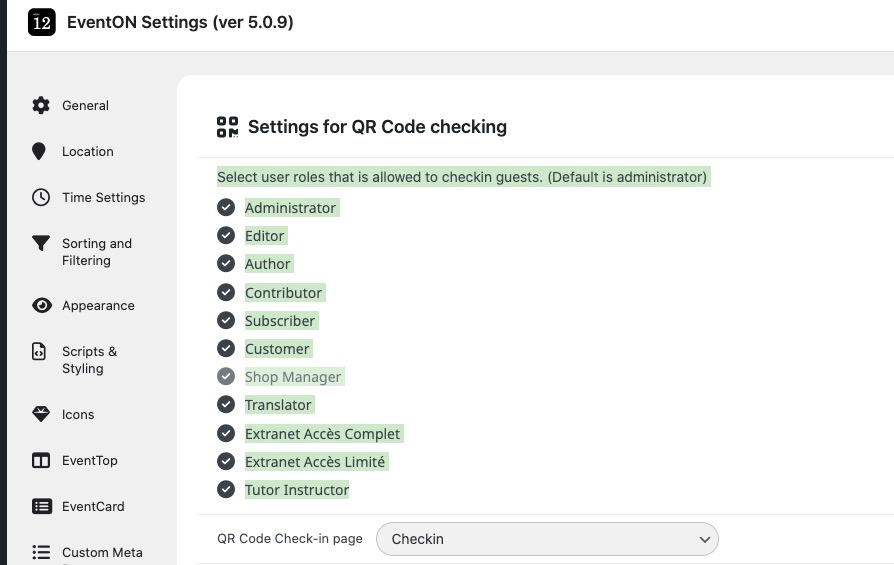
In order to login a person you need to be logged-in:
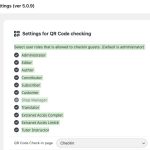
So even if a crawler finds images and then scans it to get a link, it still must be logged-in to check-in a person.
Thanks, I did it with the paid addon, but now most events have the same (and wrong) organizer. How to fix that on the fly now?
Never mind. Eventually figured out how to upgrade to 5.06->5.09 and now working.
This ticket is private can you please share the License key for eventON and we can remove it from our system so you can try again.
Thank yu for pointing this out, I can see how if you have lot of items in the dropdown it can make it hard to see a lot and need lot of scrolling. We will find a better solution in the future updates 🙂
In the mean time please feel free to remove it from your code.