We are glad your issue is resolved, if you have any further questions or concerns please create a new ticket.
Archives: Replies
Replies for tickets on suppota
Reply to: tickets(406603)
Thanks, now it works fine!
Reply to: tickets(406446)
Good morning, I would like to know the status of my request, as I have not yet received a solution to prevent the card from overlaying the date, time, and location. Thank you
Reply to: tickets(404576)
Hi,
I have identified the exact root cause of the bug. The ”Custom Repeat” feature fails exclusively when an event is duplicated using the EventON duplication tool. I have just updated to Version 5.0.9, and the issue persists.
Here is what happens:
-
When you duplicate an event that had custom repeats, the new event (like ID 37314) inherits corrupted or ”sticky” metadata.
-
Even if I try to add new dates (like April 1st), the system overrides them with dates from the original event or random intervals.
-
If I delete a date, the duplication logic ”resurrects” it later because the database synchronization for duplicated events is broken.
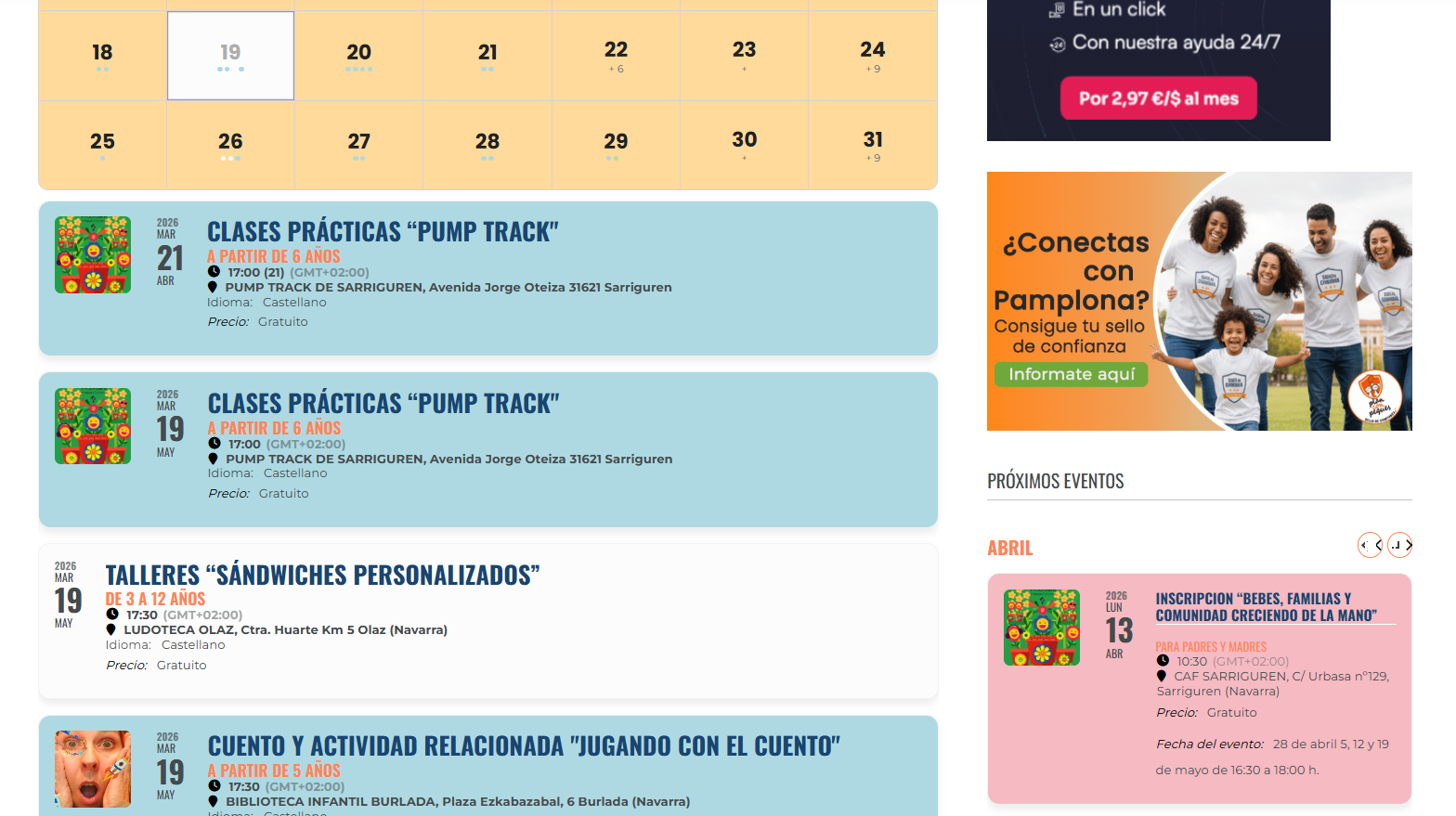
As you can see in the attached image from today (April 13th), the agenda is showing incorrect dates and ”resurrected” events despite my attempts to fix them manually.
Please, ask the development team to review the duplication script specifically for Custom Repeats. There is a clear failure in how metadata is handled when creating a new ID from an existing one.
I look forward to a definitive fix or a way to manually ”clean” these duplicated events.
Best regards,
Reply to: tickets(406412)
To update eventon to latest version: (If auto update works, please try that from with your website plugins page)
1. If you purchased eventON from codecanyon > Go to EventON Full page and verify your purchase to get a free copy of eventON latest version and move your purchase over to myeventon.com.
2. If you already purchased eventON from myeventon.com go to My Account > Downloads and get the latest version copy.
Once you have the latest version zip file. Then you can go to your website > make sure ”Delete eventon settings & data when EventON is uninstalled” is De-slected from eventon settings, delete old eventon, install new one and activate. This link will further explain the process it. Follow us on X to get real-time announcements on updates!
Reply to: tickets(406412)
Could you update EventON to 5.0.9 and then try adding the patch?
Reply to: tickets(406603)
Hello,
Event Timezone was empty, so I added a new value:
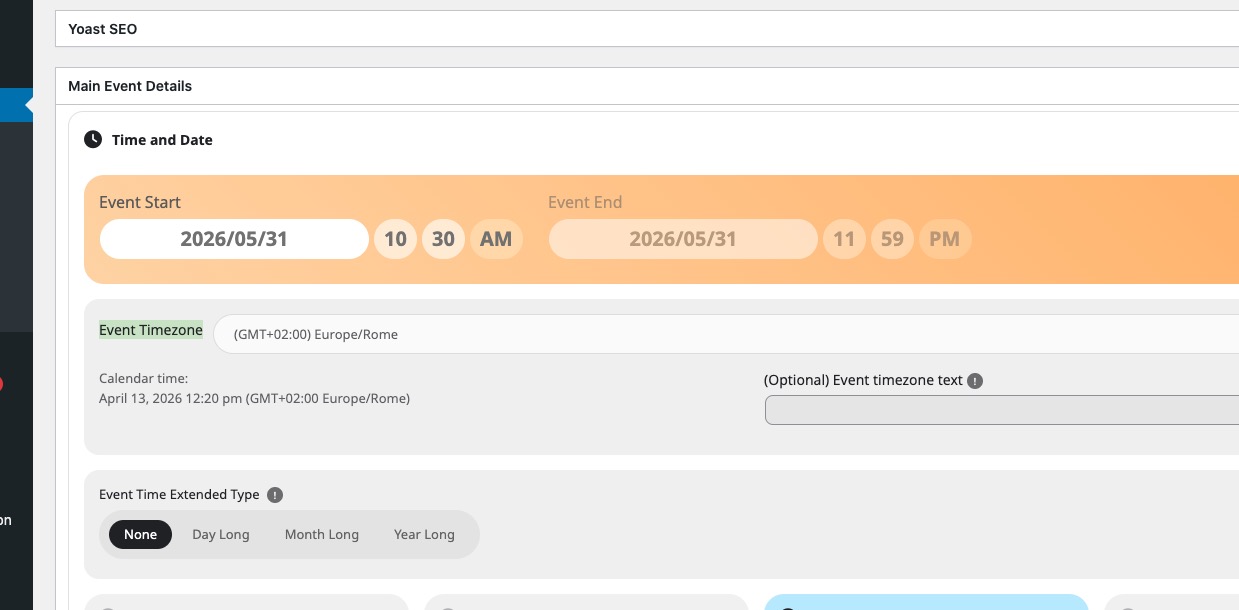
The event is in one month only. Please check and let me know.
Reply to: tickets(404937)
Ashan,
Please check
Also, I have been unable to access our ICS importer files? unless I am looking in the wrong place.
Reply to: tickets(404937)
We are going to check why ICS Importer isn’t among your downloads. Account Manager will reply ASAP.
Reply to: tickets(406412)
Sorry. This patch did not work.
Jeroen