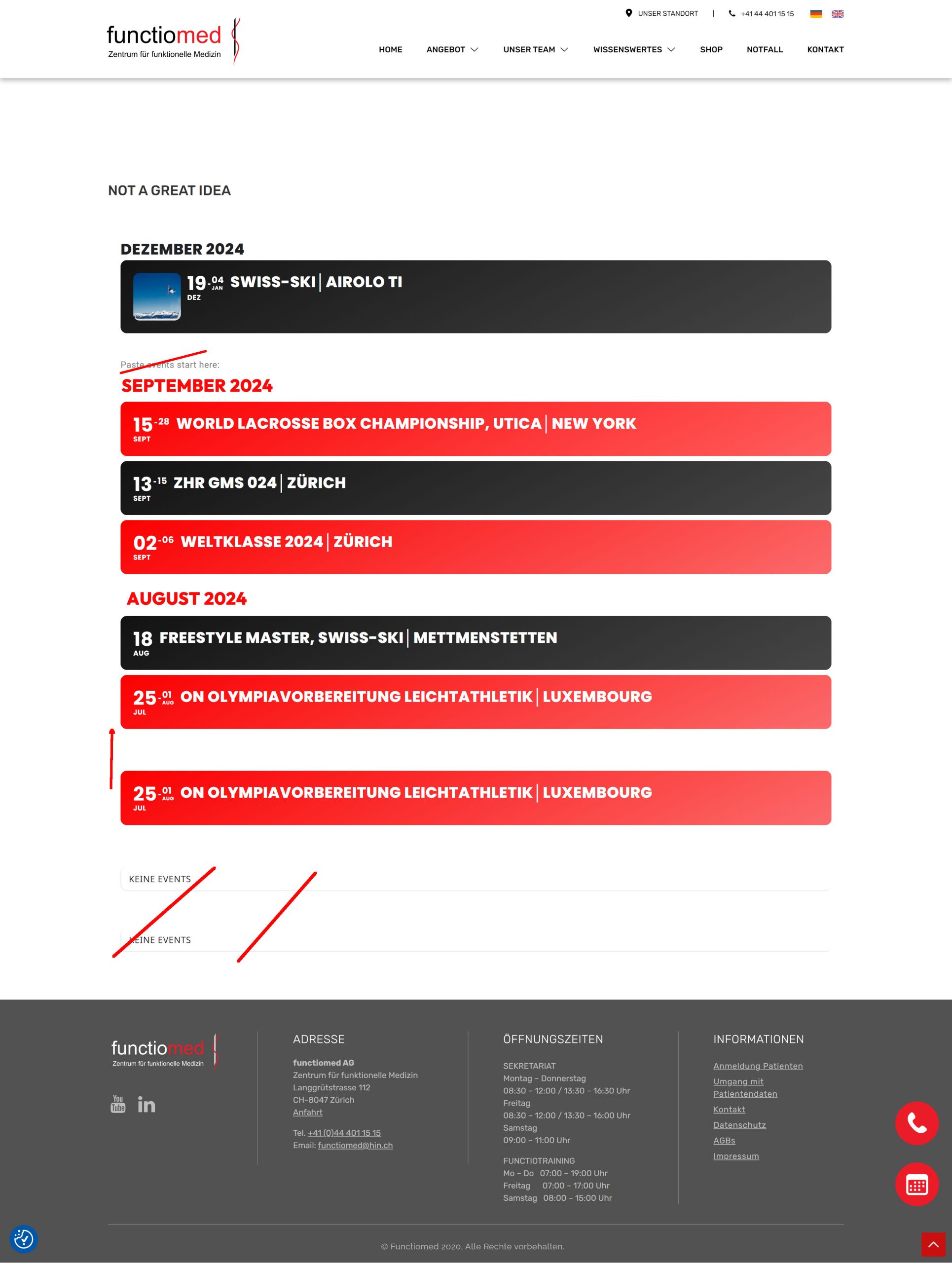
Amazing! thank you so much for trying to find a solution. It’s greatly appreciated.
I guess having the name of the month name and consolidate a bit would be helfpul for users.
Do you think this is doable with your current fix? Also will it remain for future month same look?
Thanks a million for you help
Tim
Please send us wp-admin access to your site as a private message for us to further assist your situation.
I made the changes, but the image still zooms in and the “further information” button is still available in the organizer tile.
https://giornatamondiale.it/event-type-2/febbraio/
if this can help in category pages events load immediately. While any widget-shortcode like in homepage takes tens of seconds before loading events.
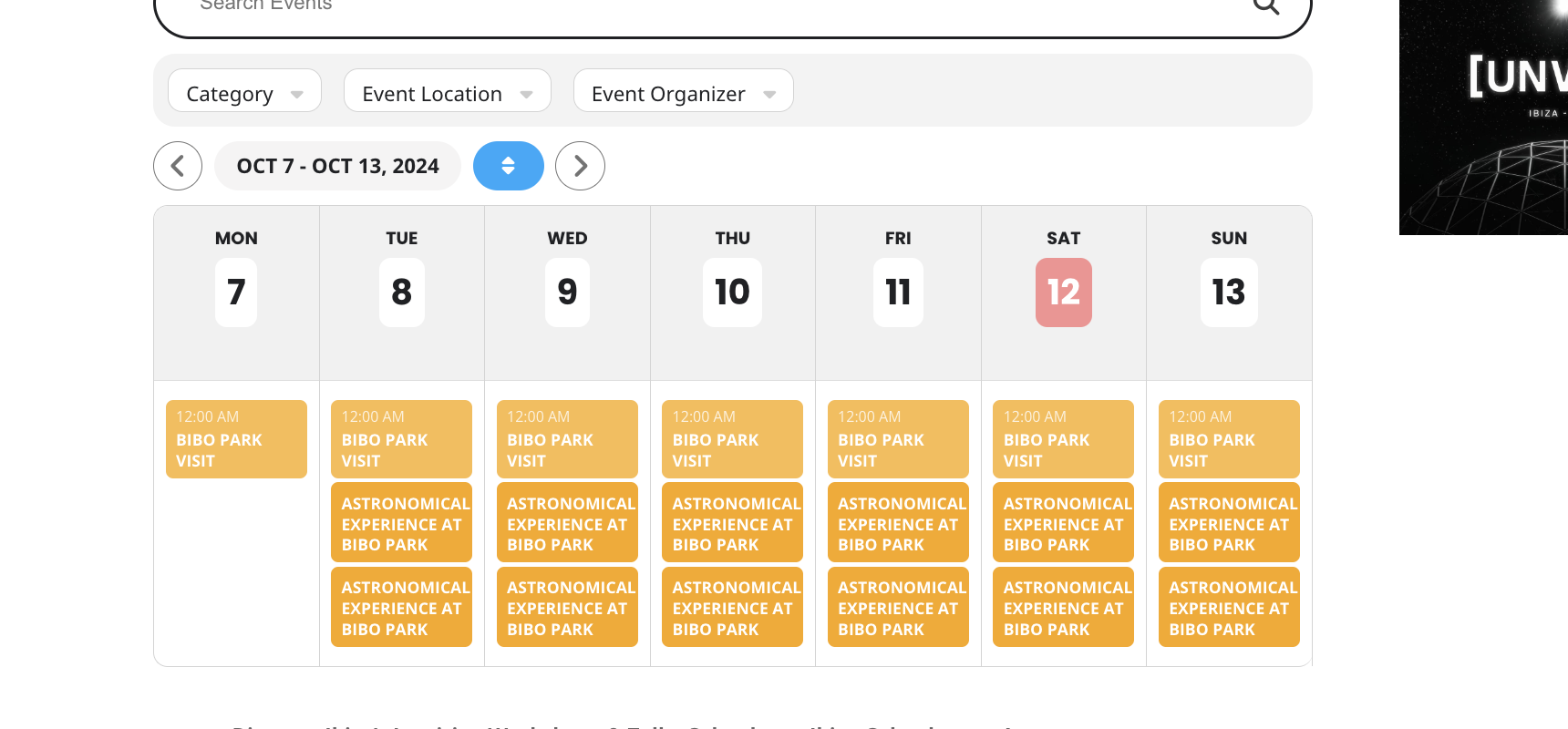
Plugin updated, there’s something that I am not doing correctly and I can’t figure it out.
What would you suggest me to do?
Thank you,
Thank you so much, that code worked perfectly!
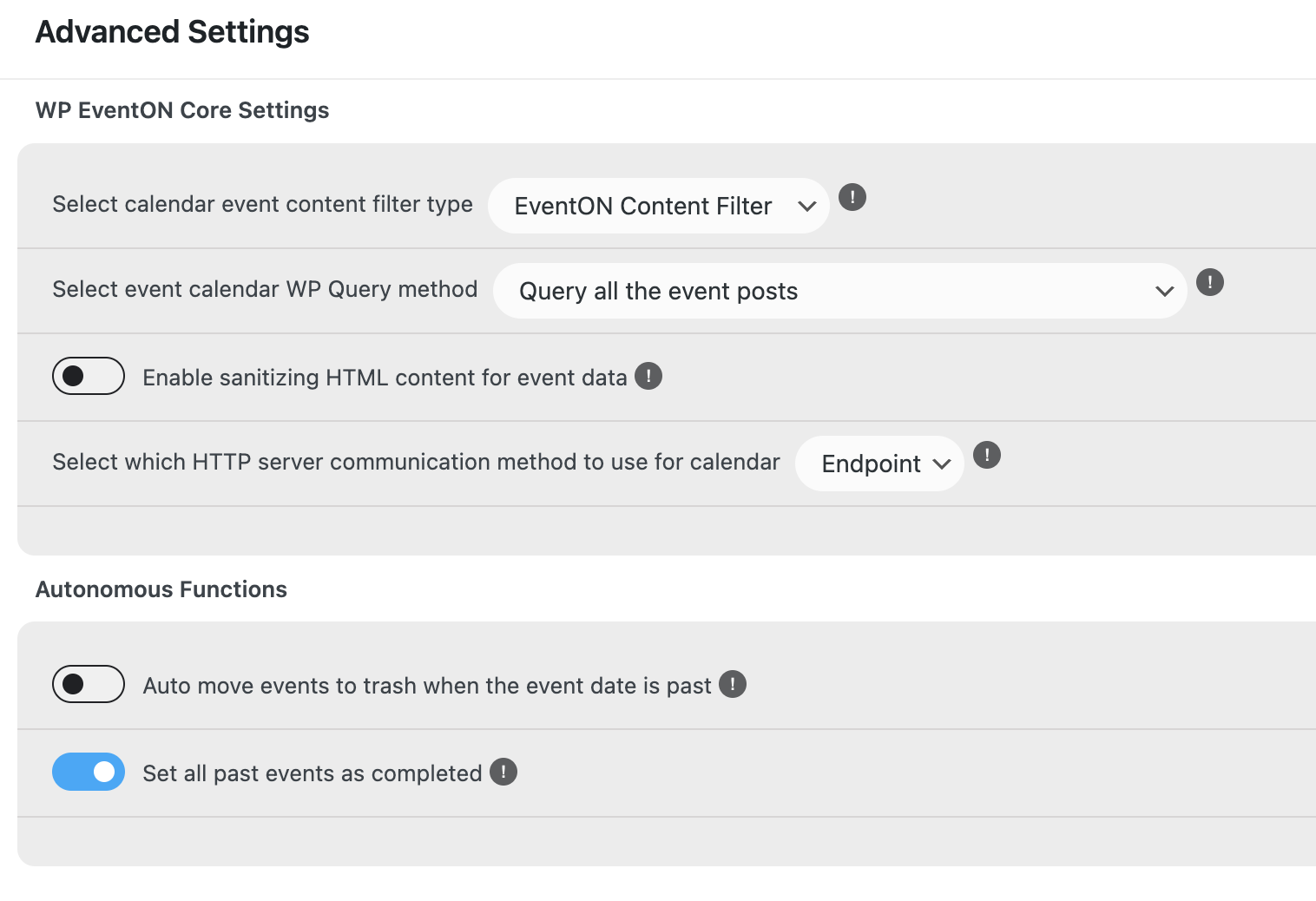
I just did some testing and realised that if I set to WP query only 1 month my customers cannot see all the classes, therefore I have had to change it back to All events so customers can book.
Any suggestions you can give would be much appreciated.
Thanks
Helen
Hi,
We have 5 CPU (usage is around 3) 10GB RAM (the highest use in the past 6 months was 9, usually runs at 4GB) so we have plenty of resources.
We have optimised the database, deleted inactive plugins, and have litespeed cache and optimised images.
I changed the code to ux_val=’4′ in the calendar and also changed the WP query as suggested, this is set to query on this month.
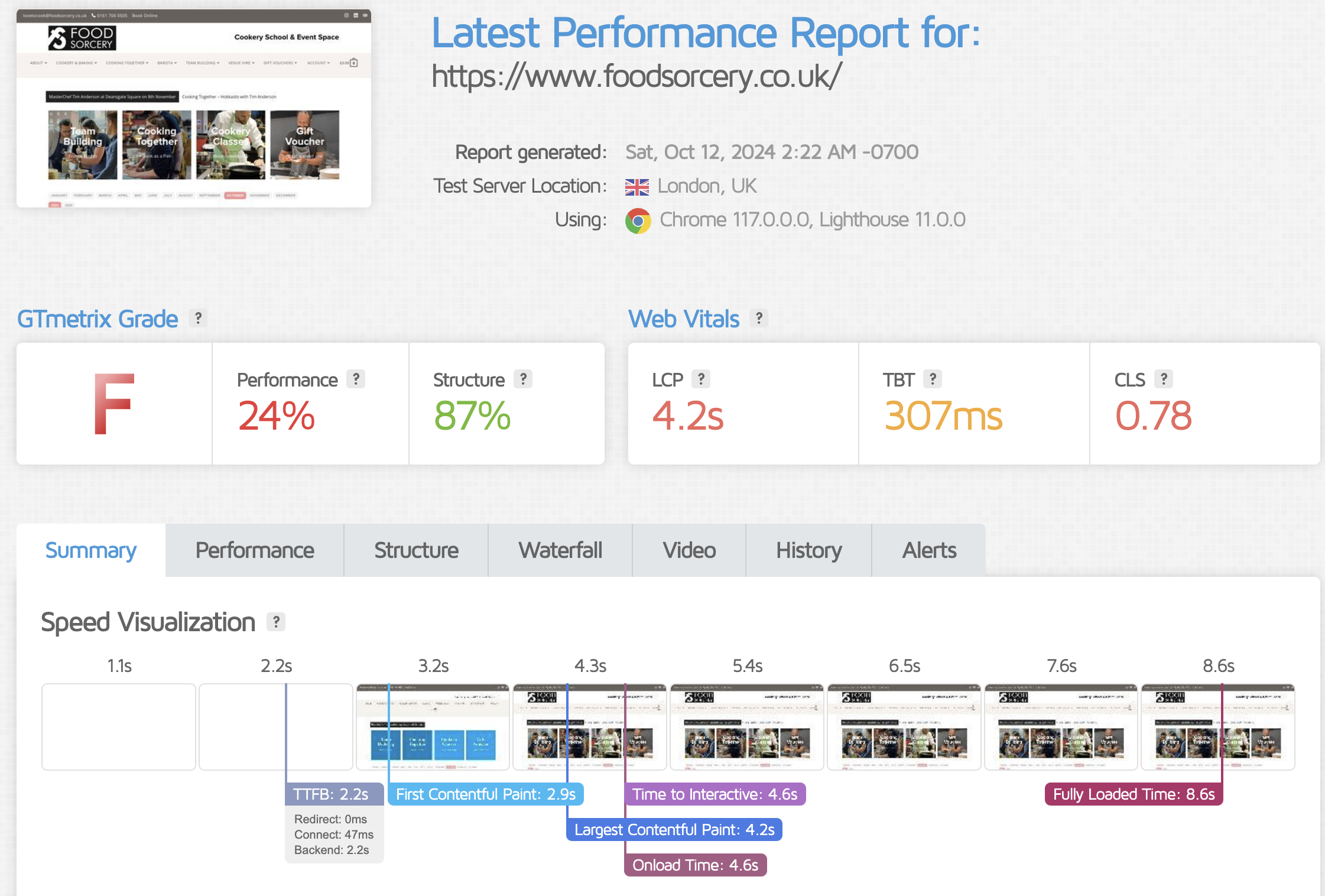
It has made a little difference, however we are still showing only 24% on GTMetrix.
Is there anything else you can think of for us to try? any help you can give us would be much appreciated.
For example, you have additional plugins to help with filtering – could these make a difference?
Thanks
Helen
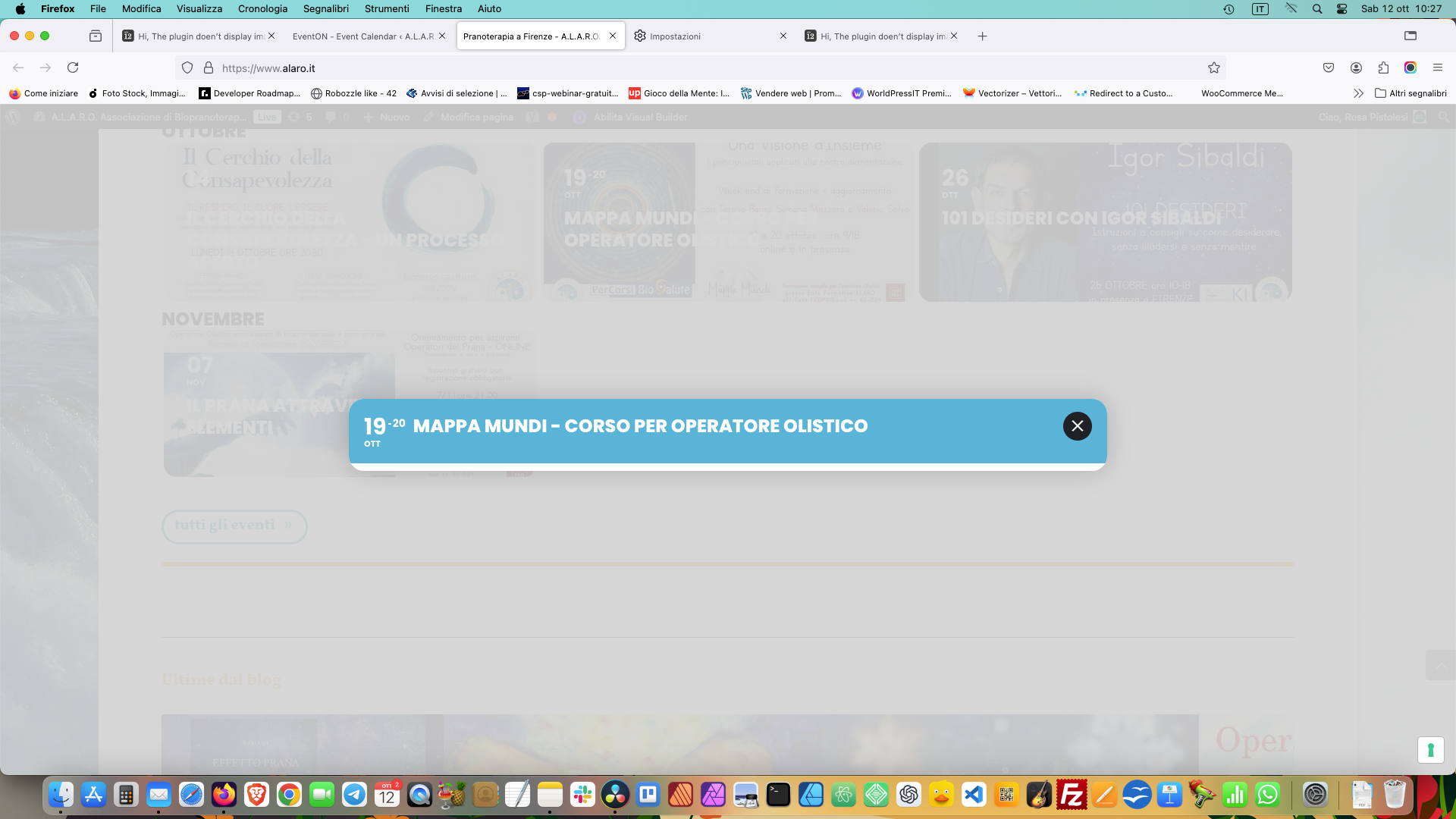
Hi, I try all 3 methods, in all cases the image now is completly disappeared. not working.