Reply to: tickets(366716)
Replies for tickets on suppota
Hello,
Additional fields can be added by following
https://docs.myeventon.com/documentations/how-to-add-additional-fields-at-checkout/
Unfortunately, we don’t provide customization jobs at the moment.
well this isn’t ideal as you are loading multiple calendars on the page
but see video:
https://www.functiomed.ch/not-a-great-idea
it works- you’ll run into trouble if you are loading 100’s of events and eventon is running as many times as you have eventon shortcode on the page
so test it out especially on mobiles as that seems to be the part that slows down
you have as many shortcode calendars as you wish to show past months- I don’t recommend many.
you could for example have the past 3 months and then a dedicated page with an archive page as explained before- do people really need to know right then and there what event you had 12 months ago? perhaps they do I don’t know-
Hello
I can’t find a css minified function. Can you have a look yourself? I have created a login for you:
URL: https://swissotours.ch/wp-admin/
Username: eventon
Password: wzjrO$Iv)SnboaFTuEPl0Bcf
I see you logged in to my website. Were you able to export events? Ideally I would like to export all listings from www.vale-life.co.uk and import them into www.newsite.vale-life.co.uk
I have set you up with the same admin log in for both websites.
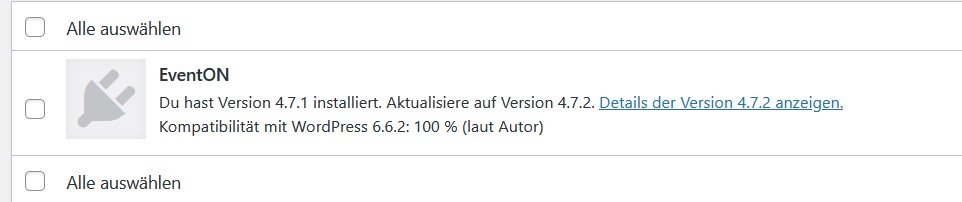
I show you a image, I use the last version, the 4.7.1. How can I send you the private message?
Sure.
Sidenote A about updates:
we had to roll back the Eventon 4.6.8 update because of other bugs (adding 2hrs to every event being the biggest one). I just noticed a couple of new Elementor updates as well, but I will wait with those until you have looked at the setup as it is now.
Sidenote B about how we use Eventon functionalities:
We use your function “change your rsvp” for cancelling bookings as we need the system to find existing bookings and cancel those. So this is where it is not working properly.
The “No” function button is unused but sits in our forms as “Inte intresserad” since we can’t hide it.
WP access
myeventonsupport
UZU8NtfGoEk6)1TyZFAAIS4p
SFTP
Host:
172.105.67.26
Username:
asnywebb
Password:
sdjkfhkj&&543″”kkLLL8Gvv?#
Let me know if you need anything further.
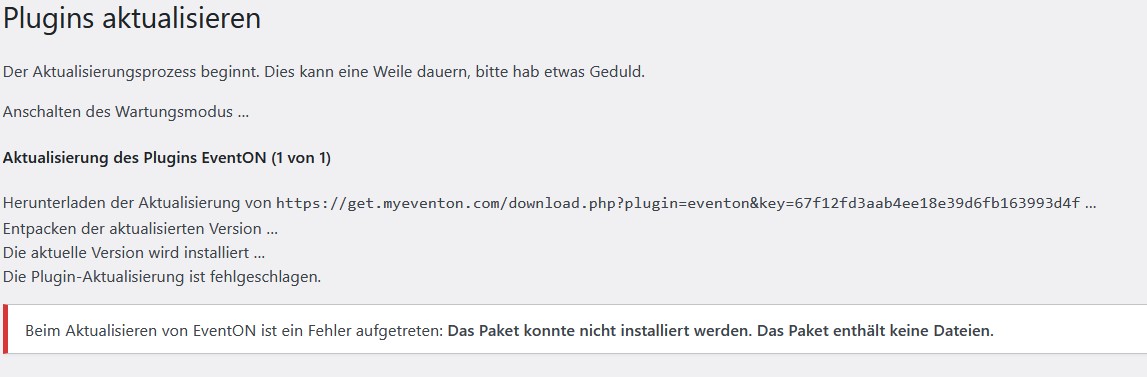
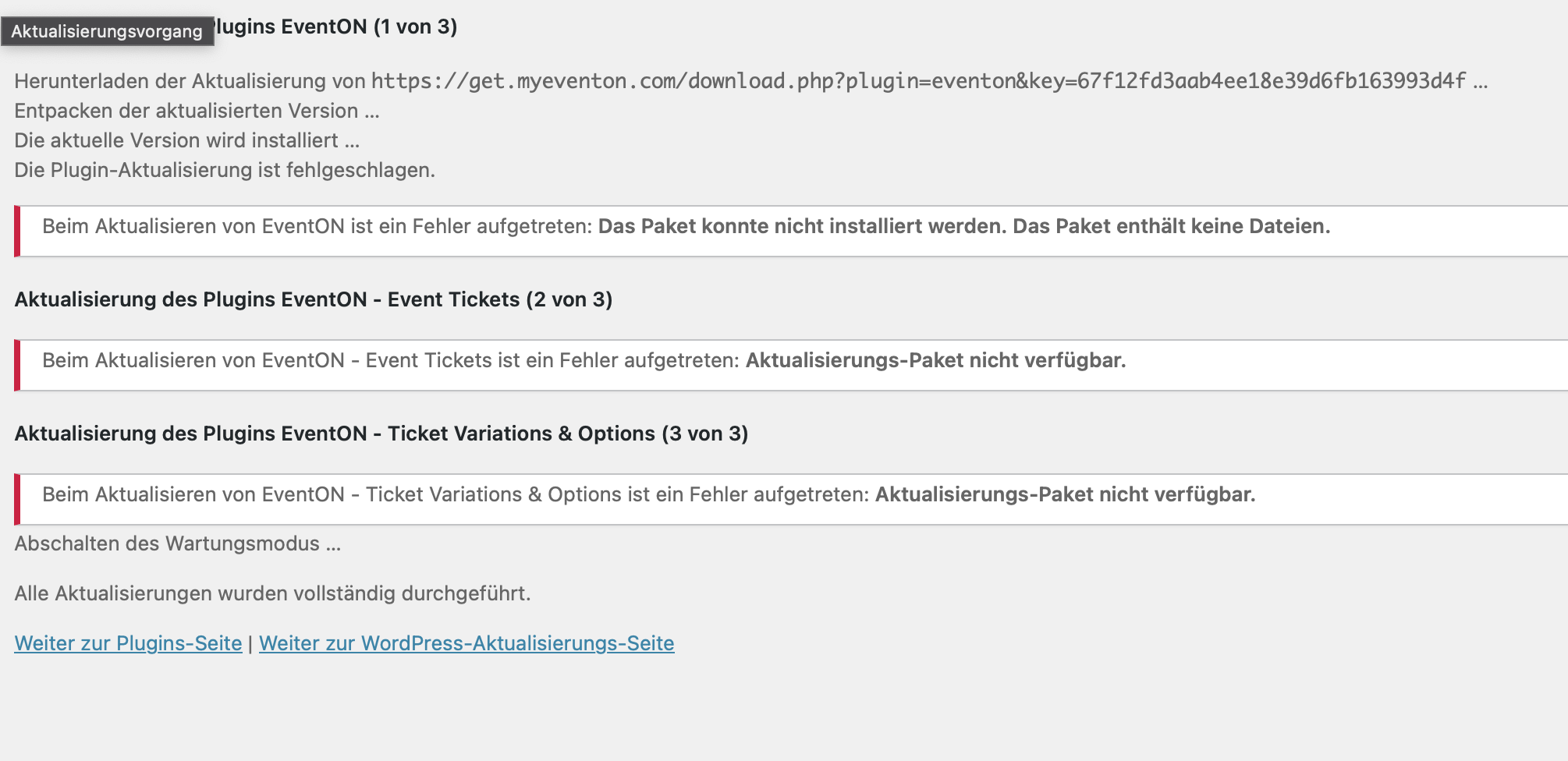
4.7.2 can’t update via WP. Package empty?
And via envato still 4.7.1