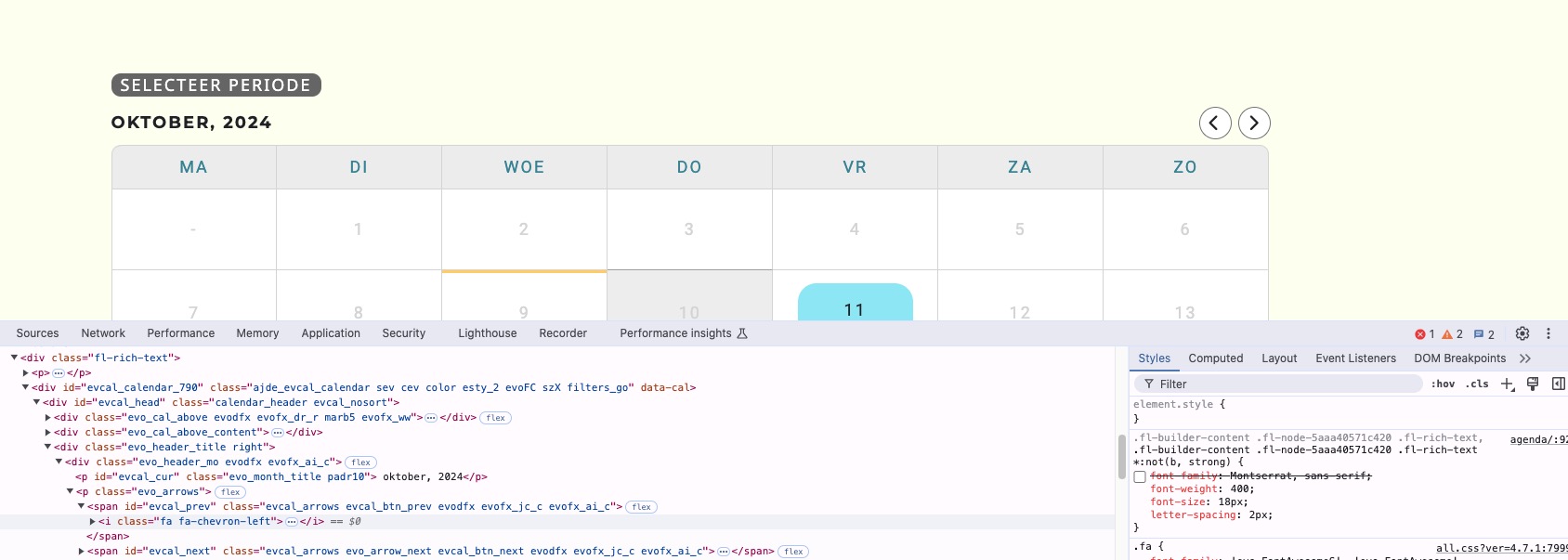
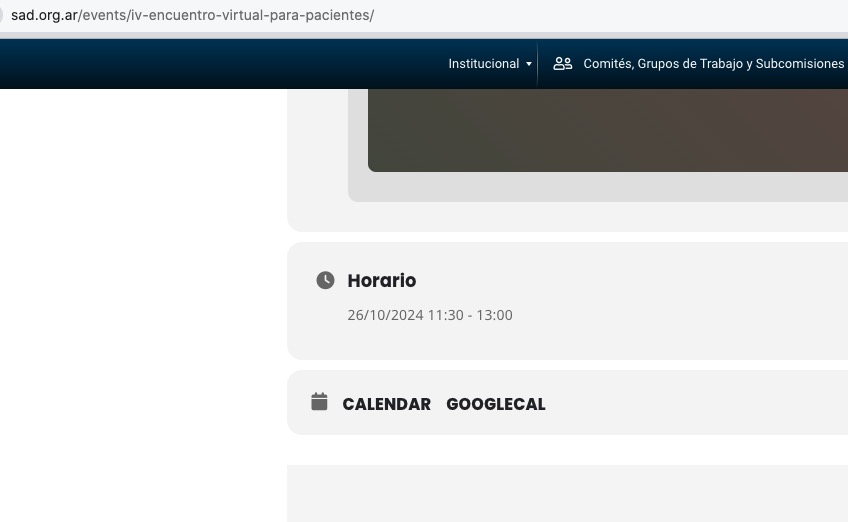
4.7.1 fixes the time issue. Could you please update and check again?
To update eventon to latest version: If you are unable to do autoupdate, you can go to codecanyon your account > download and get the latest eventon version as zip file. Then you can go to your website > make sure “Delete eventon settings & data when EventON is uninstalled” is Deslected from eventon settings, delete old eventon, install new one and activate. This link will further explain the process it. Also you can follow us on twitter to get real-time announcements on updates!
CodeCanyon should notify you when the update will be available.
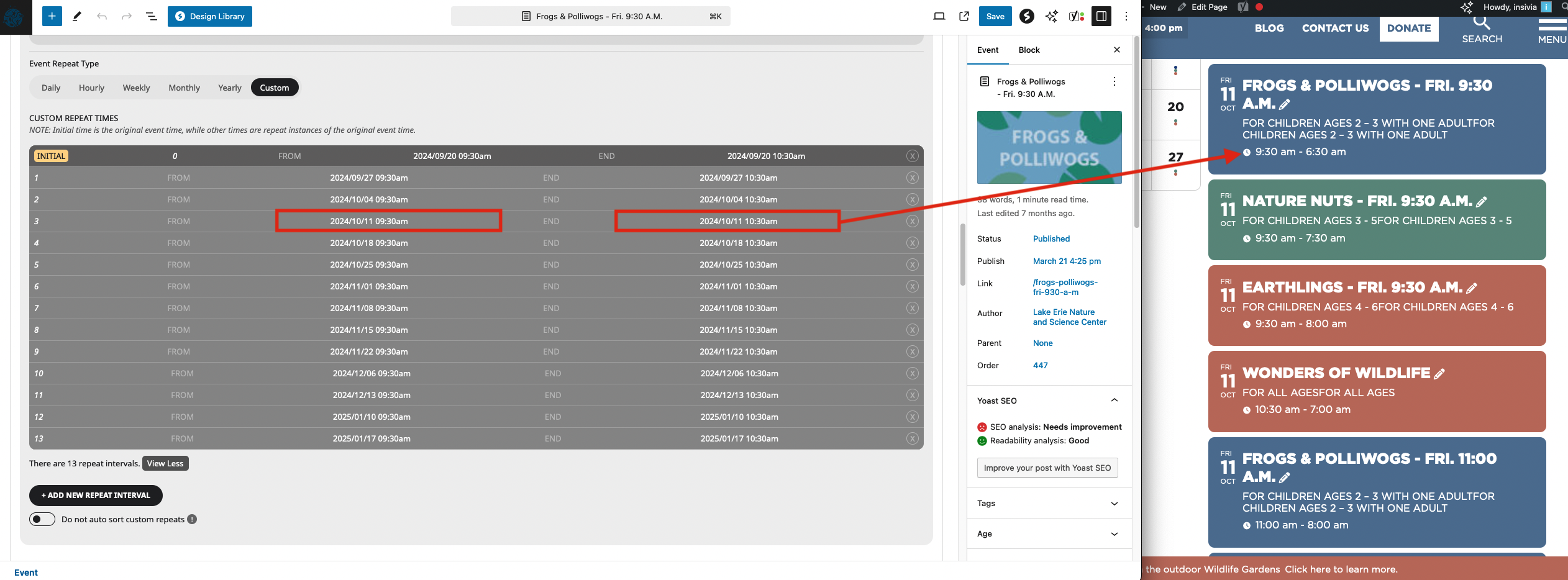
Hi Artem, there are many recurring events but please use “Frogs & Polliwogs” as an example of this issue. Attached is a screenshot showing the times for the event on Friday October 11th set as 9:30am to 10:30am, but on the front end its displaying the end time as 6:30am. Again, this is happening across the board. You can see on the event calendar the end times are all being displayed as 6:30am, 7:30am, 8:00am, etc…https://www.lensc.org/visit/program-calendar/
Please let us know if you need any additional information. Thanks!
Hi Artem,
thank you. EventON is on 4.7.1.
It looks like the filters are now working, however, the clear filters is still not working/active.
https://letsallgo.co/wp-admin
login:
paulskelton
T1mwppwmf
When I disable the style, arrows are fixed:
Please change the code so it only affects the text and not icons.
Hello,
We are working on the autoupdate issue. The update will be available shortly.
Please update manually by following:
To update eventon to latest version: If you are unable to do autoupdate, you can go to codecanyon your account > download and get the latest eventon version as zip file. Then you can go to your website > make sure “Delete eventon settings & data when EventON is uninstalled” is Deslected from eventon settings, delete old eventon, install new one and activate. This link will further explain the process it. Also you can follow us on twitter to get real-time announcements on updates!
11:30-13:00 on my side:
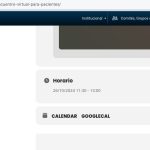
Could you try clearing the browser cache as well as website’s plugin cache (if you have one)?

Hey guys,
I just wanted to check in on a possible solution / patch for this issue with the slider… I updated another site we have to slider 2.1 and it is behaving the same way with duplicating the events once in the array of slides, or not listening to the “hide multi occurence” setting: https://harwoodmuseum.org/
We also noticed that the subtitle is duplicating itself as well (see attached)
I saw that the main EventOn software was updated to 4.7 so I’m hopeful for an addon patch soon as well? Thank you for any information or help you can provide toward a resolution
-Vincent
Please create a new ticket and select Feature Request as category so others can vote on your idea and get it moved into development faster.
We are glad your issue is resolved, if you have any further questions or concerns please create a new ticket.
If you have a moment, we would greatly appreciate if you could kindly leave us a review at Codecanyon. By going to your account > Downloads. We are very grateful for your kind review!