Please add this code to /wp-content/plugins/eventon-tickets/assets/admin_evotx_post.css to show the dropdown:
.evotxVA_ticket .evotxVA_data { display: block !important; }
I am still trying to figure out about “This feature was imposed on an update. “. Could you show us where this functionality was discussed?
Hello,
It is starting to take too much time, we need to use your plugin for an event coming in 2 weeks…
Please fix the problem asap…and come back to us…
Thank you
Thank you for the info!
Are you using Avada theme? The thing that Fusion Google doesn’t come from EventON but Avada.
That’s my point there is no option to switch the drop down on or off.
Please see the attached screenshot in the previous post which illustrates the details with and without the drop.
Our preference is to see all the details without having to click the drop down button of each customer. This is time consuming and frustrating for the reception stuff who might have to do this for up to 250 customers a day. It’s even more frustrating as it was never an issue before. The customer details were always on display.
Can we have the drop down removed or the option to display all the customer information please?
Thanks
Iain

Hi.
After a lot of thought, we have solved the problem.
There was an error when duplicating the events. An event has created a record in the database in “wp_postmeta” – _fusion_google_fonts as “///*//*/*////////////” and when duplicating them, the size of that record increased, increasing the database. We have cleaned these records and now the database only occupies 100 MB of the 740 it occupied and they seem to work.
In case it ever happens and you don’t know the answer. Greetings and thanks for the help!
well I tried to set it show 2 and it switched it to two columns but it still shows 4 events / duplicates… I feel like in the past even if there was a single event it would display by itself in one of the 4 column spots
I’ve created a support account so you can take a closer look, login here: https://artslab-beta.unm.edu/wp-login.php?external=wordpress
username: eventon-support
password: 1Bbb1p!)7Y7Wr3ARXZ59KpPJ
ty let me know what you are able to find out
i belive because you only have 2 events and you have set it to show 4
Please send us wp-admin access to your site as a private message for us to further assist your situation.
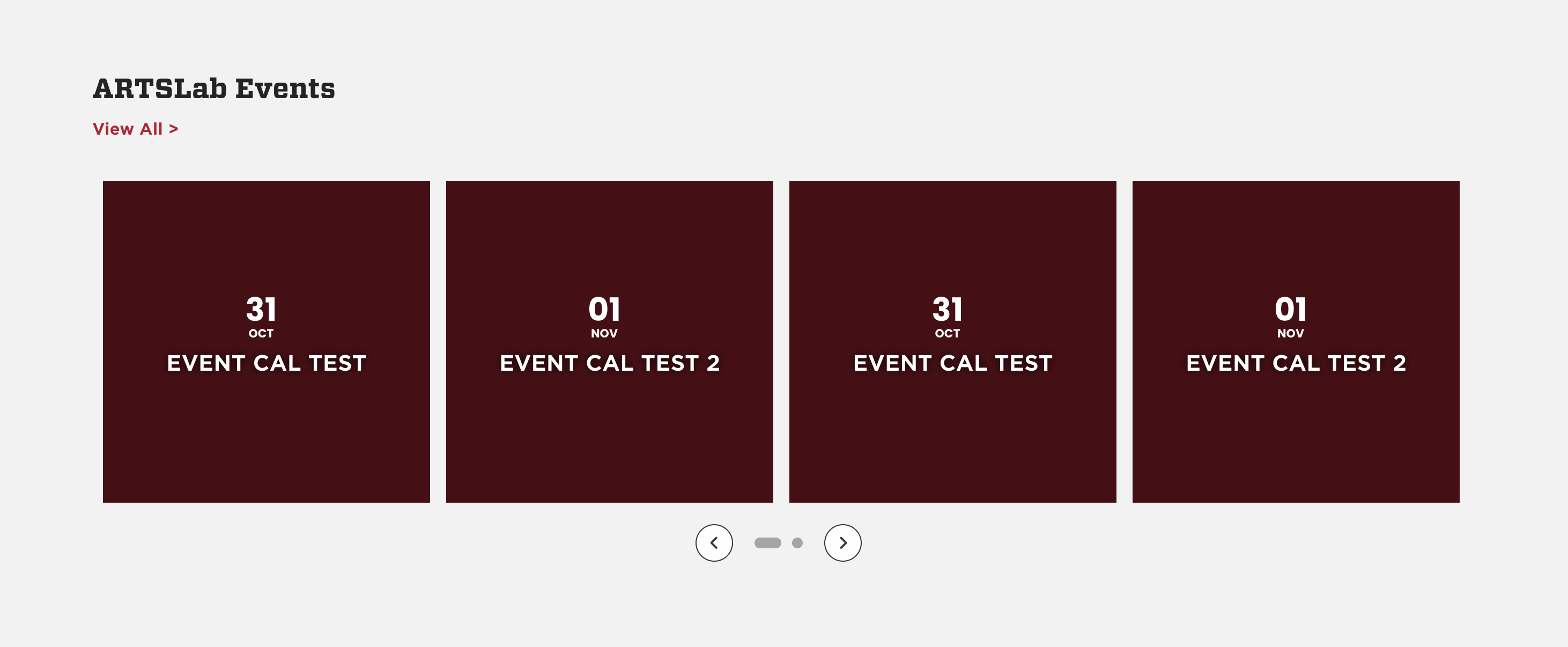
adding a screenshot of issue