One more question, now the event description does not show. Is there a setting now I’m missing that is preventing the description from showing?
Archives: Replies
Replies for tickets on suppota
Reply to: tickets(365637)
Hello,
It doesn’t matter if the qr code is an order number or entire link. WordPress and Tickets add-on still need to go to the check-in URL to checkin your guests.
Reply to: tickets(364567)
Every update we do make changes to the design to make sure it meets modern standards.
>> my webmaster investigated and found out, that fonts are only being used, once they have been used on the calendar page itself at least once, and after he manually inserted some CSS for the calendar page
What’s your current font that you are trying to use in EventON and it doesn’t work?
Sorry, I cannot discern which code exactly you mean. up until yesterday, only eventON has added code or given me code to add to the scripts & styling section
I was referring to .elementor-kit-5 h5 {} CSS style.
>> could you please tell me, what the small grey box underneath “ZOOM” is and how to make it go away – thank you!
Which event are you referring to? On my side:
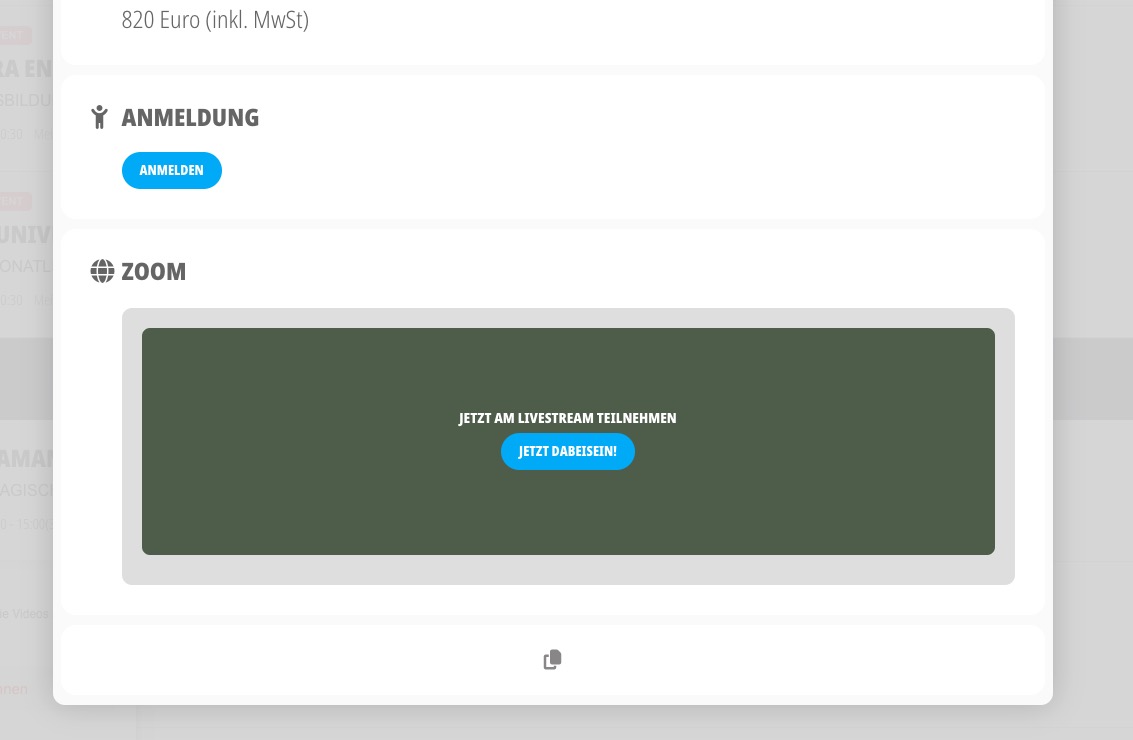
Could you please tell me again what are your current issues are?
Reply to: tickets(365631)
Yes, changing the slug to event-directory and using that correct eventon page resolved the issue!
Reply to: tickets(365620)
Hello,
I am sorry, the access information you have provided did not work for us. Please check them and post the correct login information as a private message, thank you!
Reply to: tickets(356442)
I can login, but cannot access wp-admin.
Here’s our test server:
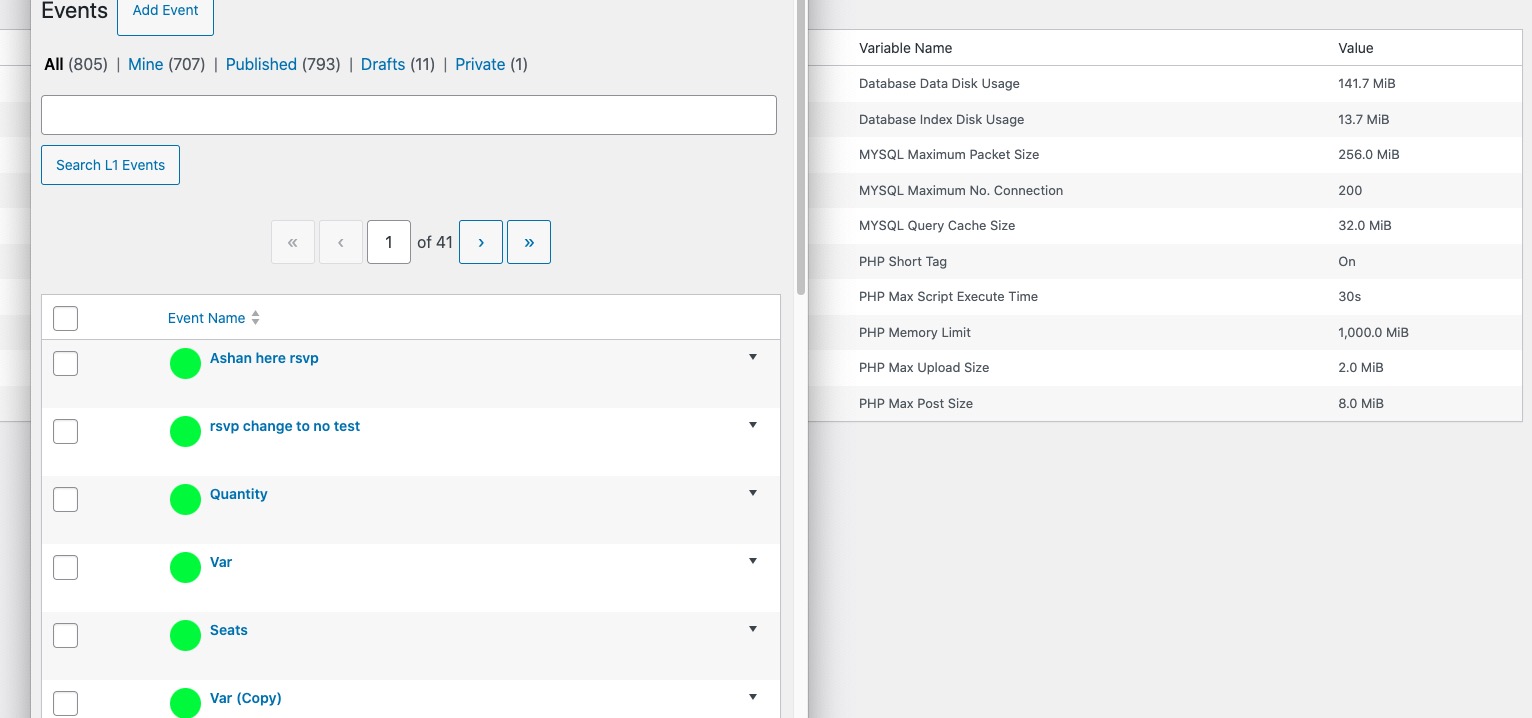
As you can see there are more than 800 events on the server and it uses 141MB for DB.
Please also note that 1000MB is set for memory limit.
Could you try setting 768MB as memory limit? PHP memory limit and DB size are two different things, so maybe it’s possible to set more.
Reply to: tickets(365631)
Yes, that plugin came with the theme. I will make some changes to the Events Paging as necessary and will reply here when resolved.
Thanks!
Reply to: tickets(365626)
Hello,
Please add sort_by=”sort_title” to your shortcode sort events by title.
Reply to: tickets(365627)
Hello,
The closest you can achieve is “Tile View of Calendar with Images“:
https://demo.myeventon.com/
Please take a look at and let us know.
Try on https://dev.myeventon.com/wp-admin/
Reply to: tickets(365629)
Hello,
Thank you for your great suggestion, at the moment it is not supported. However please create a new ticket and select Feature Request as category so others can vote on your idea and get it moved into development faster.