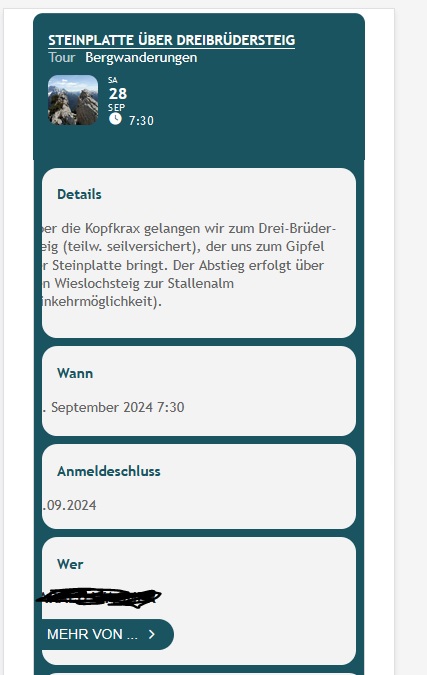
Hello again, I disabled every plugin except event on plugin and addons and I switch to default WordPress theme in a staging website.
here the informations
The Staging site for your WordPress site https://campanialibrifestival.it of the backup dated, 2024-09-27T20:25:42.430Z is ready. You can access it here:
https://campanialibrifestival862.e.wpstage.net
The site is password protected for additional safety. The credentials for this are:
Username = blogvault
Password = 8ad3238d
You can also manage the site over SFTP using the following details:
SFTP Host = 167.235.202.75
SFTP Port = 2866
SFTP Username = bv_sftp_user
SFTP Password = ce18dc9b2962db27
Unfortunately calendar seems to don’t work https://campanialibrifestival862.e.wpstage.net/eventon-testing/
thank you
That was it! Gotta love user error! Thanks!
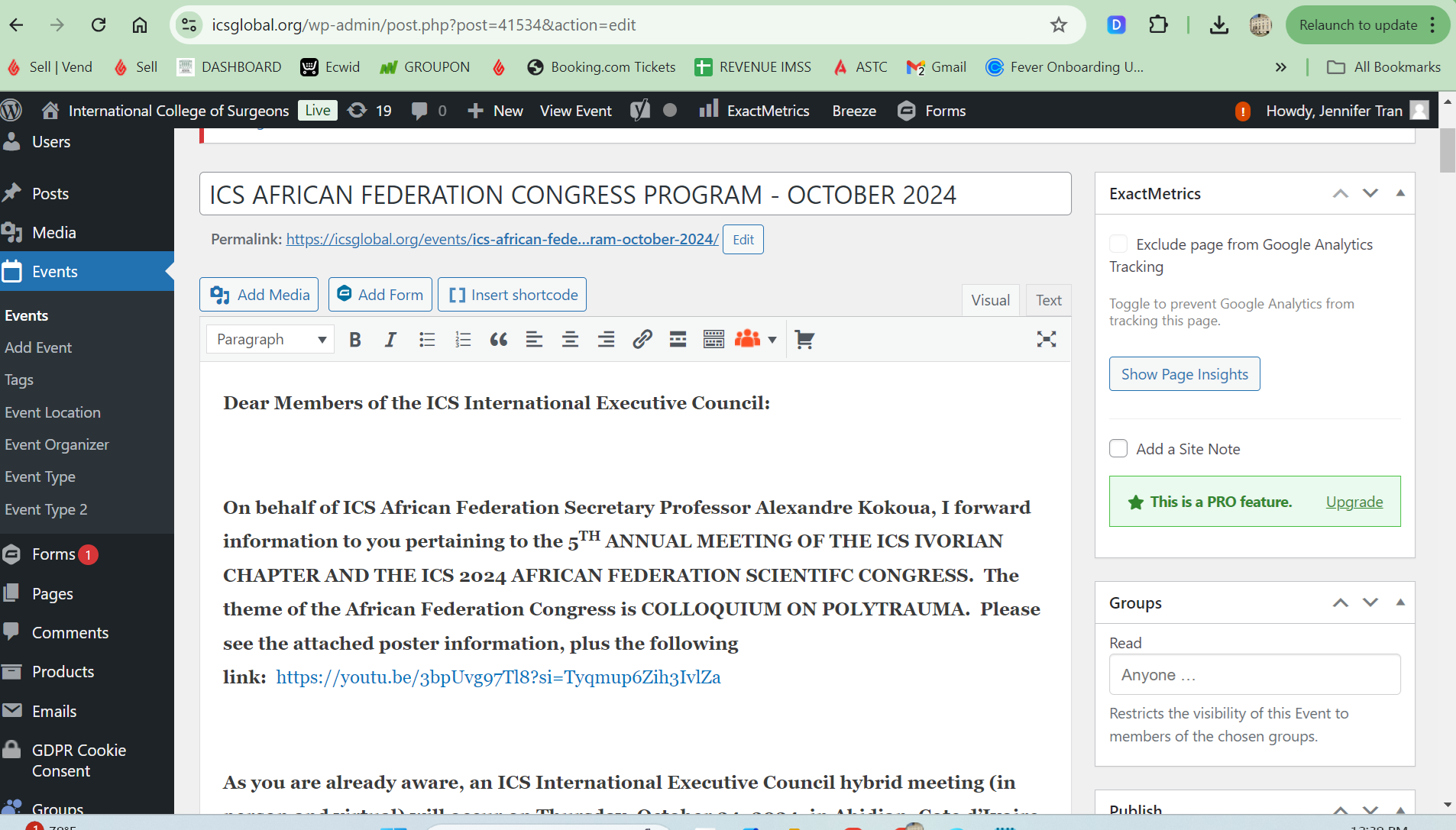
Artem,
To answer your question, We don’t have the ftp server.. we only have icsglobal wp-admin page. Please let me know how to download Event ON version 4.6.8 manually. Because the ftp link advice you have at documentation is not searchable at my end.
Yes, we need to download latest version for Event On. Because what we put under Paragraph is not showing up when user click on the Event.
Please help us. This issue had with us
==
You need to connect to your server using FTP access to be able to access wp-content/plugins/eventon/.
Are you having any issue with the current installed version of EventON?
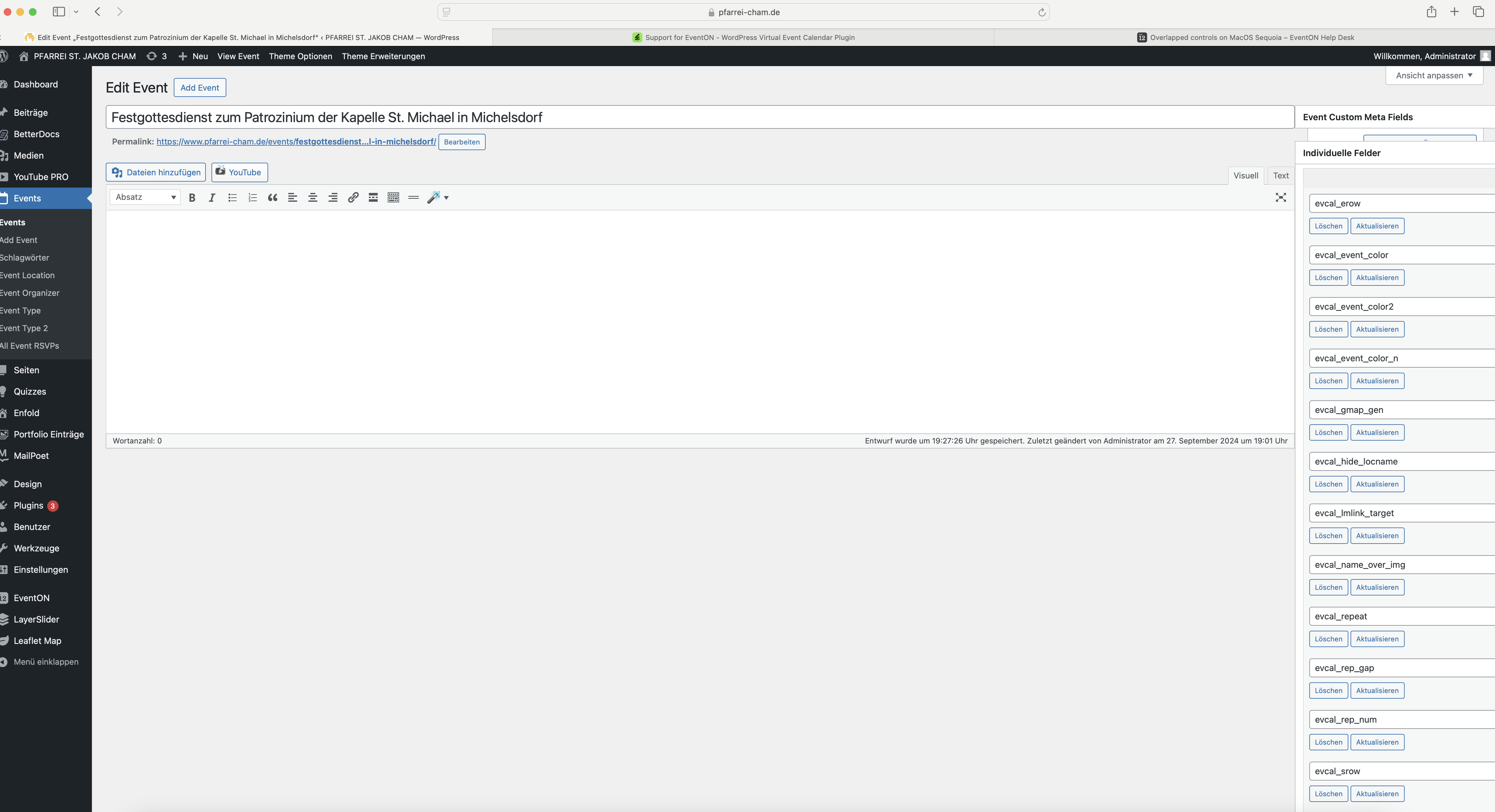
See here:
https://www.pfarrei-cham.de/wp-admin/post.php?post=14570&action=edit
When do you think this could be resolved?
We have an event coming soon…
Thanks
Just an update. API keys with referer restrictions cannot be used with this API. This is when we are adding a new event
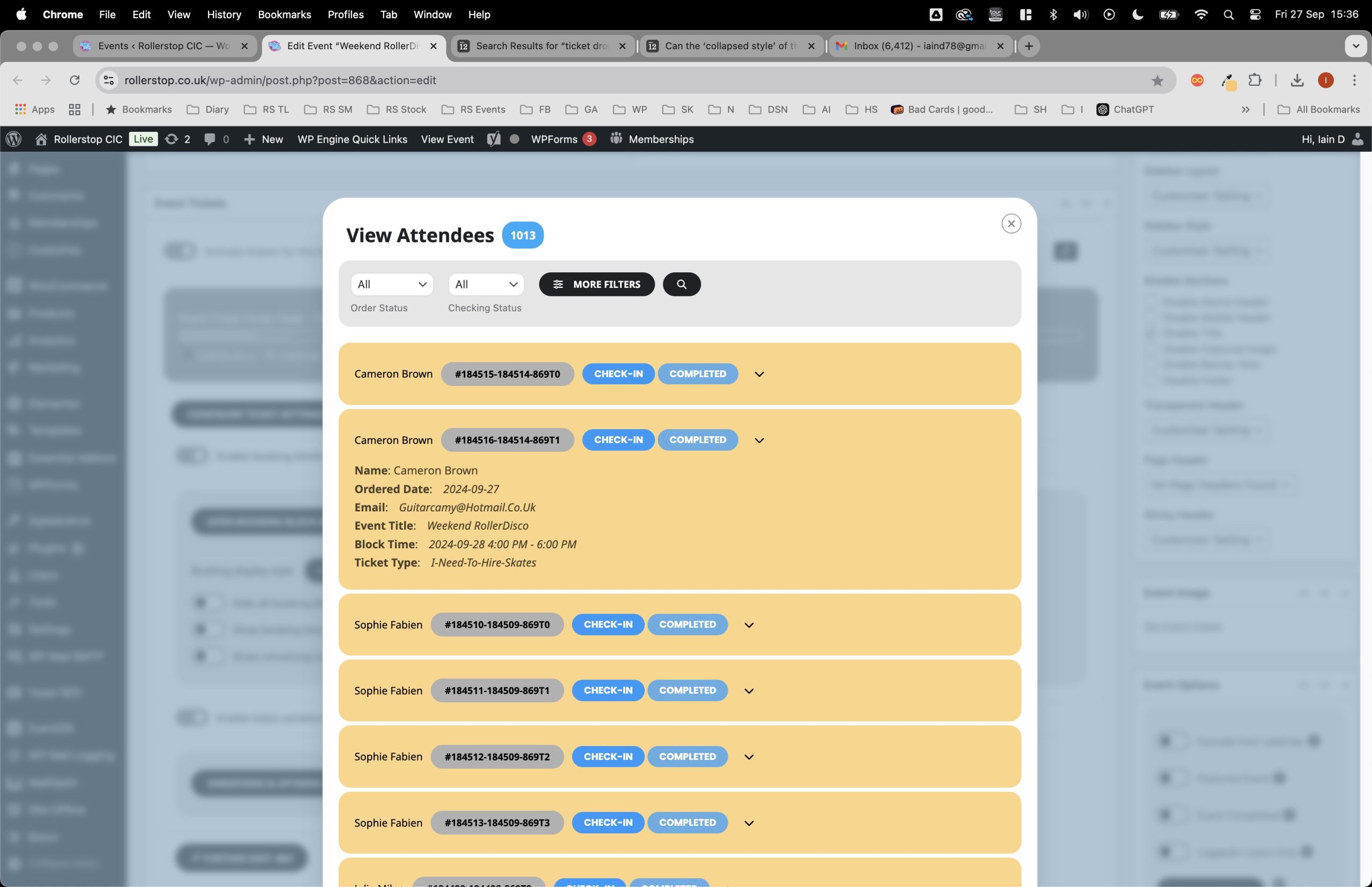
Here is an example of the issue.
Staff have to click on each attendee to see the details.
This must have been added on our last update.
We would prefer all details are available to see without user interaction.
This drop down feature is also in the ticket order, again we would prefer to see all details when view the page.
Thanks for your help.
ok we tried to tweak our google key restriction, seems ok for now
regarding google maps, it seems to have this error
Geocoding Service: This API key is not authorized to use this service or API. For more information on authentication and Google Maps JavaScript API services please see: https://developers.google.com/maps/documentation/javascript/get-api-key