So right after I asked this question I actually saw this on the event-on site:
https://www.myeventon.com/addons/event-api/
Would that not do what I’m asking for actually? I thought I might have found my solution unless I’m misunderstanding what the add-on does?
How can I make email invtes in a bulk (from a list)
Thank you for your great suggestion, at the moment it is not supported. However please create a new ticket and select Feature Request as category so others can vote on your idea and get it moved into development faster.
We are glad your issue is resolved, if you have any further questions or concerns please create a new ticket.
Hello,
I fixed the main issue by “EventON > EventCard > open Designer and save > now save EventON Settings”.
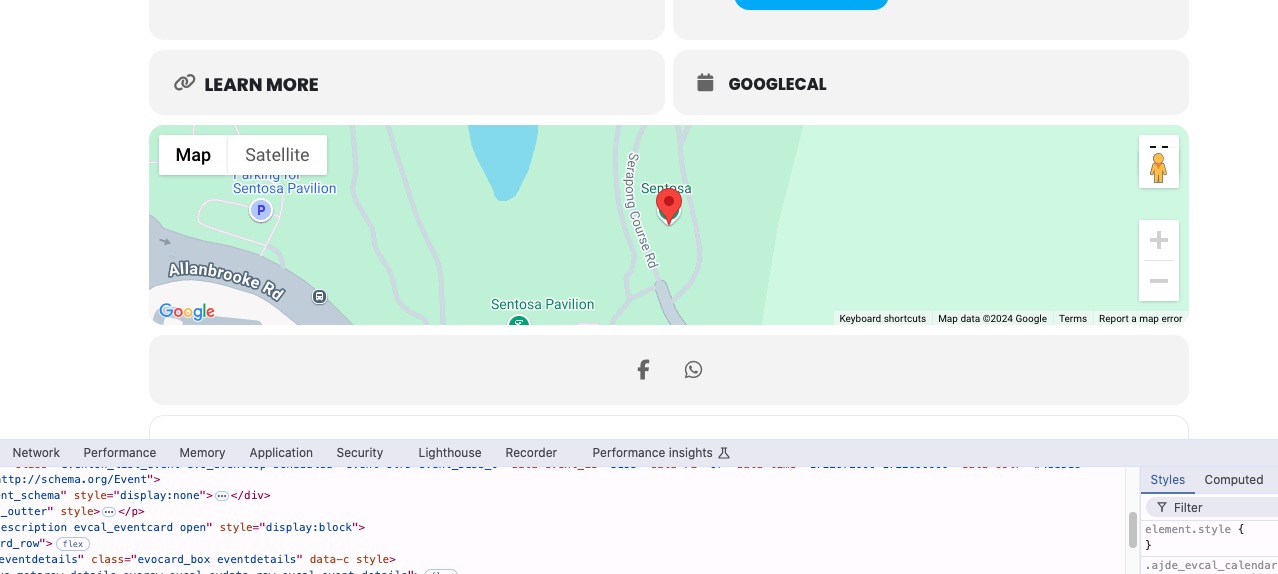
Google Map seems to be working:
Could you check and let me know?
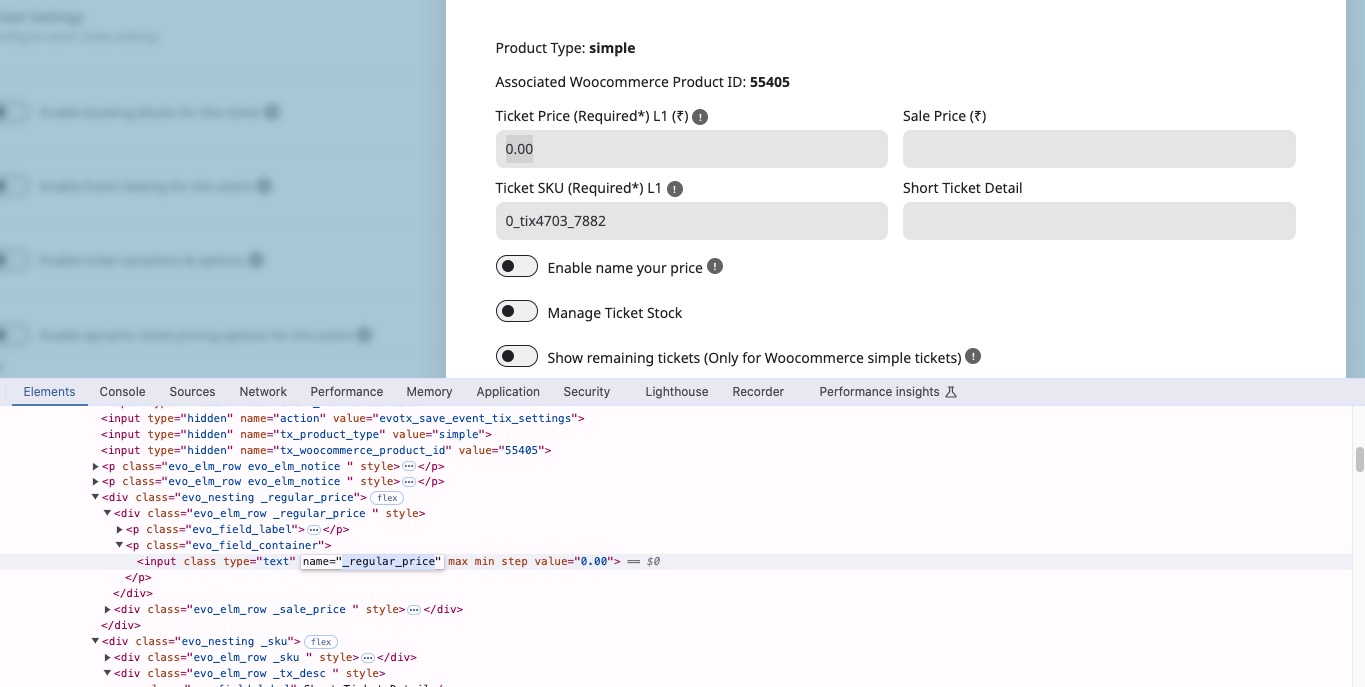
Each field has name=”” attached:
You can use Inspect Element:
https://www.browserstack.com/guide/inspect-element-in-chrome
To find it and then change the code above.
Please check and let me know.
Hello,
Please note that EventON only changes CSS, it doesn’t load the font itself. You need to load it first and then change EventON > Appearance.
Quotes aren’t necessary, you can remove them.
Try this plugin to load your font:
https://wordpress.org/plugins/olympus-google-fonts/
Please take a look at how you can override CSS to change any part of the calendar:
https://docs.myeventon.com/documentations/change-css-calendar/
Try and let us know.
And finally, how do I remove the Event count? The number and EVENTS.
Please add this CSS code to EventON > Styles (If you don’t see any change, EventON > Scripts & Styling > turn off Write dynamic styles to header > save settings > turn on Write dynamic styles to header):
p.evodv_events { display: none !important; }
Perfect! If you have any further questions or concerns please create a new ticket.
Would 5 years be ok?
Should be fine.
Could you help me do this automatically? By replacing the cell ‘1000’ with ‘5’? Thanks for your time
This requires writing a custom PHP script. Unfortunately, we unable to help because of CodeCanyon’s Support Policy.
How did you add your events? Did you manually add them and then set the number of repeats?
Hello,
Thank you for your messages, I am going to assign this ticket to Ashan and he will be able to take it from here and find you a solution. Please allow some time for him to get back to you, we greatly appreciate your patience and thank you for being a eventon customer!
Also make sure to cancel your subscription:
https://docs.myeventon.com/documentations/how-to-cancel-addon-subscription-before-auto-renew/