Please try:
.evo_filter_menu .eventon_filter_dropdown p { color: black !important; }
Replies for tickets on suppota
Please try:
.evo_filter_menu .eventon_filter_dropdown p { color: black !important; }
Ashan,
The same on dev2. I changed this event’s name:
https://dev2.myeventon.com/wp-admin/post.php?post=55378&action=edit
But product’s name is still the same:
https://dev2.myeventon.com/wp-admin/post.php?post=55379&action=edit
Hello,
Thank you for your messages, I am going to assign this ticket to Ashan and he will be able to take it from here and find you a solution. Please allow some time for him to get back to you, we greatly appreciate your patience and thank you for being a eventon customer! Also please disable any IP blocking on your site if there are any.
Hello,
Tickets add-on doesn’t support Blocks:
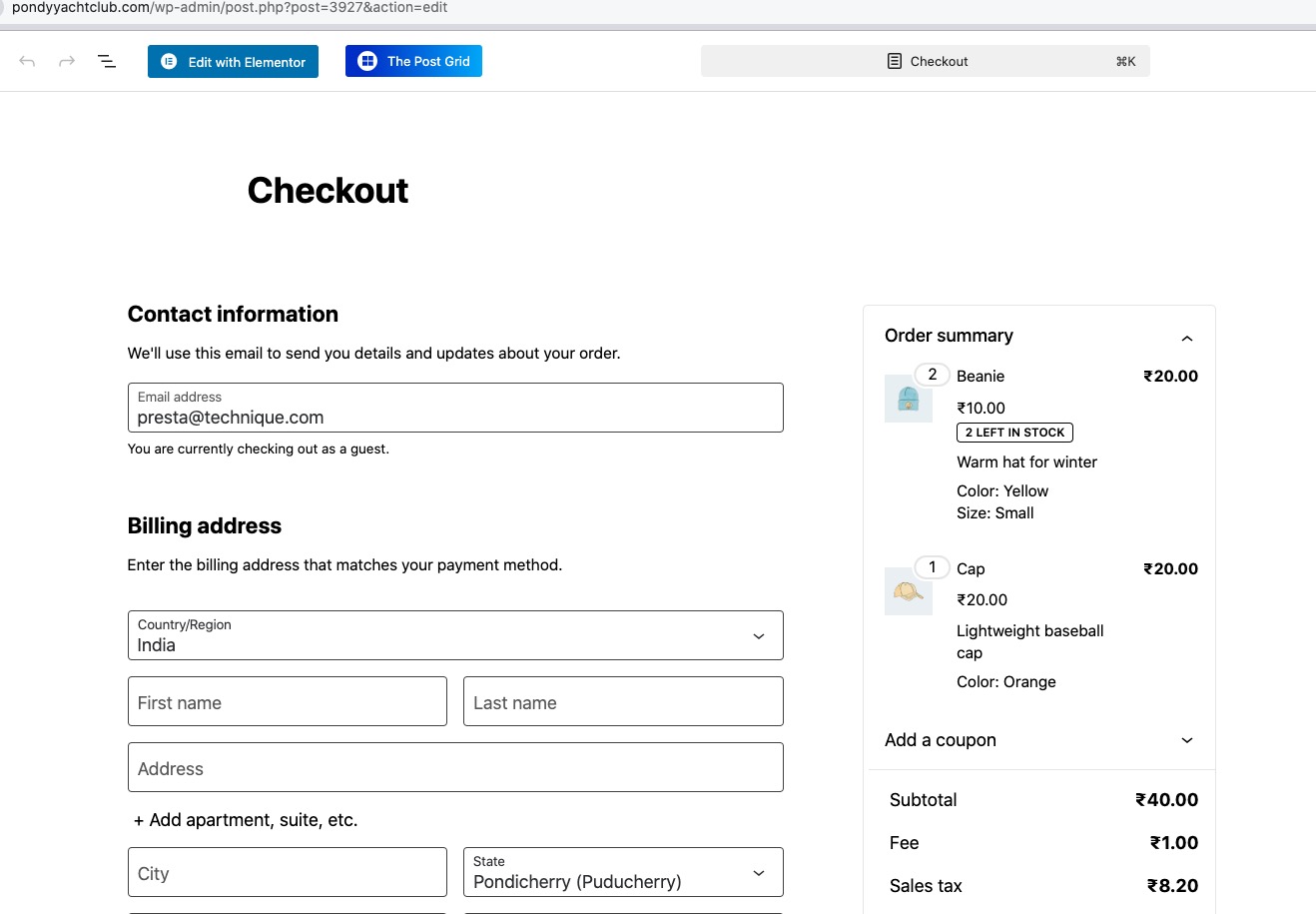
Please replace them with the default WooCommerce shortcode [woocommerce_checkout]:
https://woocommerce.com/document/woocommerce-shortcodes/#woocommerce-shortcodes
Replacing it will fix the original issue.
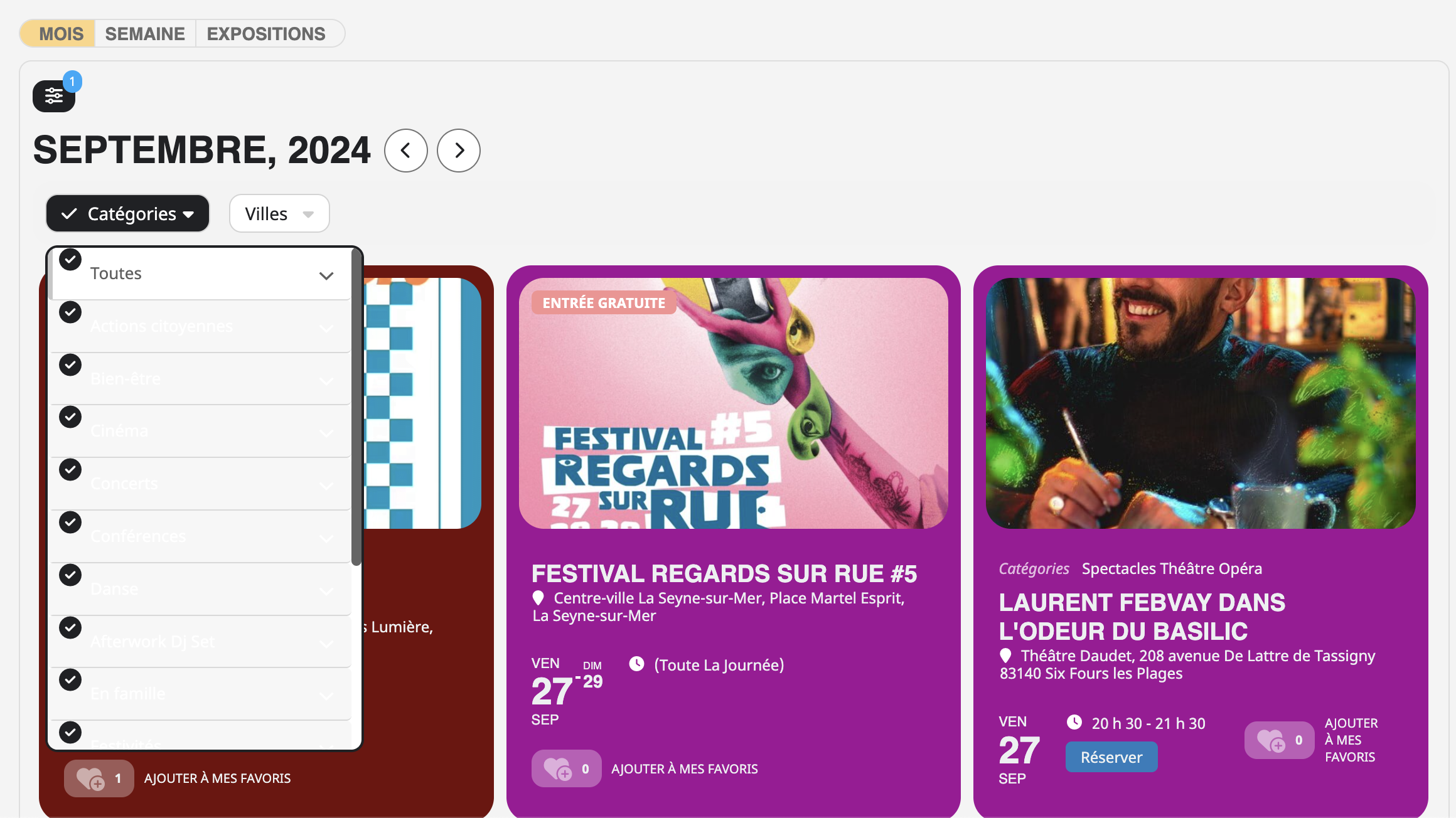
How can I make the text black for all categories or if a category is selected?
Thank you for responding to my request, I'm really happy.
Hello,
plese refund order id #196054
Thank you
Davide
Hi – thanks for your reply and for setting up the test event. I edited the test event and finalised it. However, I noticed that now that all the repeat events display and that the RSVP is for each event? I don’t want people to have to RSVP each time. Is there a way round this? Can the RSVP be edited so it includes the other repeat events dates and people can tick which ones they can attend?
i wait you …
yes see video
You are correct, i have changed the text to QR code when i had the plugin enabled. I am sorry to bother you and i thank you very much!!!