Hi Artem
Why would the use of blocks affect the record of a ticket purchase in the backend? I don’t understand why the ticket purchase is not linked to Ticket Orders section in wp-admin?
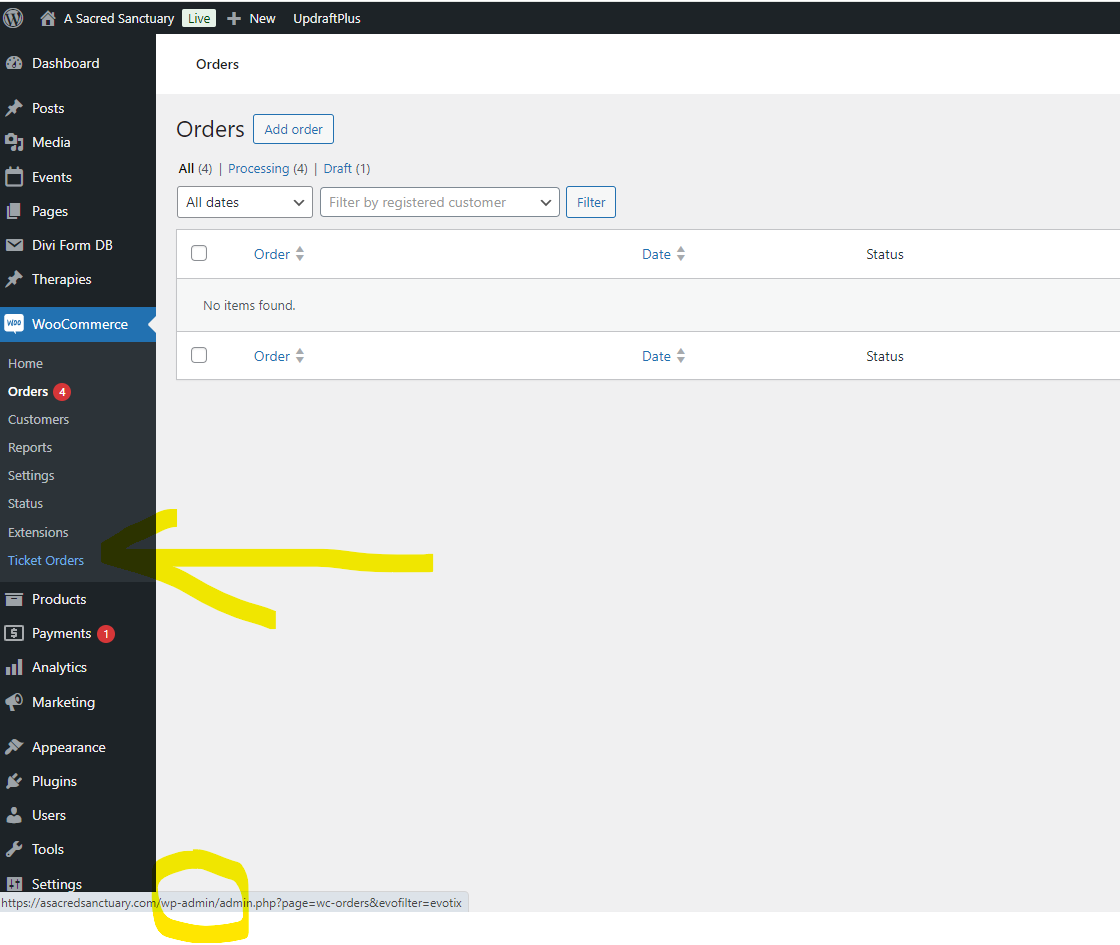
When I click on the Ticket Orders in wp-admin I get the link shown at the bottom on my screenshot, but the link goes to the Standard Orders tab – doesn’t stay on Ticket Orders tab. Not sure this is working properly?
I don’t really want to mess with the Checkout as I have another plugin also using Woo and the customer has signed off the design. Are you sure this is the correct advice for my problem?
Many thanks
Sara
You can add an additional field to the .csv file you are trying to import:
https://docs.myeventon.com/documentations/import-additional-fields-using-hooks/
Add the code and then replace _field_var_name with _regular_price to import Ticket Price.
Perfect! Do you need our help with anything else?
Login info stopped working. Could you check?
You can either EventON > Advanced > enable “Set all past events as completed” to show that past events are completed or EventON > Time Settings > enable “Hide past events for default calendar(s)” to completely hide past events for users not to see them at all.
1. Please try disabling your cache plugin.
2. Arrows are normal on our side:
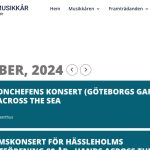
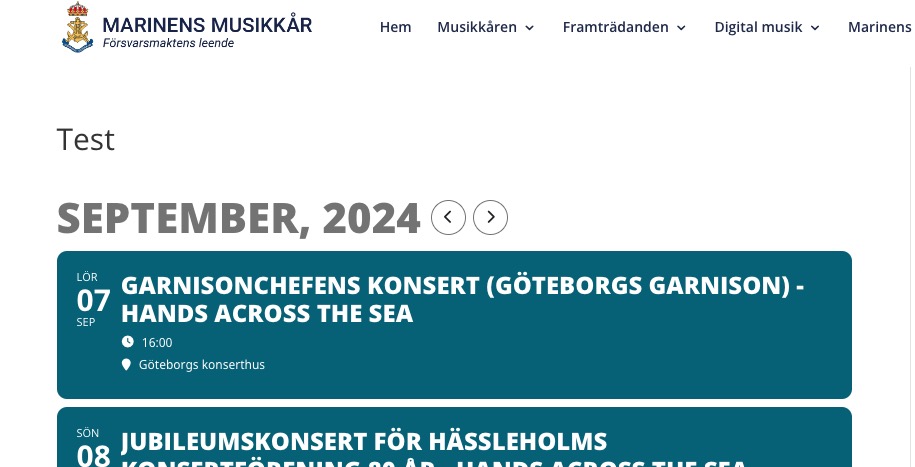
Where can we see the issue?
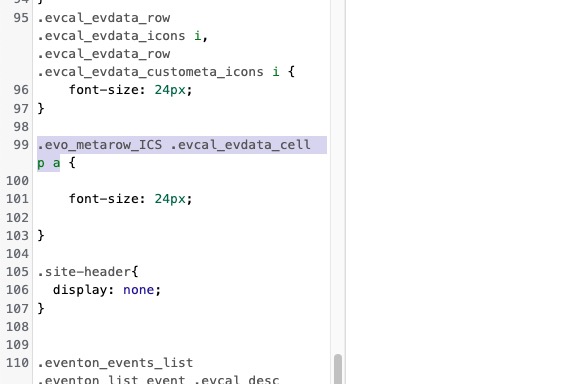
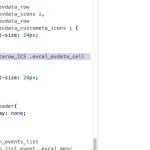
This style from your custom style affects “Add to Calendar” section:
About custom fonts. For example, how do you load “genos” font on the website? Because EventON did change it’s styling to match the new font family, but on my side it doesn’t show it.
Are you trying to use this font?
https://fonts.google.com/specimen/Genos
…changing to the customized color…
Which custom color should it be?
thanks for your support and the fix.
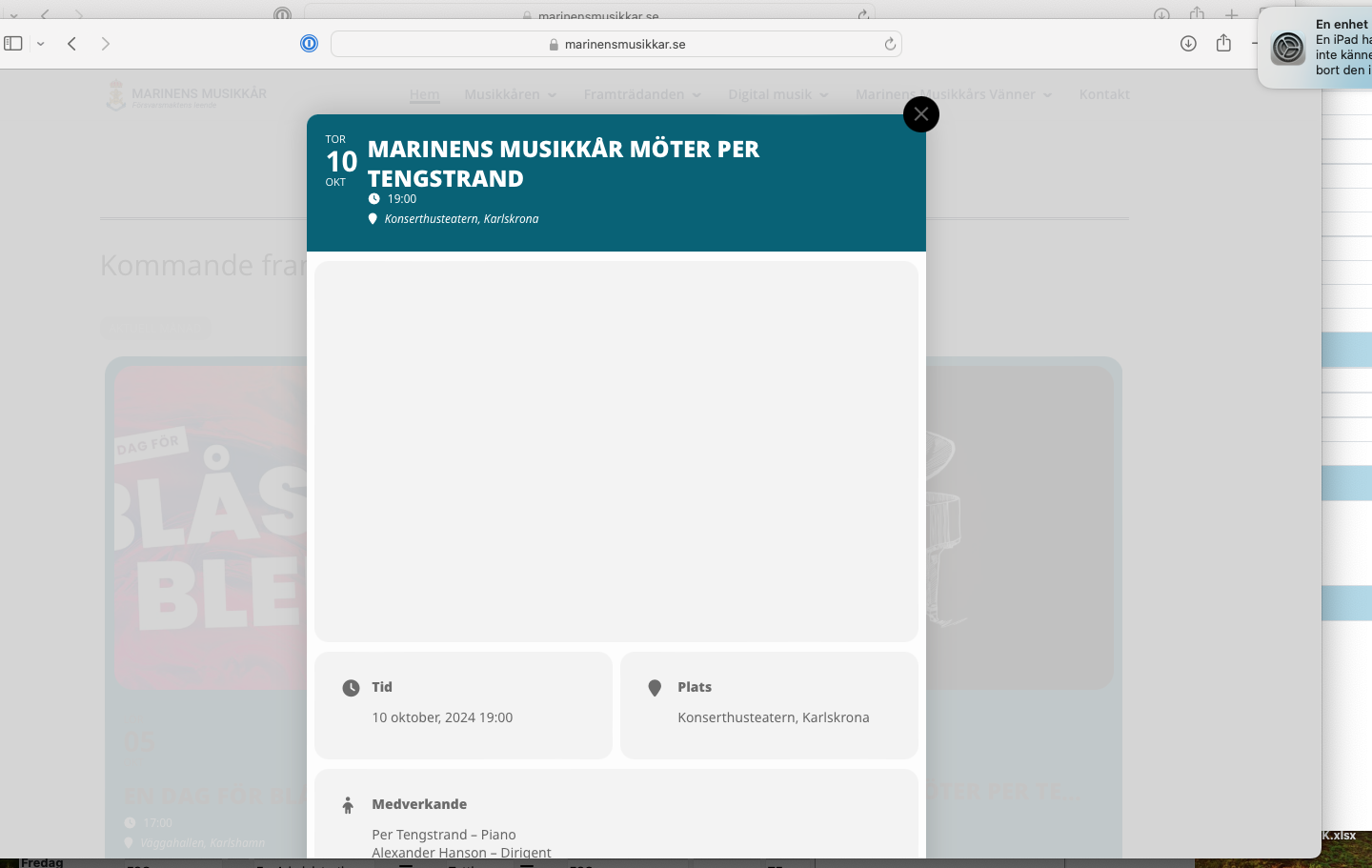
We didn’t solved the first issue. When I logged out from the WordPress back-end the pictures don´t show in Safari. Works on Iphone.