What’s your current version of the plugin? Unfortunately, we only can provide support here.
Also what’s your hosting provider?
Replies for tickets on suppota
What’s your current version of the plugin? Unfortunately, we only can provide support here.
Also what’s your hosting provider?
Did you add them manually or imported them?
yes, you’re right. crazy. all translated events get the date 1970/01/01 do you know why?
That isn’t a method I’m fully comfortable doing…I would be worried about accidently deleting something. Do you have a video that could walk me though either method? Or a number I could call to speak to someone?
This doesn’t appear to have fixed my problem. I’m trying to use the following code to showcase events on an external website and it does not work.
Thank you, creating a new page corrected the issue. You can mark this ticked completed and closed. Have a great day!
Hello,
Please take a look at this guide:
https://docs.myeventon.com/documentations/customize-rsvp-emails/
You need to go to each line of text and change text-align:center from center to text-align:left.
Email CSS doesn’t allow you to make the text responsive. You can change the text font size by changing font-size CSS style on lines where it present.
This style from Elementor changes the Event Details text’s font size and family as well: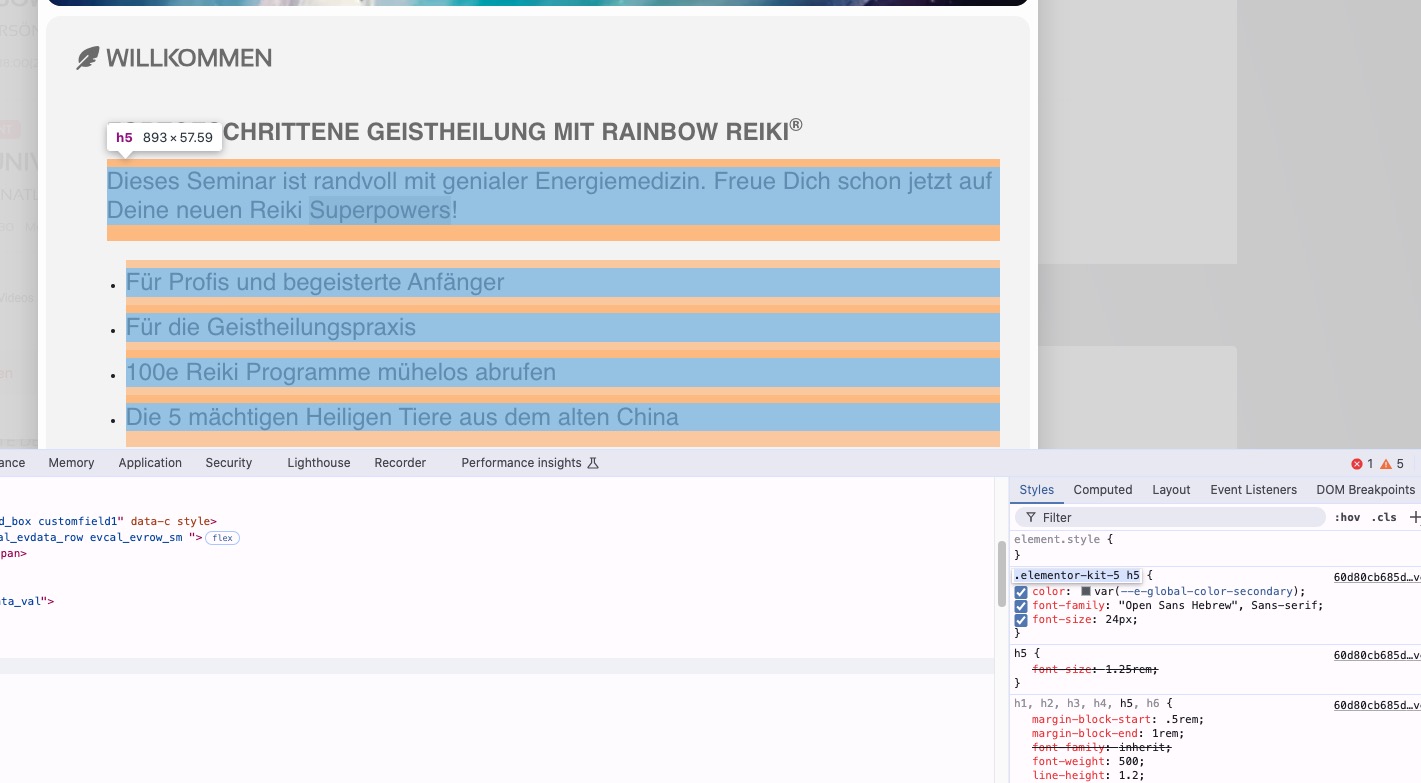
I just noticed that all of your text is <h5> instead of <p>. Could you check Edit Event and change the text to paragraphs?
is it possible that some of the styling patches are conflict with each other?
Please clone the website and update the cloned version to test for any issues.
Hello,
About the login issue. Please try manually clearing your cache and cookies and login again.
Are you sure that your images aren’t blurry originally. Please take a look at this:
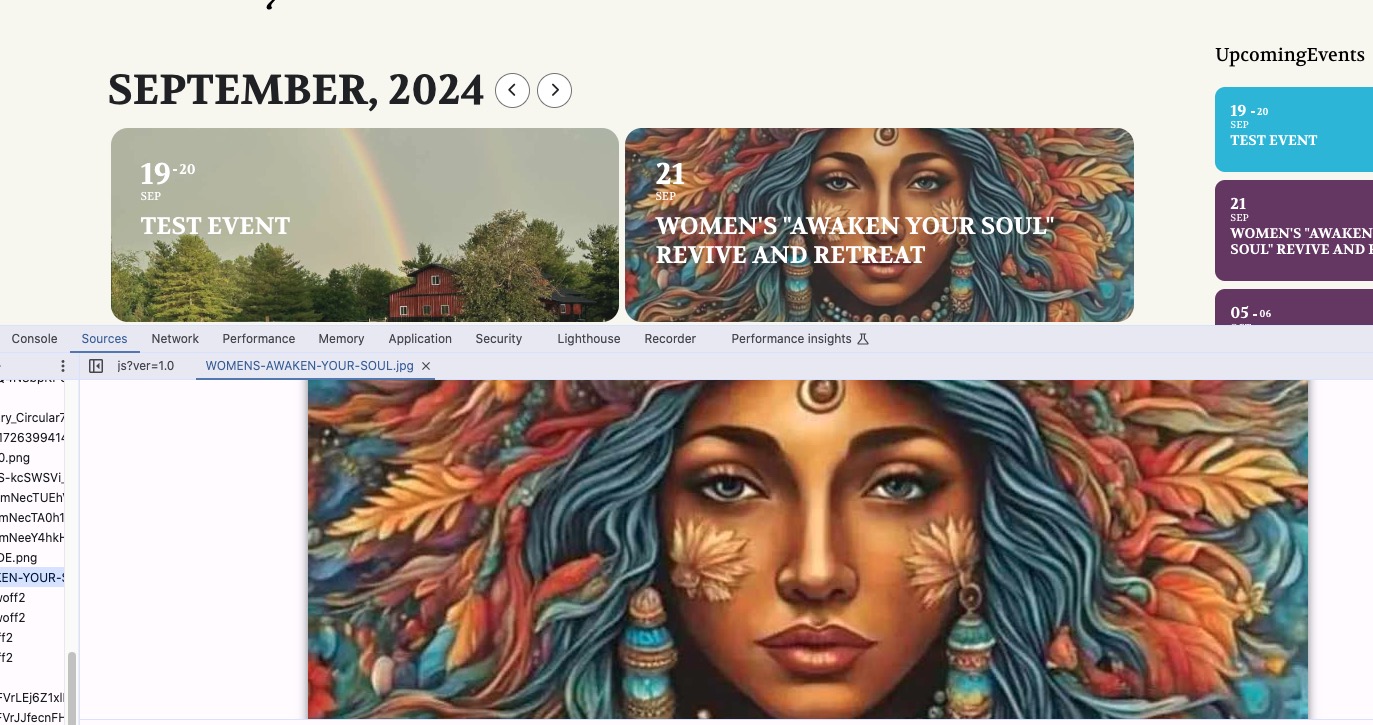
Do you have any functionality that reduces the image file size and therefore it’s quality?
I’m sorry but I have to wait for the all import / export, and then I also have to wait for the SKU …
Thank you for providing me with the code to integrate it is urgent …
Thank you