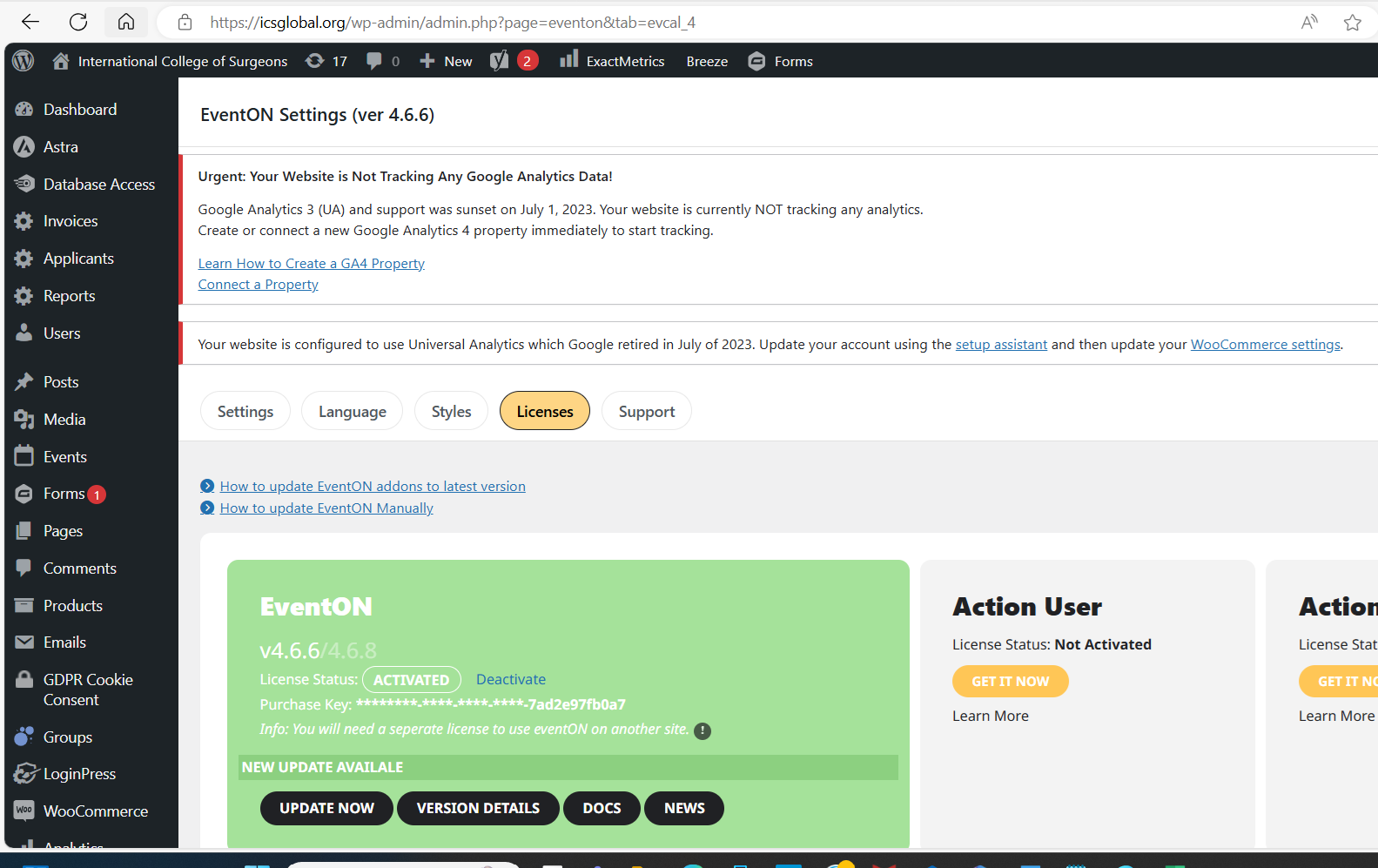
I do not have login to EventOn account to manually download the file to install the plugin.
As being shared with you, our event On plugin is a license product.
Is that a way you can help me to login to EventOn account to reset its password?
Thanks,
Replies for tickets on suppota
I do not have login to EventOn account to manually download the file to install the plugin.
As being shared with you, our event On plugin is a license product.
Is that a way you can help me to login to EventOn account to reset its password?
Thanks,
I logged in but couldn’t figure out how to edit the dashboard page so I have no idea how you have set it up
but adding the following to the shortcode should show just that user’s events
currentuser=”yes”
in myeventon>>>settinga>>>> events paging/
you had toggled – stop using single events page
I untoggled it and its working now
add this to shortcode
ml_toend=”yes” yl_toend=”yes”
found in the shortcode generator under general options
Thank you Artem, it worked! Much appreciated, best regards!
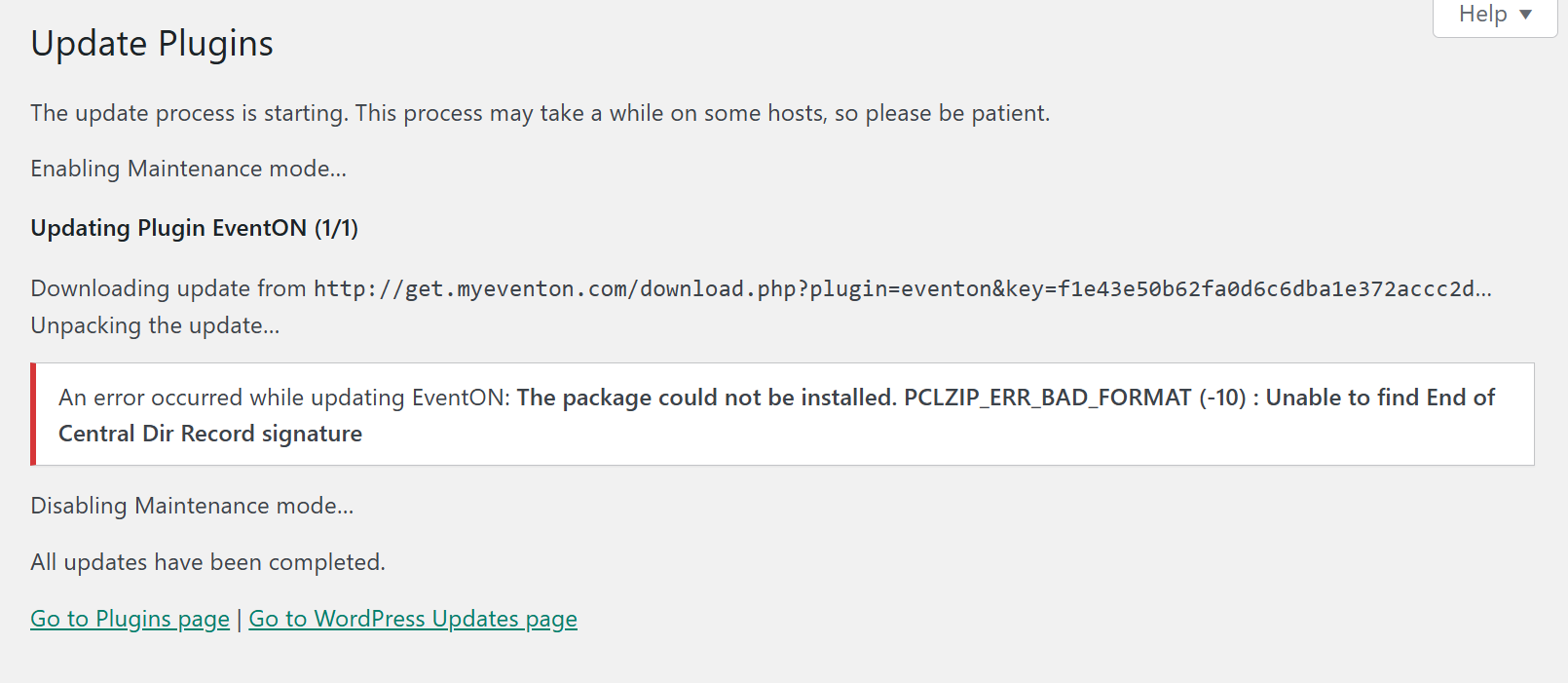
hi just tried update again, still failing.
Hi,
For a manual refund we would select the refund button in the bottom left of the booking page, uncheck the restock refunded items woocommerce button to prevent duplicates, and then select refund either manually or through stripe. This usually works fine for restocking but in some instances the restock fails to process even when the order notes says capacity has been increased after the refund.
Could you try following this guide:
To update eventon to latest version: If you are unable to do autoupdate, you can go to codecanyon your account > download and get the latest eventon version as zip file. Then you can go to your website > make sure “Delete eventon settings & data when EventON is uninstalled” is Deslected from eventon settings, delete old eventon, install new one and activate. This link will further explain the process it. Also you can follow us on twitter to get real-time announcements on updates!
We are glad your issue is resolved, if you have any further questions or concerns please create a new ticket.
Did you find a solution?